Fair Schedule Blocks

Fair Schedule Blocks
Description
Fair Schedule Blocks provides WordPress Gutenberg blocks with time-dependent display.
Schedule Accordion Block Features:
- Auto-collapse functionality – Set a date/time when content automatically collapses
- Timezone support – Uses WordPress site timezone for accurate scheduling
- Click-to-reveal – Collapsed content can be expanded by clicking
- Responsive design – Works seamlessly across all devices
- Accessibility focused – Built following WordPress accessibility guidelines
Perfect for event organizers, conference planners, and anyone managing time-sensitive content.
0.2.1
Patch Changes
- 7e7ea9c: Update version tested up to version to 6.9.
0.2.0
Minor Changes
- 4158206: Add show-until & show-after blocks
- 2ee1396: Integrate event & schedule blocks—reference event dates in block
0.1.2
Patch Changes
- d0fc2d3: Allow anyblock inside timed accordian
0.1.1
Patch Changes
- Fix the syntax issue
0.1.0
- Initial release
- Schedule Accordion block with auto-collapse functionality
- Timezone-aware datetime handling
- Click-to-reveal functionality
- Responsive design
Installation
- Upload the plugin files to the
/wp-content/plugins/fair-schedule-blocks/directory, or install the plugin through the WordPress plugins screen directly. - Activate the plugin through the ‘Plugins’ screen in WordPress
- Add blocks through the Gutenberg block editor in the “Widgets” category
Screenshots
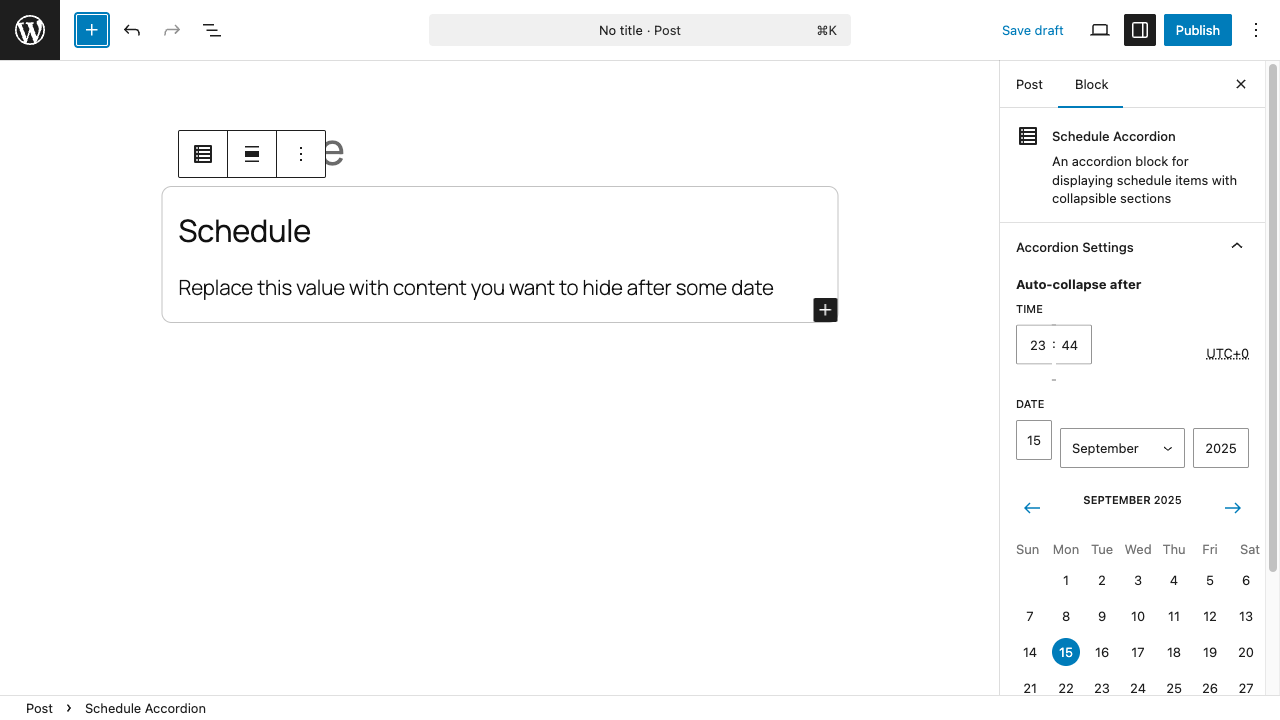
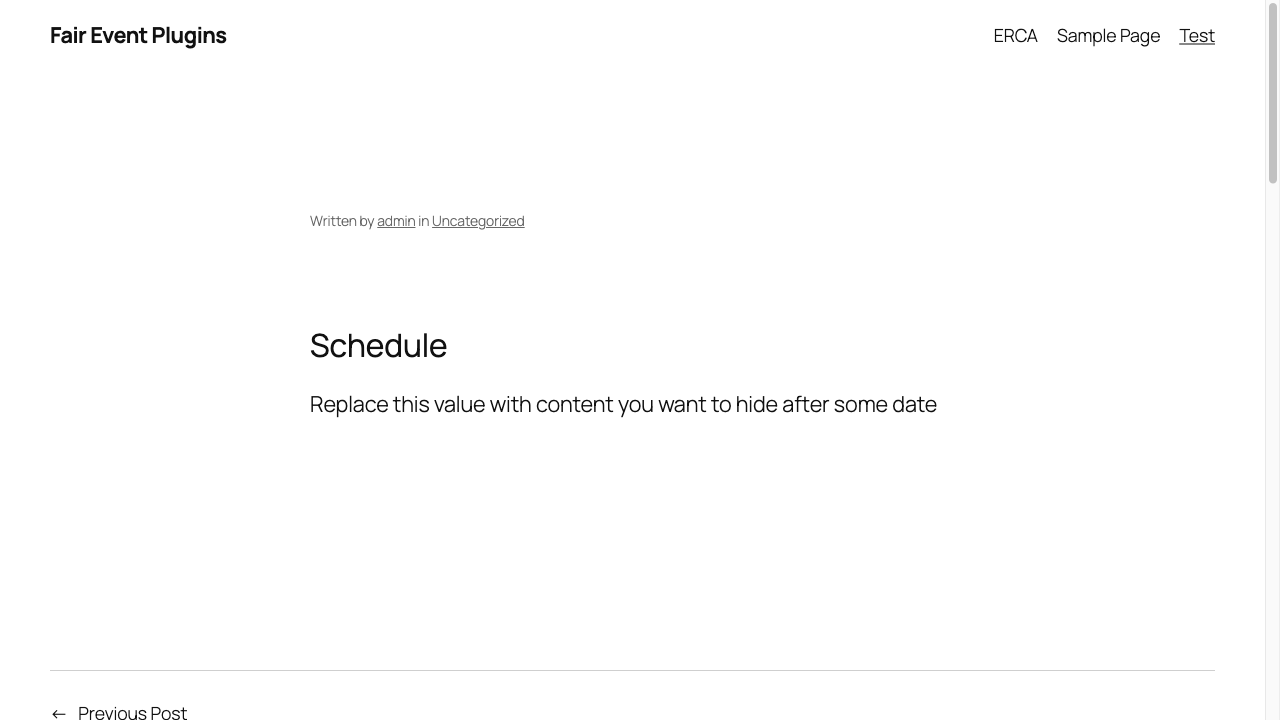
Schedule Accordion block in the editor
Block settings panel showing auto-collapse options
Faq
Currently includes the Schedule Accordion block with auto-collapse functionality based on date/time.
The plugin uses your WordPress site’s configured timezone to determine when content should auto-collapse.
Yes, users can click on collapsed content to reveal it again.