FAQly – Ultimate FAQ

FAQly – Ultimate FAQ
Description
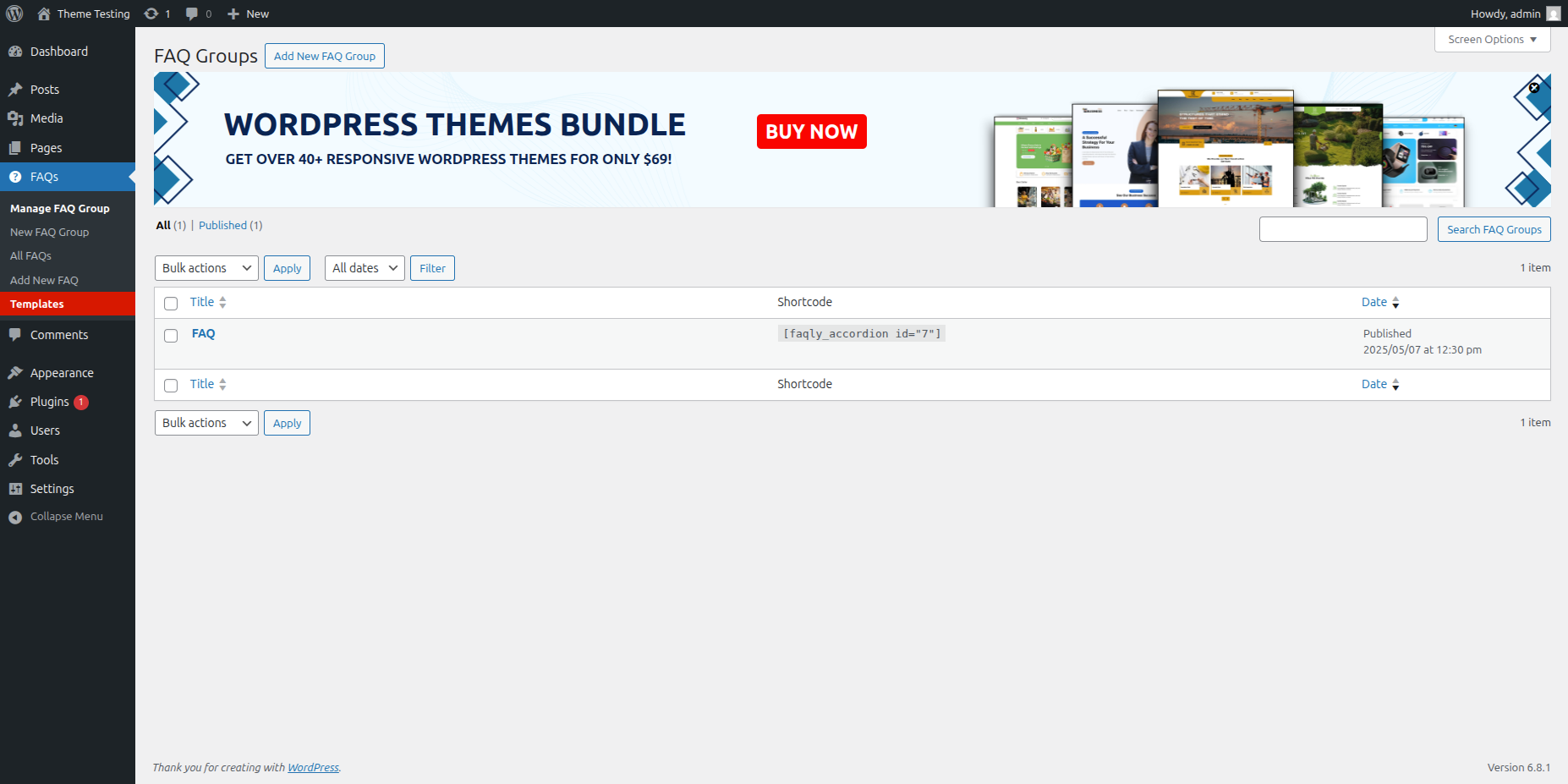
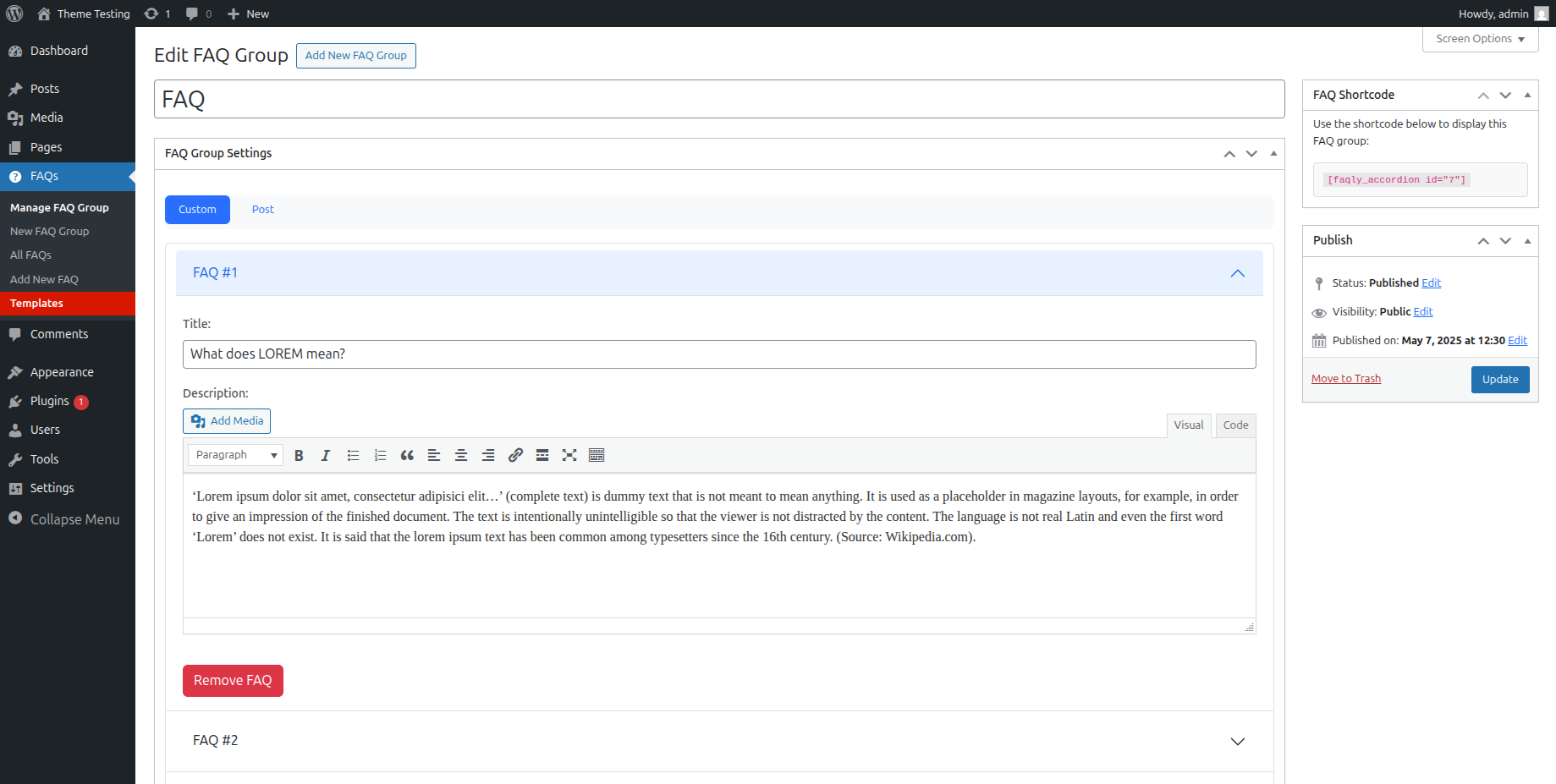
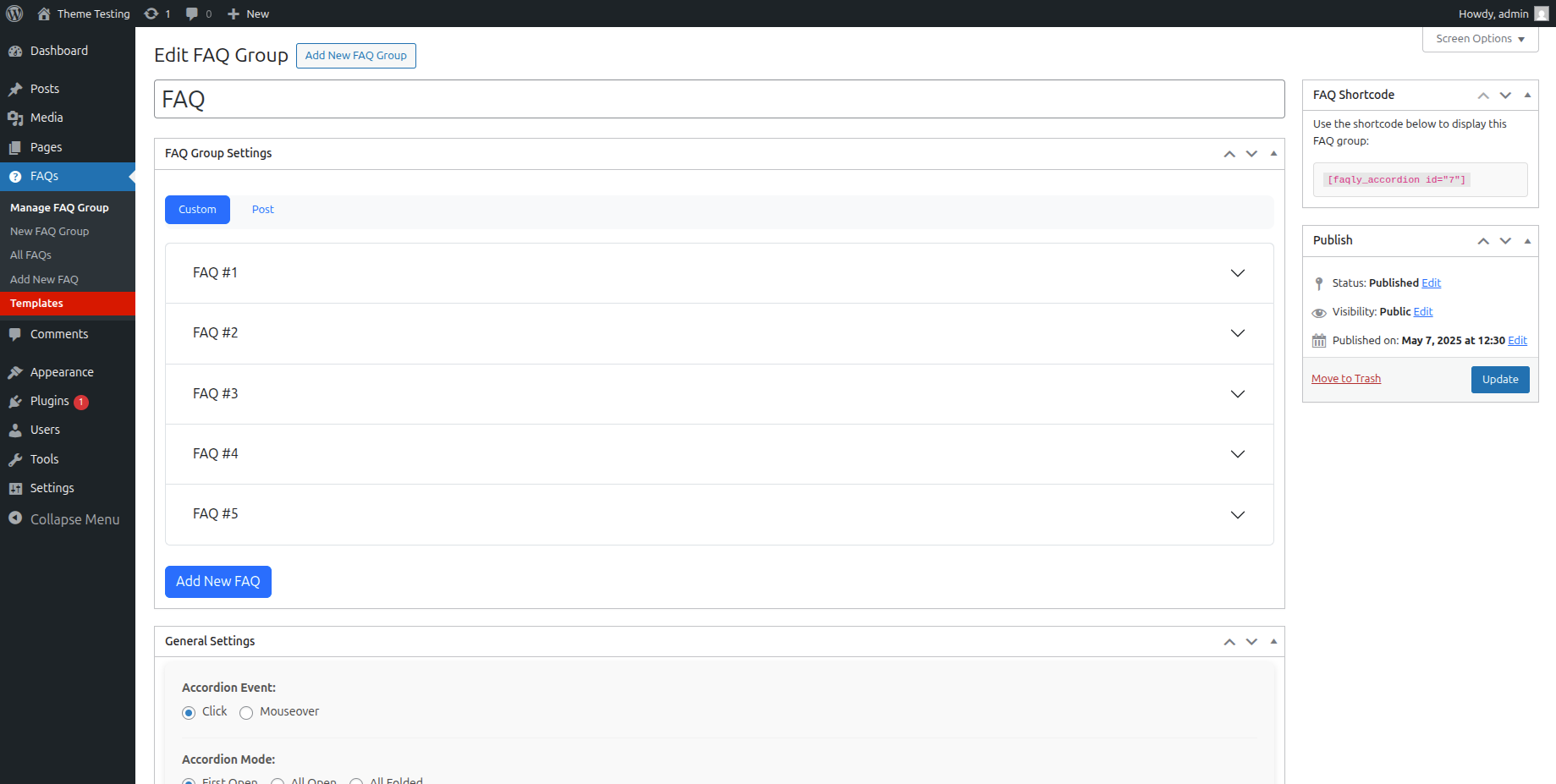
Having an FAQ section or knowledge base on your site is essential for improving user experience and reducing support inquiries. FAQly – Ultimate FAQ Plugin makes it easy to create, manage, and display FAQs anywhere on your website using blocks, patterns, or shortcodes.
Live Demo | Documentation | Upgrade to Pro!
With FAQly, you can:
• Create unlimited FAQ sections with categories and tags
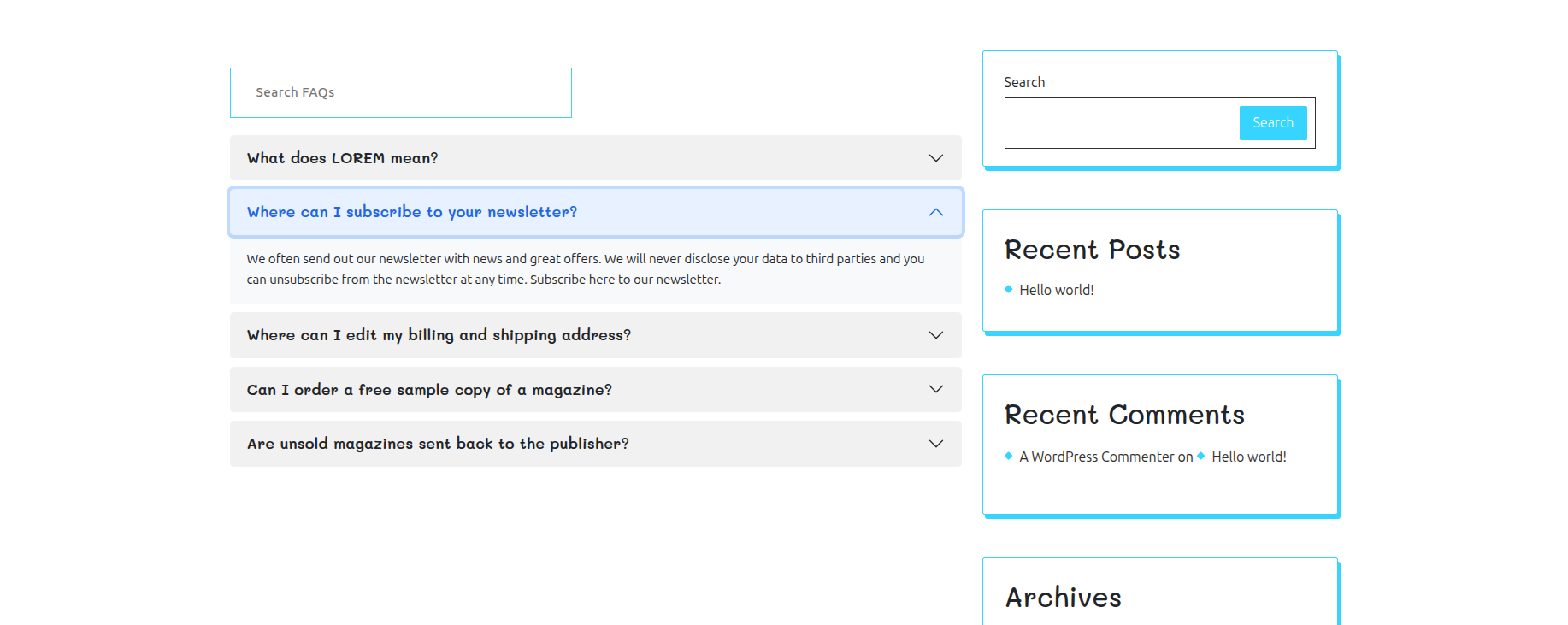
• Display FAQs in beautiful accordion layouts
• Add schema markup automatically for better SEO
• Enable search functionality for quick answers
• Track FAQ engagement with built-in analytics
• Customize styles to match your website design
Perfect for:
• Business websites needing product/service FAQs
• Knowledge bases and help centers
• Support documentation
• Course and membership sites
• Any website looking to reduce support tickets
FAQly is lightweight, user-friendly, and integrates seamlessly with popular page builders and WordPress themes. Whether you’re a beginner or advanced user, you’ll find FAQly incredibly easy to set up and use.
Why Choose FAQly?
✔️ Simple & Easy to Use – Create and manage FAQs effortlessly.
✔️ Flexible Display Options – Use Gutenberg blocks, patterns, or shortcodes.
✔️ Works with Popular Builders – Fully compatible with Elementor, WPBakery, and more.
✔️ Mobile-Friendly & Responsive – Adapts seamlessly to any screen size.
🚀 Key Features
✅ Unlimited FAQs – Create and organize an unlimited number of FAQs.
✅ Accordion Layout – Neat, collapsible design for easy readability.
✅ Advanced Sorting & Ordering – Organize FAQs by categories, tags, or custom order.
✅ Built-in FAQ Schema – Helps search engines recognize and display your FAQs.
✅ Customization Options – Adjust FAQ elements like titles, categories, and styles.
✅ FAQ Statistics – Track views to identify the most popular FAQs.
🔍 Advanced FAQ Search
Improve navigation with a powerful search feature that helps visitors find answers quickly.
🔹 Add a search bar anywhere using shortcodes.
🔹 Live search results appear instantly as users type.
🚀 Premium Features
-
3 Layout Options – Horizontal, Vertical, & Multi-Column
-
17+ Pre-Designed Beautiful Themes
-
Advanced Typography & Styling Controls
-
Compatible with Almost Any Type of Content
-
Flexible Activator Events & Display Modes
-
One-Click Expand/Collapse All Button
-
14+ Stylish Expand & Collapse Icon Sets
-
AJAX-Powered FAQ Search
-
Import & Export FAQs Easily
-
WooCommerce Product FAQ Integration
-
Accordion Support for Taxonomies & Custom Post Types
-
Built-In FAQ Schema for SEO
-
WP Classic Editor (WYSIWYG) Support for Accordion Content
-
Option to Open Multiple Accordions Simultaneously
-
Multi-Level / Nested Accordion Support
-
25+ Smooth Animations & Transition Effects
-
AJAX Pagination for FAQs
-
Interactive Hover Effects for Engaging UI
-
Custom Icons option
FAQly works out of the box with popular translation plugins like WPML, Loco Translate, and Polylang, making it easy to create multilingual FAQs.
🎨 Get Our Compatible WordPress Theme Bundle
Looking for a perfect theme to complement FAQly? Check out our professionally designed WordPress themes that are fully compatible with FAQly – Ultimate FAQ Plugin.
Libraries Used
This plugin utilizes the following third-party libraries:
- Bootstrap v5.2.3 – A popular front-end framework used for responsive layout and UI components. Bootstrap is used in this plugin to style the admin and frontend elements, such as accordions and grids.
- Source: Bootstrap by The Bootstrap Team
- License: MIT License (View License)
Installation Guide for FAQly – Ultimate FAQ Plugin
Follow these simple steps to install the FAQly – Ultimate FAQ Plugin:
-
Method 1: Install via WordPress Plugin Directory
o Go to your WordPress Dashboard.
o Navigate to Plugins > Add New
o In the search bar, type “FAQly – Ultimate FAQ Plugin” and press Enter
o Click Install Now on the FAQly – Ultimate FAQ Plugin.
o After installation, click Activate to enable the plugin. -
Method 2: Manual Installation via ZIP File
o Download the FAQly – Ultimate FAQ Plugin ZIP file from the WordPress Plugin Repository
o Go to your WordPress Dashboard > Plugins > Add New.
o Click Upload Plugin, then select the downloaded ZIP file.
o Click Install Now, then Activate the plugin.
If you need any further assistance, feel free to check our documentation or reach out for support.
Screenshots

Reviews
Lots of annoying ads
By 
Lots of annoying unplugged ads
Exactly What I Needed.
By 
Love this plugin! It lets me organize FAQs into categories with dropdowns, looks super modern, and blends perfectly with my WordPress site.
Wonderful Plugin for FAQs
By 
You can divide the pertinent questions into different groups. A shortcode can also be used to show only particular categories on particular pages.
Reliable & Customizable Accordion Plugin
By 
A wonderful accordion plugin! We use FAQly – Ultimate FAQ in multiple places on our site, and it’s always reliable, customizable, and backed by a helpful support team.
Changelog
1.1.3 – 08-11-2025
- Added a new admin topbar feature.
1.1.2 – 20-10-2025
- Upsell Banner Update.
- Minor fixes.
1.1.1 – 07-10-2025
- Minor fixes.
1.1.0 – 26-09-2025
- Premium features added.
1.0.9 – 16-09-2025
- Bug Fixes
1.0.8 – 20-08-2025
- Fixed issue with FAQ group updates.
1.0.7 – 14-08-2025
- New: Added “Exclude by ID” and “Limit” options in the Post tab.
- Improved: Minor UI enhancements for the “Copy ID” feature in faqly_faq listings.
- Added pop-up for theme bundles.
1.0.6 – 11-07-2025
- Fixed minor styling issues.
- Fixed Js bugs related to display.
1.0.5 – 22-06-2025
- Minor UI Fixes.
1.0.4 – 23-05-2025
- Minor Fixes.
1.0.3 – 08-05-2025
- Minor Fixes.
1.0.2 – 21-04-2025
- Minor Fixes.
- Added Templates.
1.0.1 – 12-04-2025
- Minor Fixes.
1.0.0 – 03-04-2025
- Initial Release.