Fast Fuzzy Search – WordPress & WooCommerce Live Search
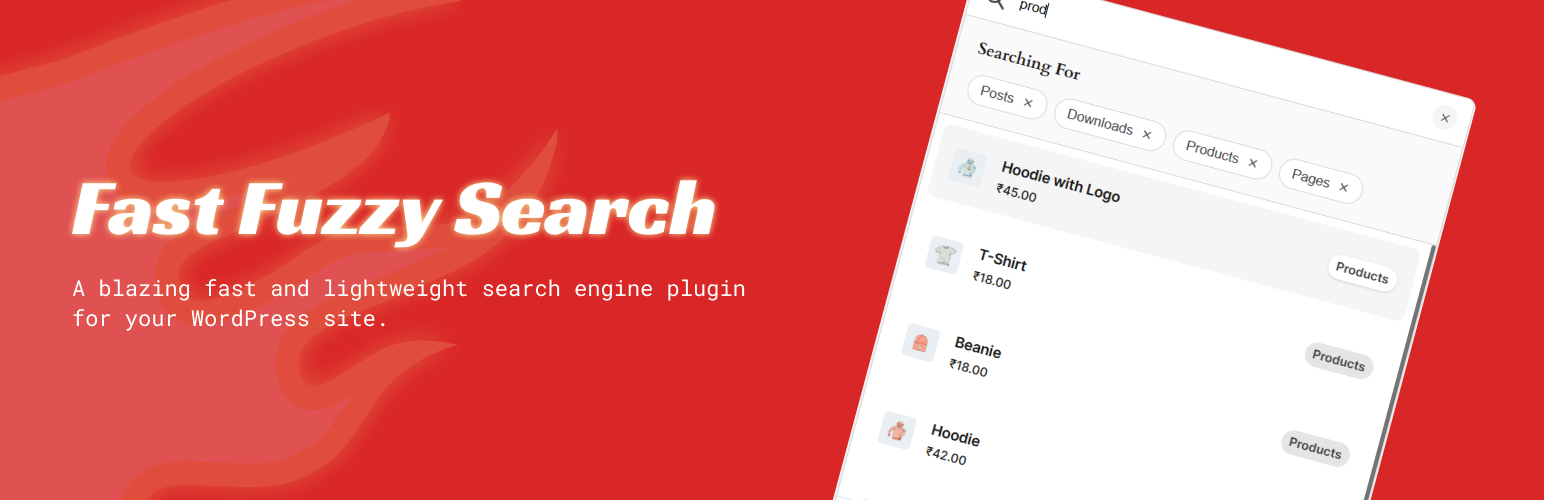
Fast Fuzzy Search – WordPress & WooCommerce Live Search
Description
Tired of slow or irrelevant WordPress search results?
Fast Fuzzy Search replaces the default WordPress search with an instant, typo-friendly search bar that works out of the box. Built for WooCommerce, blogs, documentation portals, and custom post types.
The plugin includes a REST API endpoint for cache-plugin compatibility, a file-based search index with configurable expiration, and Alpine.js-driven reactive UI with zero external CDN dependencies.
Features
- Live AJAX Search — Instant results as the visitor types, no page reload.
- Typo-Tolerant Fuzzy Engine — Powered by uFuzzy. “blu cap” still finds “blue cap”.
- WooCommerce Integration — Search by name, SKU, category, tags, and attributes. Shows prices and thumbnails inline.
- 10 Built-In Themes — Minimal Light, Minimal Dark, Material Light, Material Dark, Glassmorphic, Brutal, Iris, Crisp, Terracotta, Editorial. Each fully styled with hover, focus, and selected states.
- Custom Aesthetic Editor (Pro) — Inline CSS editor in the admin panel. Select any built-in theme as a base, and custimize.
- Primary Color Customization — All themes use the configured primary color via CSS custom properties. No hardcoded colors.
- Multiple Trigger Types — Floating icon button, text button, search field, or hybrid input-button.
- Auto Mode + Shortcode — Render sitewide via
wp_body_openor embed manually with[fast_fuzzy_search]. - Post-Type Filters — Show/hide filter chips above results. Exclude content types from indexing.
- Smart File Cache — Search index stored as a flat JSON file in
wp-content/cache/. Configurable expiration. - REST API Endpoint —
POST /wp-json/fast-fuzzy-search/v1/searchfor cache-plugin compatibility. Falls back toadmin-ajax.php. - Polylang Compatible — Works with multilingual sites using Polylang.
- Custom Post Type Support — Indexes all public post types by default.
- Zero External Dependencies — All assets (Alpine.js, uFuzzy, CSS) are self-hosted. No CDNs, no trackers.
Why Fast Fuzzy Search?
- Instant AJAX Results — Lightning-fast feedback as you type
- Typo-Tolerant Matching — “blu cap” still finds “blue cap”
- Fully Self-Hosted — 100% of your data stays on your server
- Zero Configuration — Install, activate, and go
- Works with Polylang — Multilingual for Latin script languages
- Lightweight & Performant — Optimized for 50,000+ posts
- 10 Built-In Themes — Drop-in themes included, plus a custom CSS editor
CSS and JavaScript
uFuzzy – Copyright (c) 2022 Leon Sorokin
MIT License: https://github.com/leeoniya/uFuzzy/blob/main/LICENSE
Source: https://github.com/leeoniya/uFuzzy
Alpine.js – Copyright © 2019-2021 Caleb Porzio and contributors
MIT License: https://github.com/alpinejs/alpine/blob/main/LICENSE.md
Source: https://github.com/alpinejs/alpine
Installation
- Upload to
/wp-content/plugins/or install via Plugins > Add New. - Activate the plugin.
- Customize under Settings > Fast Fuzzy Search.
- Optionally use
[fast_fuzzy_search]shortcode to embed search manually.
Screenshots
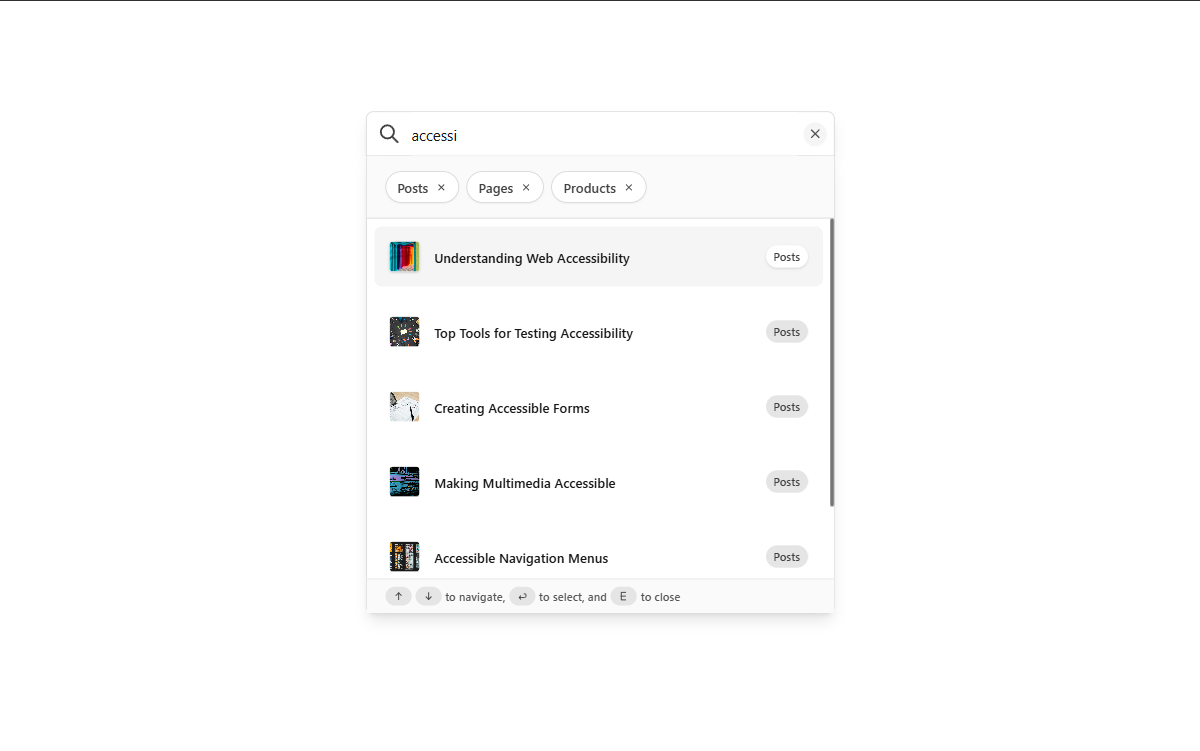
Minimal theme (light mode)
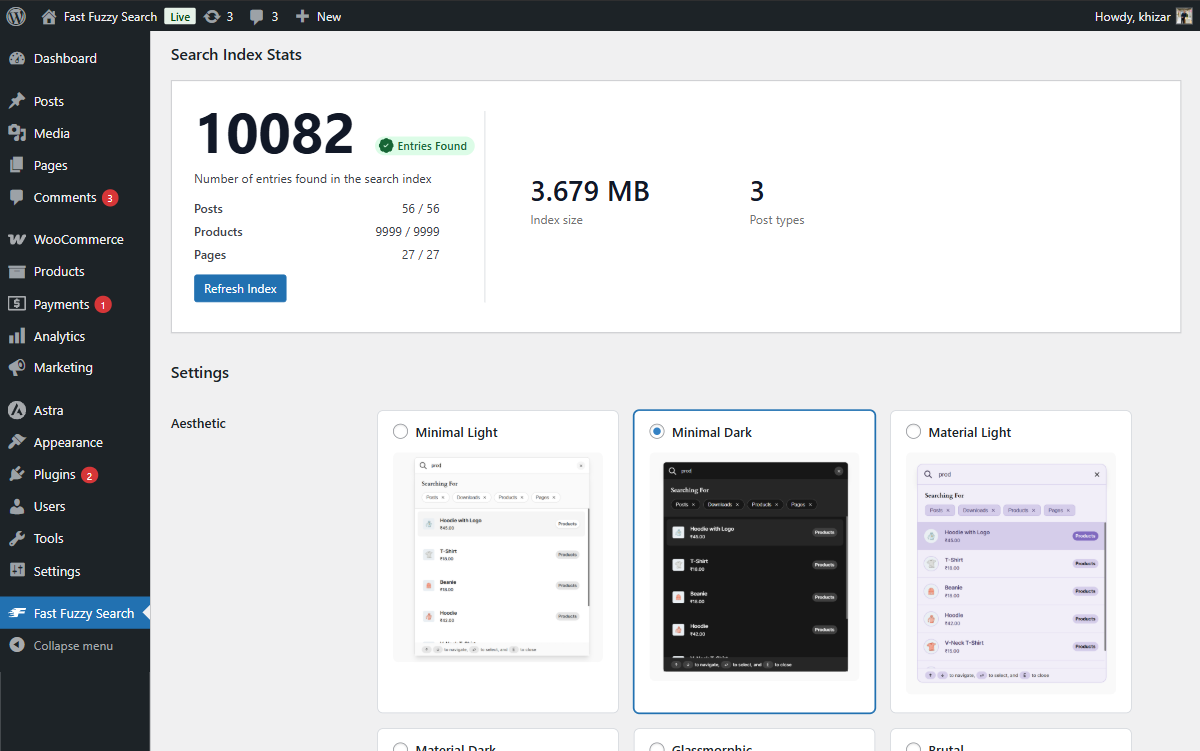
Backend options with stats
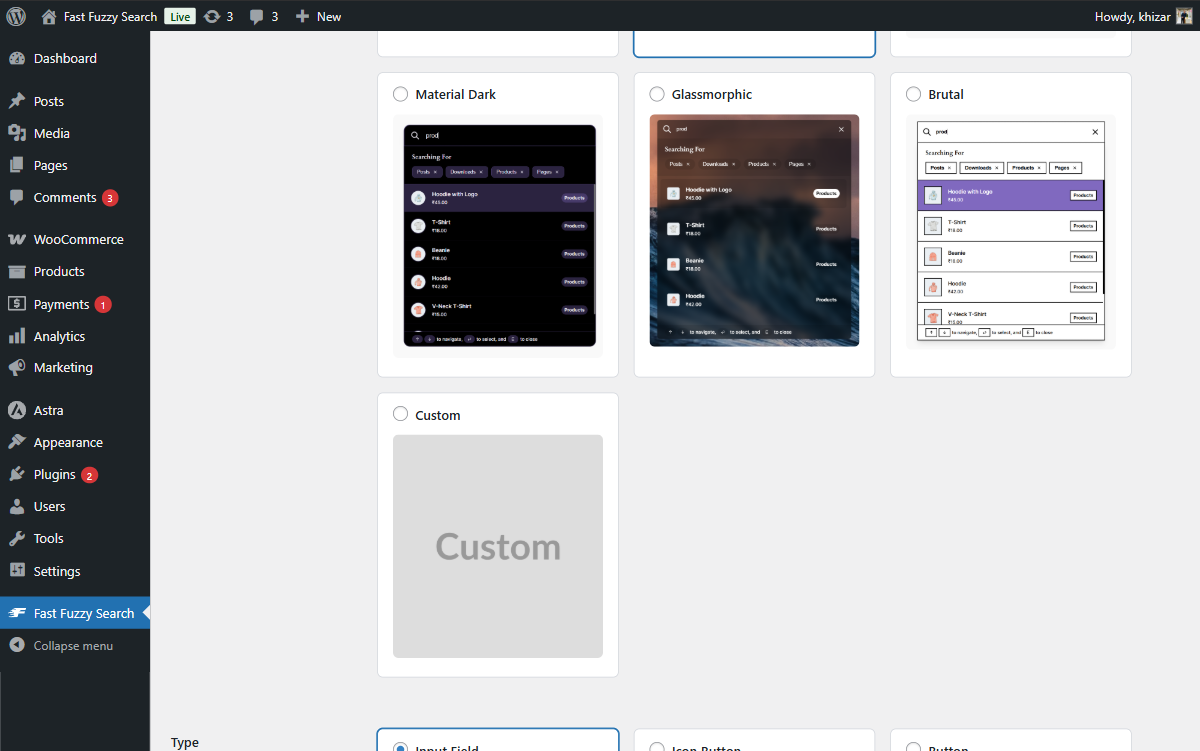
Backend options showing styles
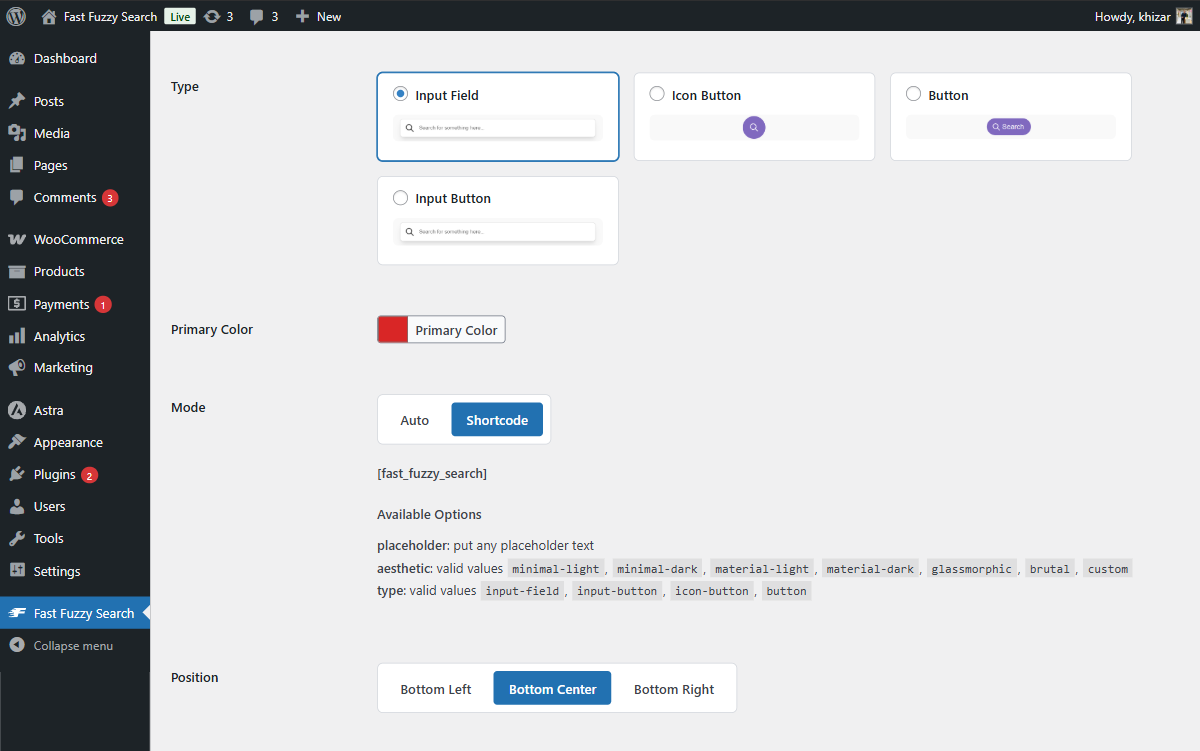
Backend options showing layout controls
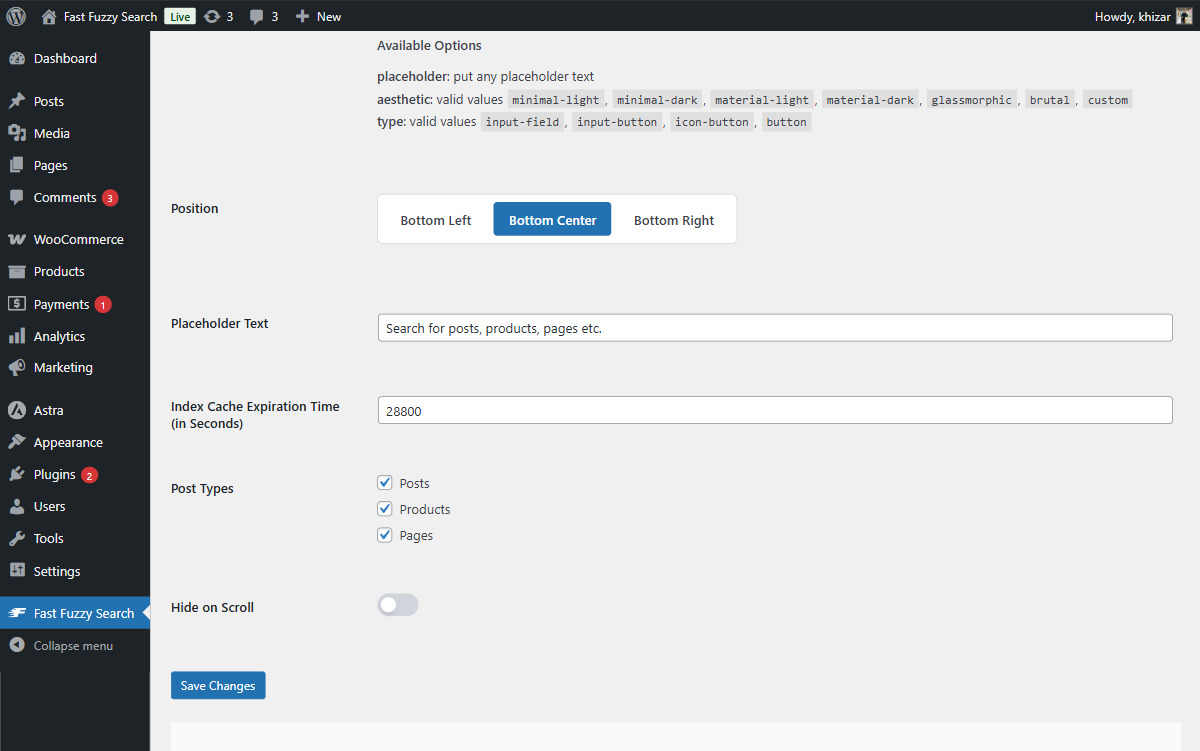
Backend options showing more options

Minimal theme (dark mode)

Material theme (light mode)
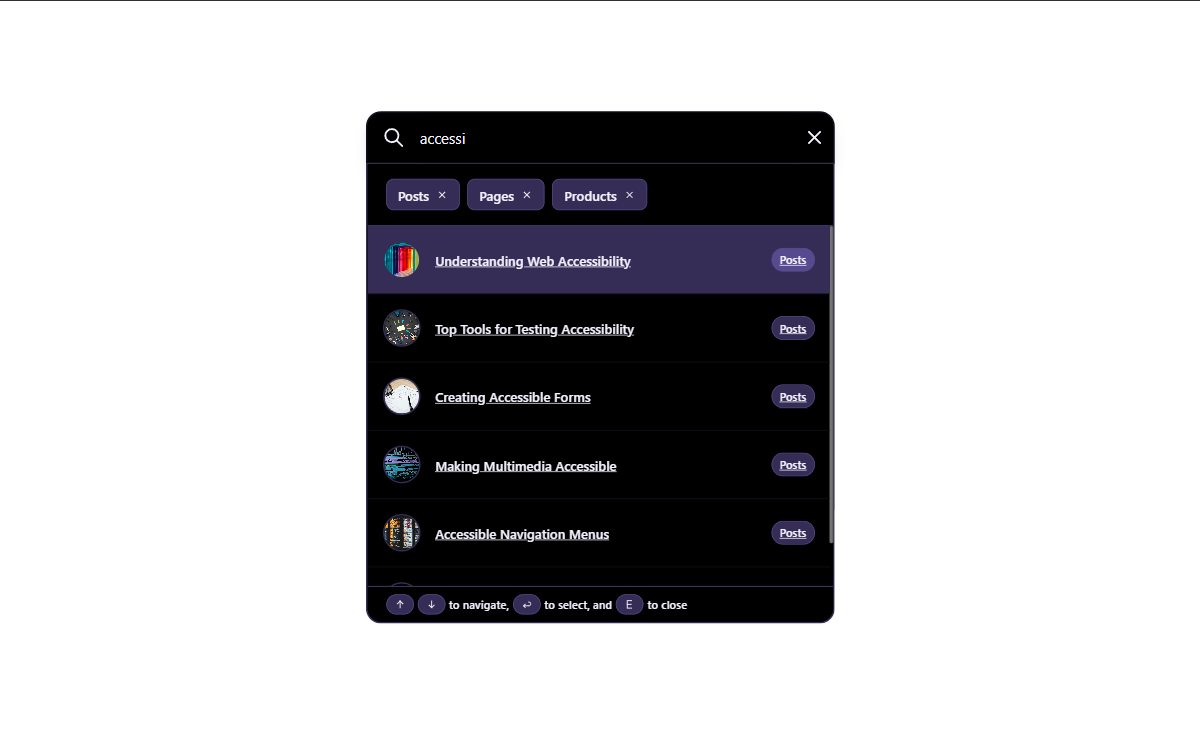
Material theme (dark mode)
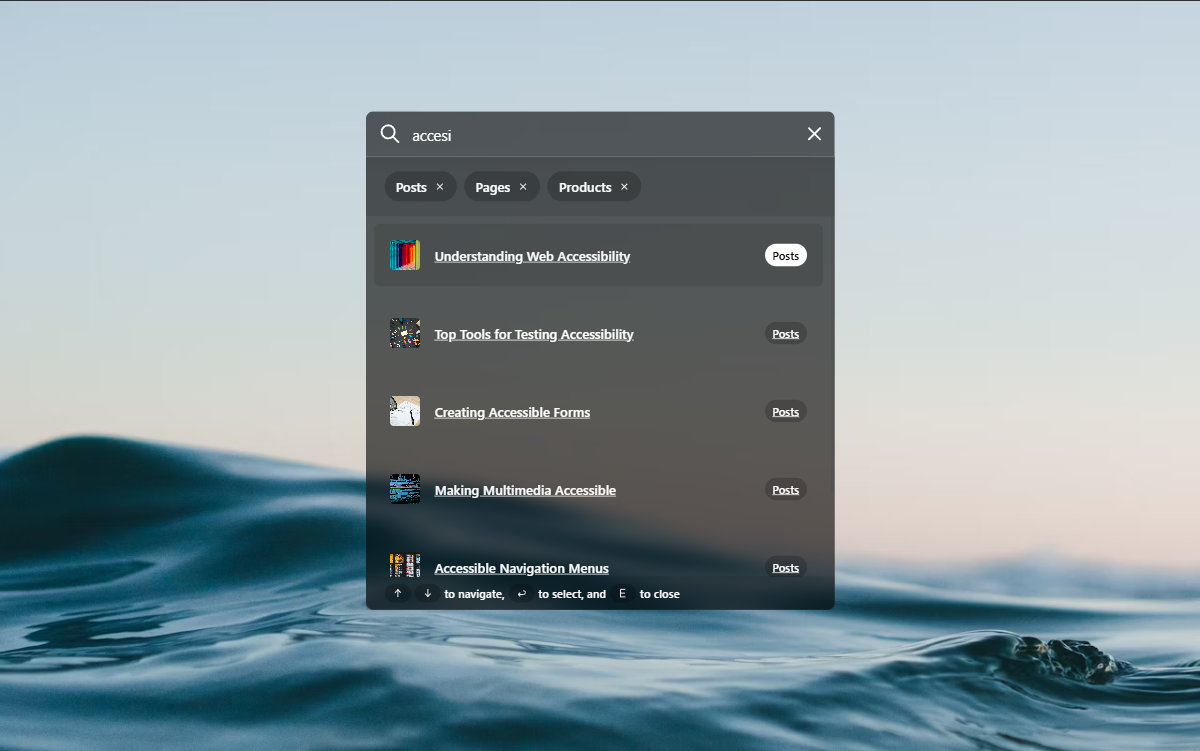
Glassmorphic theme
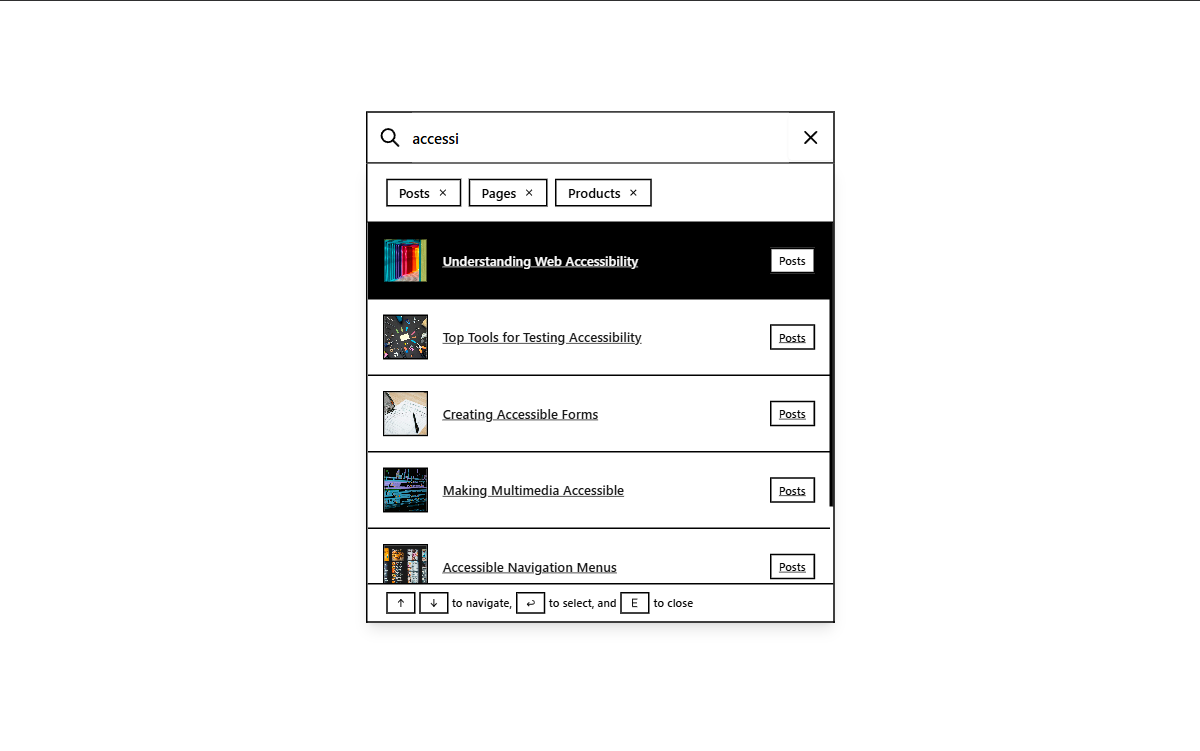
Brutal theme
Faq
Yes. Automatically indexes WooCommerce products by name, SKU, category, tags, and attributes (Pro). Shows prices and featured images in search results.
No. The search index is cached as a flat file with configurable expiration. The front-end loads Alpine.js and uFuzzy asynchronously. No external requests.
Yes. All public post types are indexed by default. You can exclude specific types from the settings page.
Select Custom from the Aesthetic dropdown (Pro). An inline CSS editor appears. Pick any built-in theme as a base, click Load Base Theme, and the CSS is rewritten with .fast-fuzzy-search--custom selectors. Edit freely and save.
Yes. The search index is fetched via the WordPress REST API (/wp-json/fast-fuzzy-search/v1/search) with a cache-busting parameter. Falls back to admin-ajax.php if REST is unavailable. The index itself is stored as a static file outside the database.
Use the [fast_fuzzy_search] shortcode. Optionally pass attributes: placeholder, aesthetic, type.
Yes. Copy any file from template-parts/ into your child theme at the same relative path. The plugin checks the child theme before falling back to its own files.
The plugin is compatible with Polylang. The search index respects the current site locale.
Reviews
Awesome Plugin
By 
It's a great plugin that also optimizes performance and efficiency.
Pretty good plugin
By 
Pretty good plugin, even reduces the load on the database.
Changelog
1.2.0
- New: Custom Aesthetic inline CSS editor with base theme loader (Pro)
- New: Iris, Crisp, Terracotta, Editorial themes (Pro)
- New: REST API endpoint for cache-plugin compatibility
- New: Admin documentation page with theme integration guide
- New: Auto-generated shortcode from current settings
- New: View all results button
- Dev: Removed Tailwind CSS dependency — all CSS is now vanilla BEM
1.1.9
- Added headings to the search index
1.1.8
- Improved admin settings page
- Improved frontend UI for filtering post types
1.1.4
- Improved admin settings page
- Fixed button triggers
1.1.3
- Enhanced integration capabilities with themes
- Added contextual search
1.1.2
- Added search panel animations
1.1.1
- Updated readme for clarity
1.1.0
- Fixed Documentation Pro integration
- Updated readme
1.0.3
- Fixed custom theme integration
1.0.2
- Added SKU search support
1.0.1
- Bug fixes
1.0.0
- Initial release