Flexrix Pay for Easy Digital Downloads

Flexrix Pay for Easy Digital Downloads
Description
Flexrix Pay for Easy Digital Downloads adds a “Pay with crypto” gateway to your EDD checkout. Prices stay in your store currency; the customer chooses a coin and network on the Flexrix Pay hosted payment page and pays from any wallet or exchange. When the payment is confirmed on the blockchain, the order is completed automatically and the download links are delivered as usual.
- 27 assets on 12 networks — USDT and USDC on TRON, Ethereum, BNB Smart Chain, Solana, TON, Base, Arbitrum, Optimism and Polygon, plus BTC, ETH, BNB, SOL, TRX, TON, XRP, LTC and POL.
- Priced in your currency — the invoice uses your EDD store currency (145 currencies supported); the rate is locked when the customer picks a coin.
- Hosted, mobile-first payment page in 20 languages, with QR codes and one-tap payment from MetaMask, Trust Wallet, Phantom and WalletConnect wallets.
- Automatic order updates by signed webhook (registered for you), with a 15-minute safety sync and a refresh when the customer returns to your confirmation page.
- Underpayments and late payments are credited to your balance and noted on the order; underpaid or mismatched orders go On Hold for review.
- No chargebacks. Funds are credited to your Flexrix Pay balance; convert or pay out from the dashboard.
Requirements
- Easy Digital Downloads 3.0 or newer.
- A Flexrix Pay account (free to open at https://app.flexrixpay.com/signup) and an API key with the “payments” and “read” scopes.
- An HTTPS store URL so payment notifications can reach your site.
External service
This plugin connects to the Flexrix Pay API (https://api.flexrixpay.com) to verify your API key, register this store’s webhook endpoint, create invoices and read their status, and it sends your customers to the Flexrix Pay payment page (https://pay.flexrixpay.com). Data sent: order total, currency, order id and number, a short hash identifying this site, and the return URL — no customer name, email or address. Requests are made when you save the settings, when a customer checks out with Flexrix Pay, when a payment notification arrives, when the customer returns to the confirmation page and every 15 minutes for unpaid orders of the last 3 days. Terms: https://flexrixpay.com/legal/terms · Privacy: https://flexrixpay.com/legal/privacy
Installation
- Upload the plugin and activate it (Easy Digital Downloads must be active).
- Go to Downloads Settings Payments Flexrix Pay.
- Paste your API key ID and secret and save. The plugin verifies the key and registers the webhook automatically.
- Optionally limit the coins offered and set the payment window (5–60 minutes).
- Under Downloads Settings Payments General, enable “Flexrix Pay (crypto)” in Active Gateways.
Screenshots
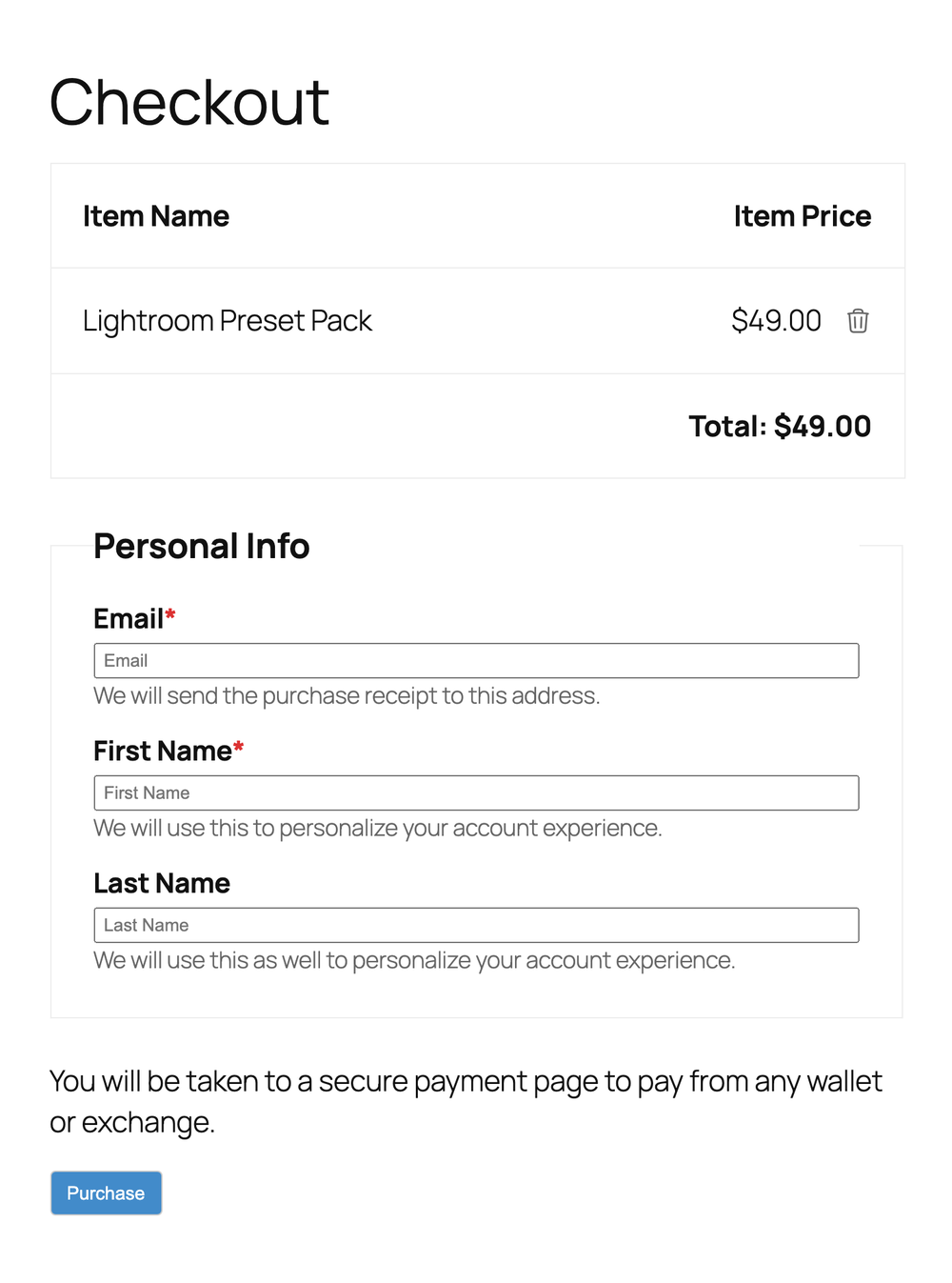
Easy Digital Downloads checkout with the crypto payment method.
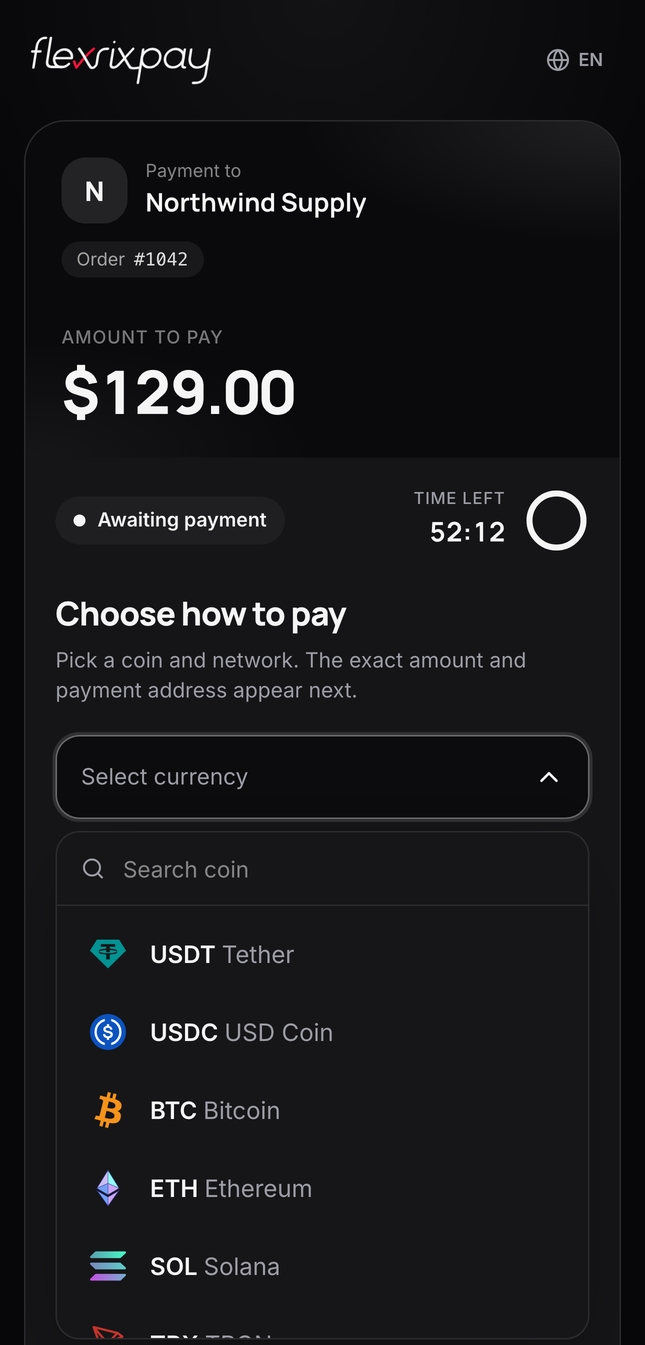
The hosted payment page: the customer chooses a coin and network.
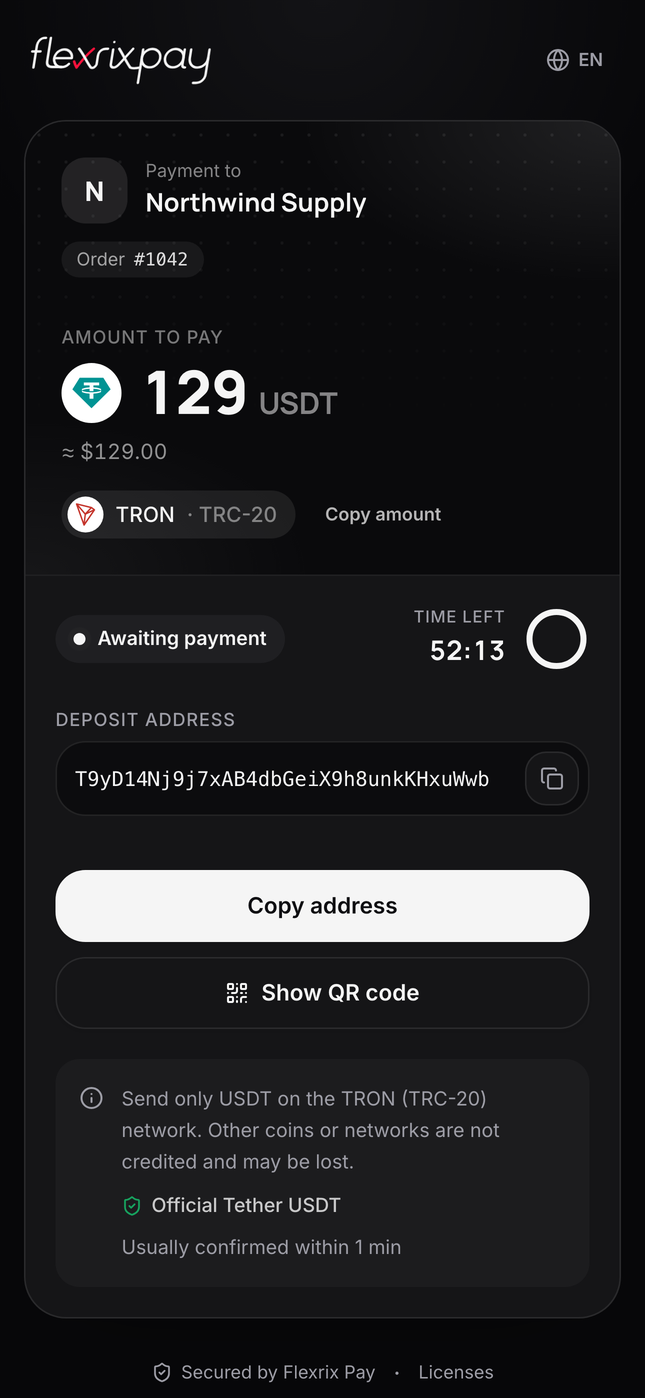
The exact amount, deposit address and QR code; the order completes automatically once the payment confirms.
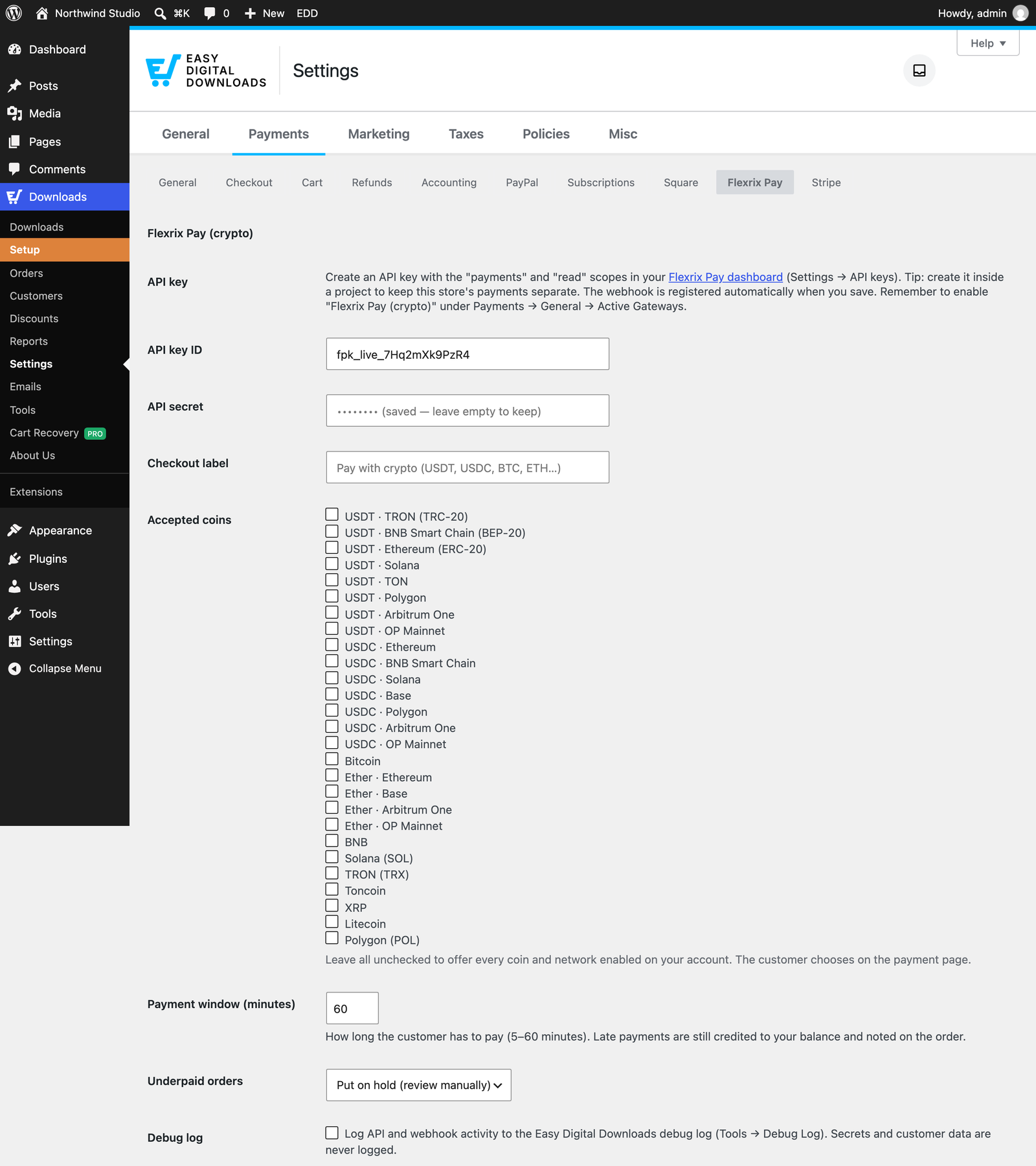
Plugin settings under Downloads → Settings → Payments → Flexrix Pay.
Faq
Flexrix Pay supports 145 fiat currencies for pricing, including USD, EUR, GBP, TRY, INR, AED, NGN, IDR and BRL. If your store currency is not supported, the customer is returned to checkout with a message and no invoice is created.
Every on-chain payment is credited to your Flexrix Pay balance. Underpaid orders are put On Hold (configurable) with the received amount in the order notes; expired invoices only add a note — orders are never cancelled automatically.
No. When you save a valid API key, the plugin registers this store’s webhook endpoint for you. Each store has its own endpoint, so one Flexrix Pay account can serve several stores.
No. This plugin accepts crypto only.
Reviews
Changelog
1.0.0
- First release.