FnF.FM Bangla Radio

FnF.FM Bangla Radio
Description
FnF.FM Bangla Radio is Bangla radio: classic and new Bengali songs and independent Bangla artists, live 24 hours a day. This plugin adds its player to your site.
The player shows the song playing now, the artist and the album cover, with a play button and a link to the full FnF.FM app. Equaliser bars move while it plays, the cover glows softly behind it, and each new song slides in. It never starts playing on its own: visitors press play. Visitors who turn on reduced motion in their system settings get a still player.
- Block: add the “FnF.FM Bangla Radio” block from the Embed section, then choose the station and height in the block settings.
- Shortcode:
[banglafnf]anywhere in a post, page or widget. Options:[banglafnf height="80"]for a compact bar,[banglafnf station="english"],"bangla"or"hindi"for another FnF.FM station. - Widget: for classic themes, add the “FnF.FM Bangla Radio” widget to a sidebar.
Under 200 pixels tall the player is one compact row, which suits sidebars. Taller, it shows the cover above the controls.
Listen on the web at fnf.fm.
External services
The player is an iframe that loads from FnF.FM’s own website, www.fnf.fm, at https://www.fnf.fm/embed. The plugin itself stores nothing and sends nothing.
- When: each time a page with the player is viewed.
- What is sent: the visitor’s browser requests the player page from www.fnf.fm, which sends the visitor’s IP address and browser details, as with any web page. The player then fetches the song playing now. When the visitor presses play, the audio streams from FnF.FM’s streaming host (FastCast4u).
- Privacy policy: https://www.fnf.fm/privacy
Installation
- In your WordPress admin go to Plugins, then Add New, and search for “FnF.FM Bangla Radio”.
- Install and activate it.
- Add the “FnF.FM Bangla Radio” block, the
[banglafnf]shortcode or the widget where you want the player.
Screenshots
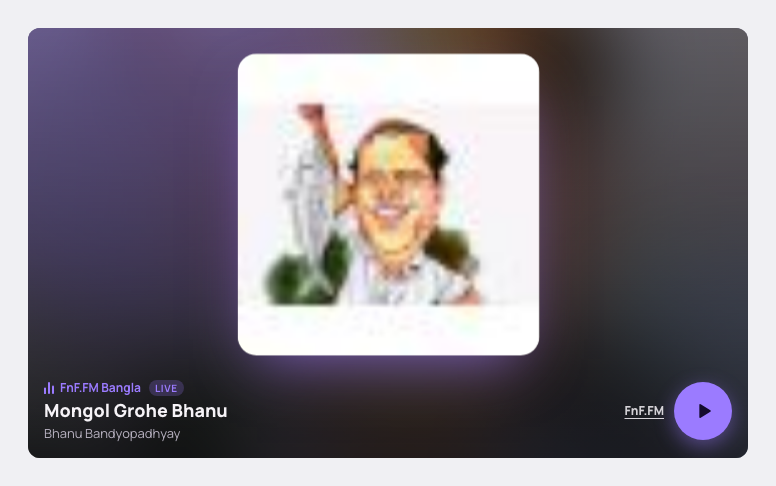
The player in a post: the song, artist and an animated cover scene.
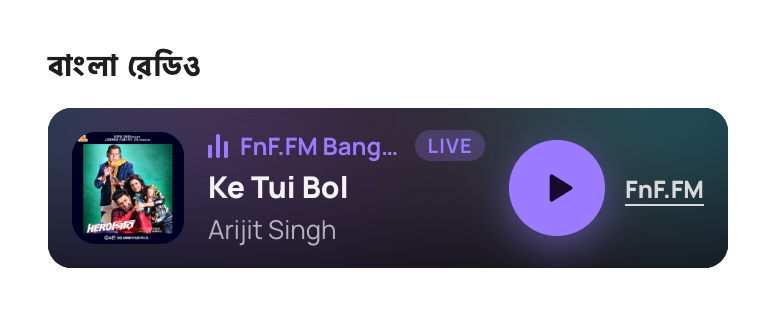
The compact player in a sidebar.
Faq
Yes. It works with block themes and classic themes.
No. Browsers block autoplaying audio, and it would annoy your visitors. The player waits for a press of play.
Yes. Choose it in the block or widget settings, or use station="english", "bangla" or "hindi" in the shortcode.
No. The [banglafnf] shortcode and the widget keep working and now show the new player.
Reviews
বাংলা রেডিও প্লেয়ারটি ব্যবহার করুন
By 
বাংলা রেডিও প্লেয়ারটি আপনার ওয়ার্ডপ্রেস সাইটে ব্যবহার করুন আর সাইটের ভিজিটরদের ব্যস্ত রাখুন আপনার ওয়েবসাইটে।
আপনার কোনো পরামর্শ থেকে থাকলে আমাকে জানান।
Changelog
2.0.0 – October 17 2026
- New animated player: shows the song, artist and cover, with a play button and a link to the full app. Equaliser bars move while it plays and the cover glows behind it.
- New “FnF.FM Bangla Radio” block with station and height settings.
- Shortcode options:
stationandheight. - Widget settings: station and height.
- Works on current WordPress and PHP 8. Version 1 used code that PHP 8 removed, which stopped sites from loading.
- Loads over HTTPS. The old player used plain HTTP, which browsers block on secure sites.
1.0 – August 25 2016
- Initial release.