Food Menu Addon For Elementor
Food Menu Addon For Elementor
Description
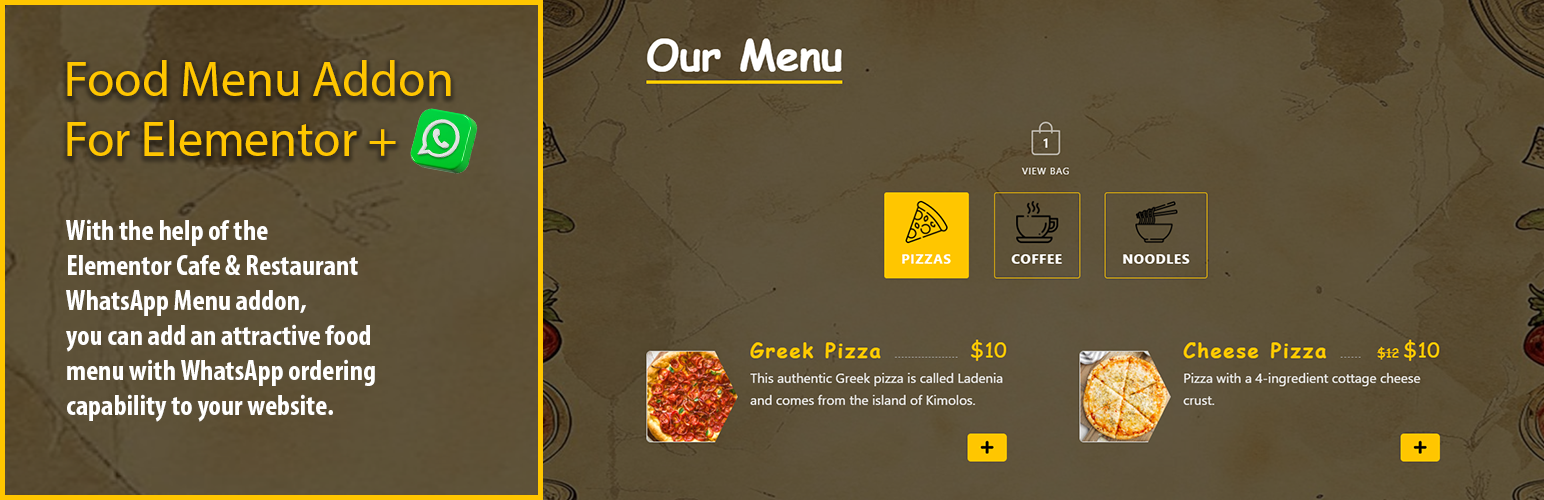
With the help of the Elementor Cafe & Restaurant WhatsApp Menu addon, you can add an attractive food menu with WhatsApp ordering capability to your website.
🗝️ Pro Version Features:
- Unlock Customizing Styles Of Menu PRO
- Unlock Multiple Whatsapp Account [PRO]
- Unlock Managing “Open/Closed” Store Status [PRO]
- RTL Support [PRO]
Installation
- Upload the plugin folder to the /wp-content/plugins/ directory, or install the plugin through the WordPress plugins screen directly.
- Activate the plugin through the ‘Plugins’ screen in WordPress
- You can type “WhatsApp Food Menu” on your Element tabs within the Elementor editor, and the element will appear.
- Also, you can see the element under the category “WhatsApp Food Menu” on your element/widget list.
Screenshots

Menu On Frontend
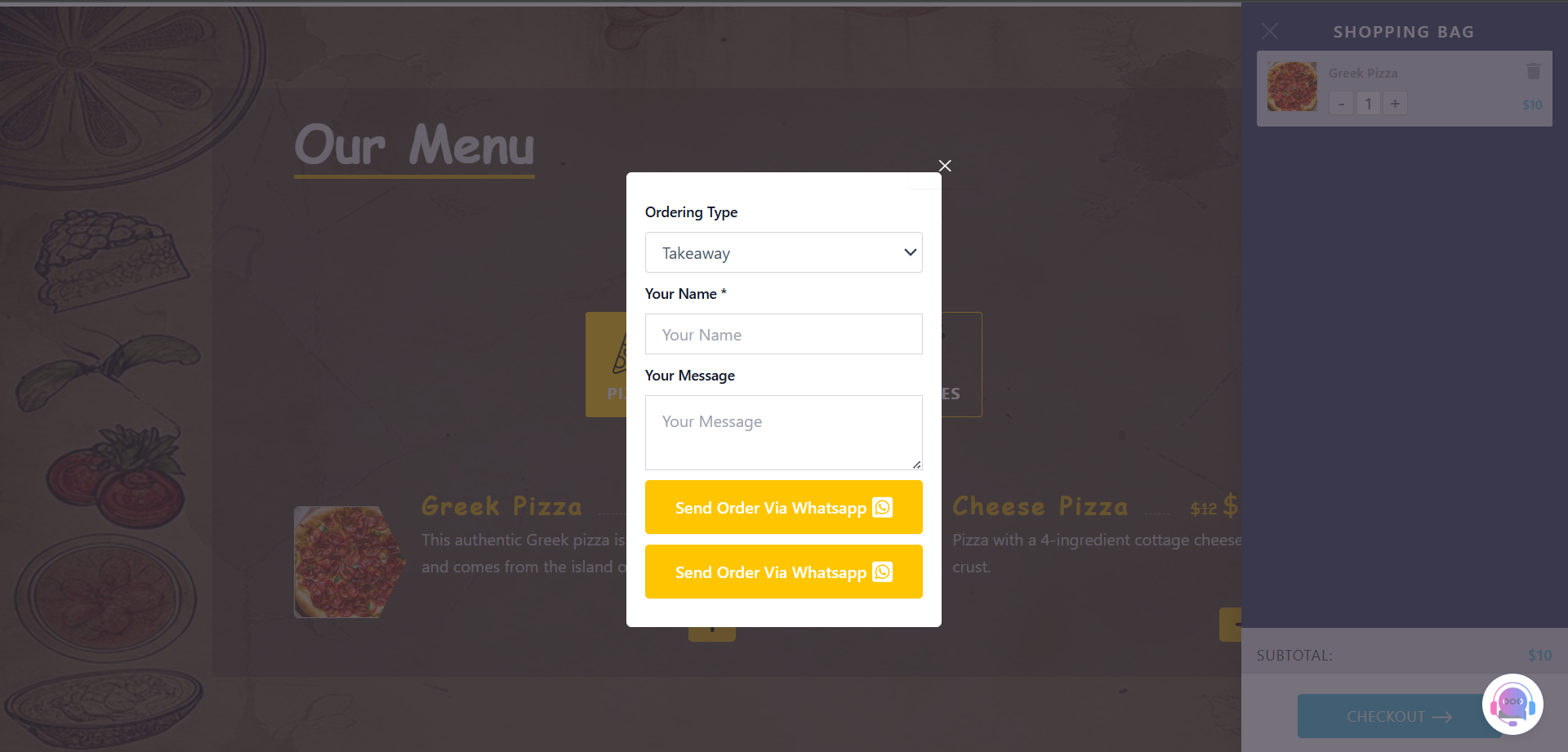
WhatsApp Order Form

Widget Content Tab
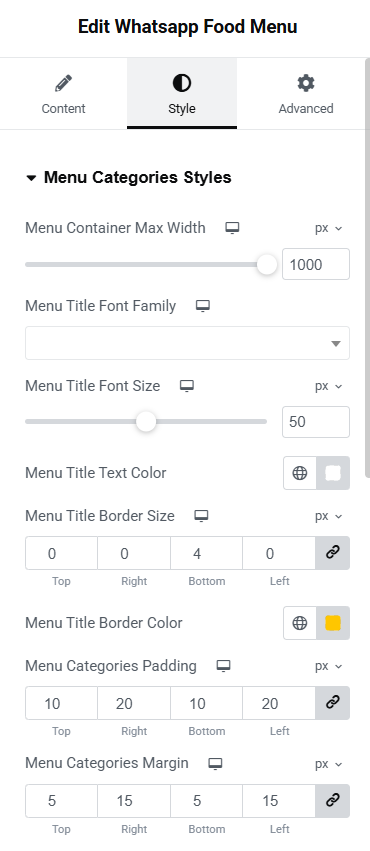
Widget Style Tab "Pro"

Closed Shop Signboard "Pro"
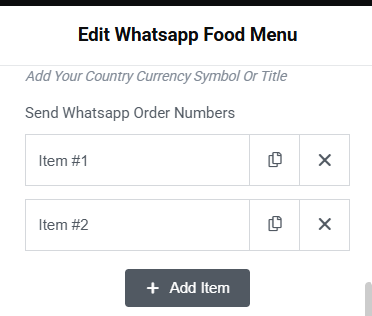
Multiple Whatsapp Accounts "Pro"
Reviews
Changelog
v1.0.0
- Initial release
v1.0.1
- Fix readme file
v1.0.2
- updating pro links