Form Plant
Form Plant
Description
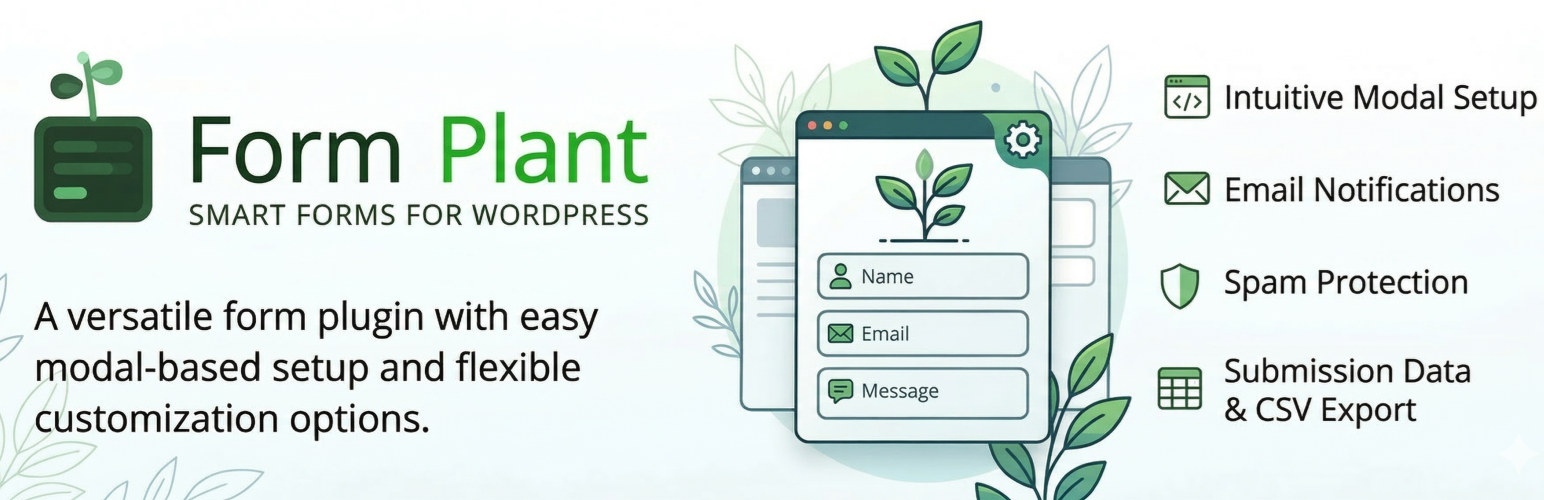
Form Plant is a WordPress form plugin that includes a confirmation screen, submission data storage, and CSV export as standard features — no add-ons required.
Many form plugins require extra extensions for confirmation pages or data management. Form Plant gives you these essentials from the start, so you can set up a fully functional contact form in minutes.
Why Form Plant?
- Confirmation screen included — Let users review their input before submitting. No extra plugin needed.
- Submission data storage — All form entries are saved in the database and manageable from the admin panel.
- CSV export — Download submission data anytime for reporting or backup.
- Embed on external sites — Display your forms on any website via iframe or JavaScript snippet, not just within WordPress.
- Quick setup — An intuitive modal UI lets you build forms without touching code.
- Flexible customization — Custom HTML templates, validation messages, and post-submission actions give you full control when you need it.
Features
- Intuitive modal UI for field configuration
- Email notifications (admin notification and auto-reply)
- Custom HTML template support
- Confirmation screen before submission
- Custom validation messages
- Post-submission actions (message / custom HTML / redirect)
- Two types of date input (calendar / dropdown)
- Honeypot and reCAPTCHA v3 spam protection
- External site embedding via iframe / JavaScript
- Submission data storage and management
- CSV export of submission data
- File upload support
Supported Field Types
- Text
- Textarea
- Phone
- Number
- URL
- Date (Calendar)
- Date (Dropdown)
- Time
- Select
- Checkbox
- Radio
- File Upload
- Hidden
- HTML
External Services
This plugin optionally integrates with Google reCAPTCHA v3 for spam protection:
- Service: Google reCAPTCHA
- API Documentation: https://developers.google.com/recaptcha/docs/v3
- Terms of Use: https://policies.google.com/terms
- Privacy Policy: https://policies.google.com/privacy
When reCAPTCHA is enabled in form settings, this plugin will:
– Load the reCAPTCHA JavaScript library from Google’s servers
– Send form submission data to Google for spam analysis
– Include user’s IP address and browser information in the request
reCAPTCHA is disabled by default and requires explicit activation by the site administrator.
Installation
- Upload the plugin folder to the
/wp-content/plugins/directory - Activate the plugin through the ‘Plugins’ menu in WordPress
- Create a form from the ‘Form Plant’ menu
Screenshots

Intuitive modal UI for easy and clear field configuration.

Freely customizable confirmation screen layout.

Email notification settings for admin and auto-reply.

Submission data management with CSV export support.

Embed forms on external sites via iframe or JavaScript.
Faq
Use the shortcode [fplant id="YOUR_FORM_ID"] in your post or page content.
Yes, you can add custom CSS through the form settings, or use custom HTML templates for complete control over the layout.
Yes, the File Upload field type allows users to upload files with configurable size limits and file type restrictions.
Reviews
Changelog
1.0.0
- Initial release