FortisRestore

FortisRestore
Description
FortisRestore creates a complete encrypted recovery point containing your WordPress files, database, configuration, and recovery manifest.
The free edition includes:
- Persistent manual backup jobs that continue while you move between FortisRestore pages.
- AES-256 encrypted
.ftsrecovery archives. - Local recovery-point management and secure downloads.
- Recovery-key export.
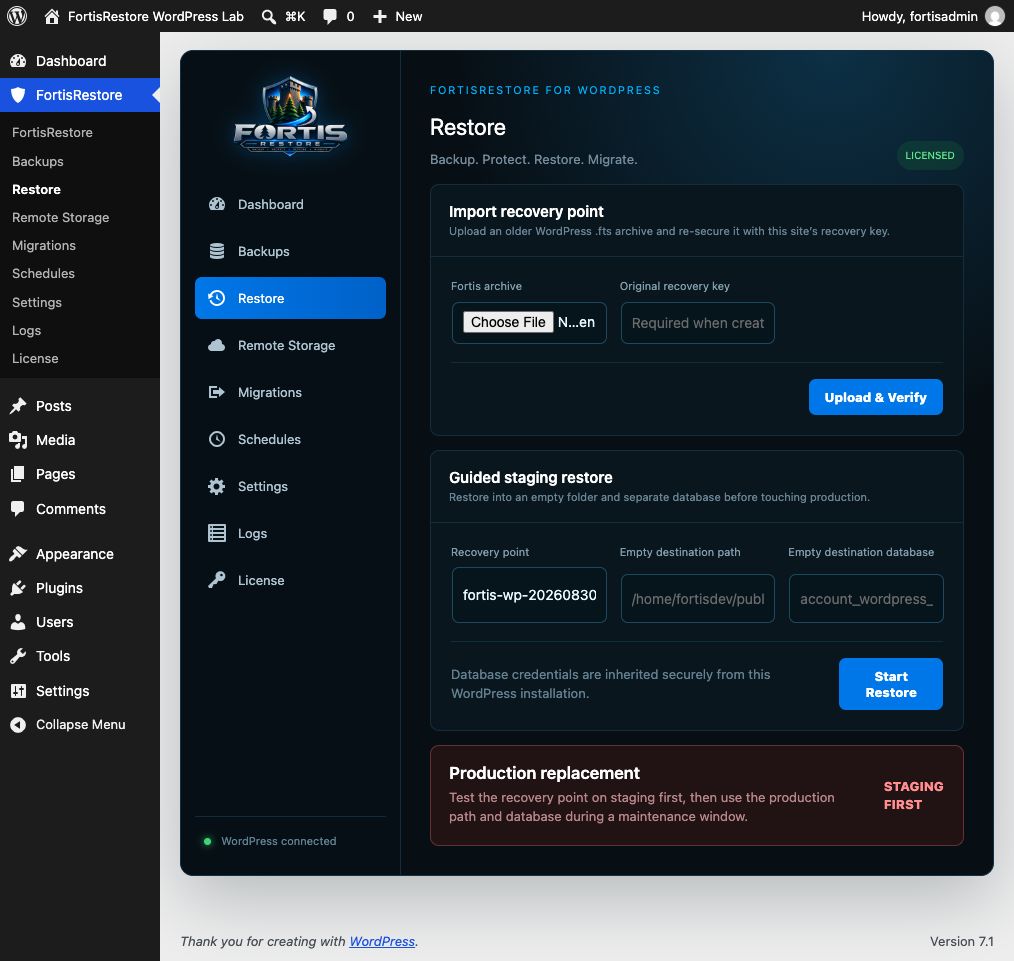
- Import and verification of existing FortisRestore WordPress archives.
- Guided staging restores into an empty destination folder and database.
- Configurable cache, upgrade, and custom path exclusions.
FortisRestore stores backup archives outside the WordPress document root whenever the hosting layout permits it. A backup is only useful after it has been tested. Download your recovery key, keep it separately, and periodically prove recovery with a staging restore.
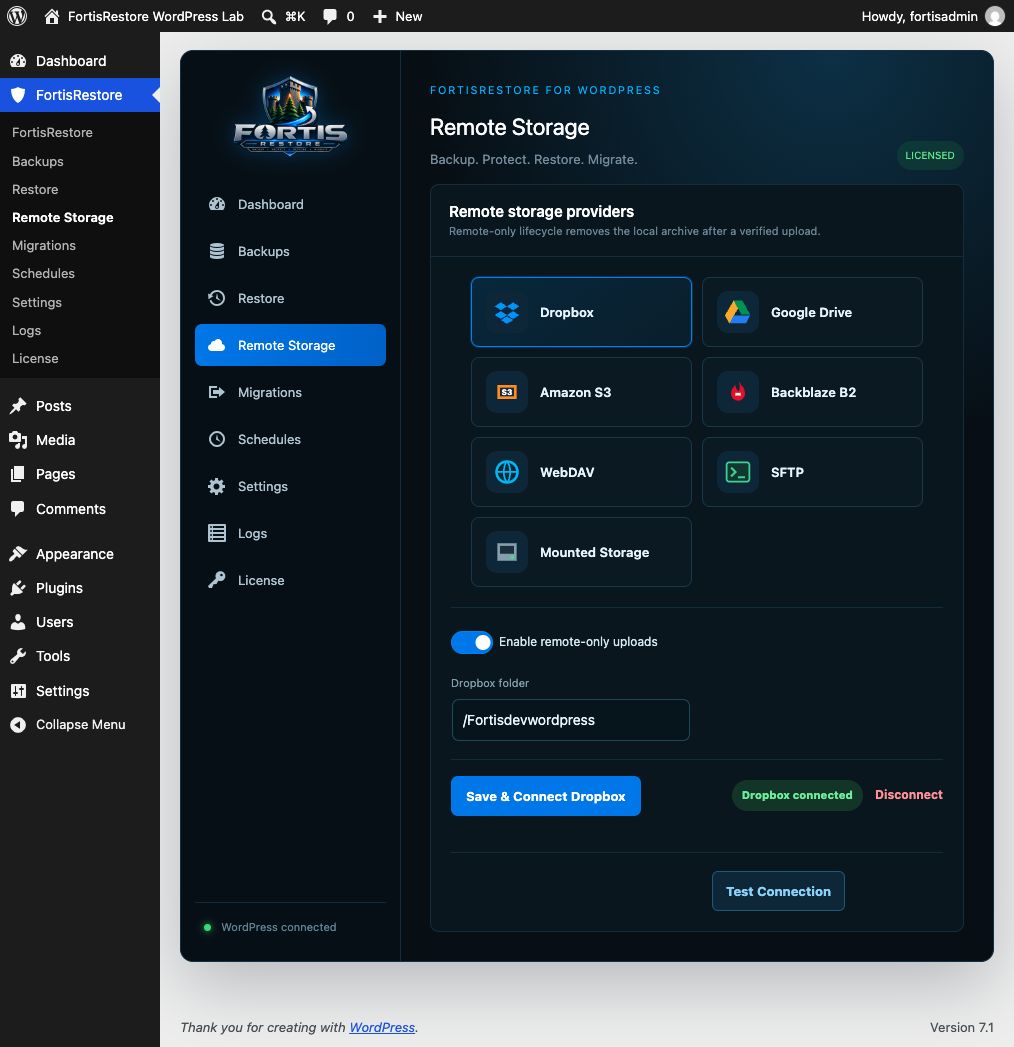
An optional, separately distributed FortisRestore Pro add-on provides remote storage, scheduling, notifications, and migration. The free plugin is complete and does not require an account, license key, or external service.
Privacy
FortisRestore Free does not send telemetry, usage information, site information, backup data, or personal information to FortisRestore or any third party. It makes no external network requests. Backup files and recovery keys remain on infrastructure controlled by the site administrator.
Installation
- Install FortisRestore from the WordPress Plugin Directory or upload the plugin ZIP under Plugins > Add New > Upload Plugin.
- Activate FortisRestore.
- Open FortisRestore > Settings and review the backup scope.
- Download the recovery key and store it securely outside the website.
- Open FortisRestore and select Create Backup.
- Download the completed
.ftsarchive. - Test the archive with a staging restore before relying on it.
FortisRestore requires PHP 8.1 or later and PHP ZIP support with AES-256 encryption.
Screenshots
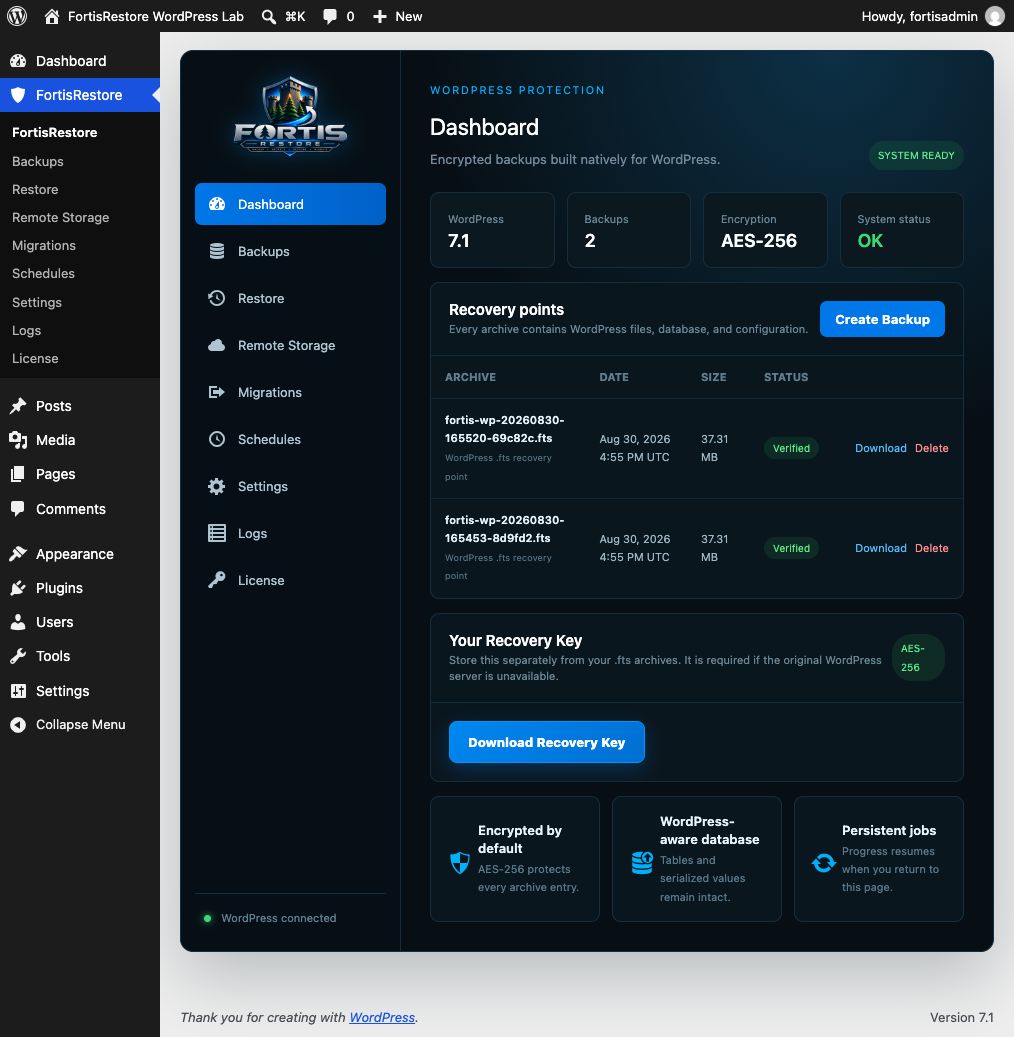
FortisRestore dashboard with persistent encrypted backup controls.
Local recovery-point management with download and delete actions.
Guided archive import and staging restore.
Faq
The .fts recovery point contains the WordPress database, site files, wp-config.php, a recovery manifest, and encryption metadata.
Open FortisRestore > Settings and select Download recovery key. Store it separately from the backup archives. FortisRestore cannot decrypt an archive without the correct key.
No. FortisRestore Free creates local recovery points and makes no external network requests.
Use a staging restore first. Restore into an empty destination folder and empty database, then verify the recovered site before replacing production.
The server must use PHP 8.1 or later and provide ZipArchive with AES-256 encryption support.
No. All functionality included in FortisRestore Free works without registration, a license key, a quota, or a trial period.
Reviews
Changelog
1.2.1
- Made staging locations portable with WordPress uploads APIs instead of document-root assumptions.
- Replaced direct MySQL connections with WordPress
wpdbdatabase access. - Activation now completes cleanly when optional AES-256 ZIP support is unavailable and displays an administrator notice.
1.2.0
- Added Fortis Recovery 2.0 with persistent, resumable restoration phases.
- Added safe cancellation and automatic cleanup of partial files and tables.
1.1.4
- Added hard protection against restoring into the live WordPress database.
- Refuses non-empty destination databases and non-empty destination folders.
- Added archive path and disk-capacity validation before extraction.
- Added serialized-safe database URL replacement and post-restore health checks.
- Added automatic cleanup of partial files and database tables after a failed restore.
1.1.3
- Prepared the standalone GPL-compatible directory edition.
- Added encrypted manual backups and local recovery-point management.
- Added recovery-key export, archive import, verification, and guided staging restore.
- Added configurable backup exclusions.
- Added explicit privacy documentation; the free edition makes no external requests.