FotoExposé
FotoExposé
Description
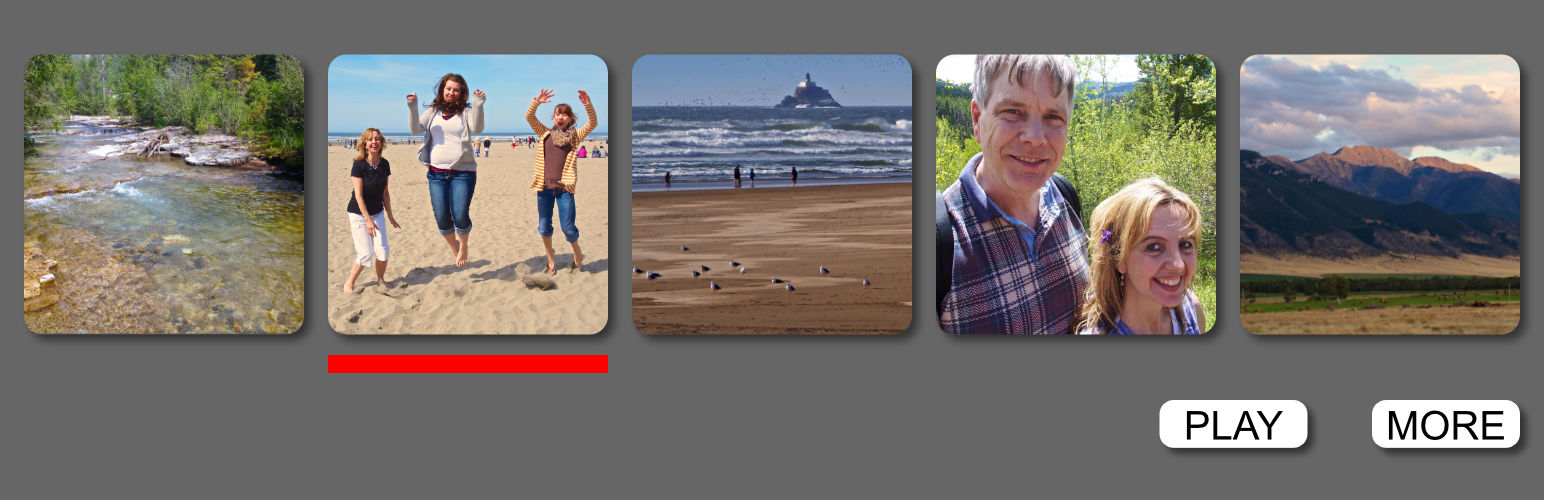
A simple and clean way to show off your images. No need for people to page through your gallery as FotoExposé keeps it all on one page. A thumbnail indicator lets users know exactly what image they are viewing. FotoExposé has an automatic slideshow displaying each image at a specific interval. Your images deserve the best presentation and we think you are going to love FotoExposé,
Installation
- Install Plugin
- Create a new page
- Place this text in the body [fotoexpose][/fotoexpose]
- Insert images between the tags
The thumbnails will be the size set in WordPress Settings>Media. I recommend they are not taller than 96px. Although it is totally up to you. If you want a custom thumbnail size you must change this setting before uploading the images. You can change it back after uploading. FotoExposé uses the WordPress Setting>Media \”Large Size\” for the large images.
To remove gallery, simply delete the tags and images
Screenshots

screenshot-1.png
Reviews
Changelog
version 1.0.2.0 added the ability to an image from different attachment page id version 1.0.3.0 adds a more mobile friendly layout