Doprava zdarma: ukazatel v košíku pro WooCommerce (Free Shipping Bar)
Doprava zdarma: ukazatel v košíku pro WooCommerce (Free Shipping Bar)
Description
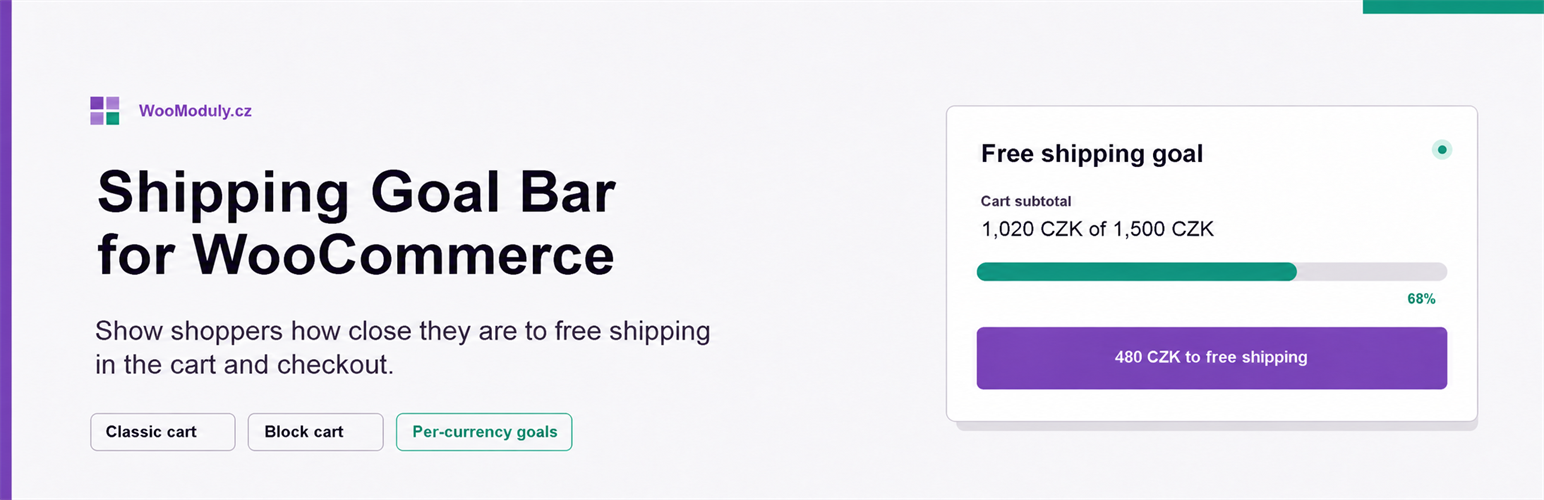
Shipping Goal Bar for WooCommerce displays a progress message in the cart and checkout. Before the configured goal is reached, it shows the remaining amount. After the goal is reached, it displays a success message.
You can configure:
- A general free-shipping goal based on the cart contents after discounts, including tax and excluding shipping.
- A separate goal for each WooCommerce currency, with an option to disable the bar for a currency.
- The message shown before and after the goal is reached.
- The
{remaining}placeholder for the formatted amount left to spend. - An optional shipping icon, text color, progress-bar color, and background color.
- Placement in the classic cart, on product pages, in the mini cart, as a footer popup, or on a custom WordPress hook.
The bar supports classic and block-based carts and checkouts. Classic cart changes refresh the bar through WooCommerce cart fragments and a lightweight vanilla JavaScript update. In the block cart, the current value is rendered when the page loads; after a quantity change, reload the page to refresh it.
The plugin only displays the configured goal. It does not create or configure a WooCommerce free-shipping method, so the store’s shipping zones and methods must use a matching amount.
The public plugin does not contact WooModuly.cz, does not use an external service, and contains no licensing, custom updater, or telemetry. WordPress.org provides updates for this version.
Installation
- Install and activate the plugin in WordPress.
- Use the Settings link next to Shipping Goal Bar for WooCommerce.
- Set the general goal and, if needed, per-currency goals.
- Adjust the messages, colors, icon, and classic-cart position.
WooCommerce must be active.
Screenshots

Settings for the general and per-currency goals, messages, colors, icon, and classic-cart position.

Classic cart showing the remaining amount and progress toward free shipping.

Block checkout showing the free-shipping goal above the checkout fields.

The success state after the configured goal has been reached.
Faq
No. It displays progress toward the amount you configure. Set up the actual free-shipping method in WooCommerce shipping zones and use the same minimum amount.
It uses the cart contents total after discounts, including tax and excluding shipping. The bar is hidden when a valid coupon already grants free shipping.
Yes. A positive per-currency amount overrides the general goal. Zero uses the general goal, and a negative value disables the bar for that currency.
Yes. The bar renders with both classic shortcodes and WooCommerce blocks. In the block cart, reload the page after a quantity change to refresh the displayed amount.
Yes. It declares HPOS compatibility. The plugin reads the cart and does not write order data.
No. The plugin uses only local WooCommerce cart and settings data and calls no external service.
Reviews
Changelog
1.0.3
- Added a link to rate the plugin on WordPress.org to the settings page.
1.0.2
- Changed the goal calculation to use the amount after discounts, including tax and excluding shipping.
- Added product, mini-cart, footer-popup, and custom-hook placements plus a configurable background color.
- Hidden the bar when a valid coupon already grants free shipping.
1.0.1
- Changed the default translatable strings to English while preserving Czech and Slovak translations.
1.0.0
- Initial public release as a standalone free plugin.