Front Page Scheduler
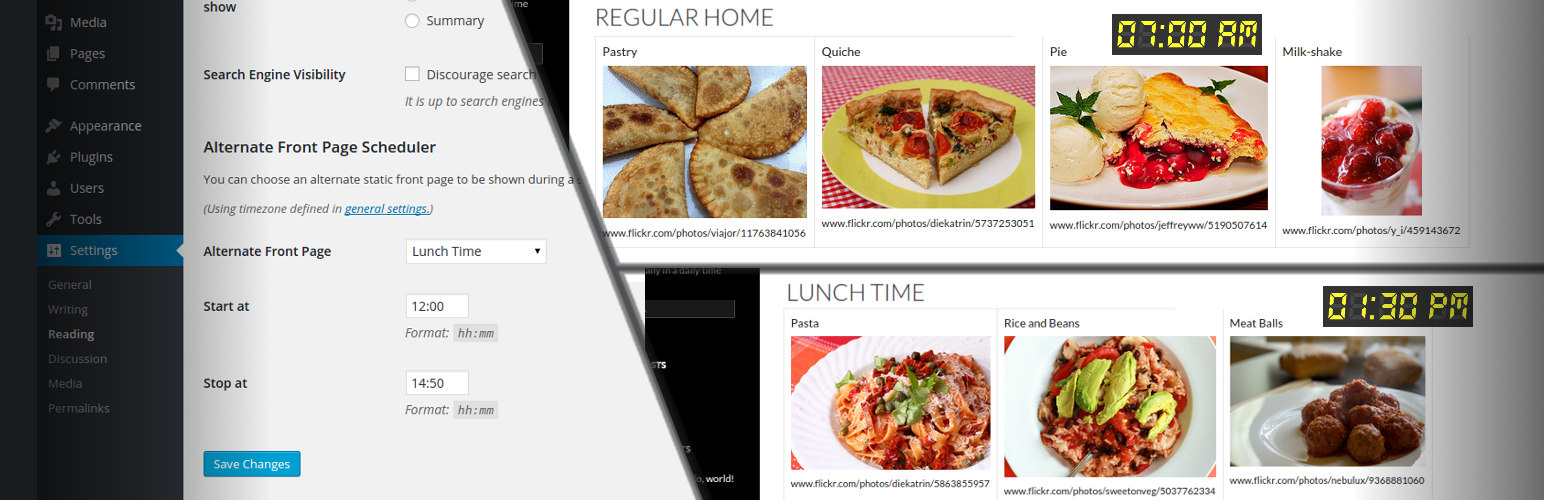
Front Page Scheduler
Description
Front Page Scheduler let you choose some page to be shown as the front page of your site during a specific daily period, in specific week days. Since version 0.1.4, you can even create a set of “rules”, choosing specific front pages for different days and periods.
Update: Benjamin Benkert fixed some bugs related to PHP versions 7 and greaters. Thanks!
Installation
- Extract the contents of the archive
- Upload the contents of the front-page-scheduler folder to your ‘wp-content/plugins’ folder
- Log in to your WordPress admin and got to the ‘Plugins’ section. You should now see Front Page Scheduler in the list of available plugins
- Activate the plugin by clicking the ‘activate’ link
- Now go to the ‘Settings’ section and select ‘Reading’, where you can configure your alternate front page
Reviews
Great job
By 
It works, it would be great if you could also insert the date as well as the time
Doesn't work no reply on mails
By 
Gives an error. Site stops working unless I remove the app. Newest version WordPress and database
Awesome Plugin
By 
That's a brilliant idea
By 
Perfect!
By 
No good
By 
Works perfectly!
By 
Works as promised .. would be great if calendar and duration in days is implemen
By 
Hi - This plugin works out of the box as it is made for.
Request you to add calendar so that user can choose the duration in days.
Thanks for such a simple and neat plugin