Future Ticketing

Future Ticketing
Description
Future Ticketing provides a simple way to display active events on the Dashboard within a WordPress post.
Once the plugin is activated, you will be able to insert events using the Future Ticketing WordPress Block editor or Future Ticketing WordPress Short-code.
Please make sure you have a valid and active API key and a valid Event ID to display.
WordPress Shortcode
Display all active events
[futureticketing_event_display]
Display an event by ID
[futureticketing_event_display event_id=”1″]
Installation
- Upload the plugin files to the
/wp-content/plugins/future-ticketingdirectory, or install the plugin through the WordPress plugins screen directly. - Activate the plugin through the ‘Plugins’ screen in WordPress
- Use the Settings->Future Ticketing to configure your API Key
Screenshots

API Key configuration Screen.
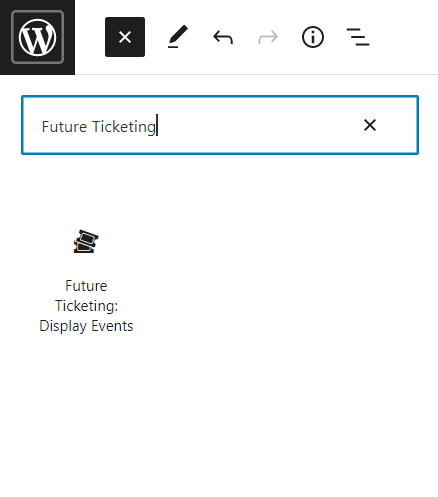
WordPress block editor options.

Block to display all active events.

Block to display an event by ID.

WordPress shortcodes to display all active events.
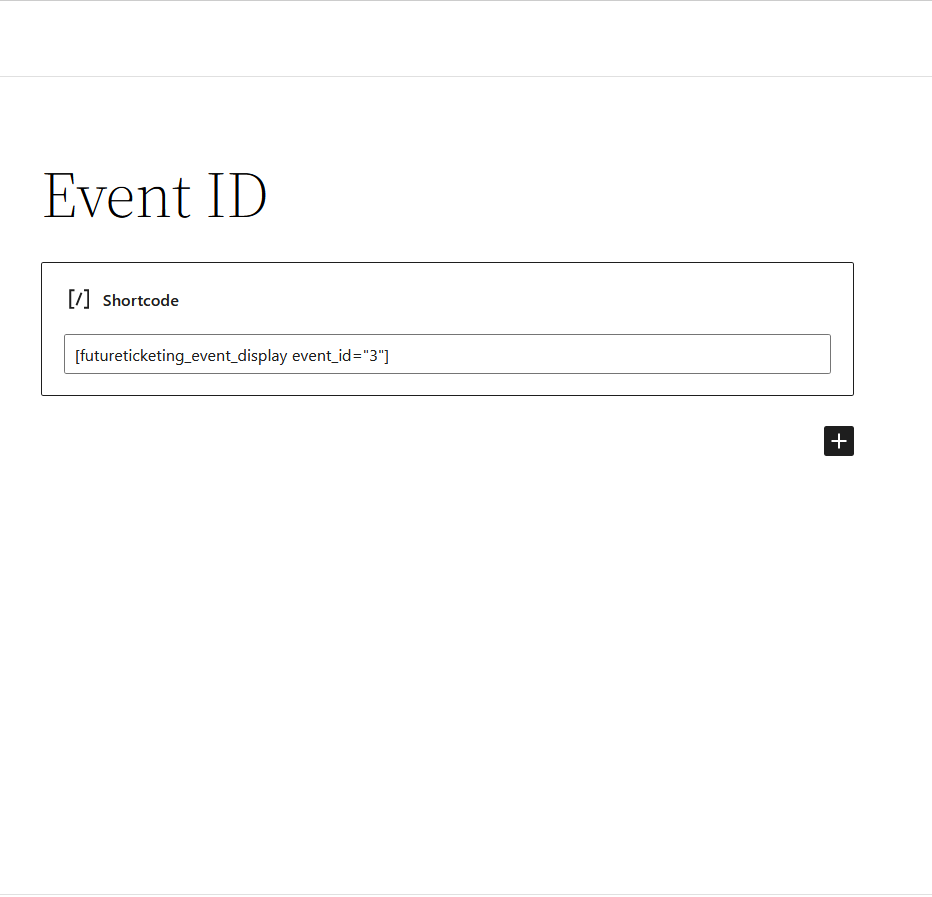
WordPress shortcodes to display an event by ID.
Reviews
Changelog
1.0.0-beta – 22/06/2022
- Plugging Beta release