Gallery for Users
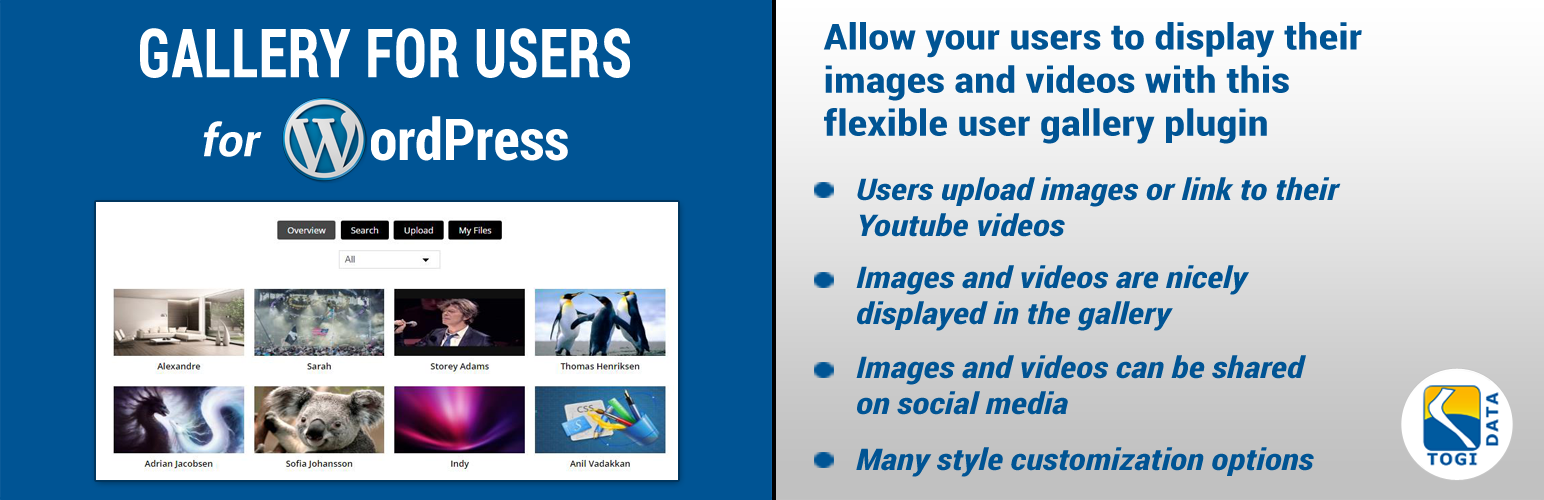
Gallery for Users
Description
Allow your users to display their images and videos with this flexible user gallery plugin.
Main features of the plugin
- Users can upload either images or link to their Youtube videos
- Search for images/videos using various filters
- The user can see list of his own images/videos and can delete them
- Images and videos can be shared on social media
- Admin can adjust colors for buttons and text as well as select font for design flexibility
- Admin can create categories, which images/videos can be added to
Now available in the pro version!
- Add a widget, displaying the newest additions to the gallery
- Admin can control which user groups are allowed to add to the gallery
- Admin can view (and delete) any image or video from backend
- Admin can add images or videos from backend
Installation
-
Log into your WordPress admin dashboard and search for ‘Gallery for users’ in ‘Plugins’ – ‘Add new’
-
Activate the plugin through the ‘Plugins’ screen in WordPress
-
That’s it. The gallery settings have been added as a new menu item in your dashboard, so find the menu item named \’User Gallery\’
Screenshots

User gallery

User page with image

User page with video

Search functionality

Uploading an image

Uploading a video

Customization settings
Faq
Installation Instructions
-
Log into your WordPress admin dashboard and search for ‘Gallery for users’ in ‘Plugins’ – ‘Add new’
-
Activate the plugin through the ‘Plugins’ screen in WordPress
-
That’s it. The gallery settings have been added as a new menu item in your dashboard, so find the menu item named \’User Gallery\’
Reviews
Epic , one of a kind.
By 
The World needs to know this plugin
By 
Changelog
1.0.1
- Fixed some bugs
1.0.2
- Fixed some bugs
- Translations added
- Added notification messages when upload is completed/failed/errors
- Added some style changes
1.0.3
- Pro link added
2.0
- Pro link updated