Gamma Wallet for WooCommerce

Gamma Wallet for WooCommerce
Description
Gamma Wallet is a cardless loyalty wallet for local businesses. This plugin connects your WooCommerce shop to it.
A reward for every paid order. When an order is paid at checkout, your customer sees a QR code on the order confirmation page and in their order email. They scan it with the Gamma Wallet app and the reward for that order lands in their wallet, as store credits they can spend back at your shop.
Use Store Credits with Gamma. At checkout, customers can choose to settle the whole order with the store credits they hold at your shop. After placing the order they scan a QR code, valid for 60 seconds, and the order is marked as paid.
Credits are a promise of value at your shop. They are not money, and Gamma never handles money.
What you need
- A Gamma Business account with a Reward service active. The plugin does nothing for customers while another kind of service is active.
- An integration token, created in Gamma Business Integrations.
- Your shop must sell in the same currency as your Gamma business.
External services
This plugin connects to the Gamma Wallet service at integration.gamma-wallet.com, run by Gamma Wallet. It is needed to give rewards and to accept store credits; without an integration token nothing is sent.
Every request carries your integration token, the plugin version and your shop’s web address.
- When an order is paid (or marked Completed, for cash on delivery, bank transfer and cheque, if you turn that on), it sends the order number, the total, the currency and the date, to create the reward QR code, with the name of the platform (WooCommerce). Later it asks whether the customer has collected the reward, sending only the reward’s reference.
- When a customer chooses Use Store Credits with Gamma, it sends the order number, the total and the currency, to create the store-credit QR code and check whether it has been scanned.
- When you save your token, and about once an hour after that, it checks the connection and whether your business has a Reward service active.
- About every 5 minutes, for store-credit orders of the last hours that are not settled yet, it asks whether the customer has settled them, sending only the request it got from Gamma.
It sends no customer names, addresses, emails or products.
The QR code images on the order confirmation page, in My Account and in the order emails are loaded from integration.gamma-wallet.com, so the customer’s browser or email app contacts that server when it shows them.
- Terms and conditions: https://www.gamma-wallet.com/en/terms-and-conditions
- Privacy policy: https://www.gamma-wallet.com/en/privacy-policy
Installation
- Upload the plugin and activate it.
- Open WooCommerce Gamma Wallet.
- Paste your integration token and press Save and check the connection.
- Choose which payment methods earn a reward. For cash on delivery, bank transfer and cheque you can choose to give the reward once you mark the order Completed; the customer then receives an email of its own with the QR code.
- To offer store credits at checkout, turn on Use Store Credits with Gamma in WooCommerce Settings Payments.
Screenshots
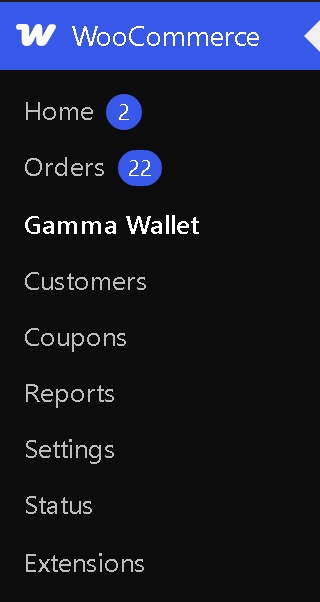
Gamma Wallet in the WooCommerce menu.
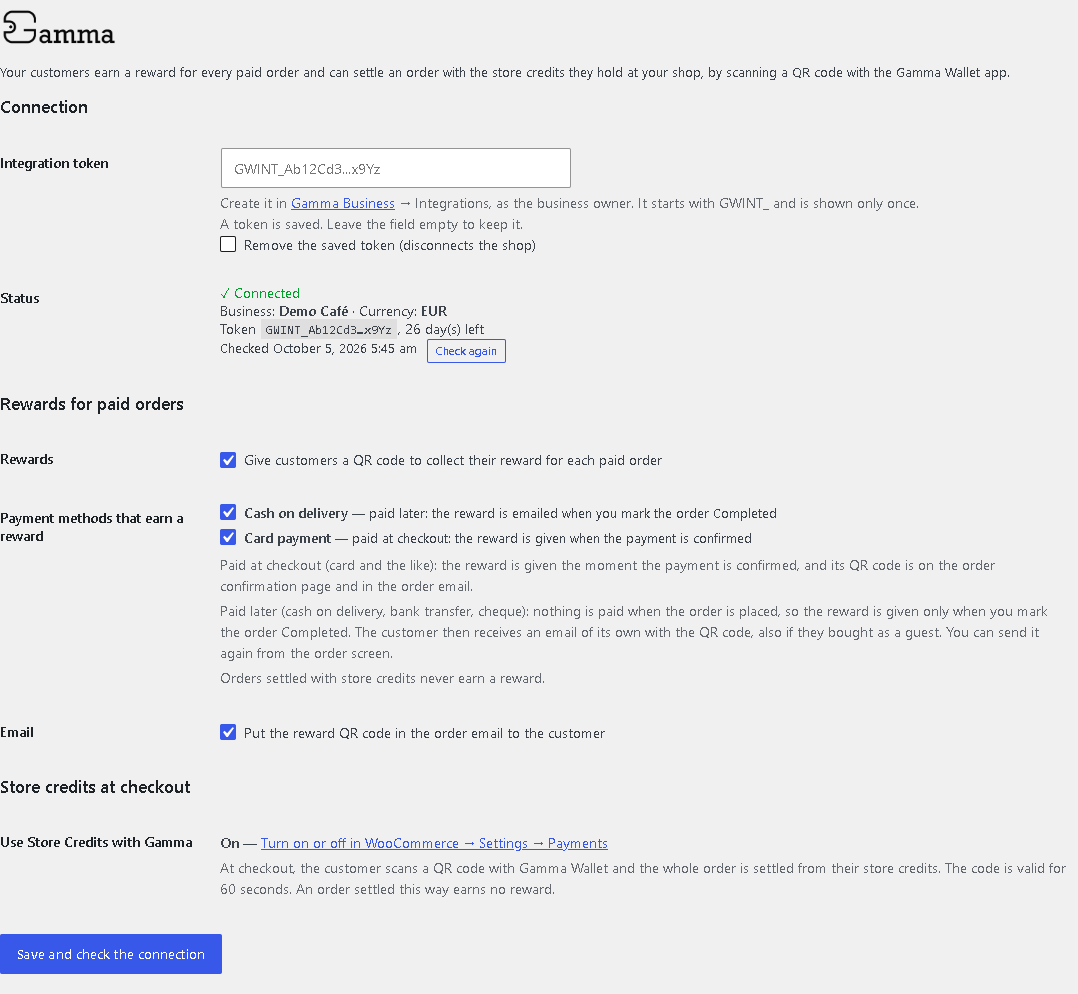
The Gamma Wallet settings page.
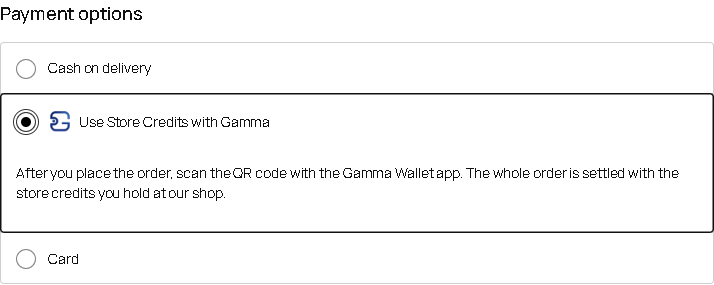
The store credits option at checkout.
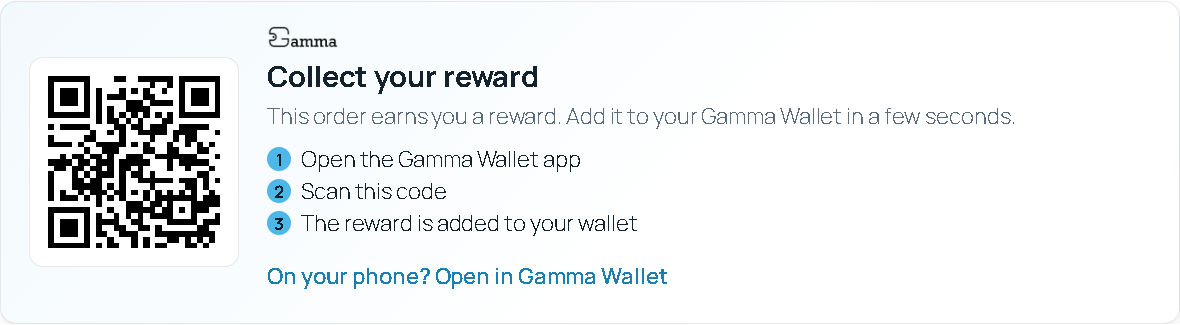
The reward QR code on the order confirmation page.
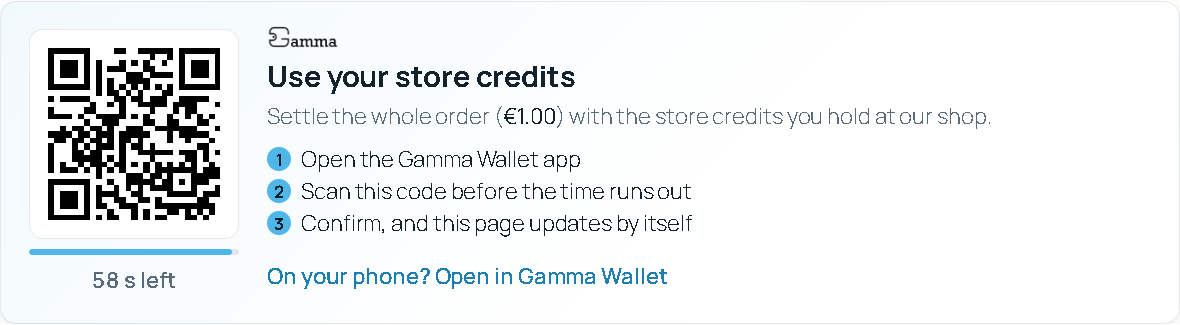
Settling an order with store credits.
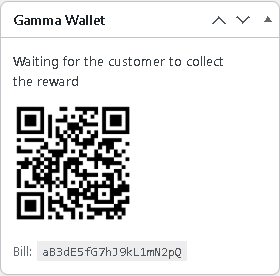
The Gamma Wallet box on an order.
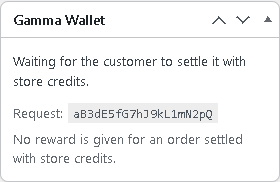
The Gamma Wallet box on an order paid with store credits.
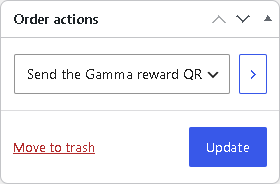
Sending the reward QR code again from the order.
Faq
Orders paid at checkout, once the payment is confirmed. Cash on delivery, bank transfer and cheque earn one only if you turn it on, and only once you mark the order Completed (the money has been received).
By email: every order has the customer’s email address. For an order paid at checkout the QR code is in the order confirmation email; for cash on delivery it comes in its own email when you mark the order Completed. You can send it again from the order screen with the order action “Send the Gamma reward QR code to the customer”.
No.
No. Store credits always settle the whole order.
The reward code is also in their order email and in My Account, and it does not expire.
The customer presses “Show a new code” on the same page. The order waits, unpaid, until they do.
Yes, with both the block-based and the classic checkout, and with High-Performance Order Storage.
Reviews
Changelog
1.0.8
- The site’s tag in order references is now a random value chosen once and kept in the settings, instead of one derived from WordPress’s security salts. Orders already sent to Gamma keep their reference.
1.0.7
- Paying an existing order again (“Pay for order”) no longer starts a second store-credit code while the first one is still valid: the current code is shown again, and a code the customer already confirmed completes the order.
1.0.6
- A store-credit order is settled even when the customer confirms in the app and closes the page: the plugin checks waiting orders every 5 minutes.
- An order is never settled twice, and never gets two live store-credit codes, even with two pages open.
- An order paid with store credits after it was cancelled is not turned back into a paid order; a note tells you.
- Only orders placed after the plugin is installed earn rewards.
- Order references sent to Gamma carry a short tag for your site, so two shops on one Gamma business never mix up their orders.
1.0.5
- The settings page moves to WooCommerce Gamma Wallet.
- Queued background jobs are removed when the plugin is deactivated or deleted.
- The order-status routes check the order key before anything else runs.
1.0.4
- Declares WooCommerce as a required plugin.
- Connection and token reminders appear only on the Dashboard, the Plugins page and WooCommerce screens.
1.0.3
- Fix: order totals with cents (such as 12.80) are now sent to Gamma exactly. On servers whose PHP sets serialize_precision to 17, the total was sent as 12.800000000000001 and settling such an order with store credits failed.
- The “new code” button completes the order when the customer settled the previous code a moment before.
- The store-credit countdown follows the code’s real validity.
1.0.2
- Works only while the business has a Reward service active in Gamma: otherwise no reward QR code is given and store credits are not offered at checkout. The settings page and an admin notice say so. The check is repeated every hour.
1.0.1
- Cash on delivery, bank transfer and cheque can earn a reward once the order is marked Completed, with an email of its own.
1.0.0
- First release: rewards for paid orders, and store credits at checkout.