Gehalfe – AI Chatbot for WooCommerce

Gehalfe – AI Chatbot for WooCommerce
Description
Gehalfe adds an AI-powered chat widget to your WooCommerce store that answers customer questions about your products, checks order status, and recovers abandoned carts — all without you lifting a finger.
Features
- AI product search — customers describe what they want in plain language and get matching products from your catalog
- Order tracking — customers can check their order status directly in the chat
- Cart recovery — automatic follow-up messages for abandoned carts (available on paid plans)
- Works in English, Urdu, and Roman Urdu
- Customizable widget color and position
- Lightweight embed — no impact on your store’s page speed
How it works
- Install and activate this plugin
- Create a free account at gehalfe.com and connect your WooCommerce store
- Copy your Widget Token from the Gehalfe dashboard and paste it into this plugin’s settings
- The chat widget appears on your storefront automatically
This plugin requires a Gehalfe account (gehalfe.com) to function — it is the connector between your WordPress site and the Gehalfe AI backend that powers the chat, product search, and order tracking. A free plan is available.
Installation
- Upload the
gehalfe-ai-chatbotfolder to the/wp-content/plugins/directory, or install directly through the WordPress admin under Plugins Add New. - Activate the plugin through the ‘Plugins’ screen in WordPress.
- Go to Settings Gehalfe AI Chatbot.
- Sign up for a free account at gehalfe.com if you don’t have one, connect your store, and copy your Widget Token from Store Widget Embed Code.
- Paste the Widget Token into the plugin settings and save. The chat widget will appear on your storefront.
Screenshots
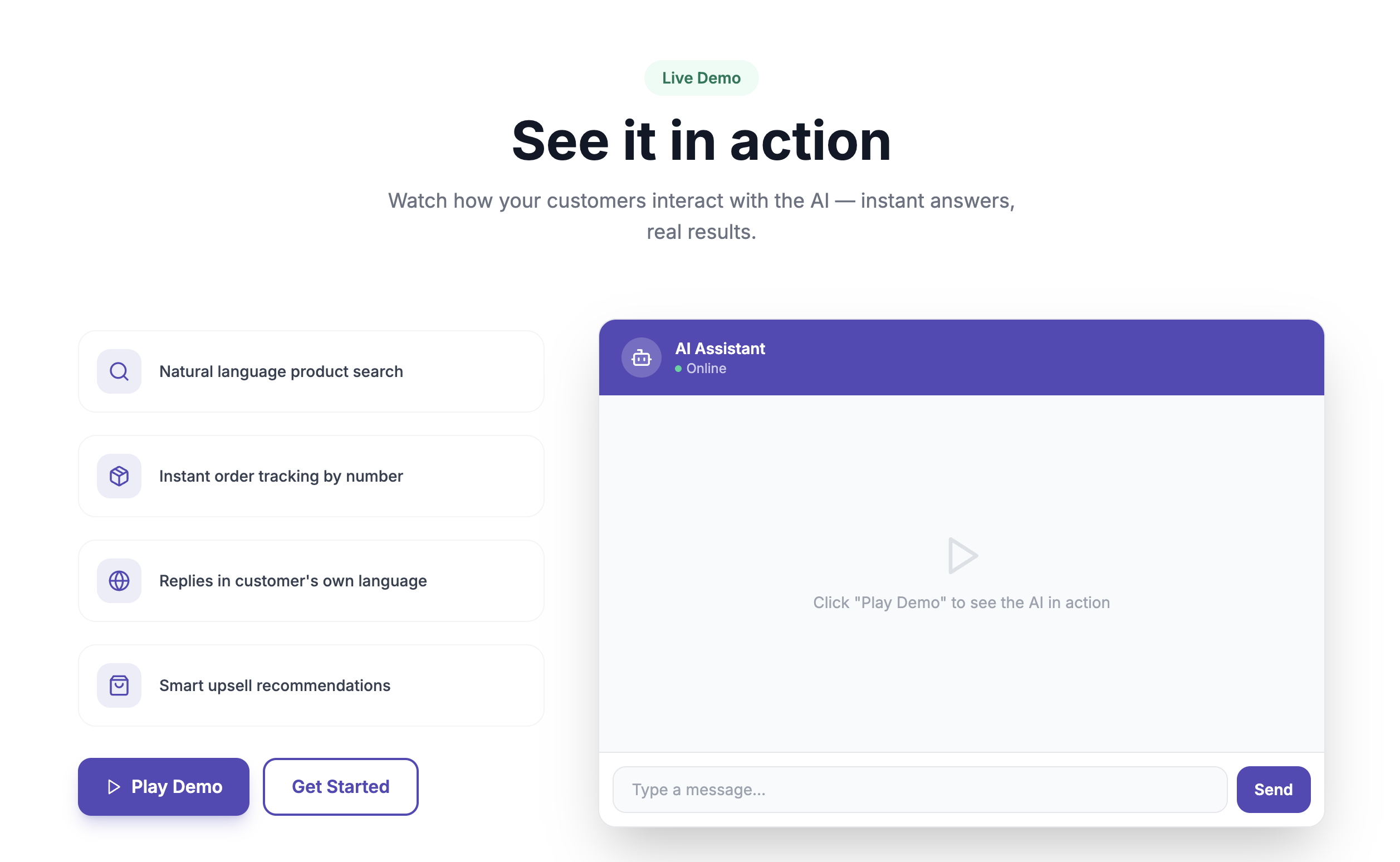
Live demo of the AI chat assistant answering a product question
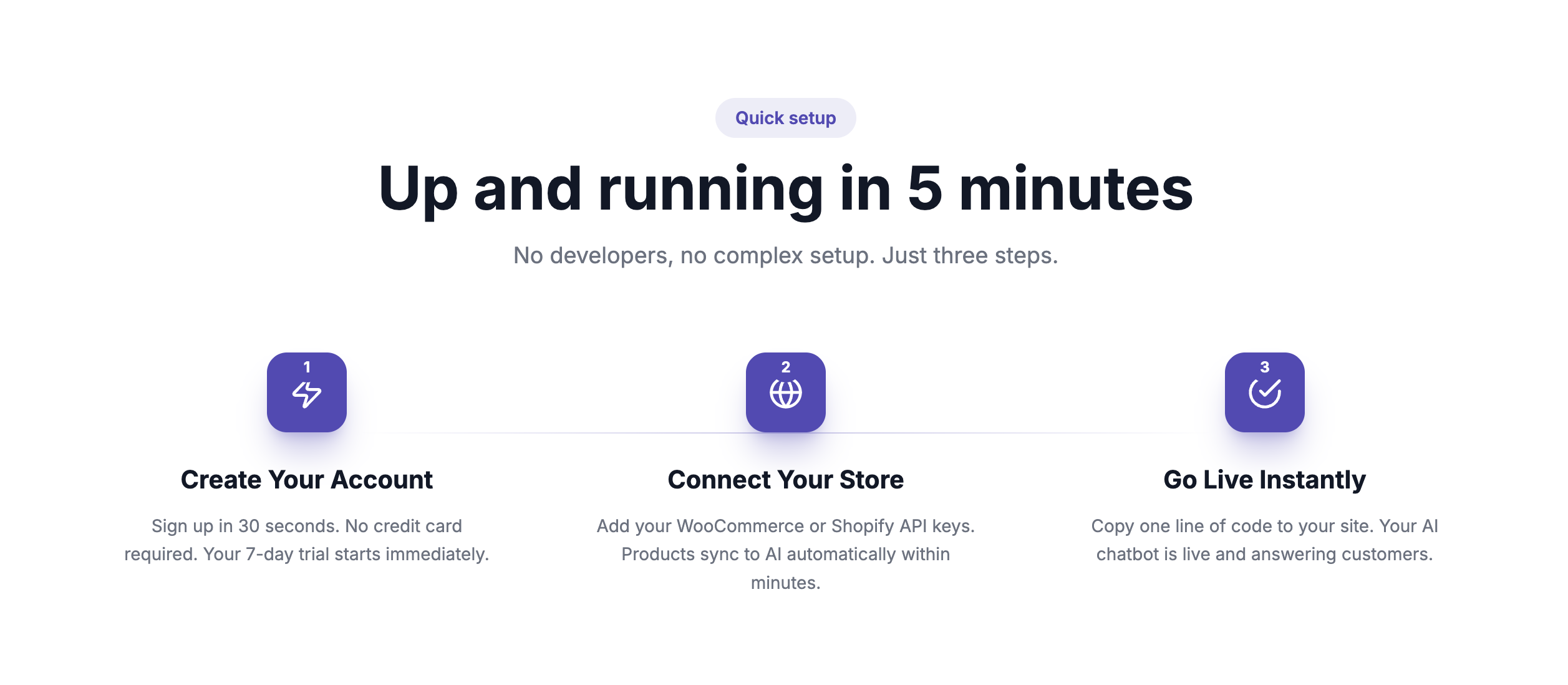
Get up and running in 5 minutes — create your account, connect your store, go live
Faq
Yes. This plugin embeds the Gehalfe chat widget, which is powered by a backend service at gehalfe.com. A free plan is available and no credit card is required to start.
Yes, the widget is a self-contained floating chat button that works independently of your theme.
No. The widget script loads asynchronously after your page content and does not block page rendering.
Store connection credentials are encrypted, and chat data is handled per the Gehalfe Privacy Policy at gehalfe.com/privacy.
Reviews
Changelog
1.0.0
- Initial release.