Gravity Forms Block Email Domains
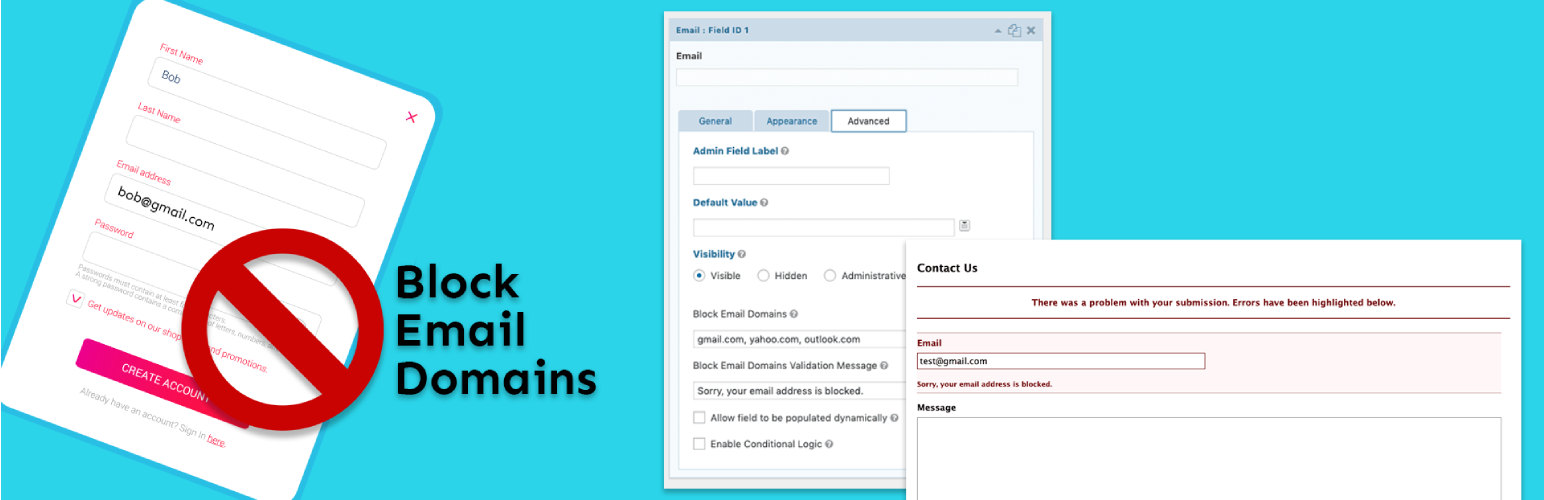
Gravity Forms Block Email Domains
Description
Gravity Forms Block Email Domains is an add-on plugin for Gravity Forms that allows you to define a comma separated list of email domains to block on each email field. Custom validation messages can be set as well. Blocked email domains will prevent the form from being submitted and prompt the user to enter a non-blocked email address.
Installation
- Visit Plugins > Add New in the WordPress admin dashboard
- Search for “Gravity Forms Block Email Domains”
- Install and then Activate Gravity Forms Block Email Domains from your Plugins page
- Navigate to your gravity form
- Set a comma separated list of blocked domains and a custom validation message on an email field in the advanced tab
Screenshots
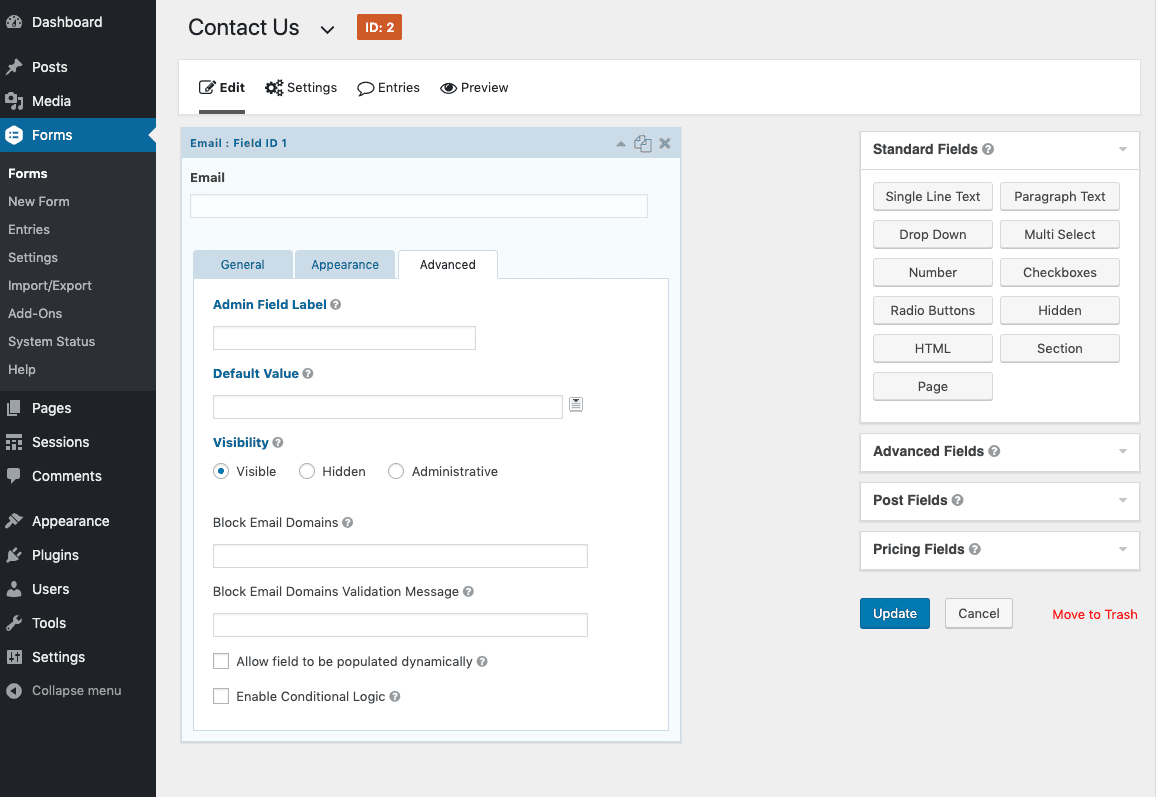
screenshot-1.png shows the advanced tab of an email field.
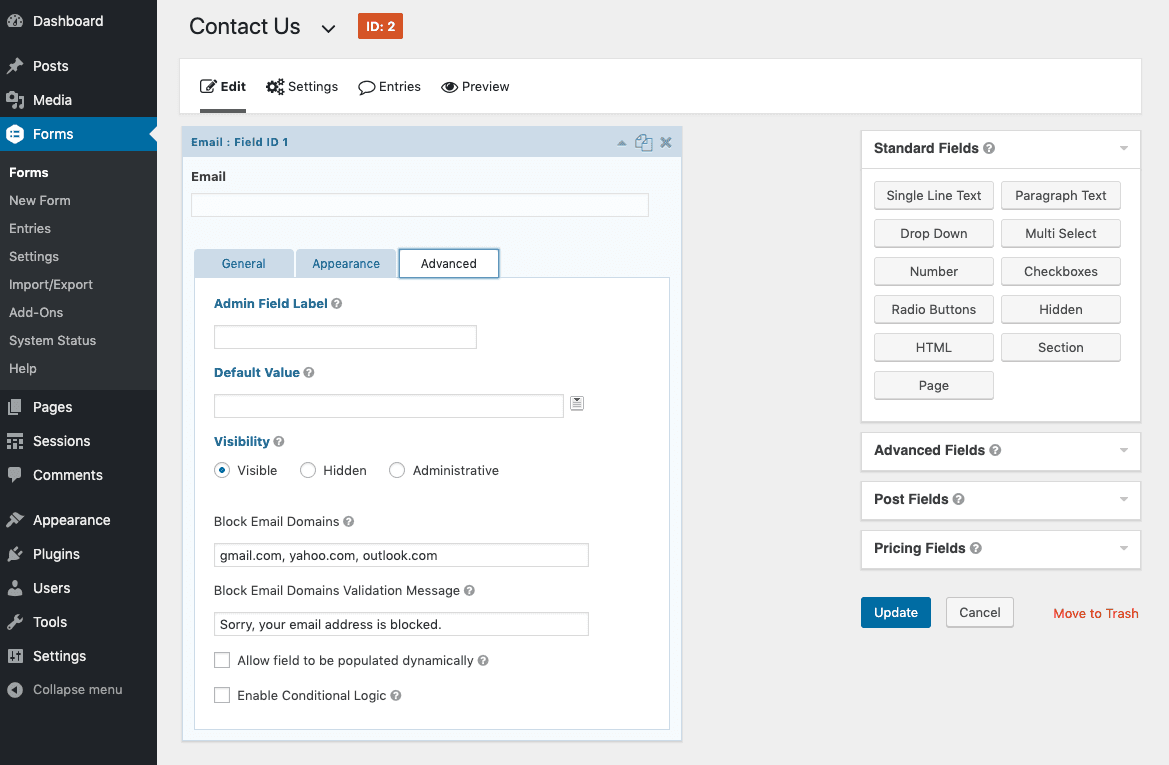
screenshot-2.png shows the block email domains and validation message fields filled out.
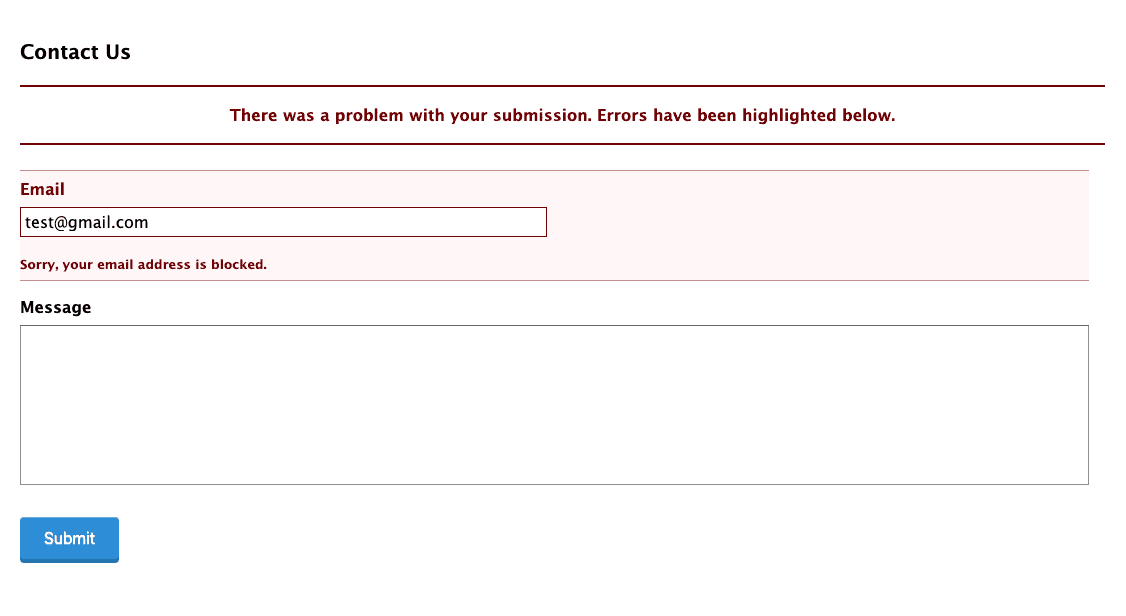
screenshot-3.png shows the form with a custom validation message.
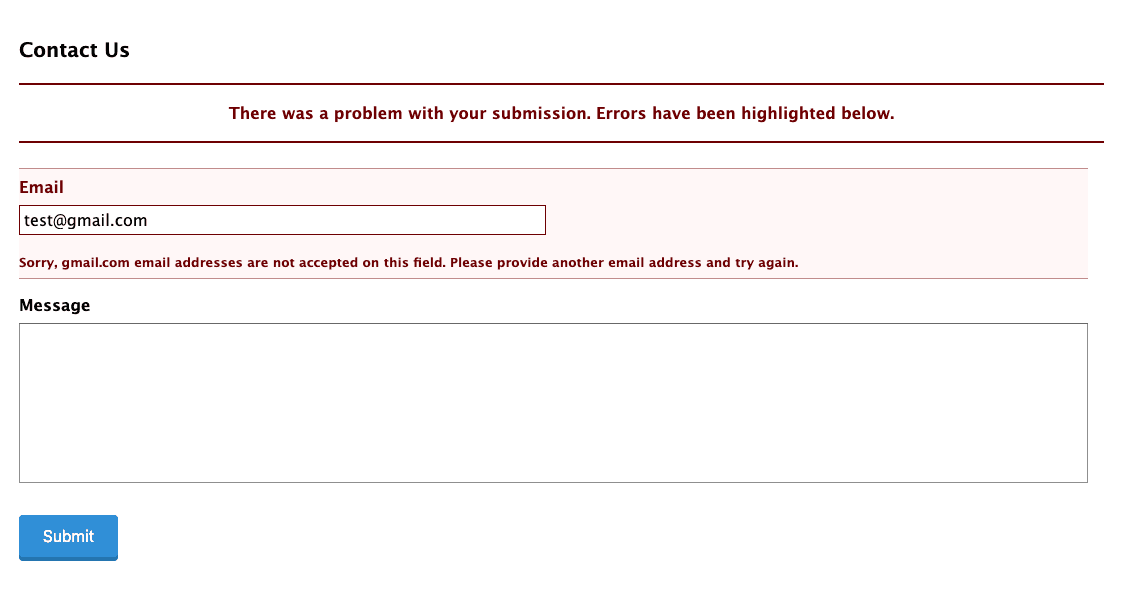
screenshot-4.png shows the form with the default validation message.
Reviews
No longer works for Gravity Forms
By 
I'm using Gravity Forms Version 2.8.7 and the plugin is not working.
LOVE IT
By 
This plugin is a huge help. Especially since many people change IPs to try to get through.
Not necessary, but the only thing that could make it better (not needed at all, just me being greedy!) is a list of all the emails that tried to get a form through while on the blocklist.
Thank you for this great plugin.
doesn't work at all
By 
Great plugin!
By 
It works partly!
By 
Works perfectly
By 
Works as advertised
By 
Works like a charm!
By 
It works!
By 
Changelog
1.0.2
- Add support for email fields with the confirmation field enabled
1.0.1
- Remove case sensitivity on domains
1.0.0
- This is version 1 – everything is new and shiny!