Gravity Forms Privacy AddOn
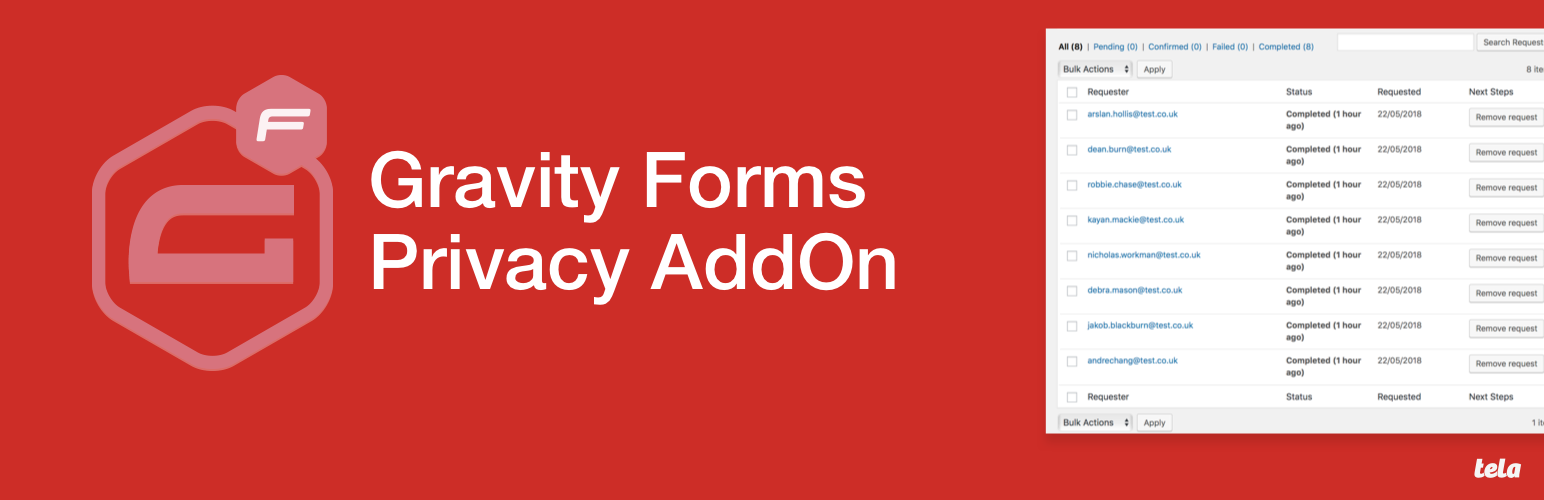
Gravity Forms Privacy AddOn
Description
When you use the “Export Personal Data” under tools in WP 4.9.6+, Gravity Forms data will be included in the export.
If you “Erase Personal Data” this will remove the entries from the relevant entries table in Gravity Forms.
Installation
- Upload plugin files to your plugins folder, or install using WordPress’ built-in Add New Plugin installer
- Make sure you have Gravity Forms installed and active
- Activate the plugin
- Export or delete data as needed
Faq
Installation Instructions
- Upload plugin files to your plugins folder, or install using WordPress’ built-in Add New Plugin installer
- Make sure you have Gravity Forms installed and active
- Activate the plugin
- Export or delete data as needed
Reviews
Changelog
0.1.0 – May 23, 2018
- Initial release