Country and State Selection Addon for Gravity Forms
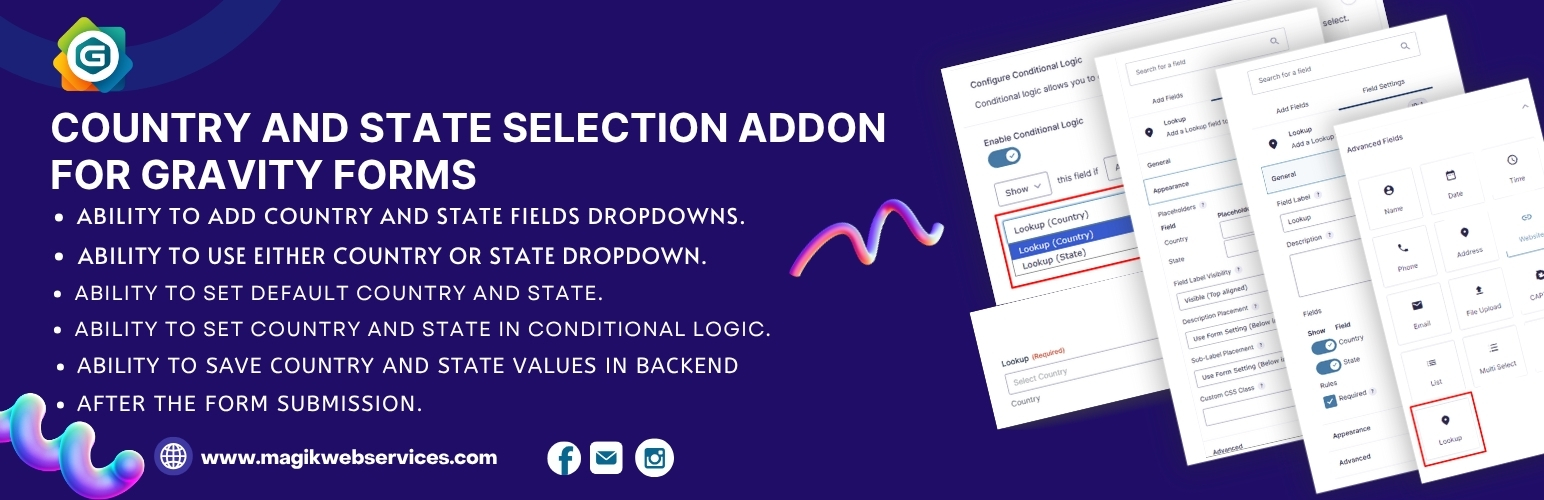
Country and State Selection Addon for Gravity Forms
Description
Country and State Selection Addon for Gravity Forms lets you easily add dynamic country and state dropdown fields to your Gravity Forms. Instantly populate all countries of the world in a country select dropdown, and display the relevant states or provinces when a country is selected. This plugin is perfect for address fields, shipping forms, user registration, and any form that needs accurate location data. All countries and states are included by default, including Australia and its states.
Watch this video to see how the plugin works:
https://www.youtube.com/watch?v=WtctxrU4zr4
Key Features
- Add country and state dropdown fields to any Gravity Form
- Use either country or state dropdown independently
- Set default country and state values
- Use country and state in Gravity Forms Conditional Logic
- Save country and state values in the backend after form submission
- Fully compatible with Gravity Forms add-ons (Signature, User Registration, etc.)
- Includes all countries and their states/provinces, including Australia
- Optimized for performance and security
Installation
- Download gforms-addon-for-country-and-state-selection.1.2.zip
- Unzip
- Upload the gforms-addon-for-country-and-state-selection directory to your /wp-content/plugins directory
- Go to the Plugins menu page and activate the plugin
Screenshots

Field Settings Window

Default Country and State Fields

Country and State Fields Show / Hide Settings

Country and State Fields Placeholder Settings

Default Country and State Values

Conditional Fields

Fields display on Frontend
Reviews
Excellent Plugin with Top-Notch Support!
By 
I’ve been using this plugin and it’s working perfectly for my needs. What really stands out is the awesome support team. I reached out to them with a few queries, and they resolved everything within a couple of days. Great experience overall—highly recommended!
Works perfectly!
By 
The plugin works as intended without any issue.
No countries appear in the dropdown
By 
Installed and activated the plugin.
Followed the clean, easy instructions to add the element to a Gravity Form and hide the Country and State from the normal GF field.
After adding and saving the Lookup field to the form I refreshed the live page.
When I click in the Select Country drop down there is only one option: Select Country.
works perfectly
By 
Changelog
1.2 – 2025-07-15
- Added Australia and its states to the country/state dropdown
- Optimized frontend and backend code for performance and security
- Improved compatibility with all Gravity Forms add-ons
1.1 – 17/Apr/2025
- Minor bug fixed