Google Reader

Google Reader
Description
Add a widget you can use to add your Google Reader items to your sidebars.
Easy to use, just define your Google Account, in the settings Google Reader Page.
This plugin use the WP-ZFF Zend Framework Full (version 1.10.5-1), please install it !
(here is the plugin site : http://passavanti.name/wp-zff-zend-framework-full). And here is the wordpress plugin page : https://wordpress.org/extend/plugins/wp-zff-zend-framework-full/
Installation
- First install and active this plugin : WP-ZFF Zend Framework Full (version 1.10.5-1)
- Then, Download google-reader zip archive
- Extract the
google-readerdirectory - Upload the directory to the
/wp-content/plugins/directory - Activate the plugin through the ‘Plugins’ menu in WordPress
Screenshots
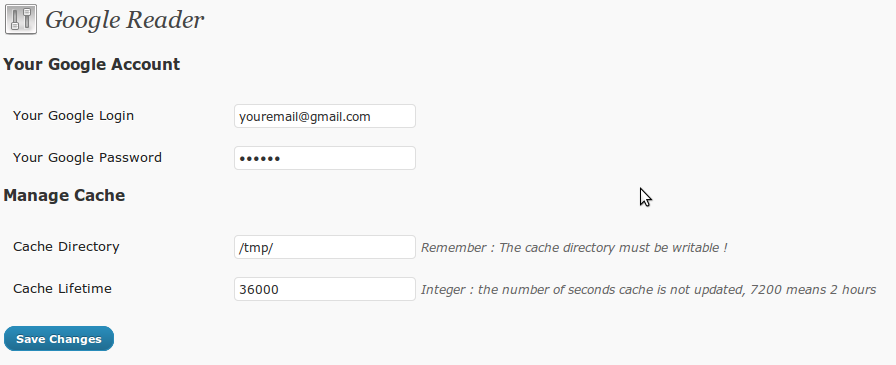
This screenshot represents the plugin admin page (in settings menu)

This is the screenshot of the widget configuration
Faq
core files are missing
Simply upgrade to version 1.1
Reviews
Changelog
1.0
- First version of the plugin
- It’s broken
1.1
- Readme.txt modified (for screenshosts and new version)
- Missing Core File correction
- Adding dependency check for ZF plugin