Site Kit by Google – Analytics, Search Console, AdSense, Speed

Site Kit by Google – Analytics, Search Console, AdSense, Speed
Description
Site Kit is the official WordPress plugin from Google for insights about how people find and use your site. Site Kit is the one-stop solution to deploy, manage, and get insights from critical Google tools to make the site successful on the web. It provides authoritative, up-to-date insights from multiple Google products directly on the WordPress dashboard for easy access, all for free.
Bringing the best of Google tools to WordPress
Site Kit includes powerful features that make using these Google products seamless and flexible:
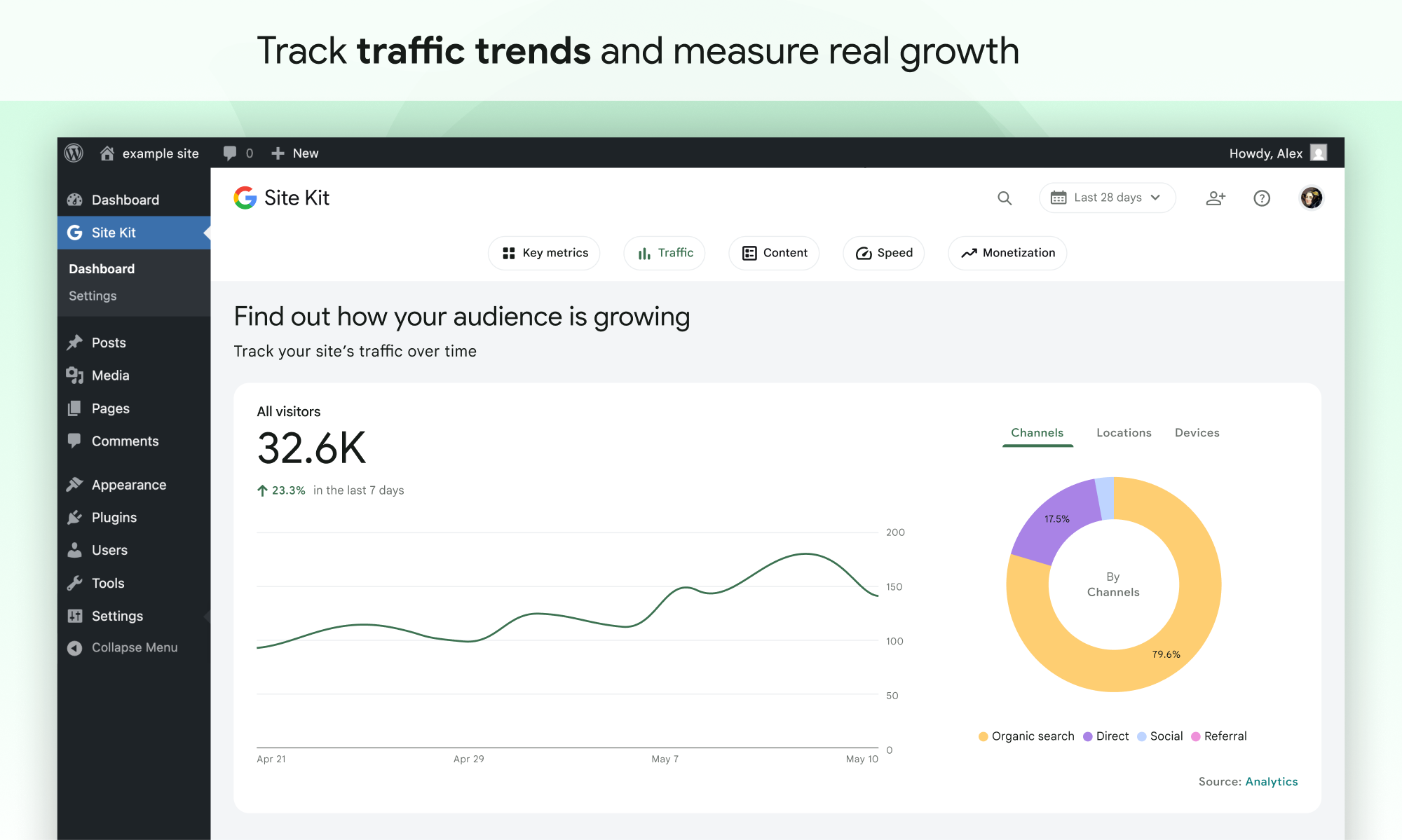
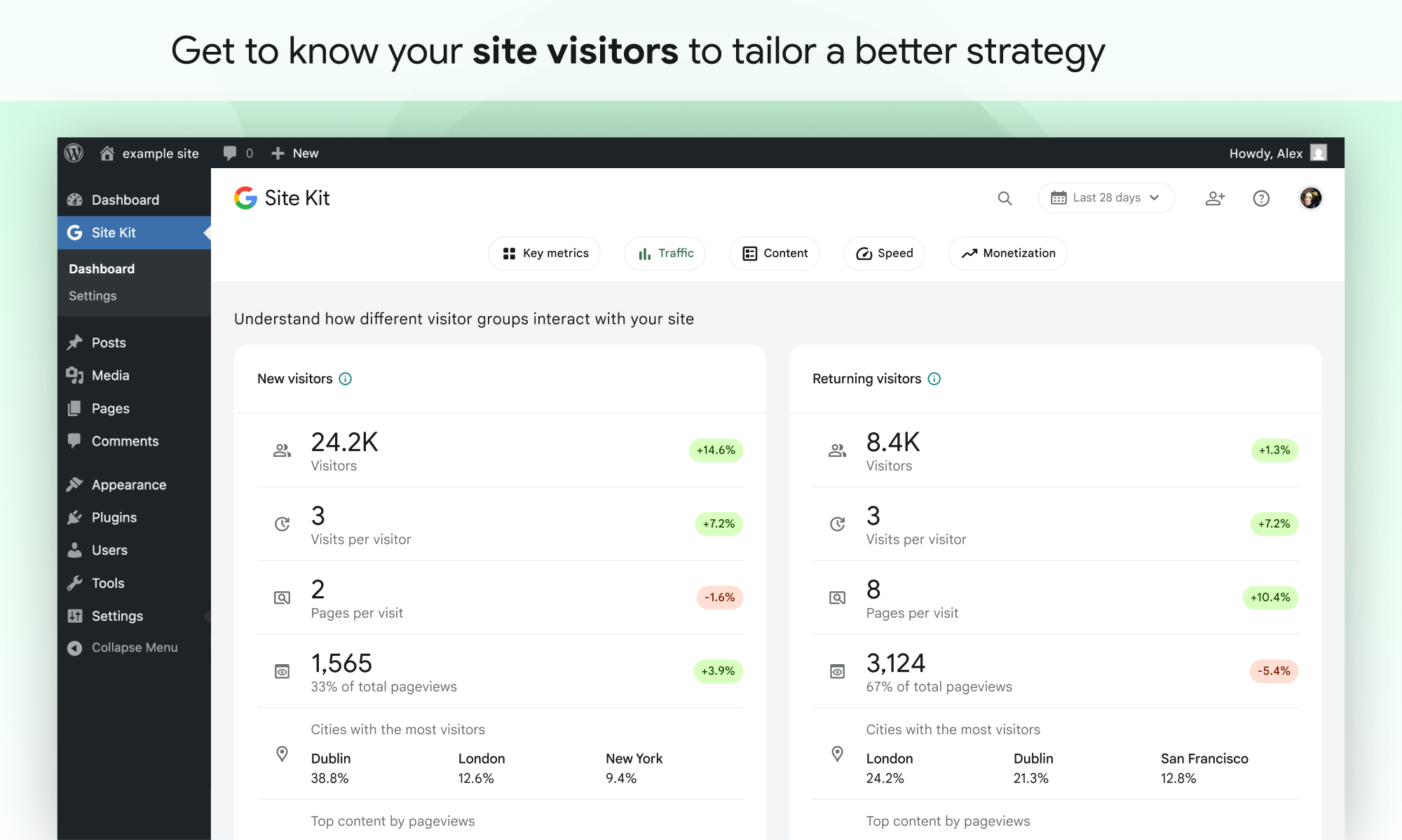
- Easy-to-understand stats directly on your WordPress dashboard
- Official stats from multiple Google tools, all in one dashboard
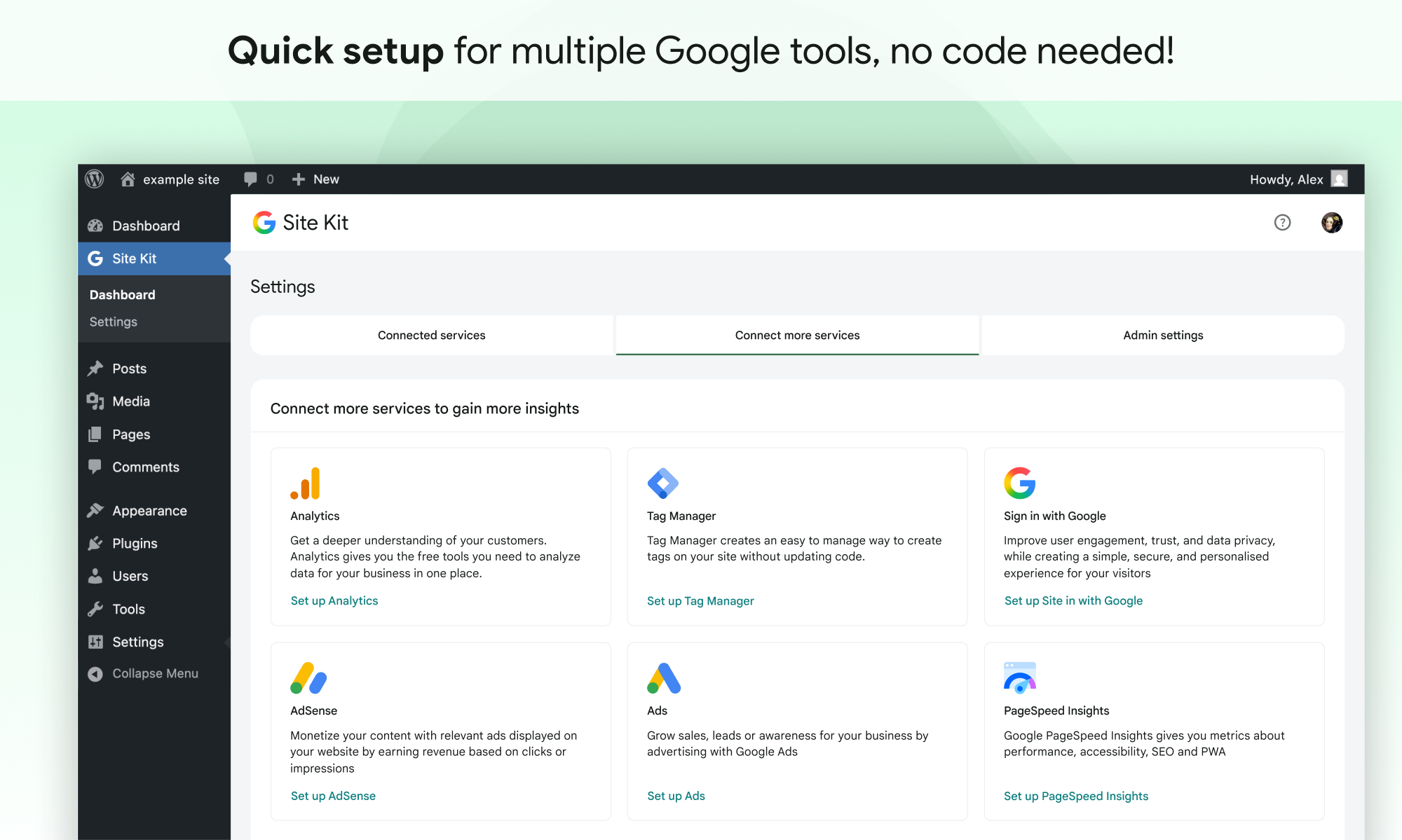
- Quick setup for multiple Google tools without having to edit the source code of your site
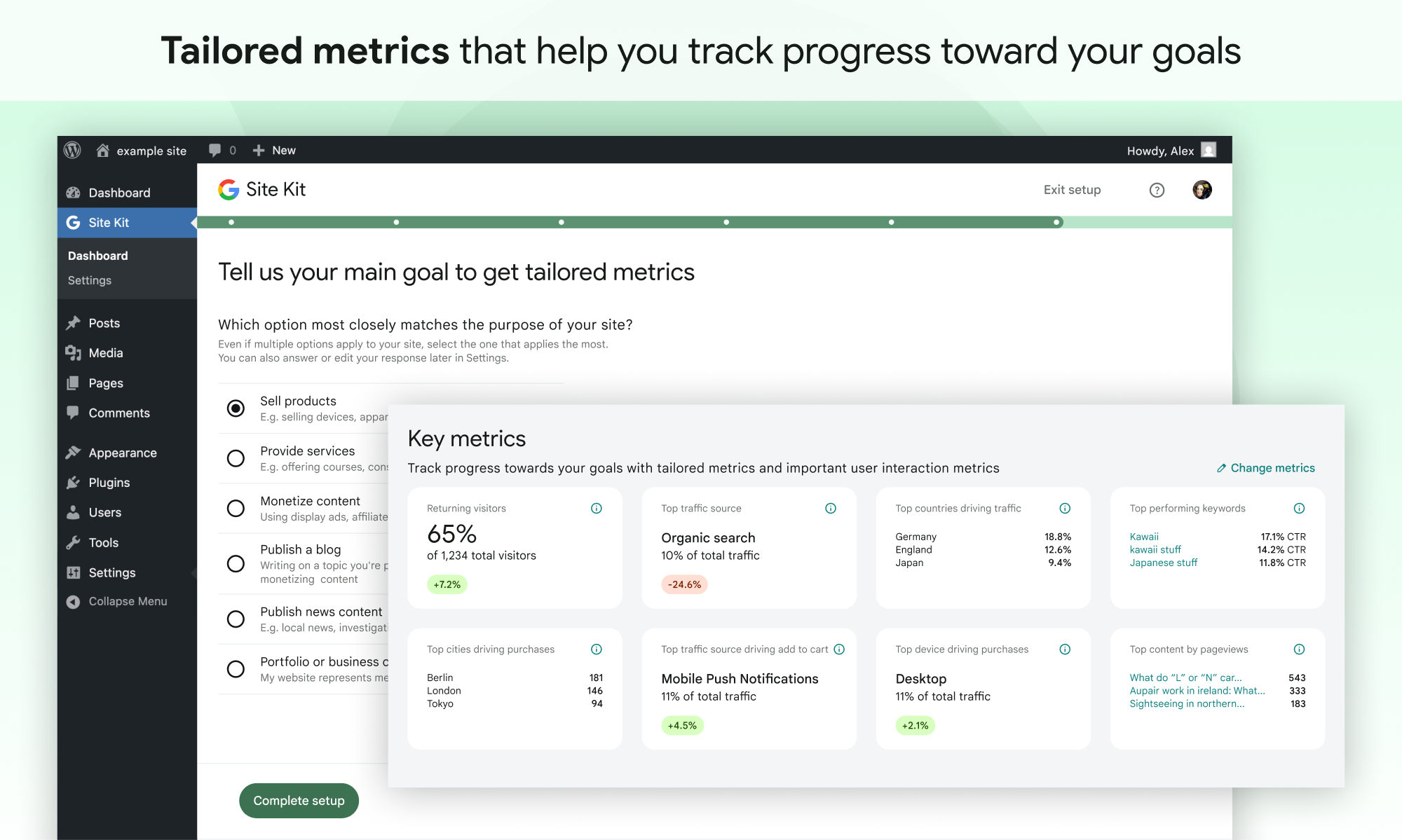
- Metrics for your entire site and for individual posts
- Easy-to-manage, granular permissions across WordPress and different Google products
Supported Google tools
Site Kit shows key metrics and insights from different Google products:
- Search Console: Understand how Google Search discovers and displays your pages in Google Search. Track how many people saw your site in Search results, and what query they used to search for your site.
- Analytics: Explore how users navigate your site and track goals you’ve set up for your users to complete.
- AdSense: Keep track of how much your site is earning you.
- PageSpeed Insights: See how your pages perform compared to other real-world sites. Improve performance with actionable tips from PageSpeed Insights.
- Tag Manager: Use Site Kit to easily set up Tag Manager- no code editing required. Then, manage your tags in Tag Manager.
- Sign in with Google: Allows visitors to sign up and log in to your site with their existing Google account.
- Reader Revenue Manager: Helps you grow, retain, and engage your site visitors via subscription, contribution, newsletters, surveys, and custom prompts.
- Ads: Get customers and sell more with targeted traffic from Google Ads.
Installation
Note: Make sure that your website is live. If your website isn’t live yet, Site Kit can’t show you any data.
However, if you have a staging environment in addition to your production site, Site Kit can display data from your production site in the staging environment. Learn how to use Site Kit with a staging environment.
Installation from within WordPress
- Visit Plugins > Add New.
- Search for Site Kit by Google.
- Install and activate the Site Kit by Google plugin.
- Connect Site Kit to your Google account. If there are multiple WordPress admins, keep in mind that each admin must connect their own Google account in order to access the plugin.
Manual installation
- Upload the entire
google-site-kitfolder to the/wp-content/plugins/directory. - Visit Plugins.
- Activate the Site Kit by Google plugin.
- Connect Site Kit to your Google account. If there are multiple WordPress admins, keep in mind that each admin must connect their own Google account in order to access the plugin.
After activation
- Visit the new Site Kit menu.
- Follow the instructions in the setup flow.
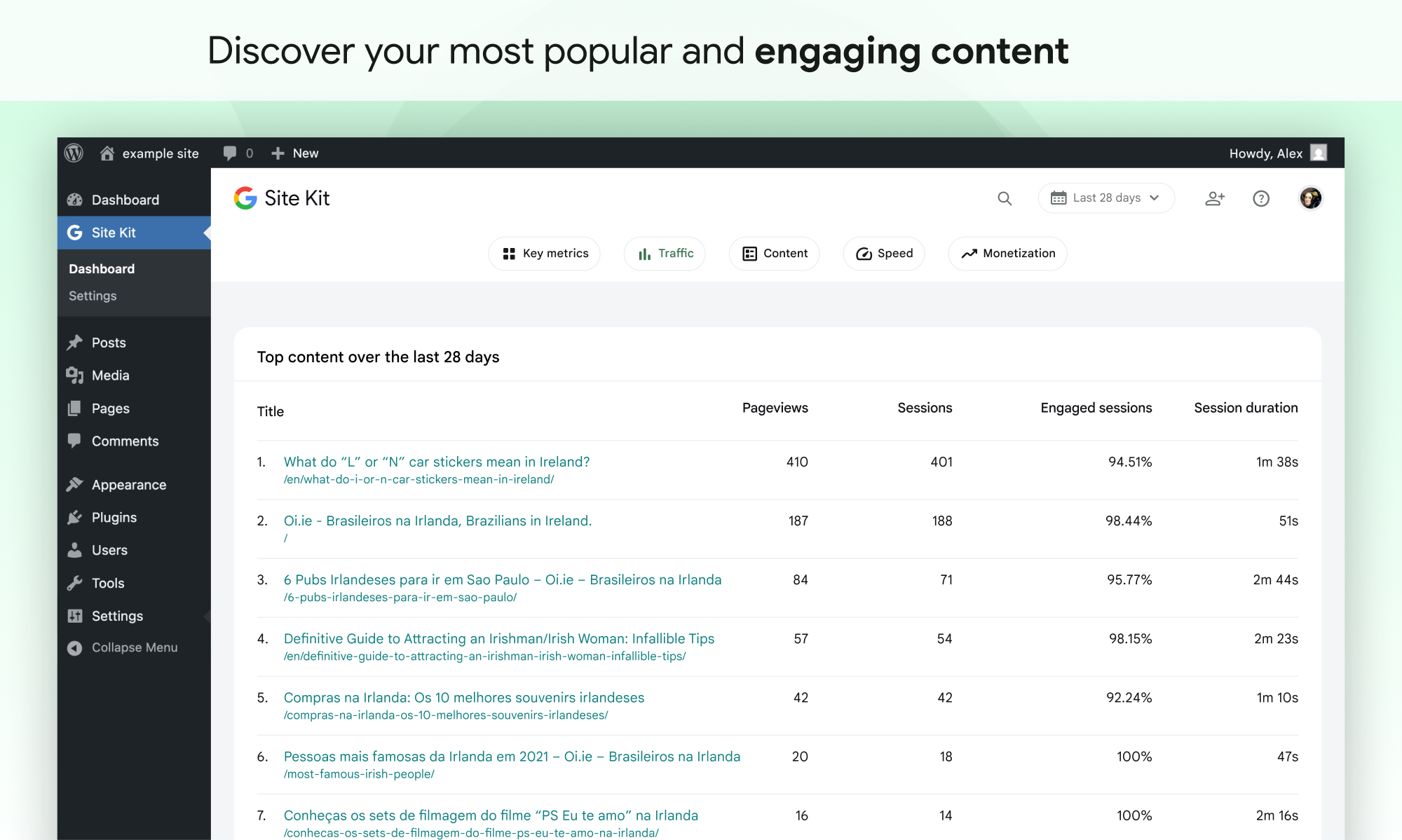
- Go to the main Site Kit dashboard which already displays key metrics from Search Console.
- Connect additional Google tools under Site Kit > Settings. Learn more about which tools are right for you.
Screenshots
Faq
For more information, visit the official Site Kit website.
The Site Kit plugin is free and open source, and will remain so. Individual Google products included in Site Kit are subject to standard terms and fees (if any) for those products.
In order to successfully install and use Site Kit, your site must meet the following requirements:
- WordPress version 5.2+
- PHP version 7.4+
- Modern browser – Internet Explorer is not supported
- Is publicly accessible – it isn’t in maintenance mode, accessible only via password, or otherwise blocked
- REST API is available – Site Kit must be able to communicate via REST API with Google services. To ensure that the REST API is available for your site, go to Tools > Site Health.
It can take a few days after connecting Site Kit to a Google service for data to begin to display in your dashboard. The “gathering data” message typically appears when you’ve recently set up a Google service (i.e. just created a new Analytics account) and/or your site is new, and data is not yet available for display.
If you are still seeing this message after a few days, feel free to get in touch with us on the support forum.
If you’re new to AdSense when you connect via Site Kit, your new AdSense account and your site will need to be manually reviewed and approved for ads by the AdSense team. Ads will not display until your account and site have been approved. Check out this guide for more information about the approval process and timeline.
You can check your approval status in Site Kit by going to Settings > Connected Services > AdSense and clicking Check your site status. This link will direct you to AdSense. If you see “Ready,” your account and site have been approved and should be displaying ads. If you see “Getting ready…,” your account and site are still under review and your site will not display ads until they have been approved.
If Site Kit has successfully added the AdSense snippet to your site and your account and site have been approved, but your site is still not showing ads, contact the AdSense Help Center for assistance.
You can find more information on how Site Kit works with AdSense in our Managing AdSense guide.
When using Site Kit, site owners are responsible for managing notice and consent requirements – including GDPR requirements – as described in Google’s Terms of Service.
By default, Site Kit does anonymize IP addresses upon activation of the Google Analytics module. This setting can be turned off in Site Kit > Settings > Analytics > Anonymize IP addresses.
There are a number of third-party plugins that allow you to block Google Analytics, Tag Manager, or AdSense from capturing data until a visitor to the site consents. Some of these work natively with Site Kit by providing plugin-specific configurations. You can find out more about these by visiting our GDPR compliance and privacy page.
Please create a new topic on our WordPress.org support forum. Be sure to follow the support forum guidelines when posting.
Reviews
Too bad it isn't reliable
By 
When it works, Site Kit provides useful information. Unfortunately, half the time Site Kit doesn't work.
Find this super helpful on my sites
By 
It absolutely does the job it says on the tin. It's not evolved much over the years, but think the Site Kit is still serving its purpose on my sites
Excellent plugin and outstanding support
By 
I’ve been using Site Kit on my WooCommerce store and recently ran into a difficult issue with GA4 add_to_cart tracking.
The support I received was excellent. James took the time to investigate the problem thoroughly, guided me through several tests, explained each step clearly, and stayed with the issue until we found a working solution.
What I appreciated most was the patience, professionalism and willingness to keep troubleshooting instead of giving generic answers.
Site Kit itself is very useful for connecting WordPress with Google Analytics and other Google services, and the quality of the support has given me even more confidence in continuing to use it.
Five stars. Highly recommended.
slows the site down a lot!
By 
I like the features but it makes the page so slow! Funny when it is reporting speed to you and it's by Google...
This whole setup wizzard is completely messed up
By 
Just give users a dashboard and let us insert our API key and that's it. There is no need for an excessive Setup Wizard. Google is probably just trying to collect more data and information than it has any right to.
Can't view in Dark Mode now
By 
It's generally good, but somehow I'm here doing a review, when I clicked "Feedback"? I just wanted to say since today's update the quick view is now unreadable. Black figures on a black background.
Cool plugin very helpful for wordpress users
By 
Having this data in wordpress is great! good job!
Handy all-in-one dashboard
By 
Having Analytics, Search Console, and AdSense data in one admin screen saves me from jumping between tabs constantly. Setup was straightforward with the guided connection flow.
This feels like finding hidden treasure!
By 
What better way to understand something than reading the manual or seeing posts from the developers and people writingthe manual! This should make things a lot easier.
Super handy dashboard
By 
makes tracking so easy. i can check analytics n search console right from wp dashboard. rly convenient tbh, load time is a bit slow sometimes but overall pretty good.
Changelog
1.190.0
Added
- Add a “Recent activity” tab showing traffic and search performance since the day before yesterday. See #13681.
Enhanced
- Add the
rrmSurveyCTAfeature flag. See #13716. - Improve handling of rate limit Google API errors. See #13630.
- Add a setting to include WooCommerce products in the “Recent activity” tab. See #13625.
- Add the benchmarking response that combines Analytics reports into daily traffic, visitor totals and ranked key factors. See #13595.
- Add GA event tracking for the Reader Revenue Manager configured CTA manage settings link. See #13575.
- Standardize custom dimension notices and creation throughout plugin. See #13552.
- Add the Ads Conversion tracking card. See #13473.
- Add Site Goals key metric tiles for “Generating leads”. See #13421.
- Update all badges to match the new design. See #13361.
- Add a dashboard callout introducing the Add features button for the feature discovery hub. See #13360.
- Enable setting up the Analytics, Ads, AdSense, Sign in with Google, and Reader Revenue Manager features on the Feature Discovery Hub. See #13338.
- Add relevancy feedback controls to the Feature Discovery Hub’s feature detail panel. See #13337.
- Build the shell for the Feature Discovery Hub’s detail panel. See #13330.
- Add the empty state for the “What’s new?” tab in the Feature Discovery Hub. See #13327.
- Update the auto-updates CTA notice, and show it on the “What’s new?” tab in the Feature Discovery Hub. See #13323.
- Improve the exported PDF filename to name the site and the reporting period. See #13216.
- Add a warning notice that replaces a Site Goals widget when none of its event provider plugins is active and the selected date range has no conversion events, with an option to remove the widget. See #12774.
- Update typography for consistency throughout the plugin. Props amarkdotdev, voidstackloop. See #11266.
- Add support for schemas in module datapoint routes. See #6759.
Fixed
- Fix creating a CTA in the Reader Revenue Manager express setup flow. See #13634.
- Fix UI styles for the happiness survey answers. See #13632.
- Fix creating a publication in the Reader Revenue Manager express setup flow. See #13620.
- Fix cut-off and overlapping axis labels on the PDF report charts. See #13218.