GP Sales Progress Bar
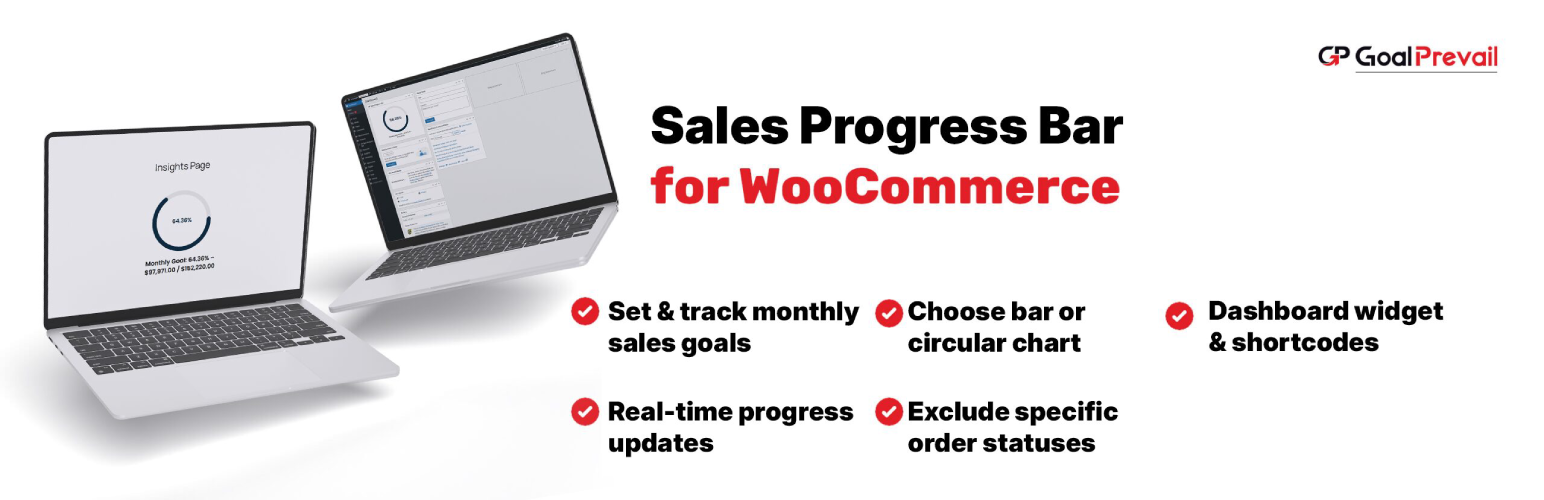
GP Sales Progress Bar
Description
GP Sales Progress Bar is a lightweight way to visualize WooCommerce monthly sales goals.
- Horizontal bar or circular gauge display
- Frontend shortcode, dashboard widget, and admin preview
- Configure monthly goal, display mode, and styling preset
- Exclude specific order statuses (e.g. cancelled, failed)
- HPOS (custom order tables) compatible
- No external resources or remote calls — 100% self-contained
- Pure CSS animations, no JavaScript
Requires WooCommerce to be installed and active.
Works out of the box. No coding required.
Installation
- Upload the plugin folder to
/wp-content/plugins/gp-sales-progress-bar, or install via Plugins Add New. - Make sure WooCommerce is installed and active.
- Activate the plugin via Plugins Installed Plugins.
- Go to GoalPrevail Sales Progress Bar to set your monthly goal and display options.
- Add
[gpsalesprog_progress_bar]to any page or post, or enable the dashboard widget from the settings page.
Screenshots

Plugin settings screen with live preview

Dashboard widget showing monthly progress

Frontend display using the shortcode
Faq
Yes. WooCommerce must be installed and active. The plugin reads monthly order totals through the WooCommerce API.
Yes. Tick/untick any WooCommerce order status to include or exclude it from the goal calculation.
Anywhere shortcodes are supported — pages, posts, page builders, and widgets. Use: [gpsalesprog_progress_bar].
Yes. It uses WooCommerce CRUD APIs and explicitly declares custom_order_tables compatibility.
No. There are no remote requests, tracking scripts, or external fonts.
Only where you put it. The shortcode displays the month’s revenue and goal to whoever can see that page — so place it on a public page only if you are comfortable sharing those numbers. The dashboard widget and settings preview are admin-only.
Reviews
Changelog
1.0.1
- Fixed: default excluded order statuses now follow WooCommerce Analytics settings and filters, so the progress total is aligned with WooCommerce reporting by default.
- Fixed: horizontal progress labels now render below the bar so low percentages do not clip the text.
- Improved: monthly total cache is refreshed when relevant settings or WooCommerce orders change.
- Improved: settings sanitization now validates monthly goal, display mode, styling preset, and excluded statuses more strictly.
- Improved: GoalPrevail dashboard strings are translatable and dashboard buttons match the settings page styling.
- Improved: the dashboard widget is not registered when WooCommerce is inactive.
- Performance: the frontend stylesheet now loads only on pages where the bar actually renders (it used to load site-wide).
- Performance: the monthly total is computed in bounded batches, keeping memory flat on high-volume stores.
- Added an uninstall routine that removes the plugin’s options and cached totals (multisite-aware).
- Hardened: WordPress PHPCS checks pass cleanly with documented WooCommerce/core exceptions.
1.0.0
- First stable release
- WooCommerce monthly goal tracking
- Circular or horizontal bar chart
- Live preview on settings page
- Dashboard widget with progress ring
- Frontend shortcode support
- Three styling presets (Modern, Classic, Minimal)