Gps Plotter

Gps Plotter
Description
GPS Plotter by St. Pete Design allows you to track Android phones in real time. GPS Plotter displays a map on your website with your present location using Openstreet Maps or Google Maps. We recommend that you start with Openstreet Maps unless you have experience with Google Maps API.
GPS Plotter was forked from a plugin called GPS Tracker by Nick Fox. Nick stopped development on GPS Tracker so we picked up where he left off. You can watch the cell phones being tracked using Openstreet maps and Google maps and you can store and reload routes easily for later viewing. The plugin is fully responsive and it will display properly on any device such as a cell phone, tablet or desktop computer.
You can download the app from the Android store then you enter your username and the URL that you have installed the GPS Plotter plugin on. Now you are ready to click “Tracking On” to start sending GPS tracking information to that URL.
Then you can go to that site on either your computer or mobile device and check out the GPS information you are sending for yourself.
I hope you find this plugin useful. If you find any bugs, please email us so we can address any issues that come up immediately.
Please rate it and leave a review so we can help other developers find this software. Thanks!
Installation
For OpenStreet Maps
- Download the plugin from the WP repository and then Activate.
- Go to “Settings”->”GPS Plotter Menu” to see your settings.
- Add the short-code to any page or post: [gps_plotter]
- Use the pre-selected OpenStreetMap version.
- Download Gps Plotter from the Google Play Store onto your Android cell phone and add your user name and the URL of the page you entered the short code to.
That’s it! Click on the “Start Tracking” button and then go to your WordPress website and view your location on the map. Please note that it may take a couple of minutes for the first location to appear. If you are having trouble viewing your first location make sure you are outside and that there are not a lot of trees or something else covering your view of the sky. If it’s a really cloudy day, it may take a while to get your first location. This is normal behavior for all cell phones since they tend to have a smaller antenna than a dedicated gps device.
How to Install GPS Plotter on your Android phone
How to Install GPS Plotter on your WordPress site with Google Maps;
How to install GPS Plotter on your WordPress site with OpenStreetMaps;
Screenshots

GPS Plotter Map Page View

GPS Plotter Mobile App

GPS Plotter In WP Admin Settings

GPS Plotter Main Page

GPS Plotter On The Play Store
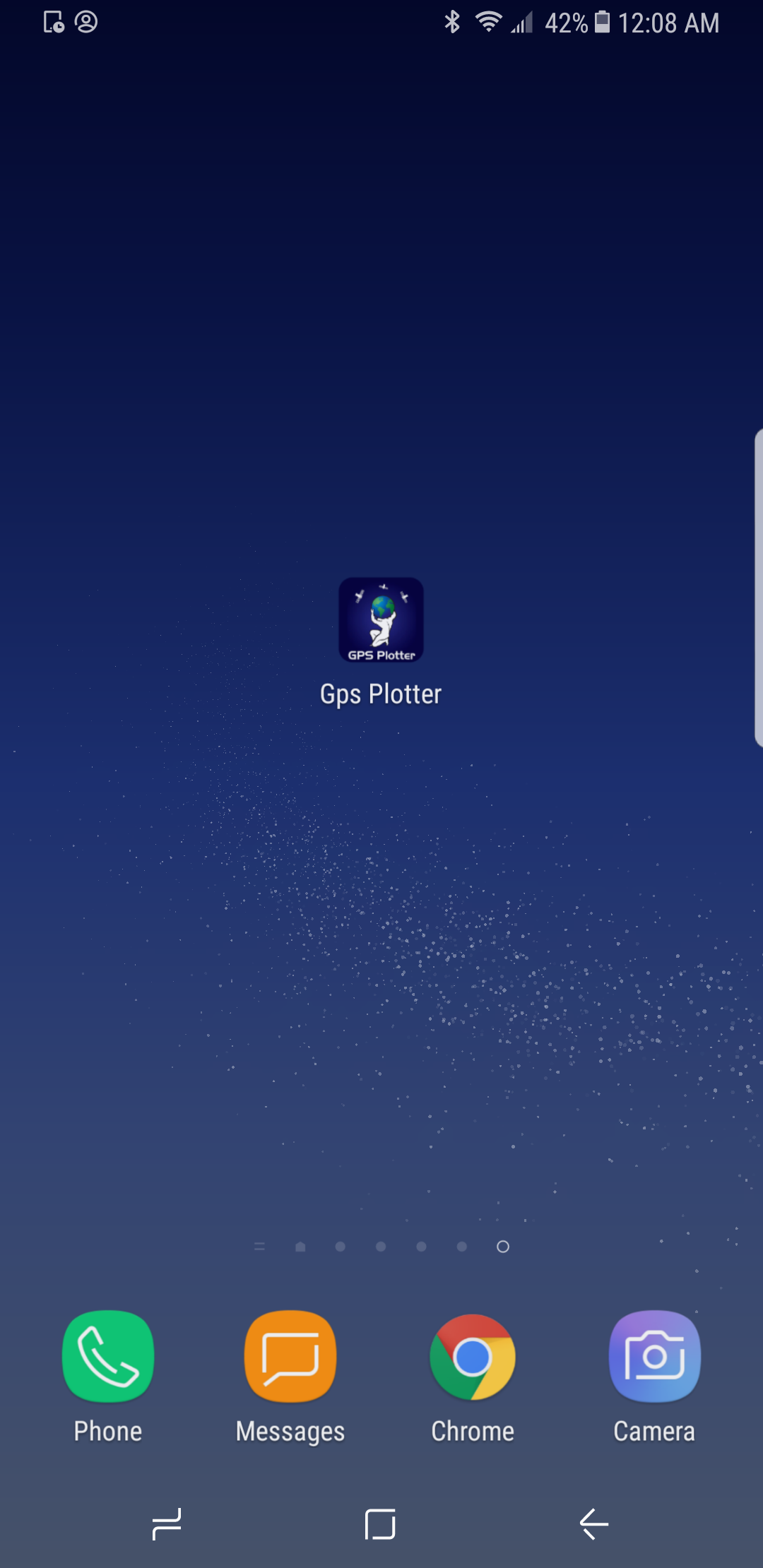
GPS Plotter On A Mobile Device
Faq
Those 3 routes are there just to illustrate how this software works.
You can safely delete those 3 routes with no issues.
This button allows you to view all of your routes that you have previously stored.
To view an individual route either select the route that you want to see from the drop down box or click on one of the red GPS markers.
Clicking this button will allow you to track your phone in real tine.
The map will automatically be updated (refreshed) every minute.
This shows all of your routes that you are actively tracking or have previously tracked.
For example: If you track your phone on Monday for 3 hours and then Tuesday for 2 hours.
You will then see two routes in the drop down box.
Here are some known issues with GPS Plotter:
- Make sure that there is a clear view to the sky.
a. GPS cell phones do not work well inside buildings.
(Go outside to get your initial signal)
b. GPS cell phones do not work well with heavy tree covering.
(Try to get to a open area if you can)
c. GPS cell phones do not work well around a lot of tall buildings.
(Get to the highest part of the building and get very close to a window) -
The mobile app only sends a GPS signal if the app user has moved more than 20 feet.
-
Make sure that the WordPress website page or post that you added the short-code to is visible to the public.
-
Make sure that you added the URL in the mobile app exactly as you see it.
-
Make sure there are no spaces in the UserName that you have added to the mobile app.
We are a WordPress development and App development company that offers our services for hire.
Visit us at StPeteDesign.com and please feel free to Contact Us.
EMAIL US:
steve@stpetedesign.com
or
joe@stpetedesign.com
Reviews
no android app available
By 
hello, i clicked on the button to go for the android app here but the app store says link expired also its not available in the app store if i search it manually.
non operational
By 
the pluggin is not working at all, showing just a blank section in place of map view, the dropdowns are blank..looks like a work negligence.
Testing, working almost fine...
By 
Looks good, some small issues with maps. Excellent location.
Perfect!
By 
Superior Product
By 
Good Themes
By 
works
By 
How i can track GPS Tracker?
By 
Great
By 
Good fork of GPS Tracker
By 
Changelog
=5.4.0 October 1st, 2025 =
*tested with WordPress 6.8.3
*added link to new Playstore app
=5.3.0 November 11th, 2024 =
*tested with WordPress 6.6.2
*added link to new Playstore app
*fixed tracking pings displaying on Openstreetmaps
5.2.0 August 14th, 2023
*tested with WordPress 6.3
*fixed XSS vulnerability
5.1.4 January 7th, 2023
*tested with WordPress 6.1.1
5.1.3 December 17, 2021
*fixed dropdown
5.1.2 July 22nd, 2021
*tested with WordPress 5.8
5.1.1 October 31st, 2020
*Happy Halloween
*Updated readme.txt
*Updated gpsplotter.php
5.1.0 October 3rd, 2020
*added OpenStreetMaps video to instructions.
*fixed Gamajo template loader
*tested with WordPress 5.5.1
5.0.9 July 8th, 2019
*fixed Openstreetmaps
5.0.8 June 29th, 2019
*added how to install on Android video to instructions.
*updated readme.txt
*updated svn
5.0.7 May 29th, 2019
*fixed Changelog
*added OpenStreet Maps instructions.
*added Google Maps instructions.
5.0.6 May 7th, 2019
*Tested with WordPress version 5.2
*Updated screenshot of admin area
*Updated readme.txt
5.0.5 April 16th, 2019
*Updated readme.txt
5.0.4 March 30th, 2019
*Updated readme.txt
5.0.3 March 10th, 2019
*Updated readme.txt
5.0.2 February 13, 2019
- added Openstreet Maps option
5.0.1 September 3, 2018
- added review request to admin panel
5.0.0 February 5, 2018
- Updated readme.txt
- Updated gpsplotter.php header info
- Updated screenshots
4.0.0, March 27, 2017
- Replaced all gps_tracker with gps_plotter in the code
3.0.0, February 5, 2017
- added Google satellite map view, API box in backend
2.0.0, January 26, 2017
- updated sub-header location and color
1.0.0, December 27, 2016
- First official release!