Graceful Error Pages
Graceful Error Pages
Description
Every WordPress site shows the same plain white error screen when something goes wrong.
It looks broken. It destroys trust. Graceful Error Pages replaces it with a page that
matches your brand — automatically, the moment you activate it.
What it replaces:
- The
wp_die()error screen (permission errors, expired links, security blocks) - PHP fatal error screens (white screen of death)
Features:
- Zero-config activation — works immediately with auto-detected site name, logo, and colors
- Five built-in templates — Minimal, Corporate, Friendly, Dark, and Starter
- Brand customization — logo, colors, heading, message, and redirect URL
- Merge tags — dynamic content like {site_name} and {year}
- Self-contained styling — no theme or CDN dependencies (works even during fatal errors)
- API safe — only overrides HTML output; REST API, AJAX, and JSON responses are untouched
- WP-CLI safe — automatically skips CLI contexts
- Lightweight — zero overhead on normal page loads; only runs when an error occurs
- Fully translatable — all strings use WordPress i18n functions
How it works:
- Activate the plugin
- Your site’s error pages are instantly branded with auto-detected settings
- Optionally customize via Settings > Error Pages
Source Code
The full source code, including unminified JavaScript and build tools, is available at:
github.com/codeverbojan/graceful-error-pages
To build from source:
- Clone the repository
- Run
composer install - Run
npm install - Run
npm run build
Installation
- Upload the
graceful-error-pagesfolder to/wp-content/plugins/ - Activate the plugin through the ‘Plugins’ menu in WordPress
- That’s it — error pages are now branded automatically
- Optionally go to Settings > Error Pages to customize the template, colors, and messaging
Screenshots
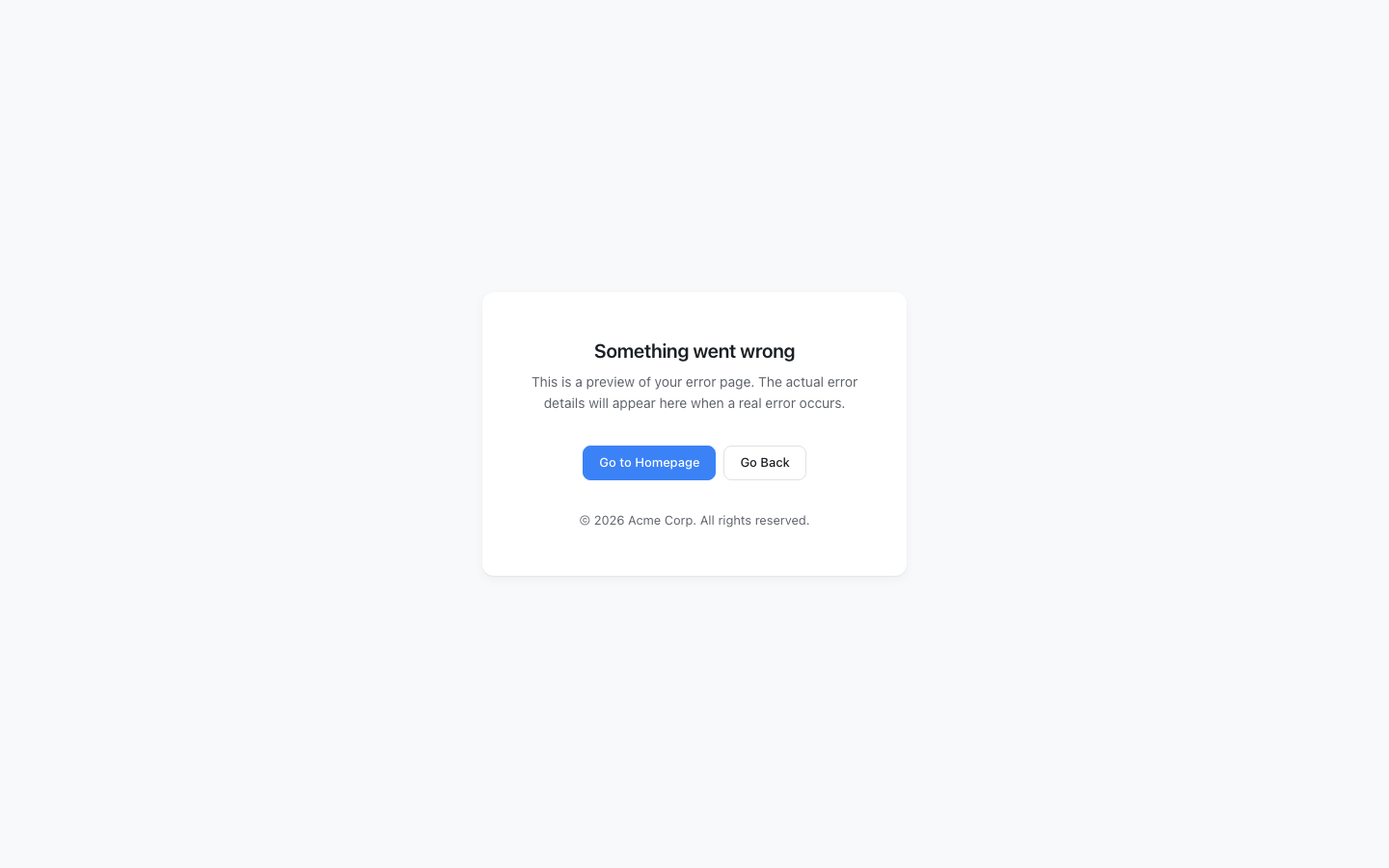
The default Minimal template replacing the WordPress error screen.
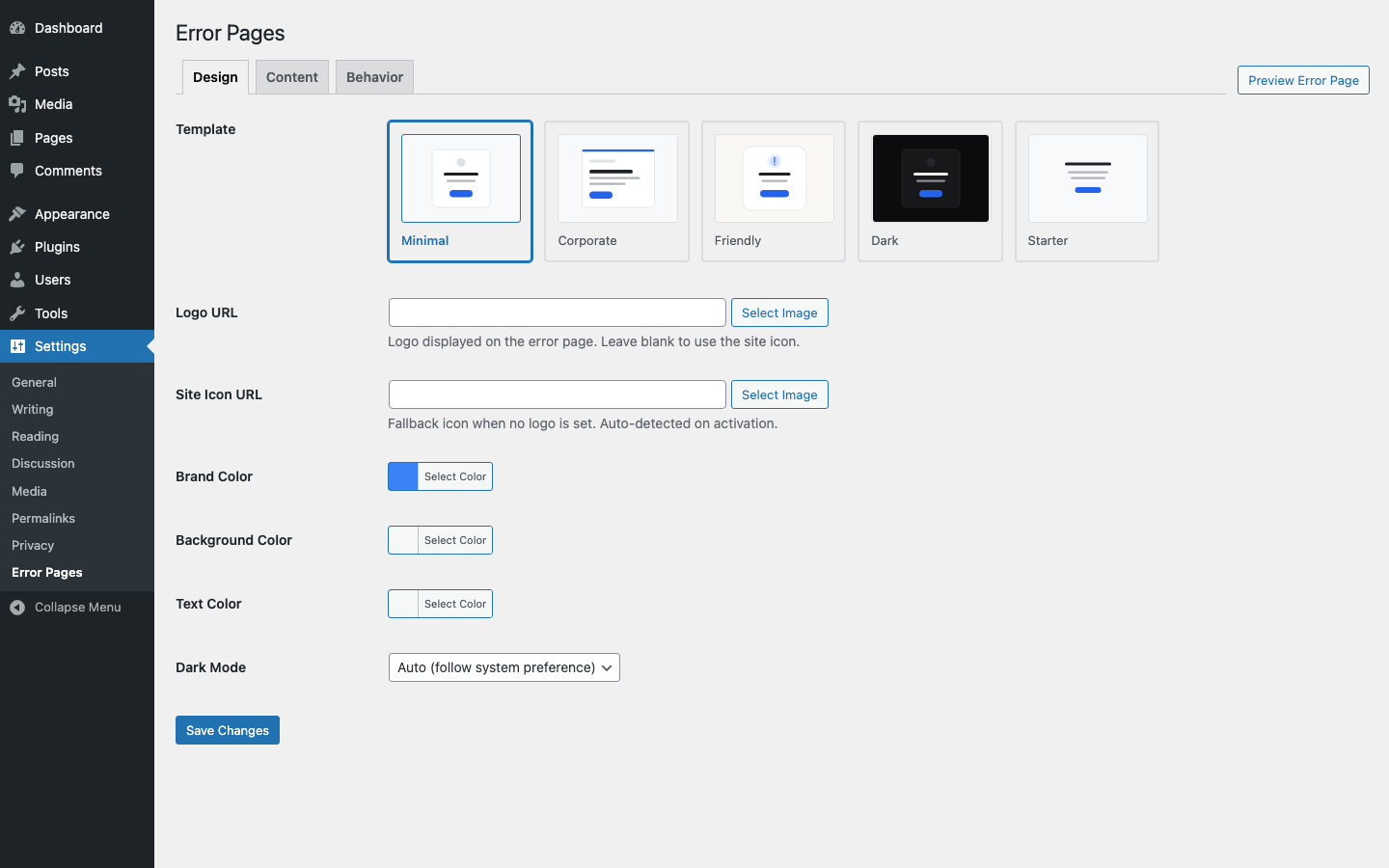
The settings page — Design tab with template picker.
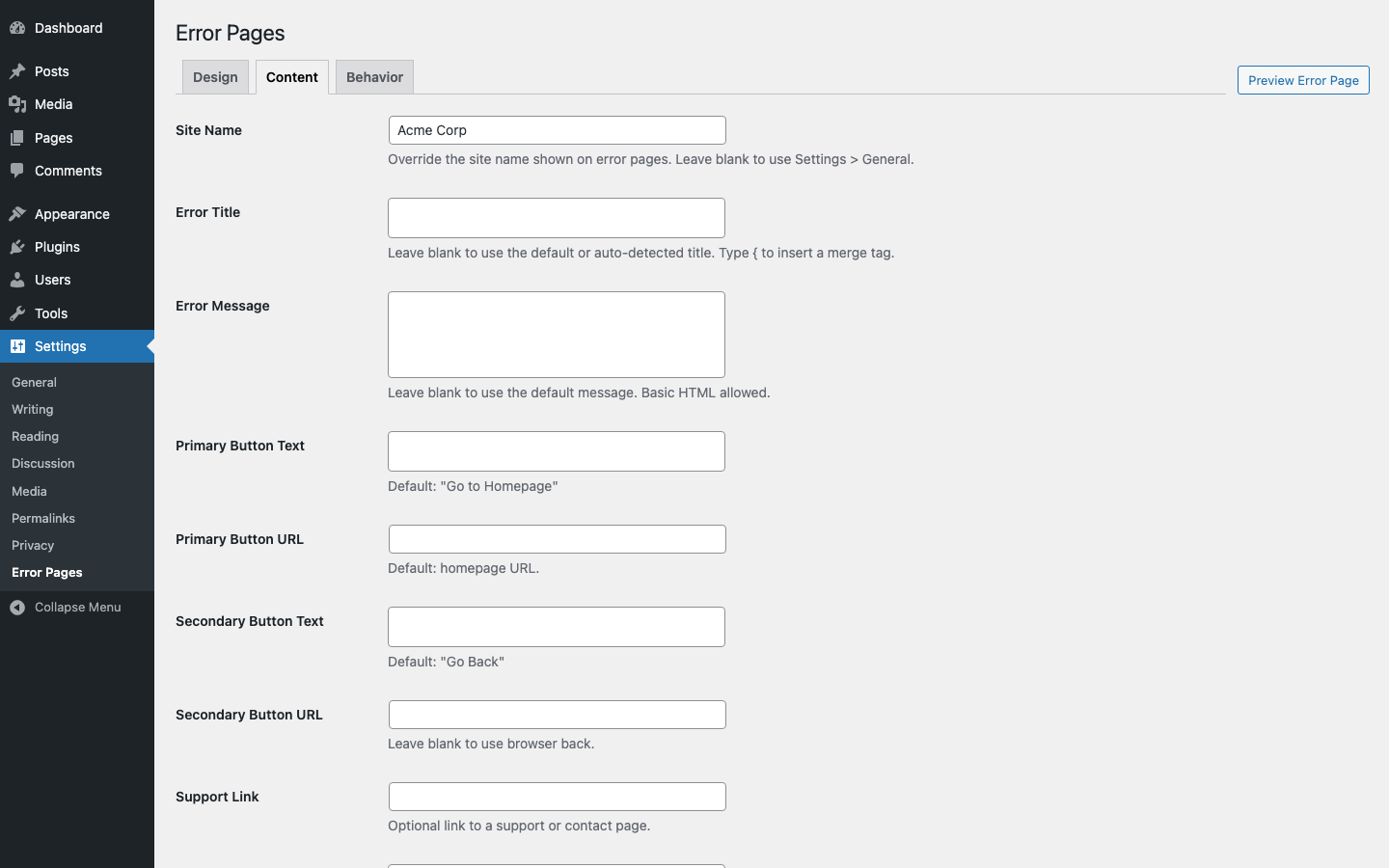
The settings page — Content tab with messaging options.
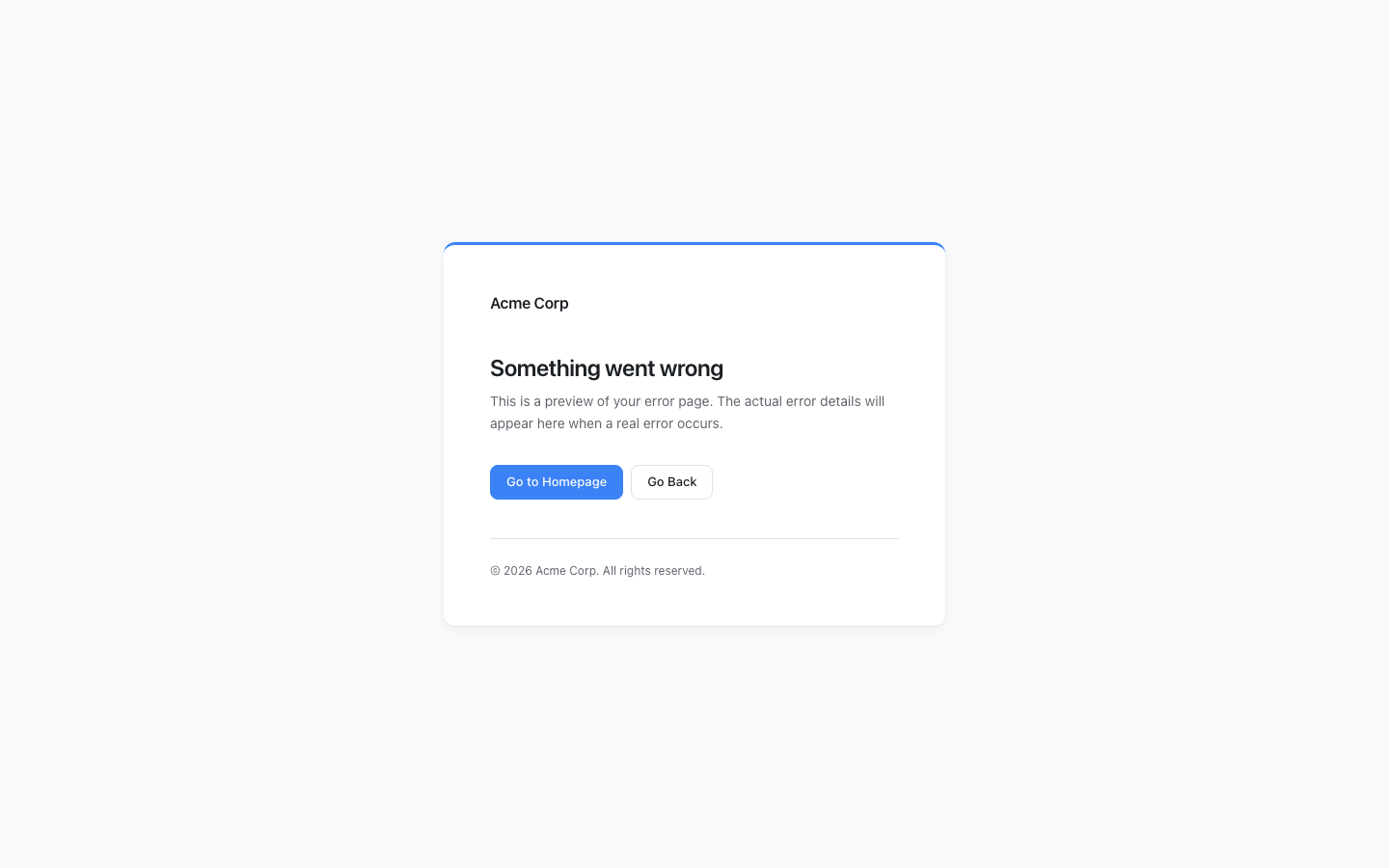
The Corporate template with site logo.
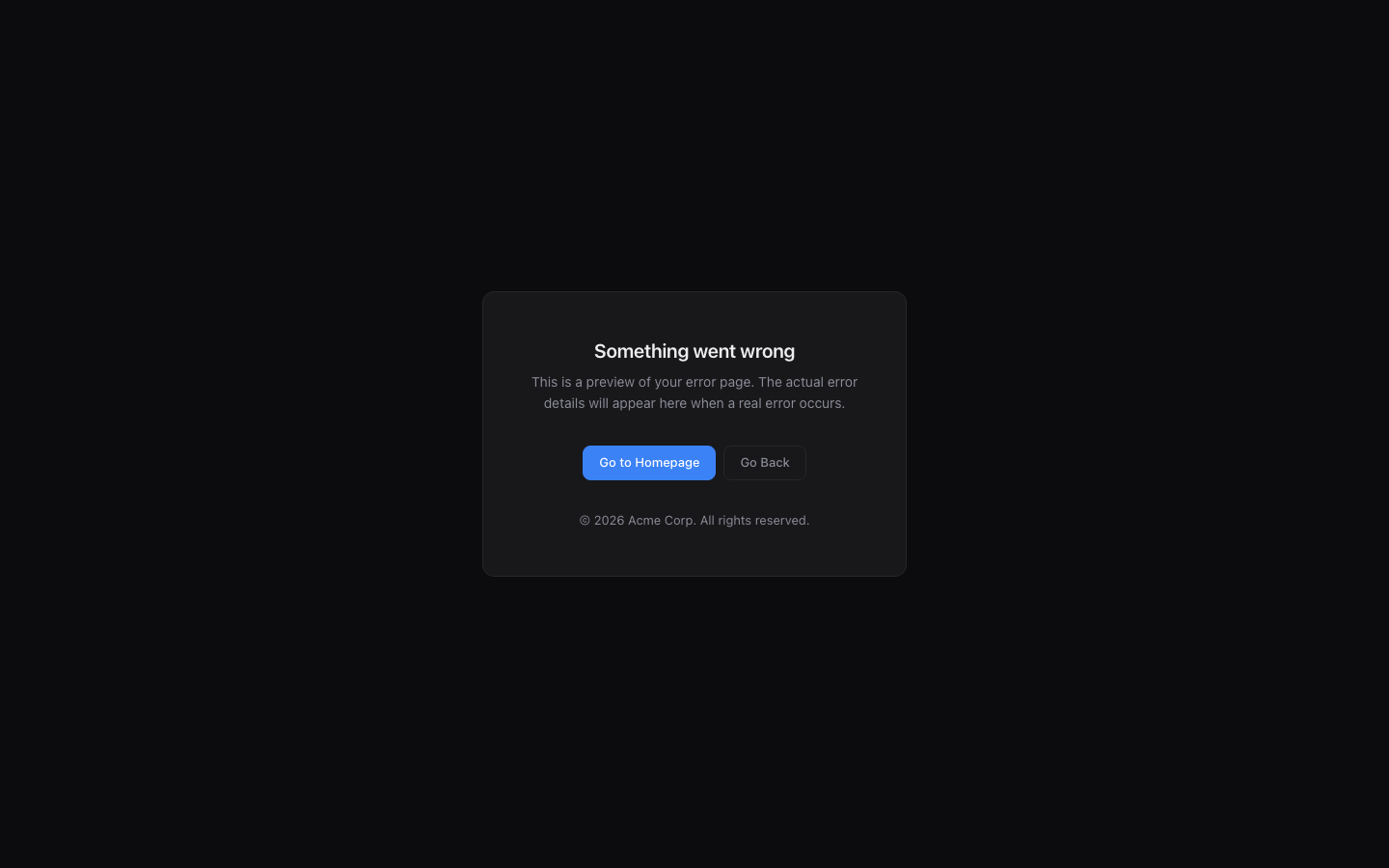
The Dark template with dark mode styling.
Faq
Yes. On activation the plugin auto-detects your site name, logo, and brand color from your
WordPress settings. Works with both classic and block (FSE) themes. No configuration is required.
Two types: (1) the wp_die() screen shown for permission errors, expired nonces, and
similar issues, and (2) the PHP fatal error screen (white screen of death).
No. The plugin only overrides the HTML die handler. REST API, AJAX, JSON, and JSONP
handlers are left completely untouched.
Yes. The plugin detects CLI contexts and skips the custom handler entirely.
Not by default. The handler only fires on the front end unless you explicitly enable
admin override in the settings.
The five built-in templates cover most use cases. Custom template support is planned
for a future release.
Yes. The plugin works with any WordPress site, including WooCommerce stores. Error pages
are styled independently of your theme or any other plugin.
No. The plugin registers its handler on init but only renders output when wp_die() is
actually called or a fatal error occurs. There is zero performance impact on normal pages.
Reviews
Changelog
1.0.7
- Fix: Replace inline onclick handlers with wp_print_inline_script_tag
1.0.6
- Fix: Increase PHPStan memory limit to 1G for CI
1.0.5
- Fix: Remove dead sanitizer wrappers, add request method check
1.0.4
- Fix: Wp.org compliance — use wp_enqueue_style for all CSS output
1.0.3
- Fix author metadata and plugin URI across all files
1.0.2
- Add FSE/block theme brand color detection, fix PCP warnings
1.0.1
- Add @wordpress/scripts build process, rename prefix to gcep, upgrade PHPStan 2
1.0.0
- Initial release
- Custom wp_die() handler with branded error pages
- PHP fatal error shutdown handler with self-contained styling
- Five built-in templates: Minimal, Corporate, Friendly, Dark, Starter
- Admin settings page under Settings > Error Pages
- Auto-detection of site name, logo, and brand color on activation
- Merge tags for dynamic content
- Full i18n support