Gravyware Quick Links

Gravyware Quick Links
Description
Gravyware Quick Links allows you to add, edit, delete, and reorder custom links directly from your WordPress admin area. You can also display these links in a widget on your dashboard. The plugin includes drag-and-drop functionality for intuitive reordering.
Key features:
– Add and manage links via an easy-to-use interface.
– Drag-and-drop sorting of links for a custom order.
– Display sorted links in a dashboard widget.
– Simple and intuitive admin interface.
Use this plugin to keep track of important URLs, organize resources, or share links with your team directly in the WordPress admin.
License
This plugin is licensed under the GPLv2 or later. See the License URI for more details.
Installation
- Upload the
gravyware-quick-linksfolder to the/wp-content/plugins/directory. - Activate the plugin through the ‘Plugins’ menu in WordPress.
- Navigate to Quick Links in the admin menu to start managing your links.
Screenshots
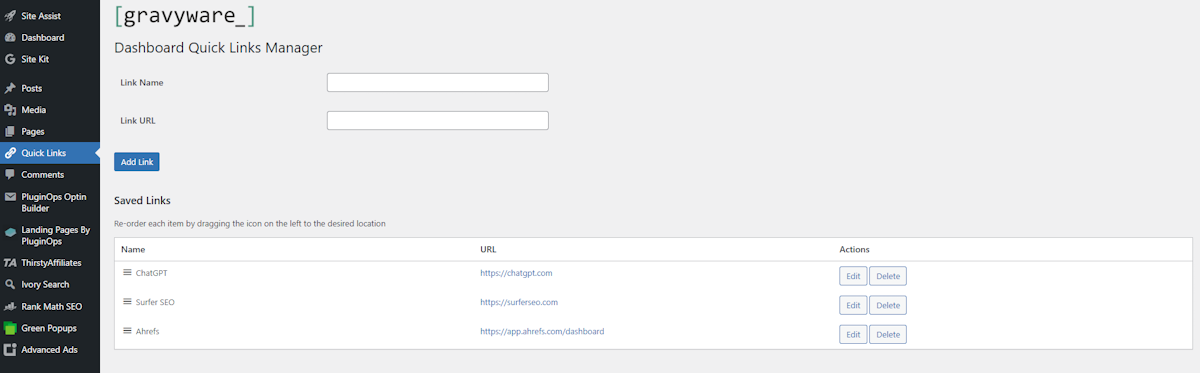
Admin Interface: The interface to manage, edit, and reorder links.
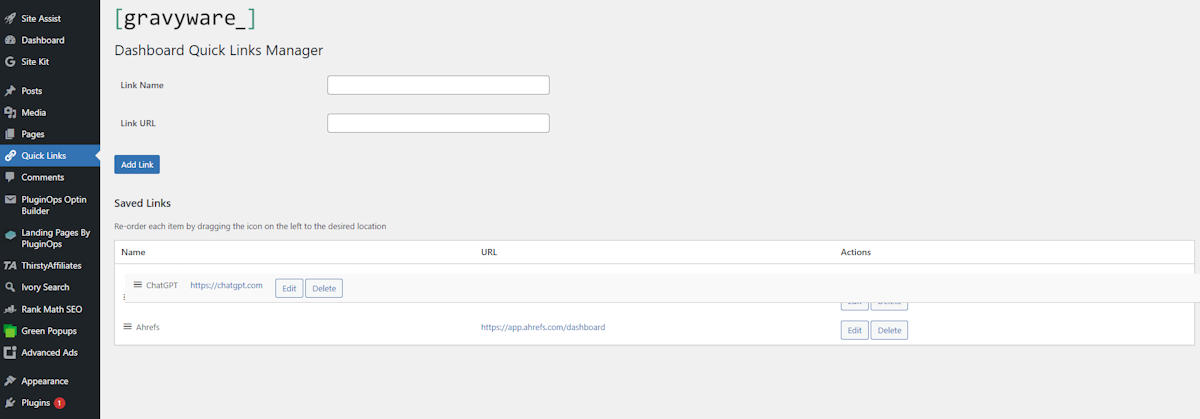
Drag-and-Drop Sorting: Reorder links with an intuitive drag-and-drop interface.
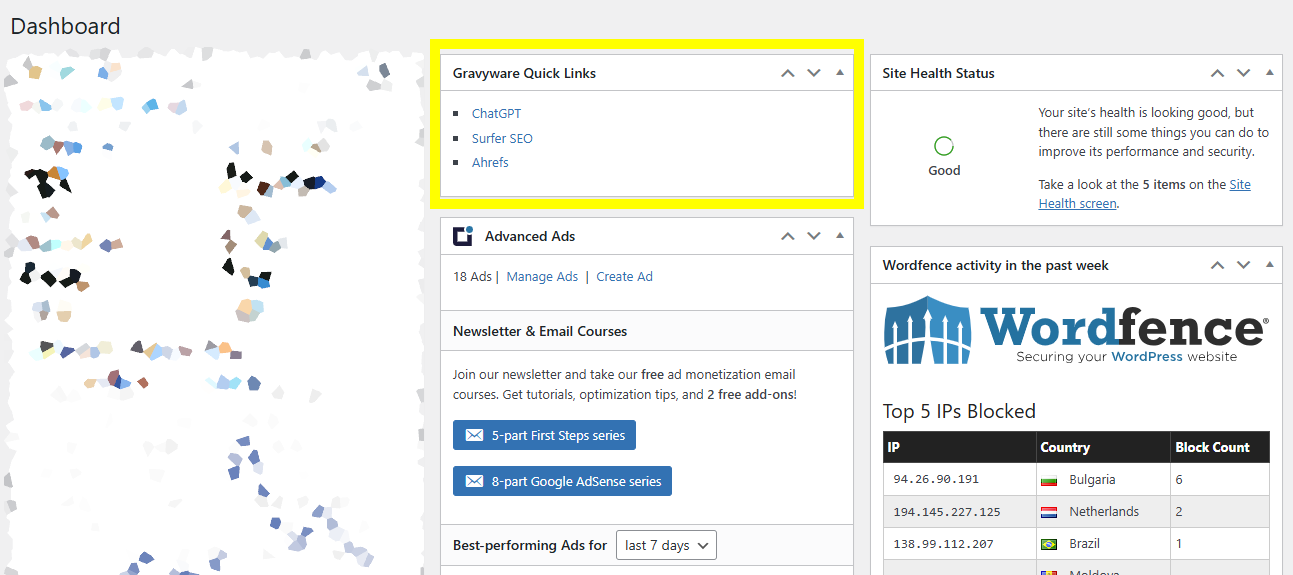
Dashboard Widget: Display your custom links in the WordPress dashboard.
Faq
Simply drag and drop the links in the table (via the icon on the left of each link name) to reorder them. The new order is saved automatically.
Yes, click the “Delete” button next to the link in the list.
Links are displayed in the Gravyware Quick Links Manager admin page and can optionally be shown in a dashboard widget.
Currently, this plugin works on a per-site basis and does not support multisite link sharing.
Reviews
Changelog
1.0.2
- Bug fixes
1.0.1
- Bug fixes
1.0
- Initial release.
- Add, edit, and delete links.
- Drag-and-drop sorting.
- Dashboard widget for displaying links.