GrineoPay Crypto Gateway with Instant Payouts

GrineoPay Crypto Gateway with Instant Payouts
Description
GrineoPay Crypto Gateway with Instant Payouts lets merchants accept cryptocurrency payments directly on their store using supported crypto assets and networks routed through GrineoPay.
This plugin is built for merchants who want a crypto-only payment solution with a non-custodial checkout experience, wallet-based payments, and instant payout routing logic through the GrineoPay ecosystem.
With this plugin, customers can select supported cryptocurrencies during checkout and complete payment using their own wallet, while merchants receive the original cryptocurrency paid by the customer based on their configured GrineoPay wallet setup.
Before You Start
To use this plugin, you will need a GrineoPay merchant account.
Create or access your account here:
* GrineoPay Login: https://grineopay.com/login
Once your account is ready, you will need:
* your Crypto API Key
* your Crypto API Secret
* your Crypto Webhook Secret
* active wallet addresses saved in your GrineoPay merchant dashboard for the assets and networks you want to accept
Key Benefits for Merchants
- Crypto-only checkout
- Fully non-custodial payment flow
- Instant payout routing
- Receive the original cryptocurrency paid by the customer
- Wallet-backed crypto visibility
- WooCommerce classic checkout support
- WooCommerce Blocks checkout support
- Optional modal checkout
- Webhook-based order status updates
- Merchant-configurable minimum order amount
- Checkout discount support
- Remote wallet sync from GrineoPay
- Admin diagnostics panel via
?grineopay_debug=1
Supported Cryptocurrencies and Networks
Current supported options include:
* Bitcoin (BTC) — Bitcoin
* Ethereum (ETH) — Ethereum
* Solana (SOL) — Solana
* Litecoin (LTC) — Litecoin
* Monero (XMR) — Monero
* Dogecoin (DOGE) — Dogecoin
* Cardano (ADA) — Cardano
* Tron (TRX) — Tron
* Tether (USDT) — Tron
* Tether (USDT) — Ethereum
* Tether (USDT) — Polygon
* Tether (USDT) — BNB Smart Chain
* USD Coin (USDC) — Polygon
* USD Coin (USDC) — Ethereum
* USD Coin (USDC) — BNB Smart Chain
* USD Coin (USDC) — Arbitrum
* USD Coin (USDC) — Optimism
* USD Coin (USDC) — Solana
Wallet-Based Crypto Visibility
This plugin only shows crypto methods at checkout when they are actually payout-ready.
A crypto option appears only if:
1. it is enabled in the WooCommerce gateway settings, and
2. the merchant has an active matching wallet configured in GrineoPay for that exact crypto/network combination
This helps prevent customers from choosing unavailable crypto methods and ensures checkout stays synchronized with the merchant’s GrineoPay wallet configuration.
Useful Features
- Remote wallet-backed asset lookup from GrineoPay
- Fast reflection of merchant wallet changes on checkout
- Support for WooCommerce subscriptions compatibility flags
- Admin order crypto metadata display
- Discount support when GrineoPay is selected at checkout
- Debug panel for wallet visibility, credentials, and minimum order diagnostics
Privacy, Security & Compliance
This gateway processes payment information with enterprise-level safety:
* End-to-end SSL/TLS encryption
* No storage of sensitive card information on your server
* Secure webhook signature verification
* Crypto checkout backed by merchant wallet validation
* Server-side validation for crypto asset availability
* Automatic sanitization of stored API credentials to prevent silent authentication failures caused by hidden or invisible characters
* Non-custodial customer payment flow
* Fully GPL-compatible and WooCommerce-friendly
Helpful Links
- Create / Access Account: https://grineopay.com/login
- Merchant Dashboard: https://grineopay.com/merchant-dashboard/
- API Documentation: https://grineopay.com/api-docs
- Supported Countries: https://grineopay.com/countries
- Supported Industries: https://grineopay.com/industries
- Privacy Policy: https://grineopay.com/privacy-policy
- Terms of Service: https://grineopay.com/terms-of-service
Installation
- Upload the plugin files to the
/wp-content/plugins/grineopay-crypto-gateway-with-instant-payouts/directory, or install through the WordPress plugins screen. - Activate the plugin through the Plugins screen in WordPress.
- Create or log in to your merchant account at https://grineopay.com/login.
- In your GrineoPay merchant environment, configure the wallet addresses for the crypto assets and networks you want to accept.
- Go to WooCommerce Settings Payments.
- Enable GrineoPay Crypto Gateway with Instant Payouts.
- Enter your Crypto API Key and Crypto API Secret from your GrineoPay merchant account.
- Copy the WooCommerce webhook callback URL shown in the gateway settings.
- Add that webhook URL to your GrineoPay merchant webhook configuration.
- Paste your Crypto Webhook Secret into the WooCommerce gateway settings.
- Save your settings.
- Optionally configure:
- the minimum order amount
- modal checkout
- enabled cryptocurrencies
- checkout discount settings
Screenshots
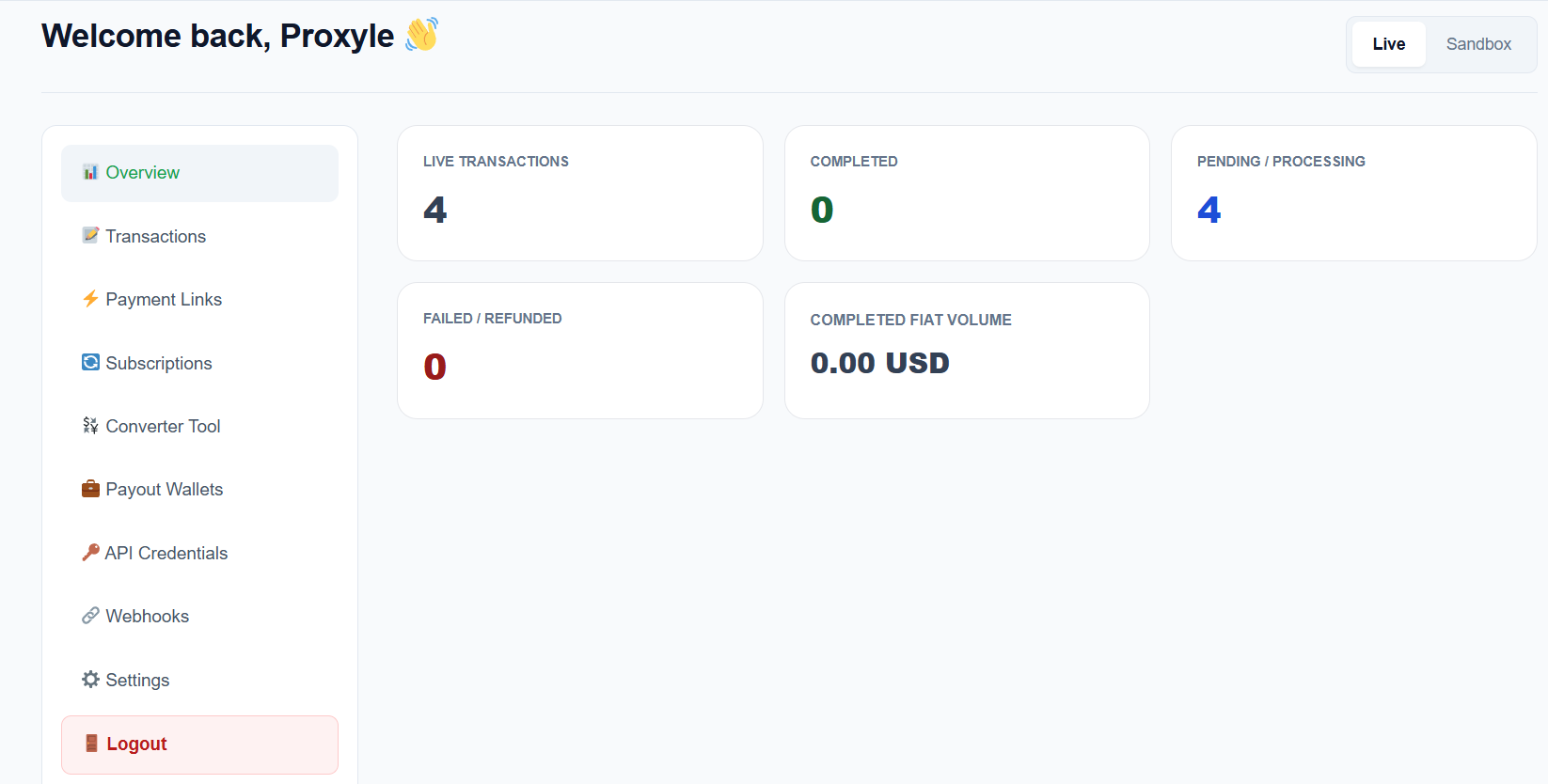


Faq
Yes. You must create or access a GrineoPay merchant account before using the plugin.
Login here:
https://grineopay.com/login
You will need your merchant crypto credentials and active wallet configuration from GrineoPay in order to complete setup.
This plugin is a crypto-only payment gateway.
Customers pay directly using supported cryptocurrencies from their own wallet. The plugin does not process card payments, debit cards, Apple Pay, or Google Pay.
Supported options include:
* BTC
* ETH
* SOL
* LTC
* XMR
* DOGE
* ADA
* TRX
* USDT on supported networks
* USDC on supported networks
The exact list shown at checkout depends on:
1. the gateway settings, and
2. the merchant’s active wallets configured on GrineoPay
If only Bitcoin is visible, check:
* the merchant has saved all desired wallets in the GrineoPay dashboard
* the selected enabled assets include those coins/networks
* the GrineoPay remote API is returning those wallets
This plugin is configured to fetch wallet-backed assets fresh from GrineoPay with no persistent transient caching by default, so wallet additions or removals should reflect on the next checkout reload.
Because the WooCommerce store is separate from the GrineoPay platform, checkout visibility depends on the latest wallet-backed asset response from the remote GrineoPay API.
The minimum order amount is configurable by the merchant in the WooCommerce payment gateway settings.
If the cart total is below that configured minimum, GrineoPay will be hidden at checkout.
Set the minimum to 0 if you want GrineoPay to always be visible regardless of cart total.
There is no single universal fixed maximum in the plugin itself.
Practical limits may depend on:
* blockchain conditions
* wallet capabilities
* supported assets
* remote payment provider constraints
* risk and operational controls
GrineoPay settles in the original cryptocurrency paid by the customer.
If a customer pays in BTC, the merchant receives BTC.
If a customer pays in ETH, the merchant receives ETH.
This is designed for merchants who want original-coin settlement rather than automatic fiat conversion.
You need a wallet that supports the cryptocurrencies and blockchain networks you want to accept through GrineoPay.
Because the merchant receives the original coin paid by the customer, the merchant must configure wallet addresses that match the enabled crypto asset/network combinations. We support payouts in BTC, ETH, SOL, LTC, XMR, DOGE, ADA, TRX, USDT on supported networks, USDC on supported networks
Processing fee is 0.5% per transaction. No subscriptions. No hidden fees.
GrineoPay supports merchants and customers in most countries worldwide, excluding restricted jurisdictions.
For the current supported and restricted country list, visit:
https://grineopay.com/countries
The checkout flow is designed to be non-custodial in customer experience terms, with wallet-based payment handling and direct merchant payout routing based on configured wallets.
Because GrineoPay’s crypto checkout flow is 100% non-custodial, we do not require KYB or KYC.
Timing depends on:
* the blockchain network
* confirmation timing
* transaction conditions
* the GrineoPay payment routing flow
The plugin itself is designed for instant payout routing logic, but practical timing always depends on actual network confirmation and remote platform processing.
This plugin is built around:
* webhook signature verification
* remote wallet-backed asset validation
* checkout-level crypto selection validation
* secure remote API communication
* credential sanitization
* WooCommerce-safe order state handling
Install and activate the plugin, create your GrineoPay account, configure your wallets, add your API credentials in WooCommerce, and connect the webhook URL shown in the settings.
Then test checkout using a supported cryptocurrency.
If the remote payment does not complete successfully, the WooCommerce order remains unpaid or is marked failed depending on the webhook status returned by GrineoPay.
GrineoPay supports a range of merchant categories depending on its current policies, supported countries, and risk criteria.
For the latest industries information, visit:
https://grineopay.com/industries
As an administrator, add:
?grineopay_debug=1
to your checkout URL.
This will display a diagnostic panel showing:
* whether the gateway is enabled
* whether your credentials are configured and clean
* whether wallet-backed assets are being returned
* whether your cart meets the minimum order requirement
Reviews
Changelog
1.1.1
- Removed Binance Coin (BNB) and Ripple (XRP) from the list of supported cryptocurrencies.
- General maintenance and version bump.
1.0.0
- Initial production release.
- Added crypto-only WooCommerce gateway support.
- Added wallet-backed crypto visibility.
- Added WooCommerce Blocks support.
- Added recurring/subscription support flags.
- Added checkout discount support.
- Added modal checkout support.
- Added debug diagnostics panel.
- Added webhook-based order updates.
- Added fresh remote wallet synchronization behavior.