GS ACF Icons
GS ACF Icons
Description
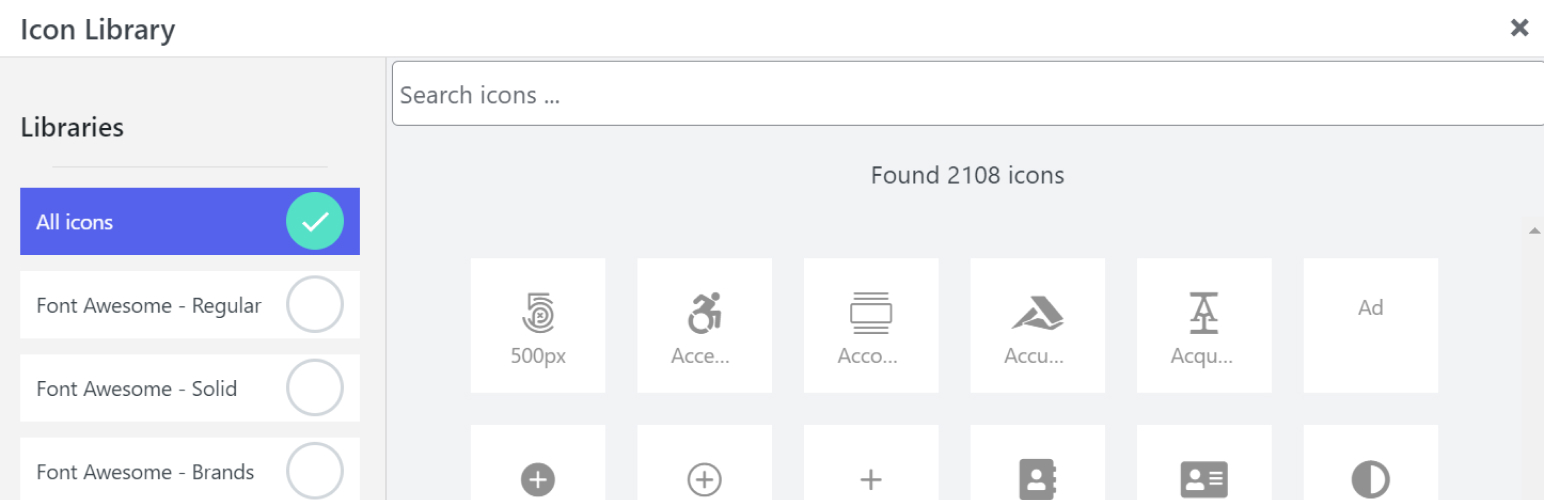
The ACF icon plugin adds a new field to ACF that enables users to select an icon from a popup.
It works with ACF Repeater fields.
It supports both font icons and SVG icons. You can select if the field should return
* CSS class
* SVG url fragment
* SVG file path
* SVG raw (the SVG markup)
You cannot limit to certain icons or add new icon providers as of writing which is version 0.1.3.
If you are using ACF functions the_field() with CSS class return format you need to enqueue the required CSS.
Use ACFIcon::get_css_handle(get_the_field(‘your-icon-field-id’)) to retrieve the correct CSS handle for the selected icon.
Supported icons are Font Awesome 5 Free, Ionicons and Elementor Icons.
Installation
- Download the plugin from the link provided in your order email
- Upload the zip file to your site
- Activate the plugin
Screenshots


Faq
There are few methods either use a plugin such as Advanced Elements that displays ACF fields or add new code to
your theme templates that calls the default ACF functions.
If you are using ACF functions the_field() with you need to enqueue the required CSS.
Use ACFIcon::get_css_handle(get_the_field(‘your-icon-field-id’)) to retrieve the correct CSS handle for the selected icon.
Reviews
Changelog
0.1.3
- Add on request SVG generation
- Add usage instructions
- Remove comment artifacts
- Remove single SVG files
- Remove duplicate JavaScript
- Fix issue with wrong ID targeting on repeater icons
- Fix issue with missing ID when removing icons on first load
- Fix wrong URL when return format is URL
- Fix compatibility when used as subfield with Repeater field