HansAndFriends Sticky Contact Sidebar

HansAndFriends Sticky Contact Sidebar
Description
HansAndFriends Sticky Contact Sidebar adds a compact, configurable contact sidebar to your website.
Main features:
- Editable contact content in WordPress admin
- Separate label/text/link fields for phone, email, and contact form
- Address field with optional automatic Google Maps link generation
- Per-item visibility toggles for phone, email, address, and contact form
- Optional social block with auto-detected network icons from entered profile links
- Three configurable colors (accent, label, text/value)
- Font source switch: theme stack, Google Fonts locally (recommended), or Google Fonts CDN
- Google Fonts catalog scoped to families with Latin support, with additional filtering of script-specific non-western families
- Global font-weight controls for labels and text (2 selects, based on selected family)
- Search-based Google Font picker (no large dropdown)
- One-click local Google Font installation from plugin settings
- Optional mobile disable with custom breakpoint
- Optional “show peek only after scroll” mode
The sidebar behavior remains simple:
- Default state: visible in peek mode
- On hover/focus: expands fully
- Optional mode: starts hidden and shows peek only after scroll activity
External services
This plugin can connect to Google services in typography features, depending on selected mode.
- Google Fonts CSS API
* Service URL: https://fonts.googleapis.com/css2
* Used when:
* Frontend renders the sidebar in Use Google Fonts CDN mode
* Admin runs Install locally & activate for a selected font
* Data sent: Requested font family and IP address (standard HTTP request metadata)
* Why: Load Google Fonts CSS for CDN delivery or local installation workflow
* Terms of Service: https://policies.google.com/terms
* Privacy Policy: https://policies.google.com/privacy
- Google Fonts metadata endpoint
* Service URL: https://fonts.google.com/metadata/fonts
* Used when: Admin opens plugin settings while Use Google Fonts CDN or Use Google Fonts locally is enabled
* Data sent: Your server IP and standard HTTP request metadata
* Why: Automatically refresh the selectable Google Fonts catalog
* Terms of Service: https://policies.google.com/terms
* Privacy Policy: https://policies.google.com/privacy
- Google static font file host
* Service URL: https://fonts.gstatic.com/
* Used when: Admin runs Install locally & activate
* Data sent: Your server IP and standard HTTP request metadata
* Why: Download selected font files for local hosting
* Terms of Service: https://policies.google.com/terms
* Privacy Policy: https://policies.google.com/privacy
Third-party trademarks
Social network names and logos are trademarks of their respective owners.
This plugin displays social icons based on user-entered profile links and does not imply endorsement by those brands.
Installation
- Upload the
hansandfriends-sticky-contact-sidebarfolder to/wp-content/plugins/, or install it through the WordPress Plugins screen. - Activate HansAndFriends Sticky Contact Sidebar from the Plugins screen.
- Go to Settings > HansAndFriends Sticky Contact Sidebar.
- Configure text, links, colors, and typography options.
Screenshots
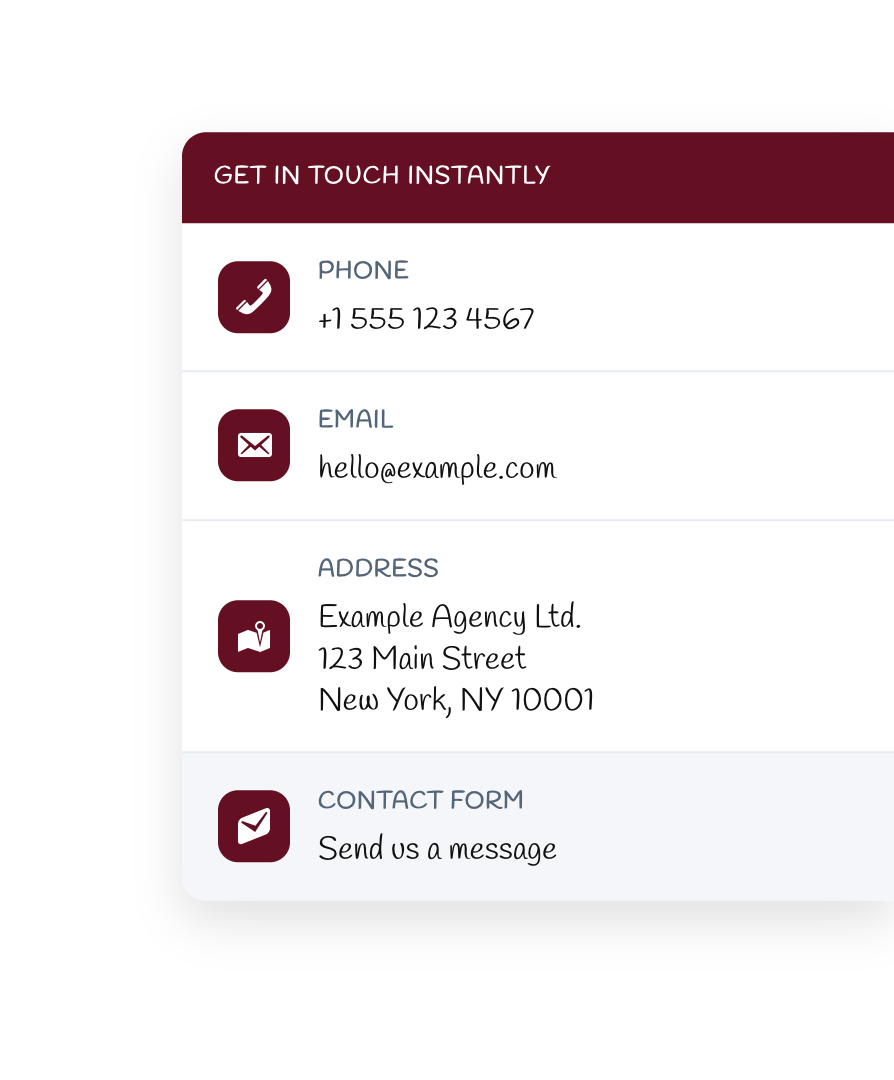
Frontend sidebar with full contact stack and custom accent/font styling.

Sidebar integrated on a live page (expanded state over real content).
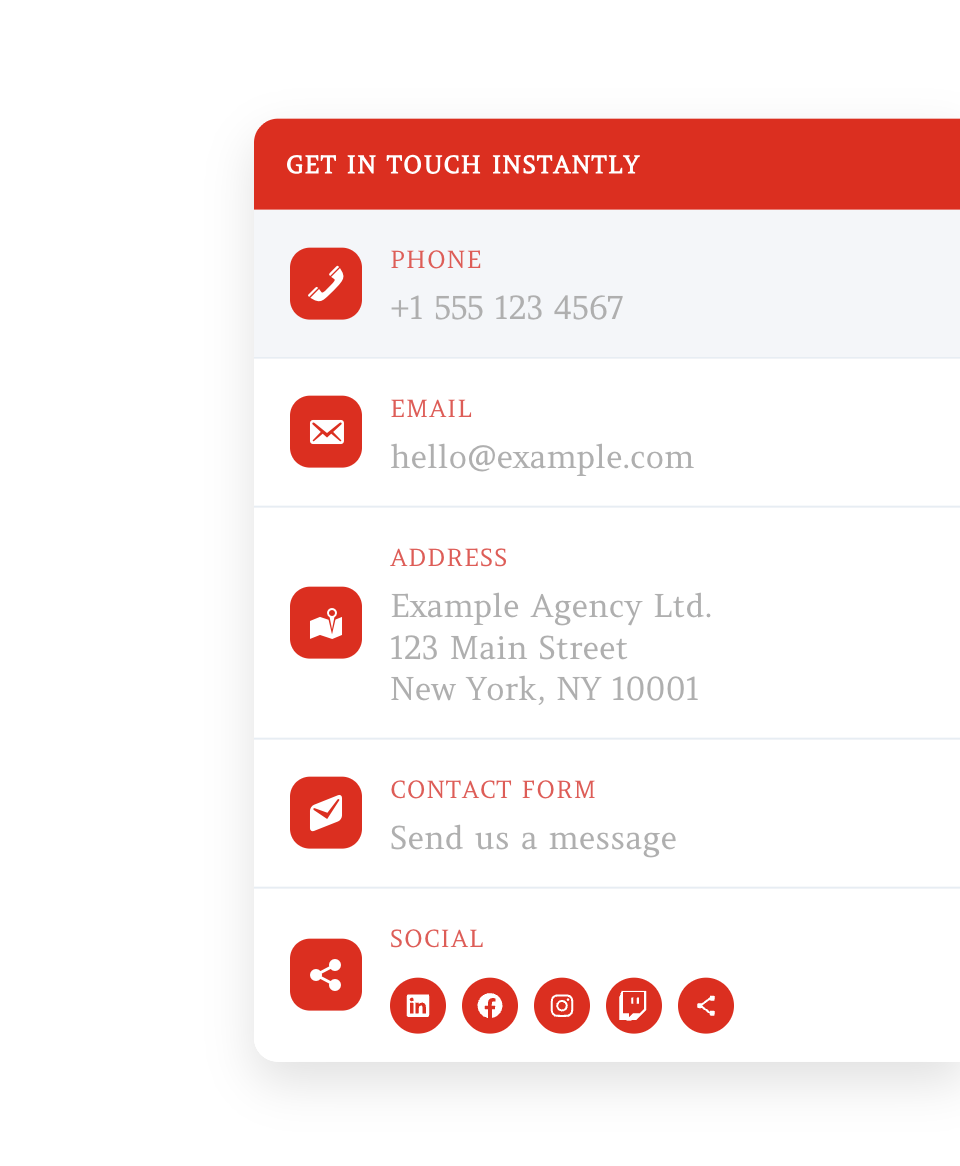
Frontend with social links enabled and auto-detected network icons.
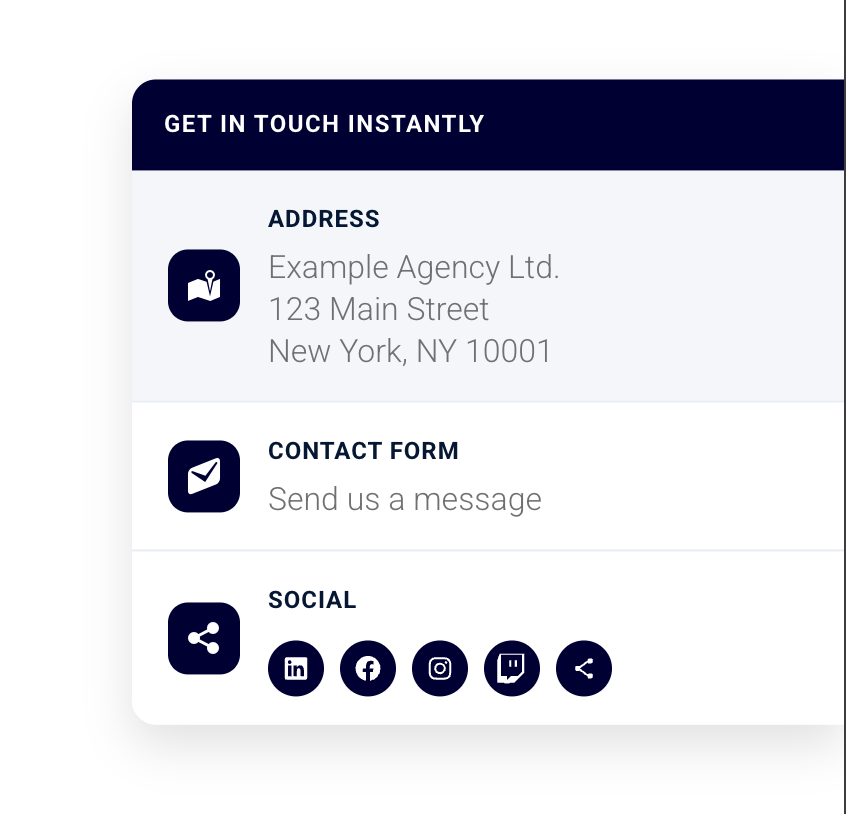
Optional visibility example with only address, contact form, and social items shown.
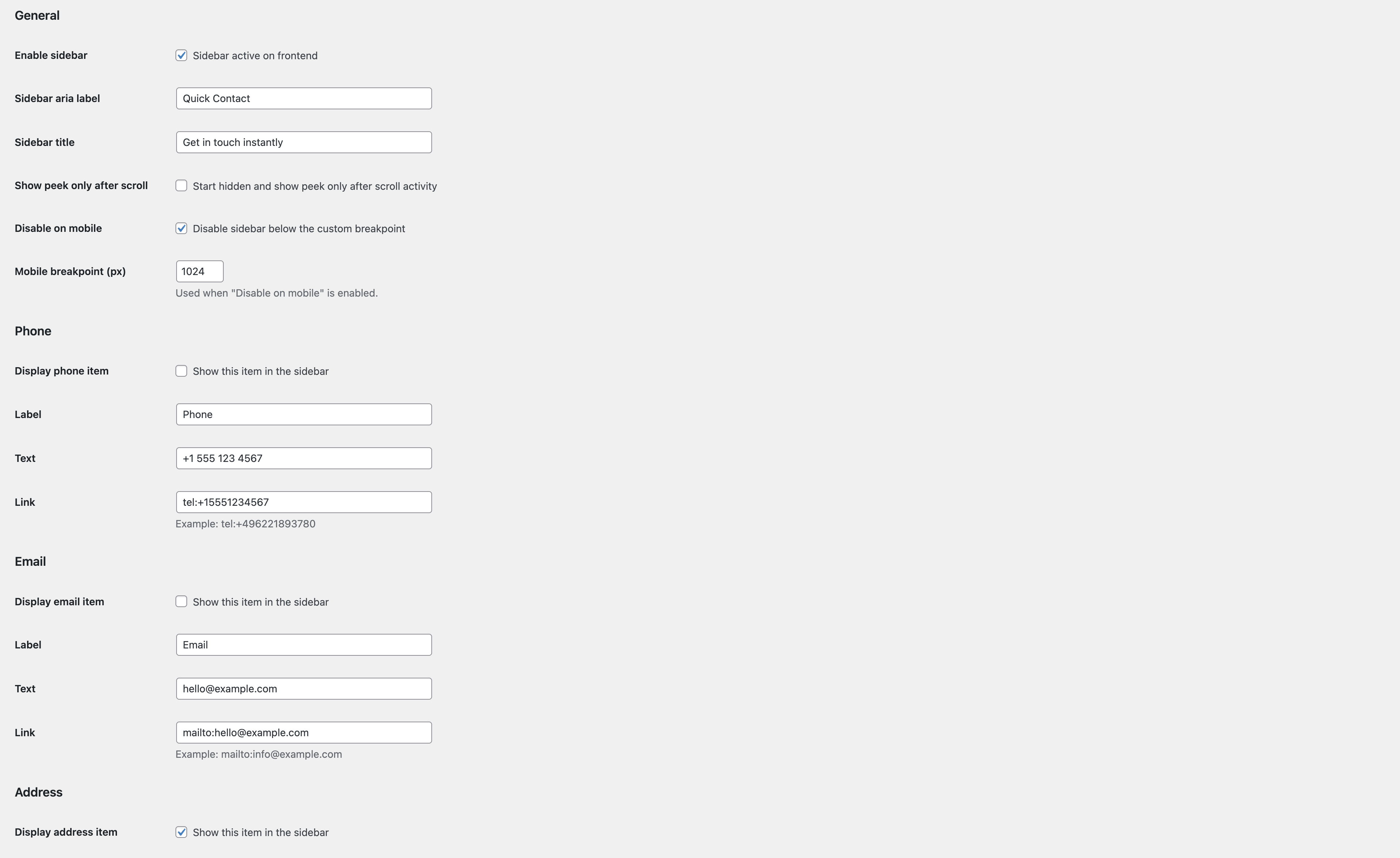
Admin general settings for behavior, visibility toggles, and editable labels/links.
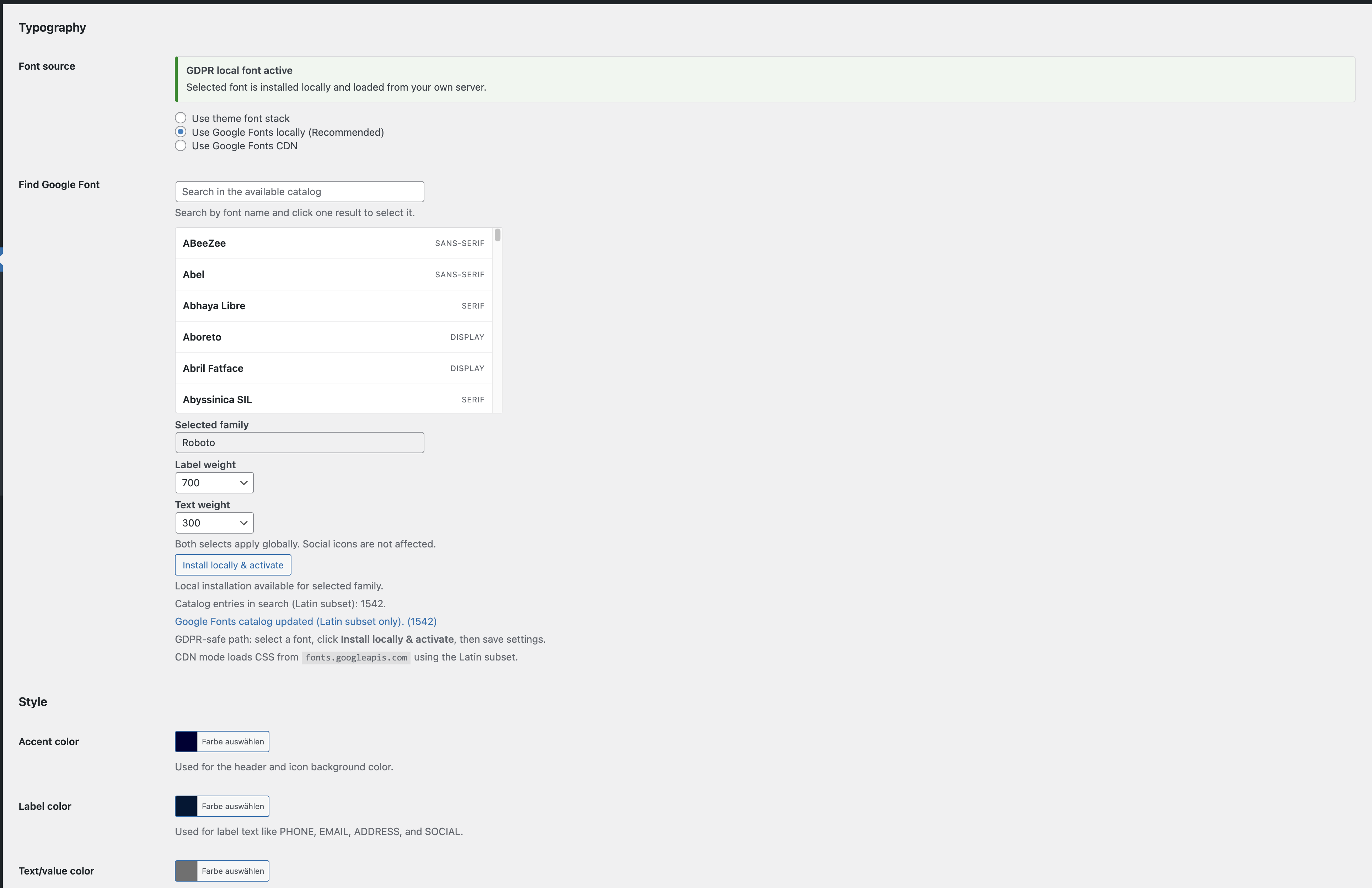
Admin typography and style settings with Google Fonts mode, weight controls, and color pickers.
Faq
Yes. Enable Disable on mobile and set your own breakpoint in pixels.
Yes. Enable Show peek only after scroll in the plugin settings.
Yes. Use Typography settings and choose:
* Use Google Fonts locally (Recommended) for GDPR-friendly local delivery.
* Use Google Fonts CDN only if you explicitly need CDN delivery.
Yes. While Use Google Fonts CDN or Use Google Fonts locally is active, the plugin refreshes the catalog automatically from Google Fonts metadata when opening the plugin settings page.
Only families with Latin support are listed, and script-specific non-western families are filtered out from search.
Reviews
Changelog
1.0.0
- Initial public release for WordPress.org.
- Configurable contact fields, links, maps toggle, and per-item visibility toggles.
- Optional social item with auto-detected network icons from profile URLs, including TikTok.
- Accent, label, and text/value color controls with admin color pickers.
- Typography modes: theme font stack, Google Fonts CDN, and local Google Fonts (GDPR-friendly path).
- Search-based Google Font picker with Latin-focused catalog filtering and local install flow.
- Global font-weight controls for labels and text based on selected font family.
- Optional mobile disable with custom breakpoint and optional scroll-based peek behavior.
- Settings shortcut link added in the plugins list row meta.