HDWebmobile Media Folder Roles
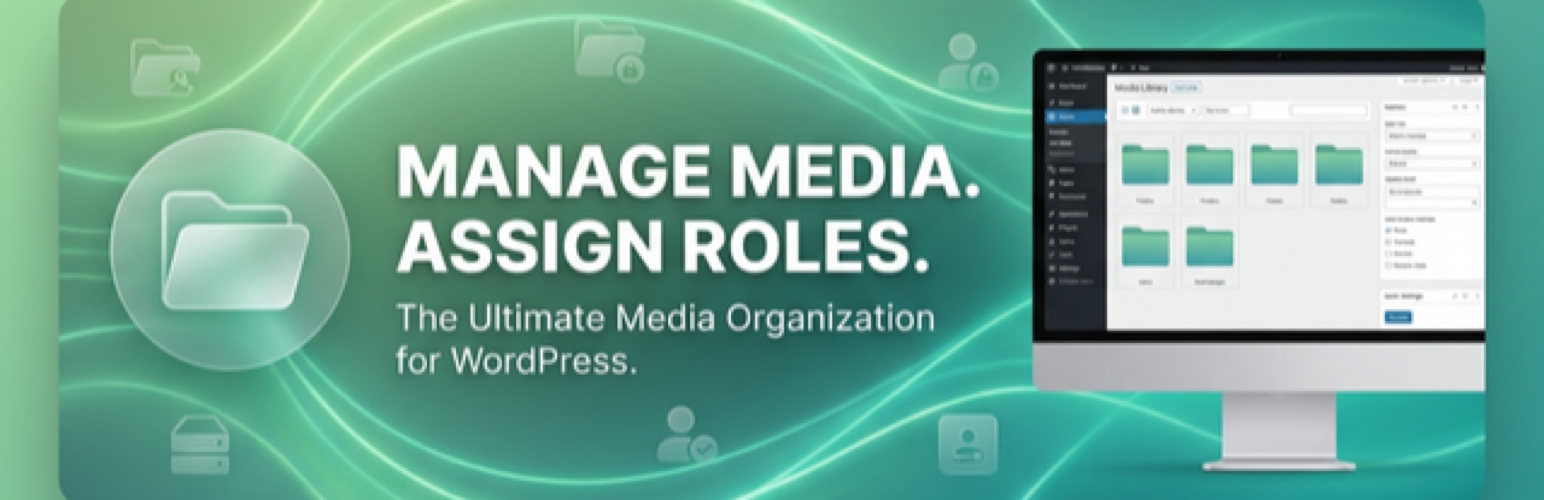
HDWebmobile Media Folder Roles
Description
HDWebmobile Media Folder Roles allows you to organize your WordPress Media Library into hierarchical folders and restrict access to these folders based on user roles.
Key Features:
* Create and manage hierarchical media folders.
* Assign role-based permissions to each folder.
* Restrict media viewing and editing based on folder permissions.
* Fully compatible with PublishPress Capabilities for advanced role management.
Installation
- Upload the
hdwebmobile-media-folder-rolesfolder to the/wp-content/plugins/directory. - Activate the plugin through the ‘Plugins’ menu in WordPress.
- Go to Media > Folders to start organizing your library.
Reviews
Changelog
1.1.3
- Remove PHP session usage and switch selected-folder persistence to user meta.
- Strengthen security by requiring nonce and capability checks for upload and AJAX flows.
- Global rename of namespace, constants, classes, functions, and options to use the
hdwemefoprefix for unique naming as per WordPress.org requirements. - Replace generic taxonomy key with unique prefixed taxonomy (
hdwemefo_media_folder) and include one-time migration from legacymedia_folder.
1.1.2
- Update version for WordPress.org upload.
- Add plugin list Donate link and taxonomy-page support notice.
1.0.0
- Initial release with branding update and hdwemefo_ prefix.