HDY Login Branding
HDY Login Branding
Description
Customize the WordPress login screen without touching code.
Features:
* Enable or disable the custom login logo.
* Choose a logo from the Media Library.
* Logo links to the site homepage when enabled.
* Customize the login page background color.
* Customize the login button label, background, and text color.
Installation
- Upload the
hdy-login-brandingfolder to/wp-content/plugins/Or in your WordPress admin, go to Plugins > Add New > Upload. - Activate the plugin through the Plugins screen in WordPress.
- Go to Settings > HDY Login Branding.
- Enable the logo and select an image from the Media Library.
Screenshots
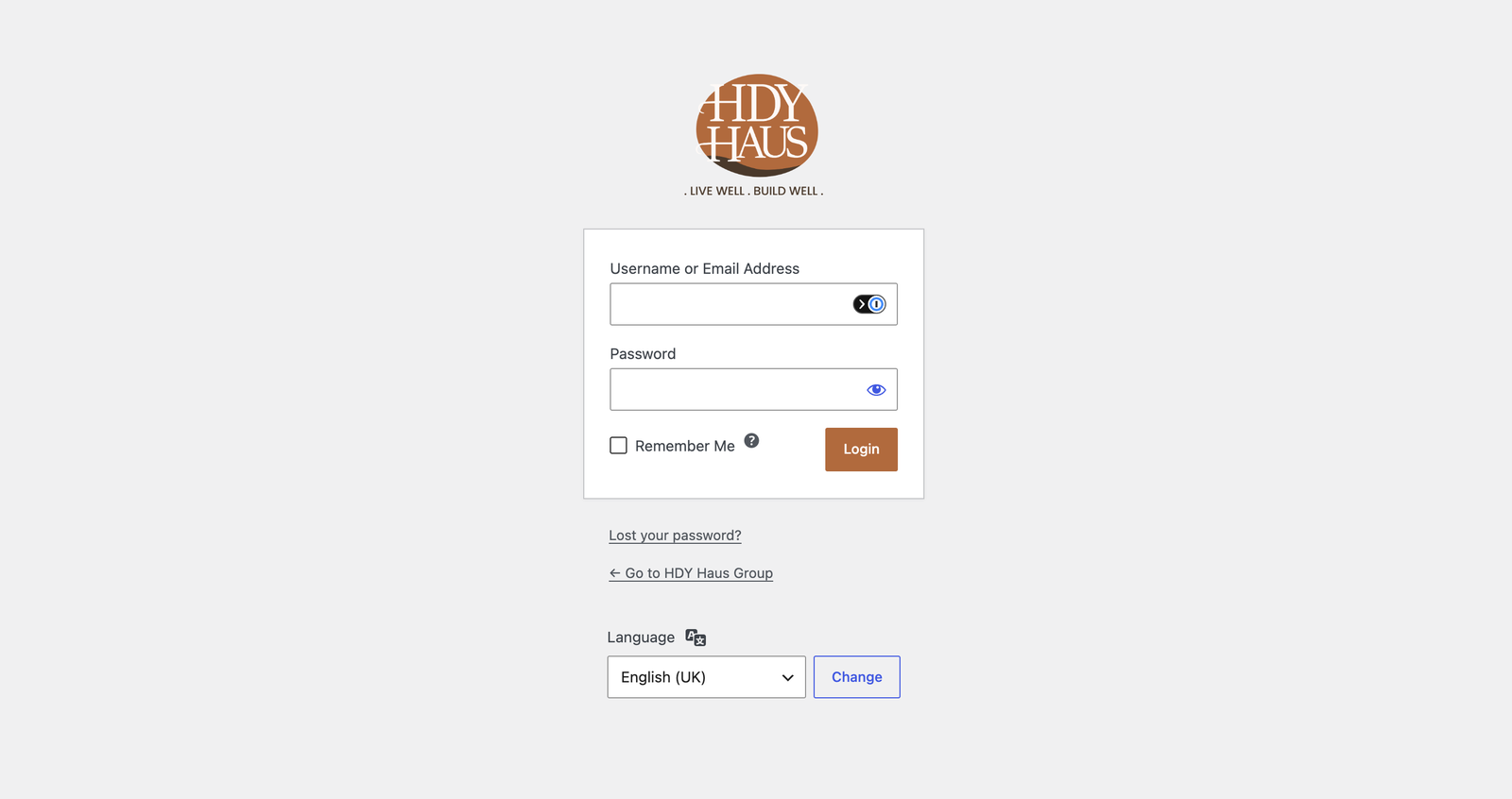
Plugin settings page with custom logo selection and preview.
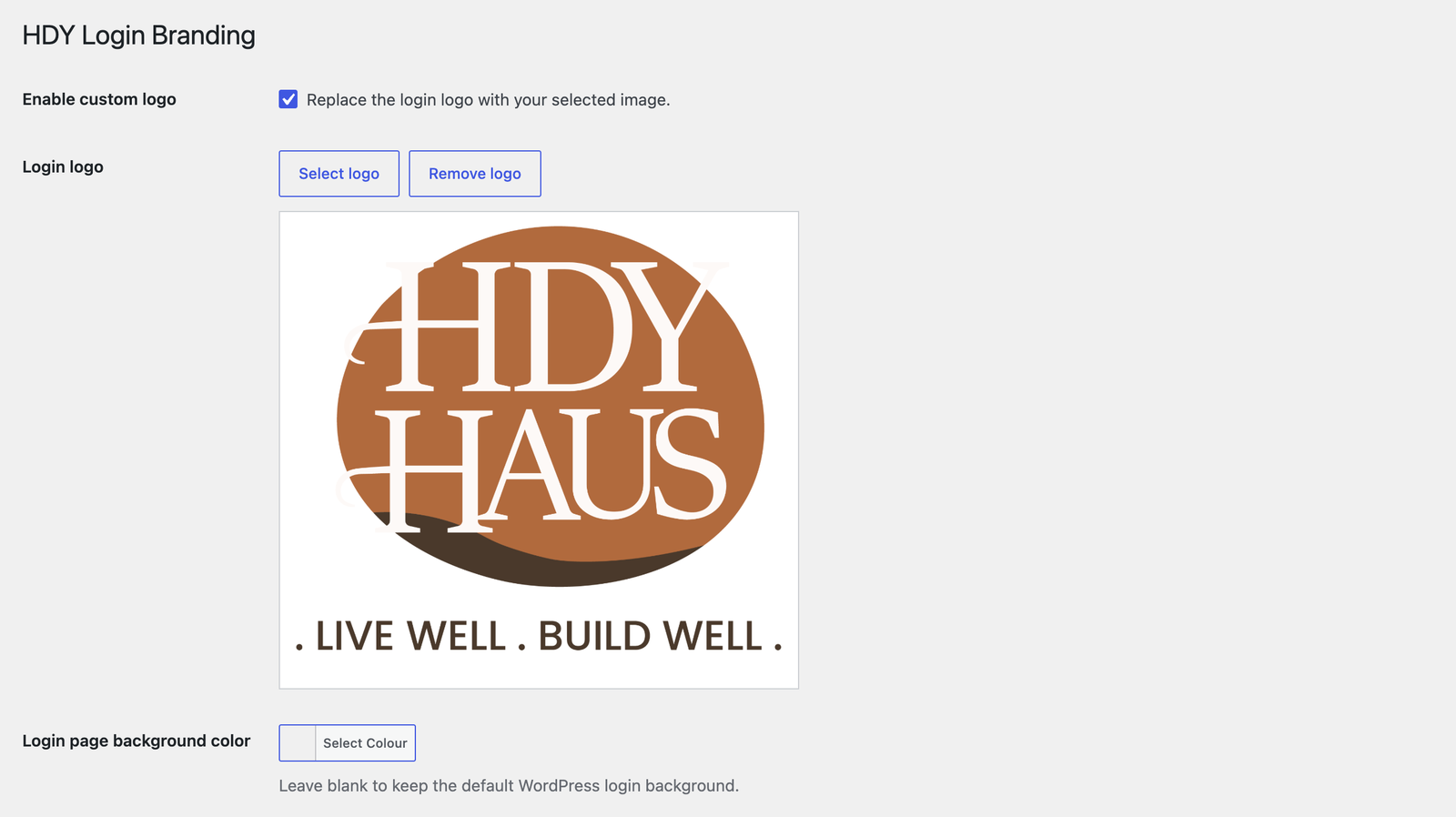
Color picker settings for login page background and login button styles.
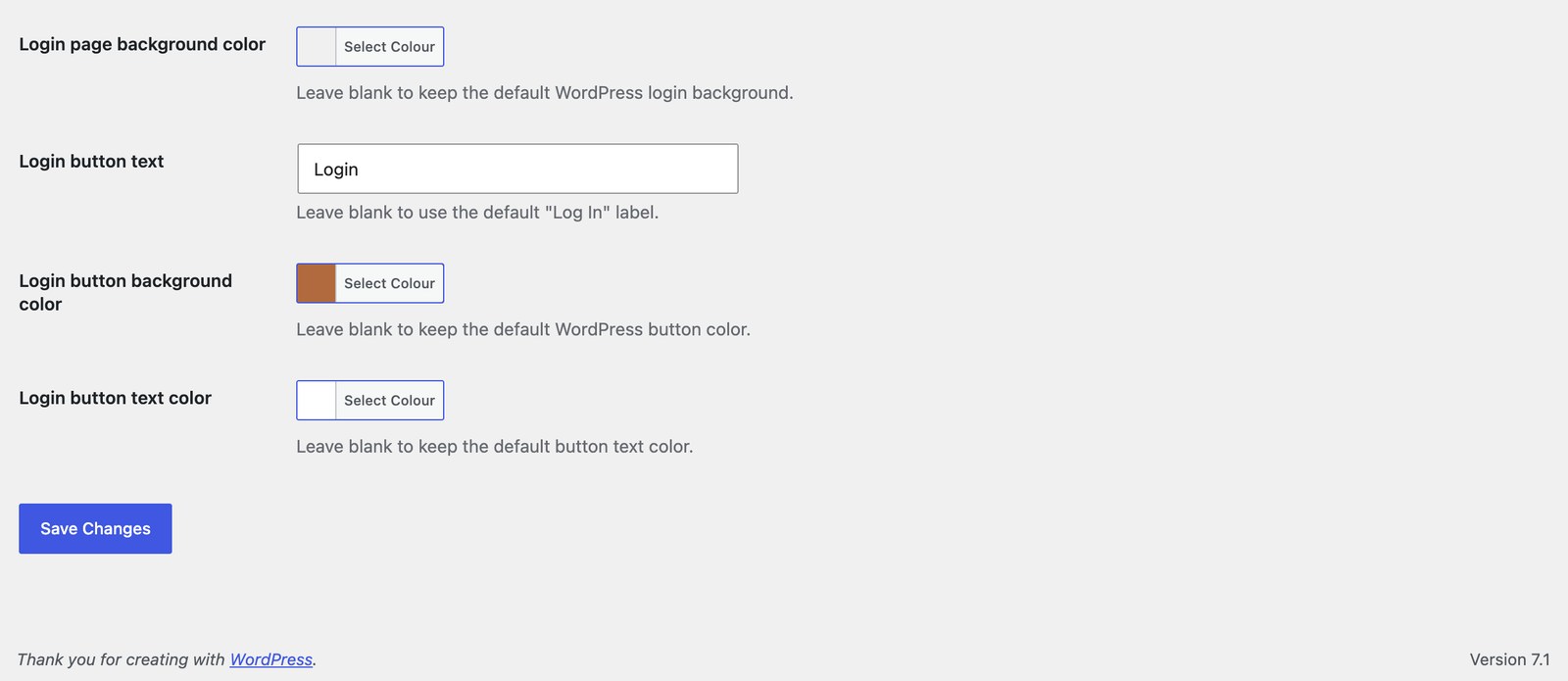
Customized WordPress login page with branded logo, background, and button text.
Faq
The login screen uses a 320×120 box. Larger images are scaled to fit.
When the custom logo is enabled and set, it links to the homepage.
Reviews
Changelog
1.0.3
- Added a Settings action link on the WordPress Plugins screen.
1.0.2
- Renamed plugin to HDY Login Branding for WordPress.org review.
- Updated prefixes, text domain, and asset handles for directory compliance.
- Removed bundled screenshot assets from the plugin package.
1.0.1
- Added login page background color customization with WordPress color picker support.
- Added screenshot assets and expanded screenshot descriptions.
- Updated plugin and readme license metadata to GPL-3.0-or-later.
- Improved coding standards compliance with local PHPCS/WPCS tooling.
1.0.0
- Initial release.