Hide Elementor Loading Panel
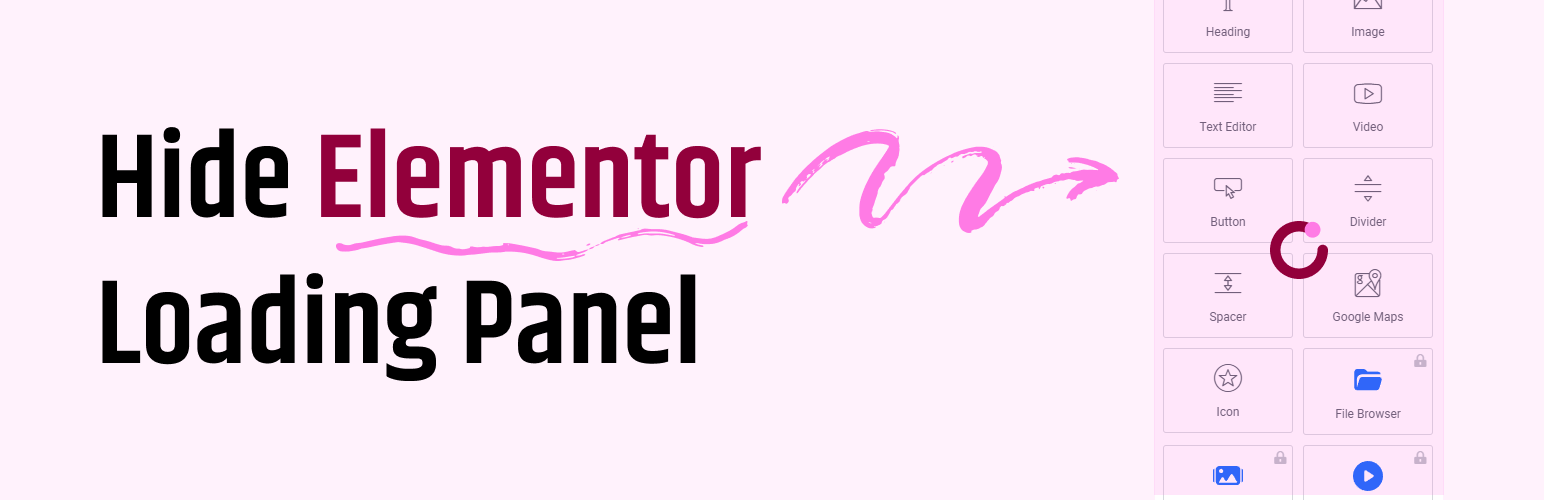
Hide Elementor Loading Panel
Description
The Hide Elementor Loading Panel plugin is a lightweight solution for WordPress users who want to eliminate the Elementor loading panel during their design process. This plugin simplifies the admin interface by hiding the unnecessary loading overlay, letting you focus on creating your website without interruptions.
Features:
– Hides Elementor’s default loading panel.
– Lightweight and easy to install.
– No additional configuration required—works out of the box.
Why use this plugin?
If you’re tired of waiting for the Elementor loading panel or find it obstructive during your workflow, this plugin offers a straightforward fix. Ideal for developers and designers who value speed and minimalism.
Installation
- Download the plugin zip file.
- Go to your WordPress Dashboard, navigate to Plugins > Add New.
- Click on Upload Plugin and choose the downloaded zip file.
- Click Install Now and then Activate.
- The Elementor loading panel will now be hidden automatically.
Faq
No, this plugin only hides the loading panel in Elementor’s editor and does not impact the performance of your website.
Yes, simply deactivate or uninstall the plugin.
The plugin is designed to work with Elementor 3.0 and above. Compatibility with earlier versions is not guaranteed.
Reviews
Just saved my life!!!
By 
I went crazy trying to fix a loading issue with the Elementor tools panel. When combined with WooCommerce, the spinner kept spinning endlessly. With this plugin, the problem disappeared instantly! Amazing!
Changelog
1.0.0
- Initial release.
- Hides the Elementor loading panel.