Hide Price Until User Login For Woocommerce

Hide Price Until User Login For Woocommerce
Description
Hide Price Until User Login For Woocommerce is a WordPress plugin for only showing Woocommerce product prices to registered and logged-in users.
Features
- Hide Prices: Non-logged-in users will see a prompt to log in instead of the price.
- Modify Add-to-Cart Buttons: Replaces the add-to-cart button with customizable text for non-logged-in users.
- Disable Purchases: Prevents non-logged-in users from proceeding to checkout.
- Customizable Text: Admins can customize the text displayed to non-logged-in users through plugin translation.
Requirements
- WordPress 5.0 or higher
- WooCommerce 4.0 or higher
Can I customize the text displayed to non-logged-in users?
Yes, you can customize the text from by translation.
Is this plugin compatible with all themes?
This plugin is compatible with most themes that follow WooCommerce’s standards. If you encounter any compatibility issues, please contact our support.
Support
For support, feature requests, or bug reporting, please visit the plugin support page or issue a request on the GitHub repository linked below.
More Information
For more information, please visit our website.
Installation
-
Upload Plugin:
- Download the plugin zip file.
- Go to your WordPress dashboard, navigate to the
Pluginssection, and click onAdd New. - Click
Upload Pluginand choose the downloaded zip file. - Install and activate the plugin.
-
Manual Installation:
- Extract the plugin zip file.
- Upload the plugin folder to the
/wp-content/plugins/directory via FTP. - Go to the WordPress dashboard, navigate to the
Pluginssection, and activate ‘Hide Price Until User Login For Woocommerce’.
Screenshots
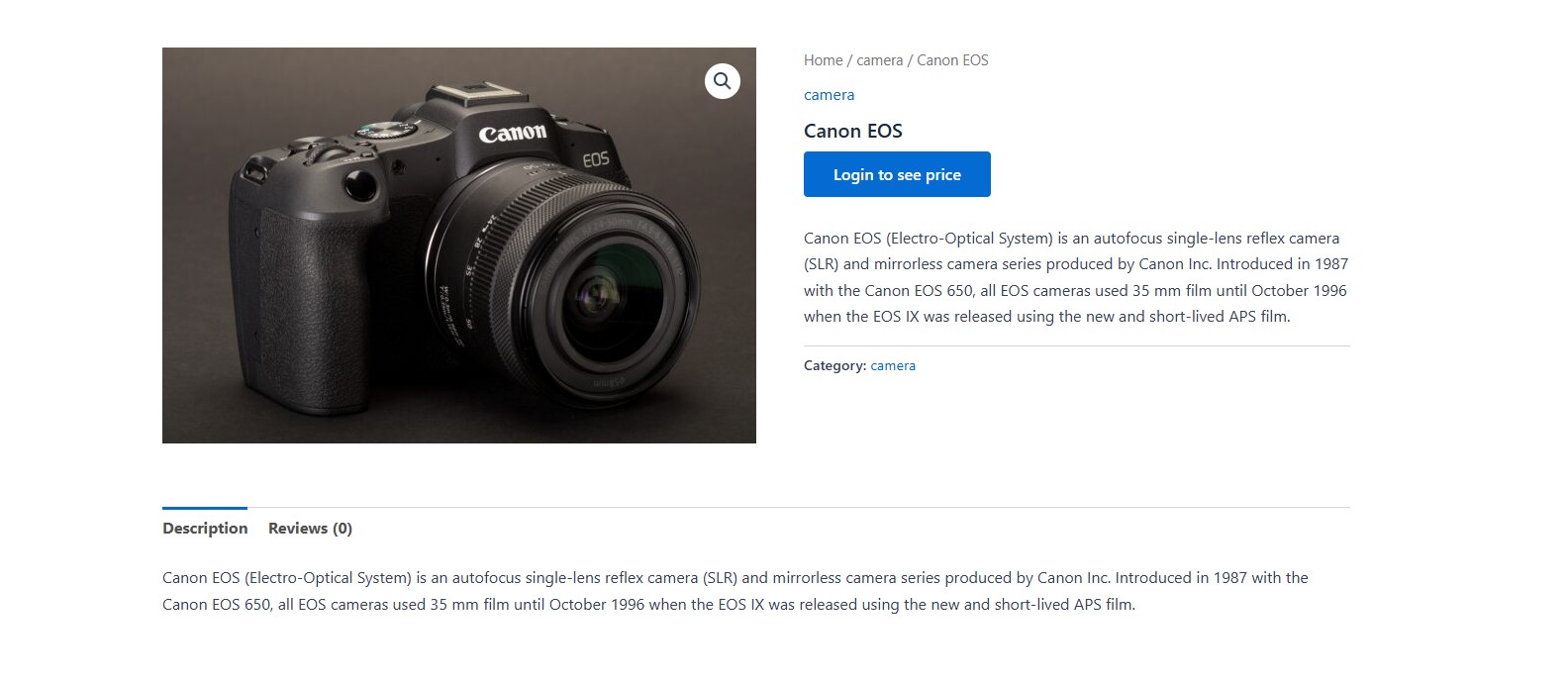
Display Login To See Price Button In Product Page.
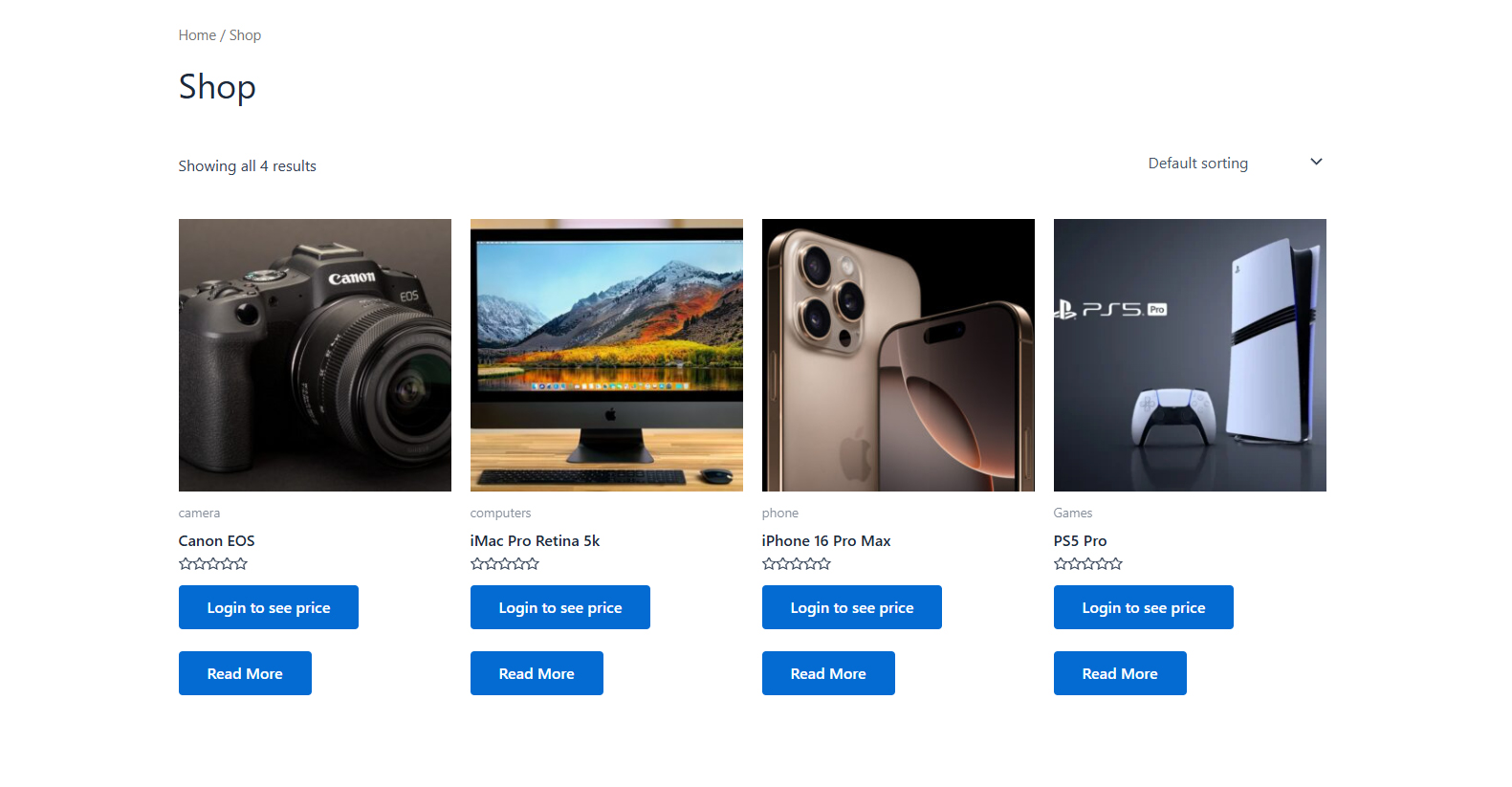
Display Login To See Price Button In Shop Page.
Reviews
Does not work
By 
This does not work. There are not setting pages or anything that I can find. And they say to go to their site for more info and its all in....not english.
Works!
By 
Works as it should.
Doesn't work as advertised, no Support
By 
Having issues with my website, logged a support ticket but never got a response.
Thank you
By 
Thanks for this useful plugin.
Regards.
Changelog
1.0.0
- Initial Release