Hide sub categories products
Hide sub categories products
Description
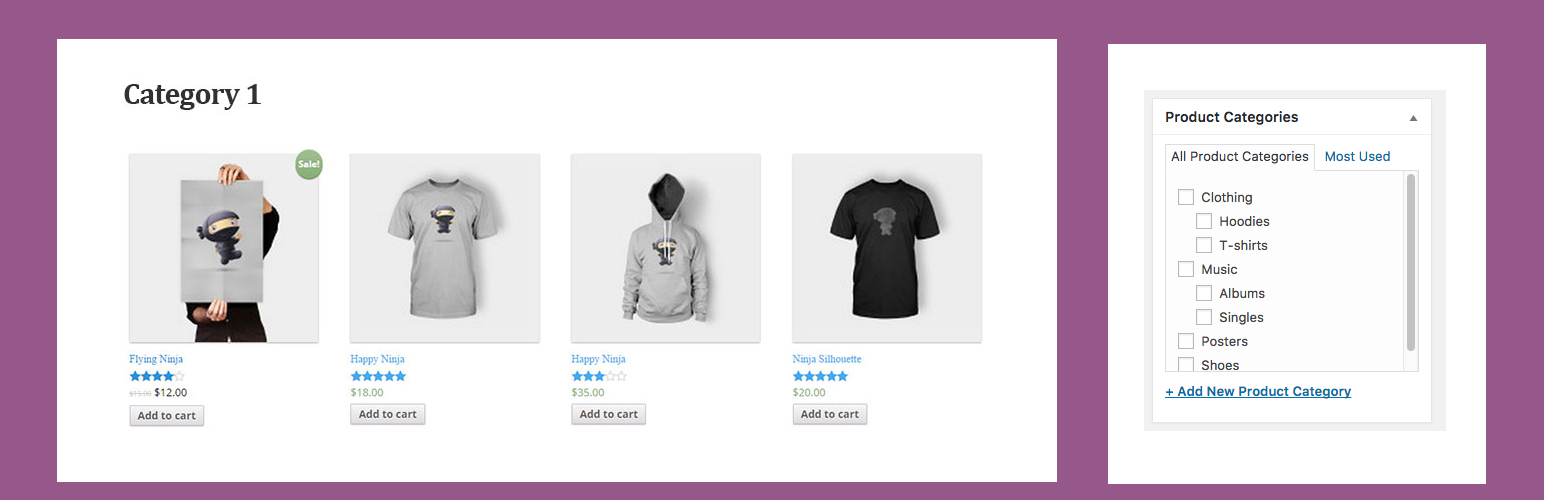
By using this plugin you can hide products of sub categories. This plugin will allow only related products of specific category either from sub categories or main categories.
Privacy Policy
We are not taking any information of any user to our database, server or not any other way. Only the owner of the website who is using this plugin can get the users location related information.
Installation
This section describes how to install the plugin and get it working.
e.g.
- Upload
hide-sub-categories-productsto the/wp-content/plugins/directory - Activate the plugin through the ‘Plugins’ menu in WordPress
- Goto settings and you will find plugin there.
Faq
How can reset to default?
Simply disable the plugin.
Minimum Requirements
- WordPress 4.2 or greater
- PHP version 5.2.4 or greater
- MySQL version 5.0 or greater
- Woocommerce 3.2 or greated
Manual installation
Uploading in WordPress Dashboard
- Download
Hide sub categories products - Navigate to the ‘Add New’ in the plugins dashboard
- Navigate to the ‘Upload’ area
- Select
hide-sub-categories-products.zipfrom your computer - Click ‘Install Now’
- Activate the plugin in the Plugin dashboard
- Find it under Settings menu
Using FTP
- Download
hide-sub-categories-products.zip - Extract the
hide-sub-categories-products.zipdirectory to your computer - Upload the
hide-sub-categories-products.zipdirectory to the/wp-content/plugins/directory - Activate the plugin in the Plugin dashboard
The WordPress codex contains instructions on how to install a WordPress plugin.
What should I do when I experience any problem?