Hippoo Auth
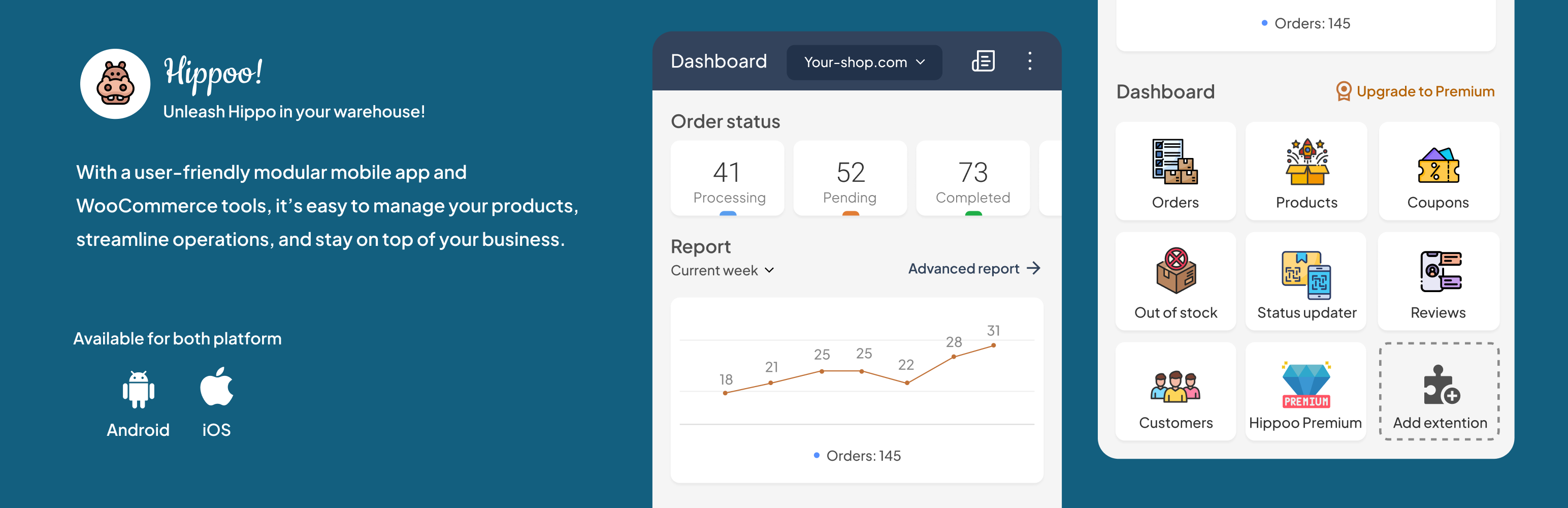
Hippoo Auth
Description
Hippoo Auth enhances the WooCommerce Store API by adding secure JWT-based authentication endpoints. It supports login and signup via Google, Facebook, Apple, or manually with email and password. Once authenticated, users can retrieve and update their billing/shipping information, view order history, and more — all via API.
Perfect for developers building API-driven themes, custom mobile apps, or headless WooCommerce experiences.
Use it to build:
- Headless WooCommerce themes
- Custom frontend apps (React, Vue, etc.)
- Mobile apps using Flutter, React Native, or Kotlin
- API-based user dashboards
With Hippoo Auth, users can register, login (manually or via Google, Apple, or Facebook), and securely access:
- Order history and details
- Billing and shipping addresses
- JWT-based session tokens with refresh support
🔐 Auth is handled via JWT for secure stateless sessions, ideal for frontend-heavy or decoupled environments.
📘 Developer Docs:
https://hippoo.app/hippoo-auth-web-service-documentation-for-authentication-and-user-management-in-woocommerce/
Features
- REST API login with JWT tokens
- Social login (Google, Facebook, Apple)
- Secure signup and password reset
- Access to orders and addresses via API
- Built-in token refresh and logout endpoint
- Compatible with WooCommerce stores and custom frontends
- No dependency on the Hippoo App
External services
This plugin connects to third-party services for social authentication:
-
Google OAuth API: Used to verify Google login tokens. Sends OAuth access token.
Privacy Policy, Terms of Service -
Facebook Graph API: Used to fetch user info (ID, email, name). Sends OAuth access token.
Privacy Policy, Terms -
Apple ID Authentication API: Used for sign-in via Apple. Sends OAuth access token.
Privacy Policy, Terms
These are required for enabling social login functionality.
Credits
This plugin was built with the Hippoo team — creators of the Hippoo WooCommerce App, a mobile app that helps you manage store orders, products, coupons, and more on the go.
Installation
- Upload the
hippoo-authfolder to the/wp-content/plugins/directory. - Activate the plugin through the ‘Plugins’ menu in WordPress.
- Visit the Hippoo Auth settings page to configure the plugin.
- Use the endpoints immediately, or check the official docs
Faq
Q: Can I use this plugin to build a headless WooCommerce frontend or mobile app?
A: Yes. It’s designed specifically to enable secure access to WooCommerce data through custom APIs.
Reviews
Thank you very much!
By 
I tried three other plugins, and none of them did even half as much as yours. It’s reliable, fast, and actually solves the problem
Changelog
1.1.1
- Improved token signing key handling.
1.1.0
- Stateless REST auth:
hippoo_auth_permission_checkno longer sets WordPress/WooCommerce session cookies on every authenticated call. The permission callback now useswp_set_current_user()for the current request only. Fixes intermittent502 Bad Gatewayresponses on authenticated routes caused by response headers overflowing nginx’s default FastCGI buffer. - JWT token validation (
hippoo_auth_validate_access_token,hippoo_auth_validate_refresh_token) now catches\Throwable(not just\Exception) soTypeError/Errorfrom the JWT library surface as clean 401 responses instead of PHP fatals. Addeduser_idandWP_Userguards to eliminate a latent “property of non-object” notice. - Fixed Apple social-login JWT decode:
hippoo_auth_verify_apple_tokennow wraps the parsed public key innew Key( $pem, 'RS256' )as required by firebase/php-jwt v6+ (was using the v5 signature and throwing an uncaughtTypeError).
1.0.4
- Fix
Invalid argument supplied for foreach()warning in autoload — capture prefixes via closureuse()instead of relying onglobal(the array sits in plugin-file scope, not global scope).
1.0.3
- Maintenance Release
1.0.1
- Minor bug fix.
1.0.0
- Initial release.