Hostingforall Domain Checker
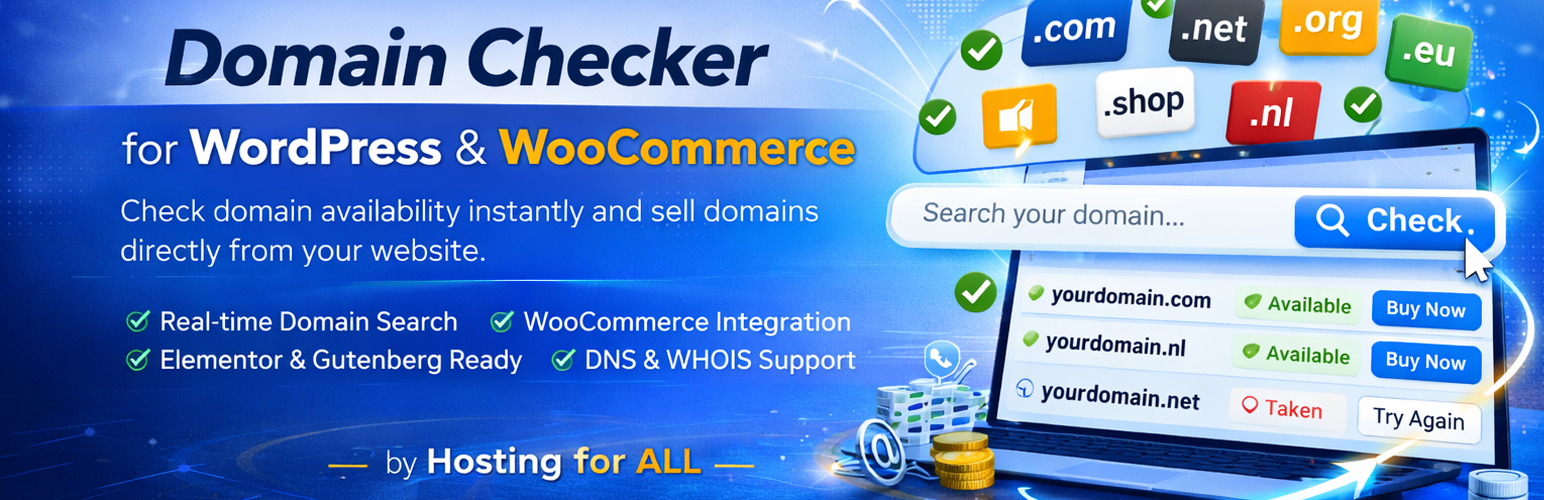
Hostingforall Domain Checker
Description
Hostingforall Domain Checker lets you offer domain lookups on your WordPress website and sell domains via WooCommerce.
You can embed the checker using a shortcode or with the included Elementor widget.
Key features (FREE)
- Shortcode: use
[hfadc_domain_checker]anywhere. - Elementor widget: drag & drop implementation.
- TLD management: configure available TLDs, pricing and WooCommerce product IDs.
- Free DNS-based availability check.
- Works with and without Elementor.
Pro features (upgrade)
The Pro version unlocks premium features such as:
- Real-time domain checks using the WhoisFreaks API (requires your API key).
- Extra styling options (advanced form + results styling).
- Pro updates delivered via our platform.
Upgrade: https://hostingforall.nl/product/hostingforall-domain-checker/
External services
This plugin can interact with the following external services.
1) Hostingforall websites (link-outs in FREE plugin)
The FREE plugin includes optional admin-area links to Hostingforall pages (for example: upgrade and demo links). These links are used to open product/demo pages when a site owner clicks them.
Data sent: standard browser request data (such as IP address, user agent, referrer, and requested URL).
When sent: only when a user clicks one of these links.
Service provider: Hostingforall.
Terms of Service: https://hostingforall.nl/algemene-voorwaarden/
Privacy Policy: https://hostingforall.nl/privacy
2) WhoisFreaks API (optional, separate PRO plugin only)
The separate PRO plugin can optionally connect to the WhoisFreaks API to perform real-time domain availability checks.
Data sent: the searched domain name (and API authentication data configured by the site owner in PRO).
When sent: only when a visitor submits a domain lookup and the site owner has enabled the API method in PRO settings.
Service provider: WhoisFreaks.
Terms of Service: https://whoisfreaks.com/terms-and-conditions
Privacy Policy: https://whoisfreaks.com/privacy-policy
Installation
- Upload the
hostingforall-domain-checkerfolder to the/wp-content/plugins/directory. - Activate the plugin through the ‘Plugins’ menu in WordPress.
- Go to Domain Checker in the WordPress admin menu.
- Configure your TLDs and settings.
- Add the checker to a page:
- Elementor: add the “HFA Domain Checker” widget.
- Shortcode: add
[hfadc_domain_checker].
Screenshots


Faq
No. The free version works without a license key.
DNS checks are fast, but can be less accurate for some recently registered domains.
The Pro version can use a real-time availability API.
Reviews
Changelog
4.6.0
- Internal release roll-up: includes recent security/compliance hardening and FREE/PRO dependency safety improvements.
- FREE remains non-deactivatable/non-removable while PRO is active (single and bulk plugin actions).
4.5.16
- Compliance hardening: removed remaining direct
$_REQUESTchecks in request helpers. - Compliance hardening: replaced
FILTER_DEFAULTrequest array reads with explicit sanitizing filters. - No functional change intended; behavior remains identical.
4.5.15
- Dependency safety: prevent deactivation/deletion of FREE while PRO is active (single and bulk plugin actions).
- UX: show clear “Required by Hostingforall Domain Checker Pro” indicator on the FREE plugin row when PRO is active.
- Compatibility: detect PRO as active for both legacy and new PRO folder naming variants.
4.5.14
- Security improvements: strengthened input handling, form protection and output escaping throughout the plugin.
- Fixed settings save reliability across hosting environments and page builders (including NicePage).
- Fixed Elementor result row layout so status text and order button stay correctly aligned across themes.
- Fixed custom pricing multi-product cart flow.
- Updated Dutch translations.
- Breaking change: legacy shortcodes
[hdc_domain_checker]and[hdc_chosen_domain]have been removed — use[hfadc_domain_checker]and[hfadc_chosen_domain]. - Breaking change: Elementor widget name changed from
hdc_domain_checkertohfadc_domain_checker.
4.4.0
- Fixed frontend fallback behavior: order button styling correctly defaults to FREE design (green button, white text) when PRO is not active.
- Improved admin layout consistency in settings tabs.
4.3.4
- Fixed WooCommerce cart domain metadata persistence for direct domain add-to-cart flow.
- Added fallback display so chosen domain is visible beneath product name in cart and checkout.
4.3.3
- “Order” button now adds only the domain product directly to cart (FREE flow).
- Compare tab updated with clearer FREE vs PRO feature overview.
- Translation catalogs updated.
4.3.2
- Fixed powered-by link toggle not working correctly.
- Fixed Translations tab not displaying content.
- Fixed menu tab hover styling not responsive.
- Fixed multilingual hosting cart flow on sites with WPML/Polylang.
- Improved Dutch translations for admin interface.
3.5.0
- Improved admin UX: no duplicate notices, clearer Pro status.
- Upgrade link hidden when Pro add-on is active.
- Updated translation template and language switch behavior.
3.4.4
- Fixed forced plugin language option so it works independently from the WordPress site language.
- Updated upgrade URLs to the correct Pro product page.
3.4.3
- Improved upgrade flow: show a one-click admin notice to activate Pro when it is installed.