Hungry Resource Monitor
Hungry Resource Monitor
Description
Hungry Resource Monitor is a lightweight yet powerful WordPress plugin that tracks memory usage, database queries, and execution time across your entire site. Identify resource-heavy plugins and themes, clean up database bloat, and receive configurable performance reports to keep your WordPress installation running smoothly.
Key Features
📊 Dashboard & Monitoring
* View top 5 resource consumers at a glance
* Real-time memory and query statistics
* Per-request tracking and analysis
* Historical data with configurable retention
⚡ Server Limits Display
* PHP memory limits (current and peak)
* Maximum execution time settings
* Upload file size limits
* Post max size configurations
* Complete server environment overview
🧹 Database Cleanup Tools
* Remove post revisions
* Delete auto-drafts and trashed posts
* Clear spam and trashed comments
* Purge expired transients
* Clean orphaned postmeta entries
🔍 Unused Asset Detection
* Find and delete inactive plugins
* Identify unused themes consuming space
* Safe deletion with confirmation dialogs
📧 Email Reports
* Configurable daily, weekly, or monthly reports
* Performance summaries delivered to your inbox
* Resource usage trends and recommendations
* Optimization tips based on your site’s data
🛠️ Admin Toolbar Widget
* Real-time memory and query stats
* Quick access to monitoring dashboard
* Visible only to administrators
How It Works
- Activation: Plugin starts tracking resource usage immediately after activation
- Monitoring: Each page load is analyzed for memory, queries, and execution time
- Analysis: Data is aggregated to identify top resource consumers
- Reporting: Regular reports notify you of performance issues
- Optimization: Use cleanup tools to reduce bloat and improve performance
- Maintenance: Configure retention periods to manage stored data
Use Cases
- Performance Debugging: Identify which plugins or themes are consuming the most resources
- Database Optimization: Clean up bloat from revisions, drafts, spam, and orphaned data
- Server Monitoring: Keep track of server limits and resource availability
- Proactive Maintenance: Receive regular reports before performance issues become critical
- Site Auditing: Evaluate resource usage before and after installing new plugins
- Hosting Optimization: Make informed decisions about hosting resources based on actual usage
What Gets Monitored
- Memory usage (current and peak)
- Database query count and execution time
- Page load execution time
- Per-request statistics and trends
- Plugin and theme resource consumption
Cleanup Options
- Post revisions (all or keep a specific number)
- Auto-drafts
- Trashed posts and comments
- Spam comments
- Expired transients
- Orphaned postmeta entries
Support
For support, feature requests, or bug reports:
* Website: https://nandann.com
* Subject: WordPress Development Help Request
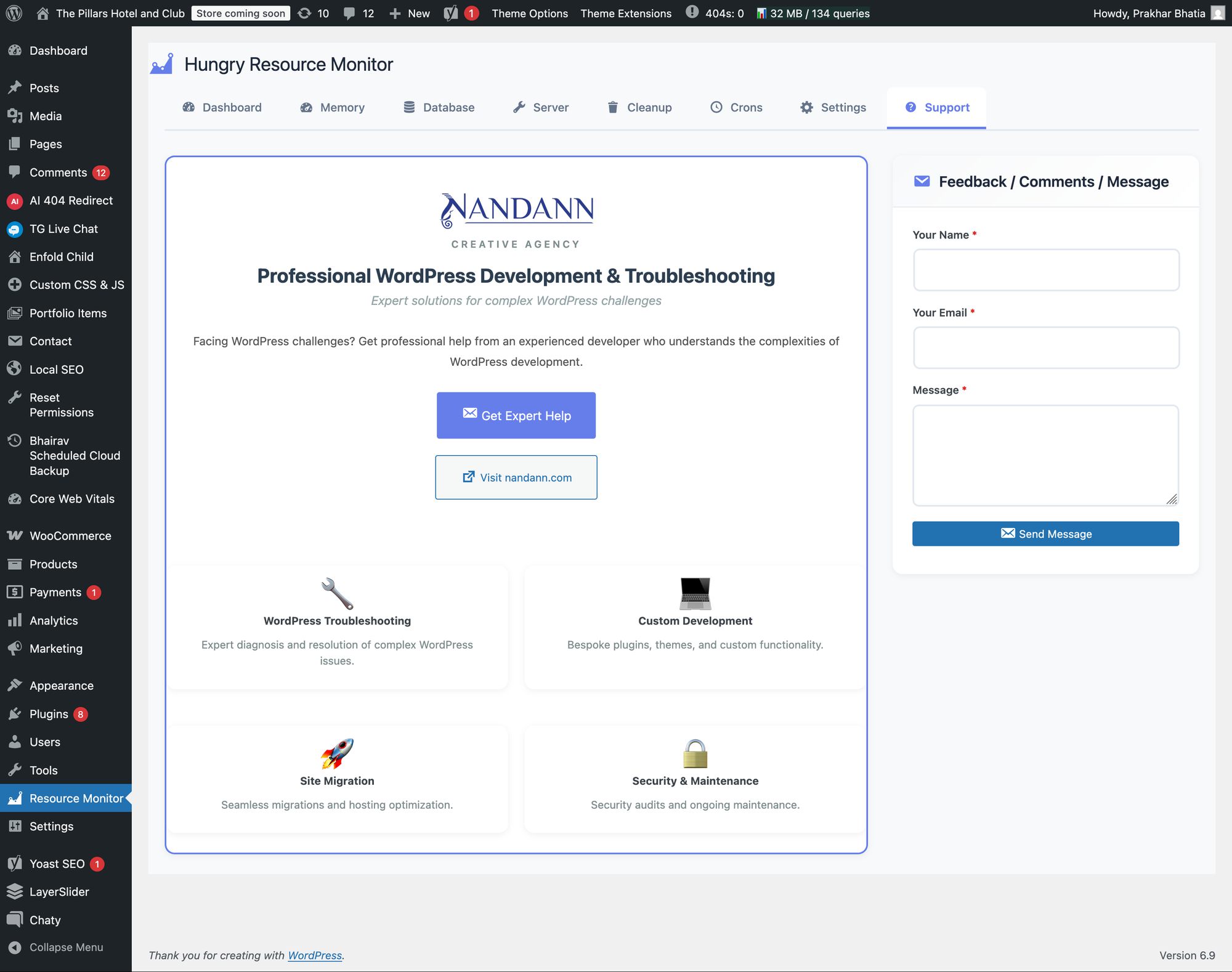
Professional WordPress development and troubleshooting services available. Expert solutions for complex WordPress challenges including custom development, site migrations, security audits, and performance optimization.
Privacy
This plugin does not collect, store, or transmit any personal data to external services. All monitoring data is stored locally in your WordPress database.
The plugin stores the following information in your WordPress database:
* Resource usage statistics (memory, queries, execution time)
* Page load timestamps
* Plugin settings and configurations
This data is used solely for monitoring and plugin functionality.
The plugin does not:
* Send data to external servers
* Use third-party APIs for tracking or analytics
* Track users across sites
* Share data with third parties
* Collect any personal or identifiable information
All data remains on your server under your control.
About the Developer
Prakhar Bhatia is a professional WordPress developer and troubleshooter with extensive experience in:
- WordPress Troubleshooting: Expert diagnosis and resolution of complex WordPress issues, performance optimization, and security hardening
- Custom Development: Bespoke WordPress plugins, themes, and custom functionality tailored to specific business needs
- Site Migration & Hosting: Seamless website migrations, hosting optimization, and server configuration for peak performance
- Security & Maintenance: Comprehensive security audits, malware removal, and ongoing maintenance to keep sites secure
Nandann Creative Agency specializes in WordPress development solutions for businesses of all sizes.
Website: https://nandann.com
Credits
Built with performance and reliability in mind. Developed by Prakhar Bhatia at Nandann Creative Agency.
Installation
- Upload the
hungry-resource-monitorfolder to/wp-content/plugins/ - Activate the plugin through the ‘Plugins’ menu in WordPress
- Navigate to ‘Resource Monitor’ in your admin menu
- Configure settings as needed
- Start monitoring your site’s performance!
Screenshots
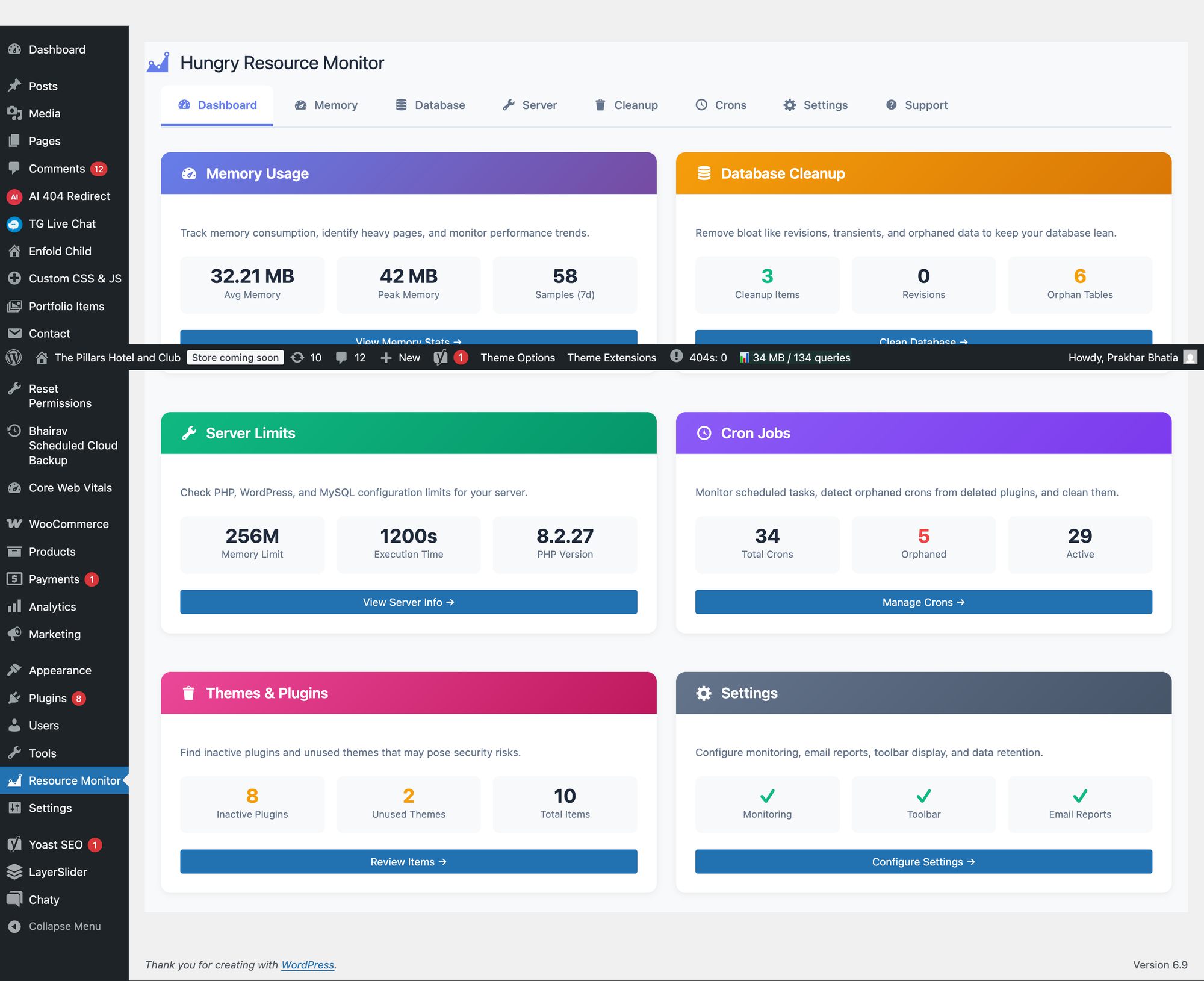
Dashboard showing top resource consumers and real-time statistics
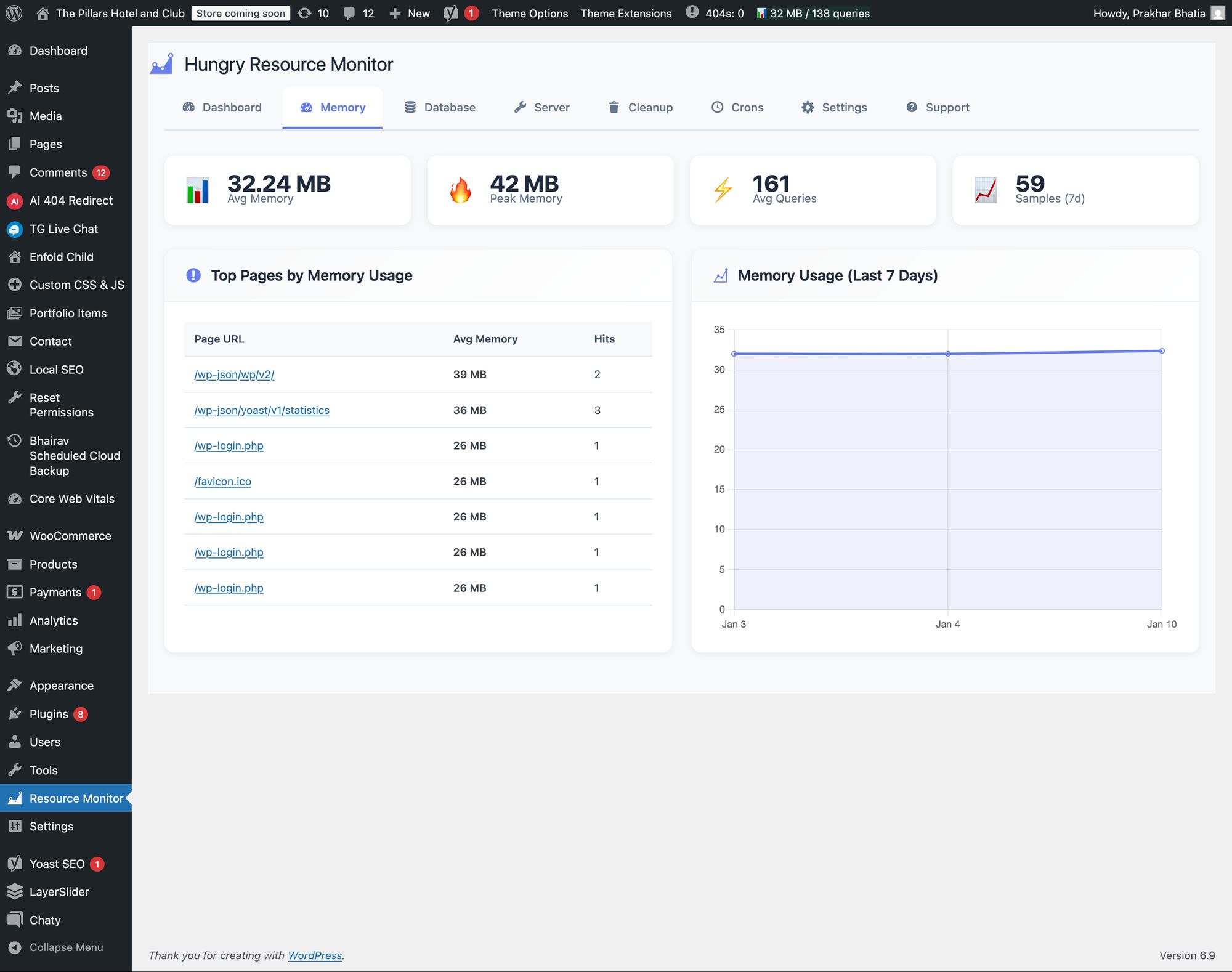
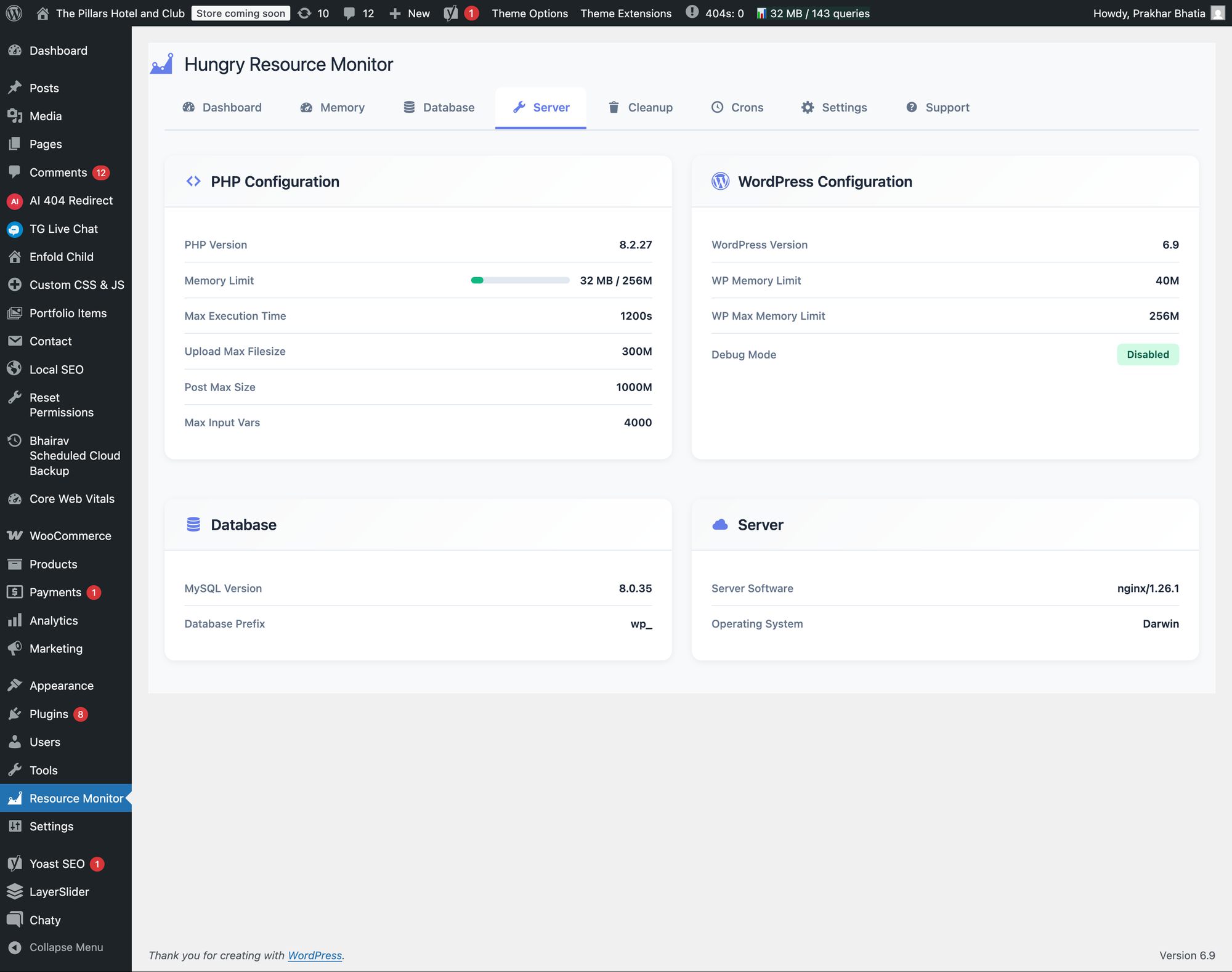
Server Limits tab displaying PHP configuration and environment details
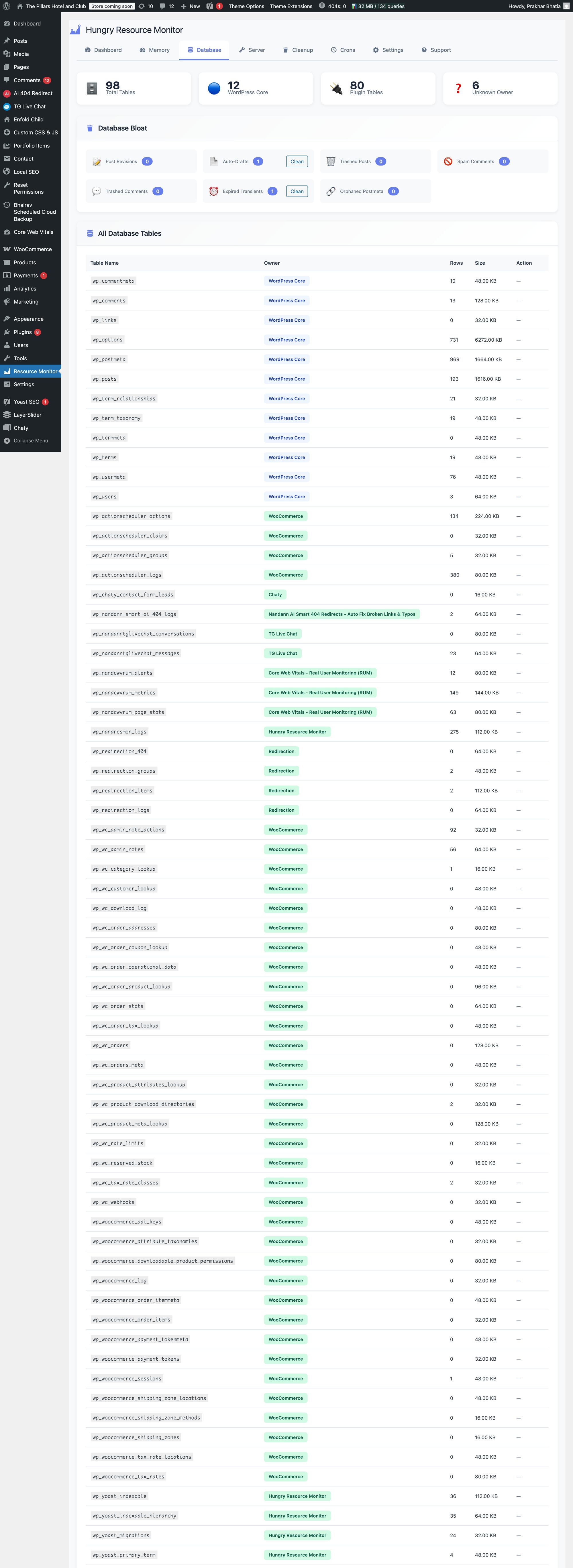
Database Cleanup interface with selectable cleanup options
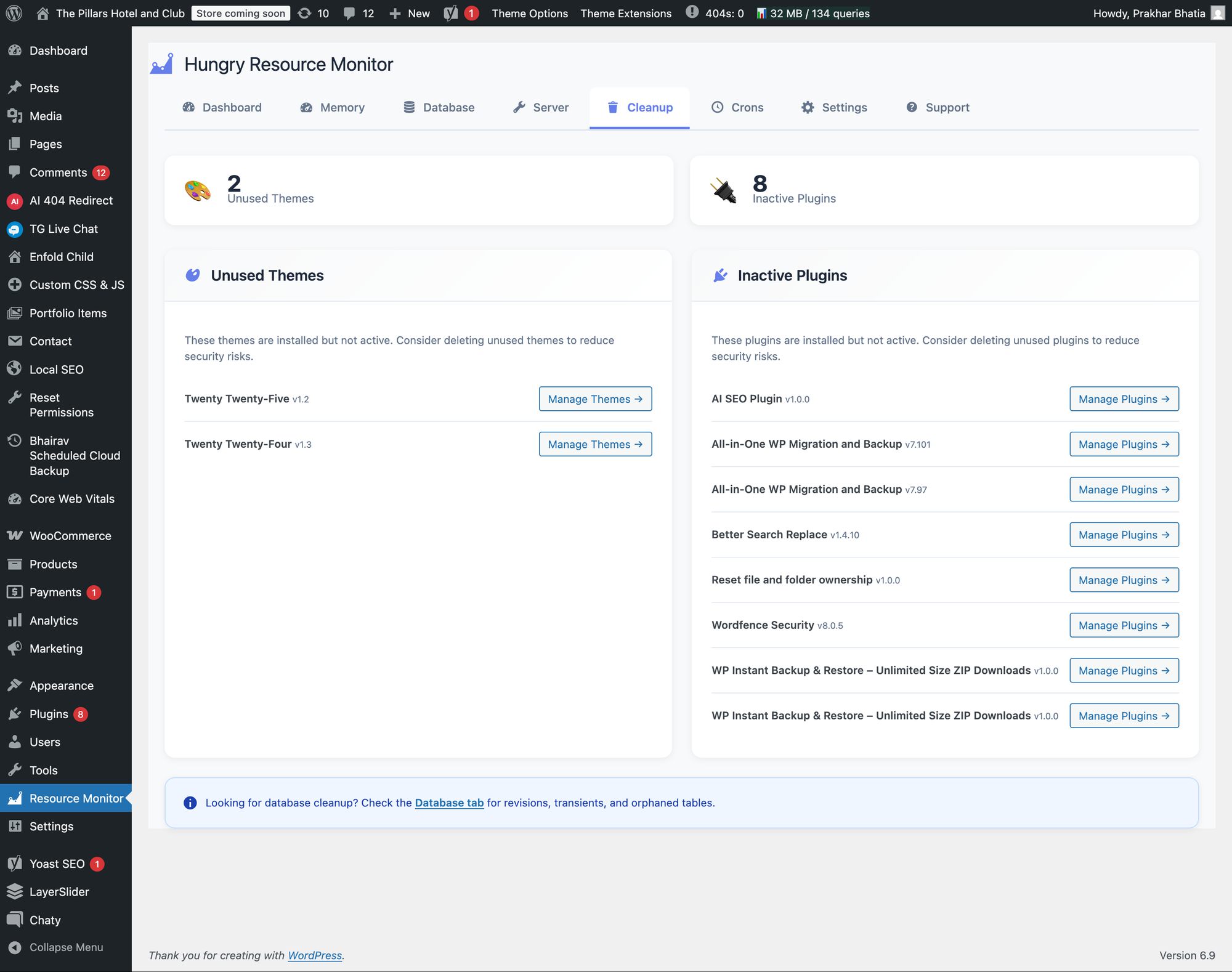
Unused Assets tab showing inactive plugins and themes
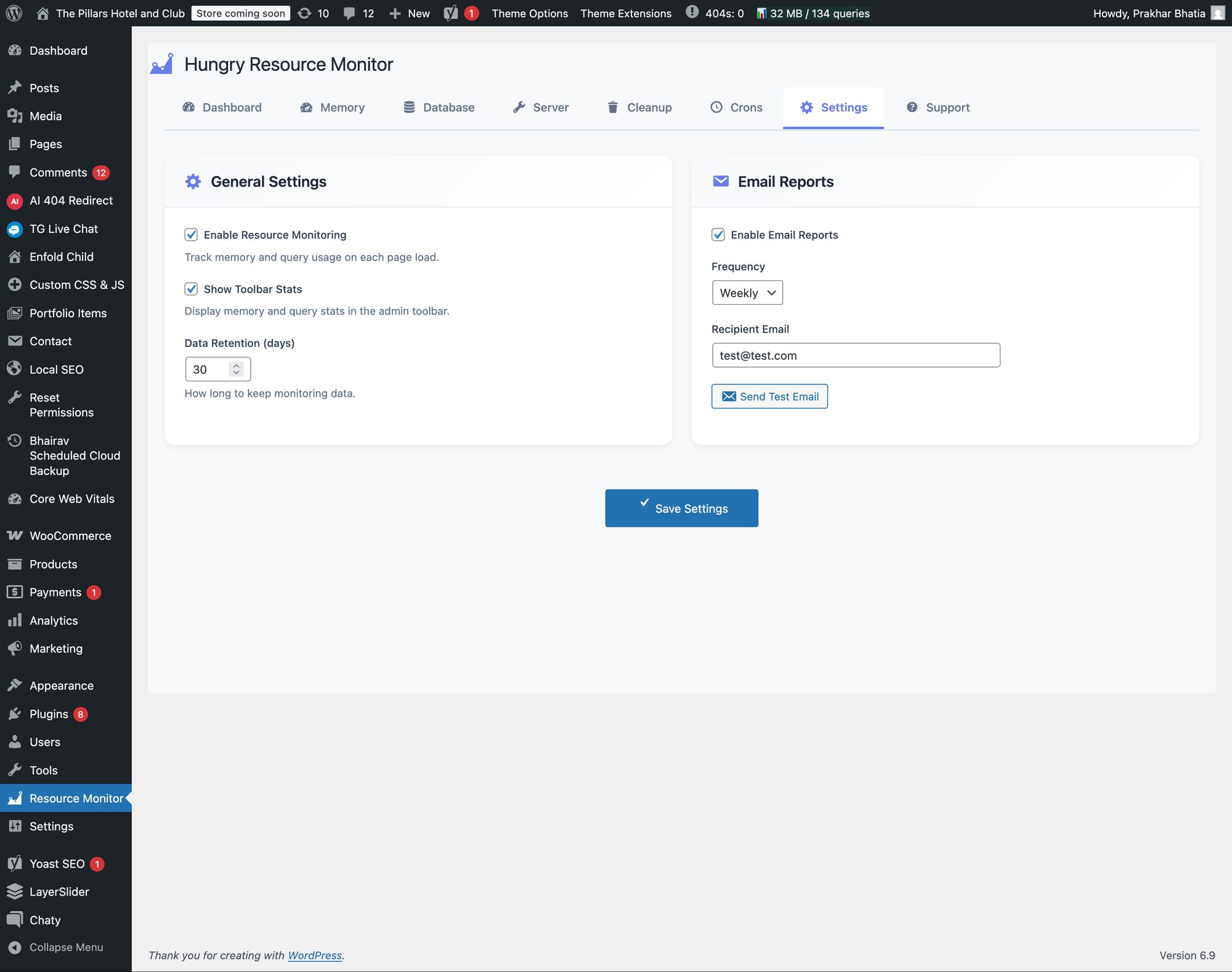
Settings page with email report configuration and data retention options
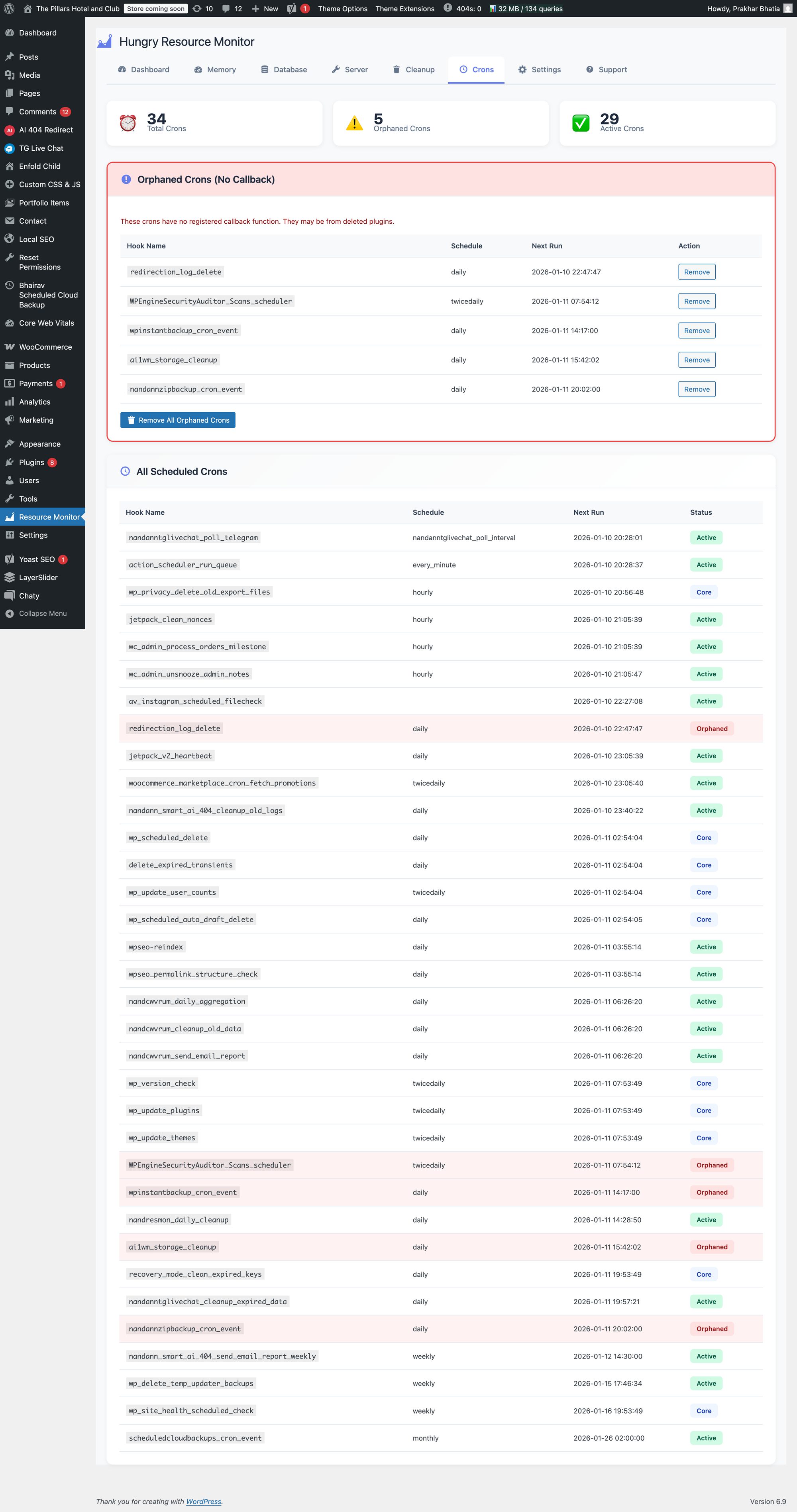
Faq
No. The plugin uses minimal resources and only tracks data on page load. The tracking overhead is negligible and designed to have virtually no impact on your site’s performance. Tracking can be completely disabled in settings if needed.
By default, 30 days. This is configurable in Settings. You can increase or decrease the retention period based on your needs and database size considerations.
Yes. Resource tracking happens at the PHP level before output caching, so it works seamlessly with all major caching plugins including WP Super Cache, W3 Total Cache, LiteSpeed Cache, and others.
No. The cleanup tools only remove data that is safe to delete (revisions, drafts, spam, trash, expired transients, orphaned metadata). However, as with any database operation, we recommend backing up your site before performing cleanup operations.
The plugin follows WordPress best practices for cleanup operations. Post revisions are removed entirely, but your published content is never touched. Only safe-to-delete data is included in cleanup operations.
The plugin tracks actual memory usage and query counts reported by PHP and WordPress. The data reflects real resource consumption on your server during each page load.
Yes, the plugin works on both single-site and multisite WordPress installations. On multisite, monitoring is performed per-site.
Yes! You can configure reports to be sent daily, weekly, or monthly. Simply adjust the settings in the plugin’s Settings tab.
The plugin requires administrator privileges to access the monitoring dashboard and cleanup tools. The admin toolbar widget is only visible to administrators.
No. All data is stored locally in your WordPress database. No data is sent to external servers or third-party services.
Reviews
Changelog
1.0.1
- Security: Upgraded Chart.js to v4.5.1
- Fixed: Replaced inline JavaScript and CSS with proper wp_enqueue_script() and wp_enqueue_style()
- Fixed: Removed unauthorized function calls
- Improved: WordPress.org compliance updates
1.0.0
- Initial release
- Dashboard with top 5 resource consumers
- Server limits display
- Database cleanup tools
- Unused theme/plugin detection
- Configurable email reports
- Admin toolbar widget