Ideali Donate
Ideali Donate
Description
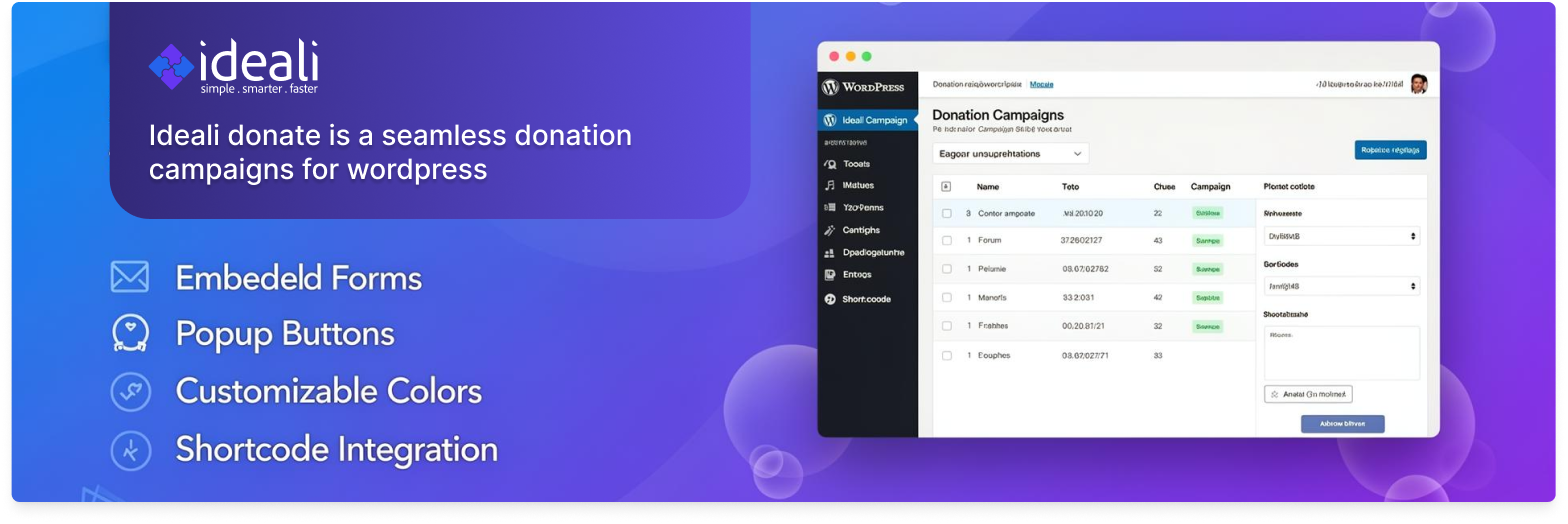
Ideali Donate allows website owners to manage multiple donation campaigns and display them anywhere on their site using shortcodes.
Features include:
- Create unlimited campaigns
- Embed donation forms in an iframe
- Popup donate buttons
- Custom button text
- Custom button colors
- Adjustable iframe size
- Easy shortcode usage
Perfect for nonprofits, charities, fundraising websites, and organizations collecting donations.
Shortcode usage
Basic embed:
[ideado_donate id="1"]
Popup button:
[ideado_donate id="1" type="popup"]
Custom size:
[ideado_donate id="1" width="600" height="800"]
Supported attributes: id, type (iframe or popup), width, height.
Installation
- Upload the plugin folder to /wp-content/plugins/
- Activate the plugin from the WordPress admin
- Go to the Ideali Donate menu
- Add a campaign
- Copy the shortcode and paste it anywhere
Screenshots

Admin dashboard with shortcode usage instructions

Supported attributes reference and campaign list
Faq
Yes. You can create unlimited campaigns.
Yes. Each campaign has its own button text.
Yes. A color picker is provided.
Yes. You can paste any campaign URL that uses http or https.
Make sure the shortcode is rendered through normal page or post output. The plugin loads its styles and script only on pages where the shortcode actually runs.
Reviews
Changelog
2.3
- Assets and popup markup now load based on actual shortcode execution, so the popup works inside block themes, template parts, widgets and reusable blocks
- Moved admin form processing to admin_init so redirects fire before any output
- Added URL scheme validation (http and https only)
- Removed unused CSS and JavaScript files that were never enqueued
- Removed WordPress.org banner and icon images from the plugin download
- Improved popup accessibility: keyboard-operable close button, focus handling, and correct hidden state
- Fixed admin notice markup
- Added missing input unslashing on admin request values
- Added Plugin URI, Requires at least and Requires PHP plugin headers
- Corrected shortcode documentation in the readme
- Tested up to WordPress 7.1
2.2
- Popup improvements and styling options
2.0
- Improved security
- Added popup support
- Added styling options
- Code refactor