Integrate DataFast Web Analytics

Integrate DataFast Web Analytics
Description
Unofficial Plugin to integrate DataFast’s web analytics and event tracking on your WordPress web site. With DataFast, you can:
* Track visitor behavior and engagement across your WordPress site
* Analyze user journeys and conversion funnels
* Monitor key metrics like pageviews, session duration, and bounce rates
* Create custom events to track specific user actions
* View detailed analytics reports and dashboards
* Make data-driven decisions to optimize your site
External services
This plugin stores your DataFast API, using them to insert the required JavaScript tag that permits DataFast to collect your web site’s analytics in your DataFast account.
Refer to DataFast’s privacy policy and data processing agreement for more information.
Documentation
Full Plugin documentation can be found here.
Configuration
To configure the Plugin, follow the documentation here.
Installation
- Navigate to
Plugins > Add New Pluginin WordPress - Type
DataFastin the Search Plugins search field, and press the Enter key - Click
Install NowbesideDataFast Web Analytics - Once installed, click
Activate
Screenshots
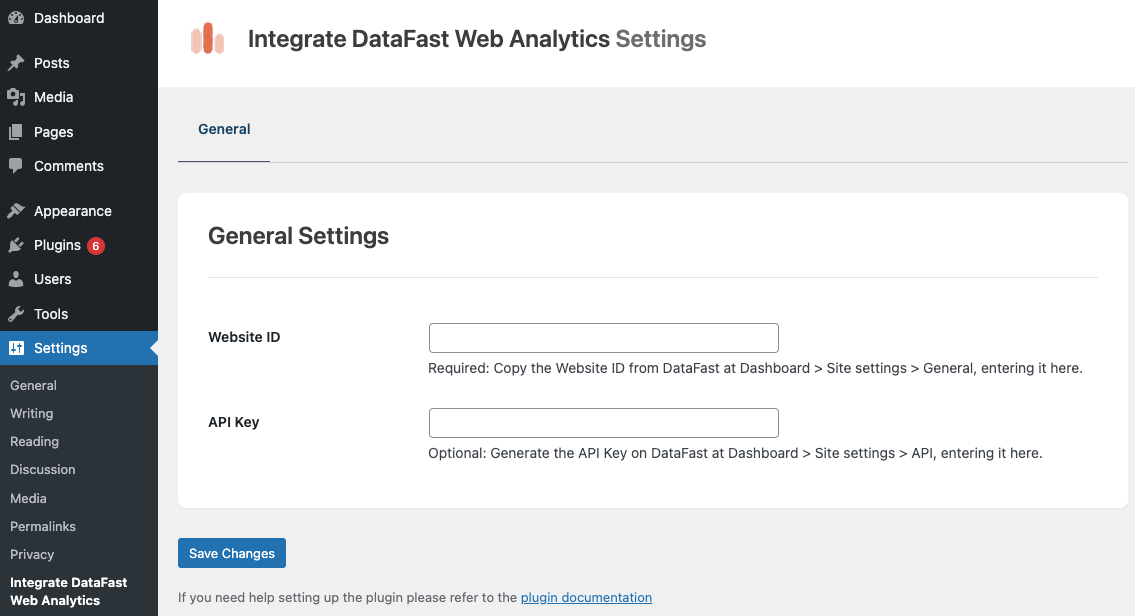
General settings
Faq
Yes – plans start at $9/month.
Full Plugin documentation can be found here.
No, the plugin is optimized for performance with minimal impact on page load times.
Reviews
Changelog
1.1.0 (2025-09-18)
- Added: Goal Tracking: WooCommerce. See Docs: https://www.wpzinc.com/documentation/datafast/woocommerce-integration/
1.0.1 (2025-09-15)
- Added: Tracking script for custom goals and conversion funnels (https://datafa.st/docs/custom-goals#ensure-reliable-tracking-recommended)
1.0.0
- First release