Excel tables
Excel tables
Description
This plugin allows you to import excel file into wordpress.
Documentation
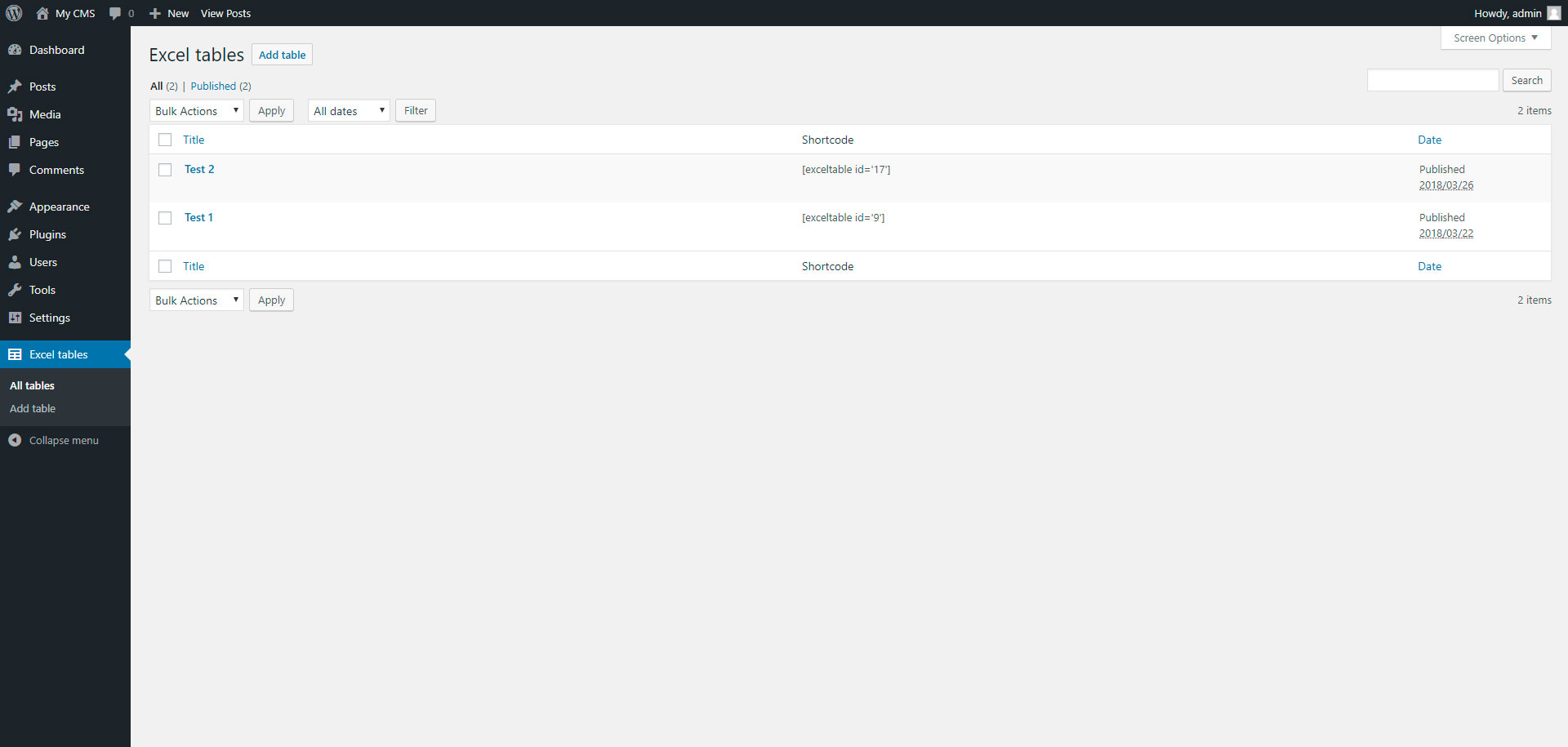
To add table, go to page “Excel tables” in admin panel.
Installation
Installing “Excel tables” can be done either by searching for “Excel tables” via the “Plugins > Add New” screen in your WordPress dashboard, or by using the following steps:
- Download the plugin via WordPress.org
- Upload the ZIP file through the ‘Plugins > Add New > Upload’ screen in your WordPress dashboard
- Activate the plugin through the ‘Plugins’ menu in WordPress
Screenshots


Faq
Installation Instructions
Installing “Excel tables” can be done either by searching for “Excel tables” via the “Plugins > Add New” screen in your WordPress dashboard, or by using the following steps:
- Download the plugin via WordPress.org
- Upload the ZIP file through the ‘Plugins > Add New > Upload’ screen in your WordPress dashboard
- Activate the plugin through the ‘Plugins’ menu in WordPress
Reviews
All what you need
By 
This plugin is very simple, but do all what you need
Changelog
1.0
- Excel tables.
1.1
- Add xlsx file format