Interactive Table
Interactive Table
Description
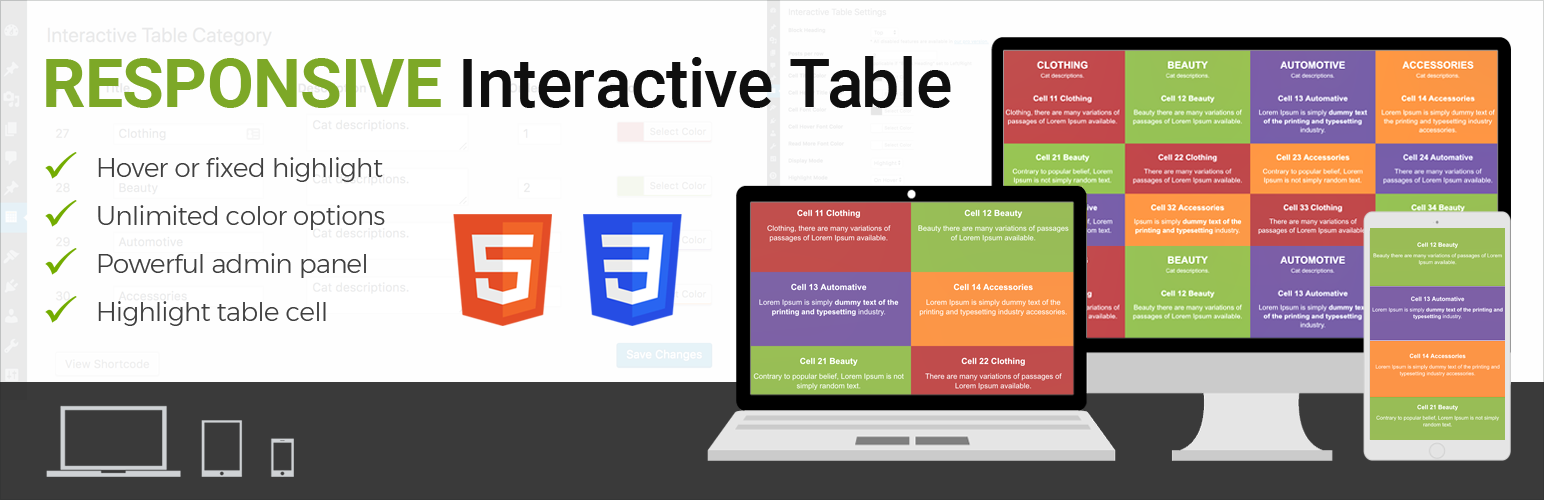
A dynamic way to display clean & responsive interactive table for your contents in a nice view.
Installation
This section describes how to install the plugin and get it working.
e.g.
- Upload the plugin files to the
/wp-content/plugins/interactive-tabledirectory, or install the plugin through the WordPress plugins screen directly. - Activate the plugin through the ‘Plugins’ screen in WordPress
- Add category from category page /wp-admin/edit.php?post_type=interactive_table&page=it-cell-cetegory
- Add table item here /wp-admin/edit.php?post_type=interactive_table&page=it-settings or you can import demo from plugin demo folder /plugins/interactive-table/demo-data. Data is xml format, just import using default wordpress import tools.
Screenshots

The screenshot (assets/screenshot-1.png) plugin settings

The screenshot (assets/screenshot-2.png) Add cell category

The screenshot (assets/screenshot-3.png) Update/Manage cell category

The screenshot (assets/screenshot-4.png) Dynamic shortcode to use any post, pages or widgets.

The screenshot (assets/screenshot-5.png) show front end interactive display table example.

The screenshot (assets/screenshot-6.png) show front end interactive display table example.
Faq
Yes, our pro version support unlimited color and unlimited cell.
Pro version is available here
It is in Settings, /wp-admin/edit.php?post_type=interactive_table&page=it-settings, Just enable “Fixed highlight”
Yes, this is also available in our pro version. Even you can set table head to bottom.
Pro version is available here
Reviews
Changelog
1.0.1
- Compatibility check
1.0
- Initial development.