Inventory Rules for WooCommerce
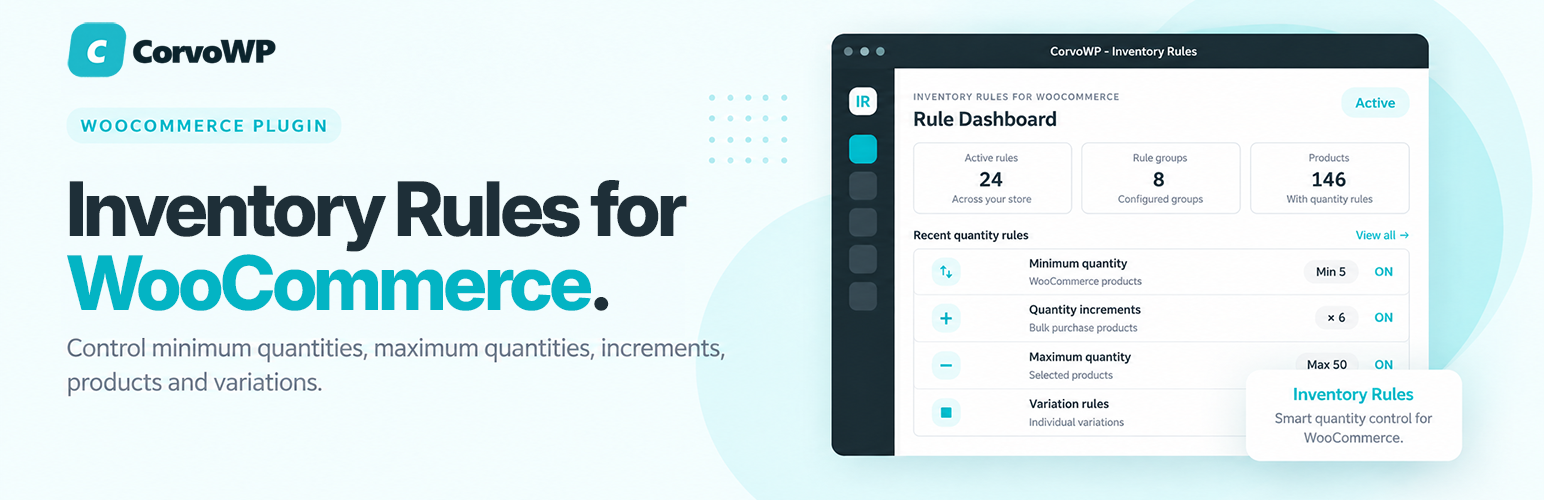
Inventory Rules for WooCommerce
Description
Inventory Rules for WooCommerce lets you set minimum and maximum quantity limits, quantity increments and purchase rules for WooCommerce products and variations.
Control how many units customers can purchase, enforce minimum order quantities, prevent purchases above maximum quantities, and require products to be purchased in specific quantity increments.
Free Features
✅ Set minimum quantity limits
✅ Set maximum quantity limits
✅ Set quantity increments
✅ Configure global quantity rules
✅ Override rules for individual products
✅ Configure rules for individual product variations
✅ Validate quantity rules in the cart
✅ WooCommerce Store API quantity limit support
Configure global quantity rules for your store, then override them when individual products or variations require different purchasing requirements.
Premium Add-on
For stores that need more advanced inventory rule management, a separate Inventory Rules Premium add-on is available.
Inventory Rules Premium adds features including:
✅ Category rules
✅ Reusable rule presets
✅ Bulk rule management
✅ Customer role rules
✅ Scheduled rules
✅ Advanced rule conditions
✅ Customer purchase limits
✅ Additional rule management and analytics features
The Premium add-on is separate from the free WordPress.org plugin. The free version remains fully functional without purchasing or installing the Premium add-on.
Learn more about Inventory Rules Premium
Privacy
The free plugin does not require an account or license key and does not send inventory data to a remote licensing service.
External Services
The free plugin does not contact any external service for its functionality.
Installation
- Install and activate WooCommerce.
- Upload and activate Inventory Rules for WooCommerce.
- Configure global defaults under Inventory Rules > Settings.
- Configure individual product rules from the Inventory Rules panel in the WooCommerce product editor.
Screenshots

Inventory Rules dashboard showing configured products, rule status, sources, and product filtering.

Inventory Rules settings page for configuring global quantity rule defaults.

Inventory Rules product options panel for setting minimum quantity, maximum quantity, and quantity increments on an individual WooCommerce product.

Inventory Rules variation options for configuring quantity rules on a specific WooCommerce product variation.
Reviews
Works like a charm
By 
The plugin is so simple and easy to use, we use it on our online store to control minimum and maximum quantities that customers can order on products which is a must for the type of products we sell, highly recommend this.
Changelog
1.3.8
- Corrected Dashboard Configured and Remaining counts to include all published products matching the current search, not just the displayed page.
- Improved Dashboard empty-state guidance and clarified global quantity settings descriptions.
- Moved the contextual Upgrade to Premium link to the Installed Plugins action links, matching the standard plugin-row layout.
1.3.7
- Made the Dashboard Reset Filters button always visible.
- Clarified Dashboard summary card descriptions.
1.3.6
- Added a Settings shortcut on the Installed Plugins screen.
- Removed an unused legacy version constant to keep internal version management consistent.
1.3.5
- Added a contextual Upgrade to Premium link on the Installed Plugins screen.
1.3.4
- Removed in-dashboard, settings-screen, product-editor and plugin-row upgrade promotions to keep the admin experience focused on the free plugin.
- Retained the complete free Inventory Rules functionality and existing WordPress.org compatibility fixes.