Invoices by Customer
Invoices by Customer
Description
Obtain quarterly summary, annual summary and list of invoices per client that exceed a user-selectable amount.
It is necessary to have installed the WooCommerce PDF Invoices & Packing Slips plugin.
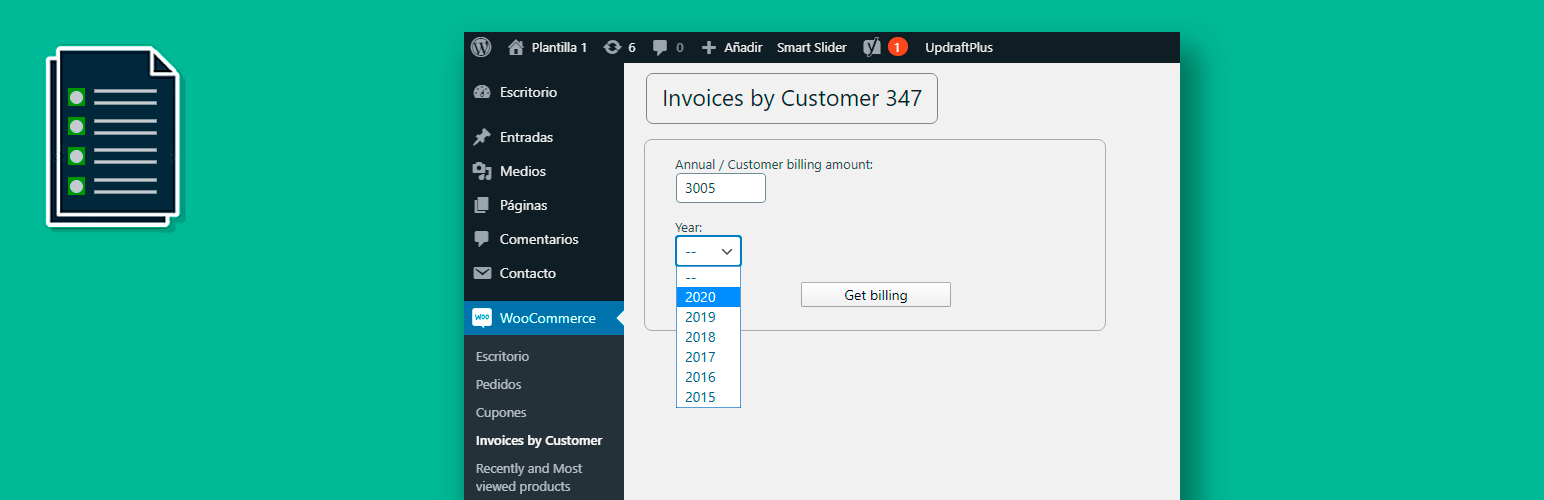
You can choose up to 5 years ago and the amount you want to generate the listings.
Installation
- Upload the “Invoices by Customer” plugin to the / wp-content / plugins / or install the plugin through the WordPress plugins screen directly.
- Activate the plugin through the ‘Plugins’ screen in WordPress
- Access the plugin through the “Menu->Woocommerce->Invoices by Customer” to generate the listings
Screenshots

Select the minimum annual billing amount per customer and choose the year.

List invoiced by customer, quarter and year. Also detailed listing of all invoices per customer.
Reviews
Changelog
1.0.3
- Tested up to WordPress 6.3
1.0.2
- Fixed issue with text centering css style
1.0.1
- Fixed error in readme. License URI.
1.0
- Initial release