JavaScript Notifier

JavaScript Notifier
Description
A simple, lightweight WordPress plugin for displaying a notification bar at the top of the webpage if 1st-party JavaScript is disabled. If appropriate, the entire website may as well be blocked by a full-page overlay instead of just a small bar.
The plugin offers configuration of background and foreground color, opacity, notification message text and font size. Individual customization by means of CSS snippets is also supported.
Installation
- Upload the plugin files to the
/wp-content/plugins/javascript-notifierdirectory, or install the plugin through the WordPress plugins screen directly. - Activate the plugin through the ‘Plugins’ screen in WordPress
- Use the Settings->JavaScript Notifier screen to configure the plugin
Screenshots
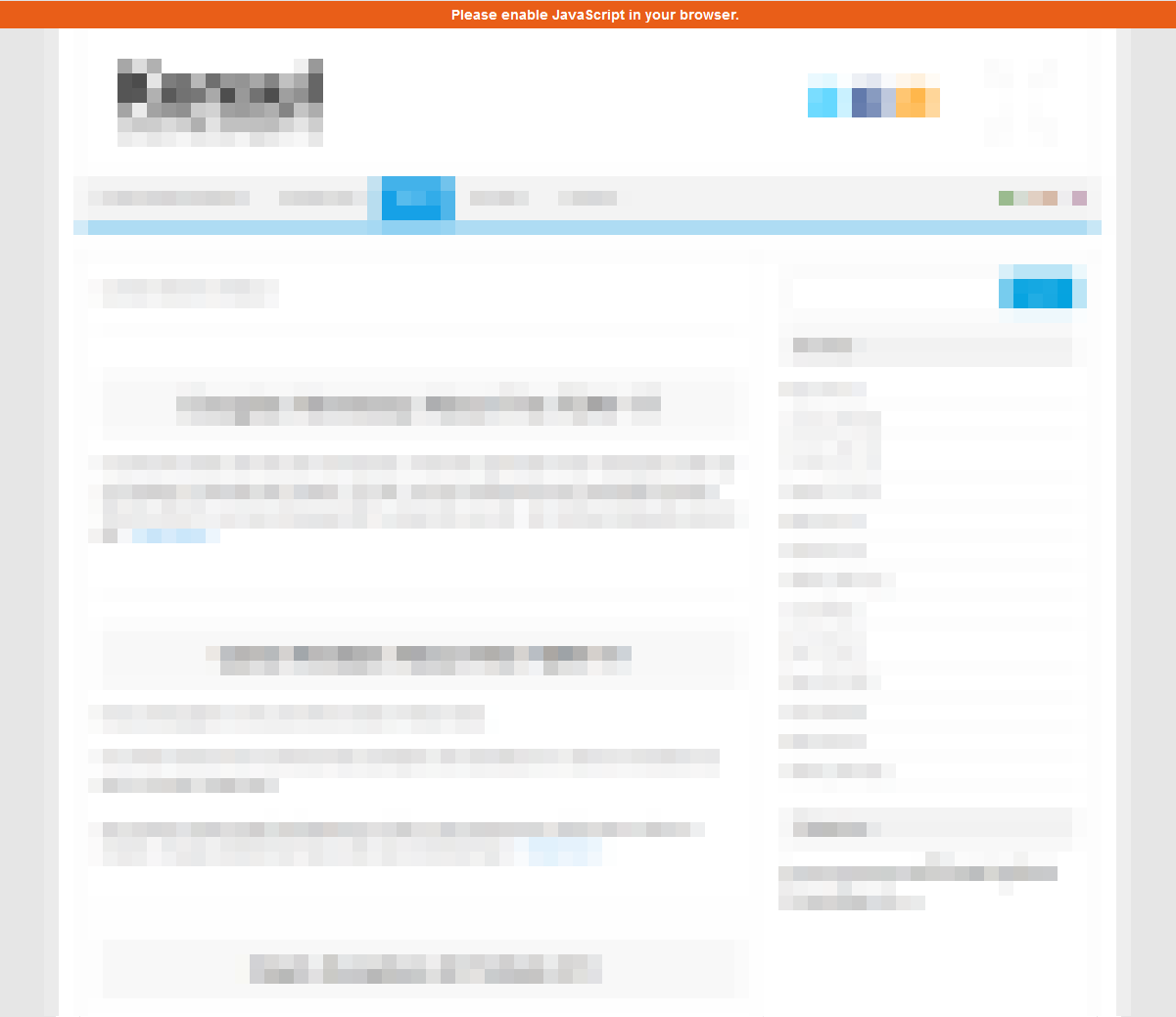
Notification Bar
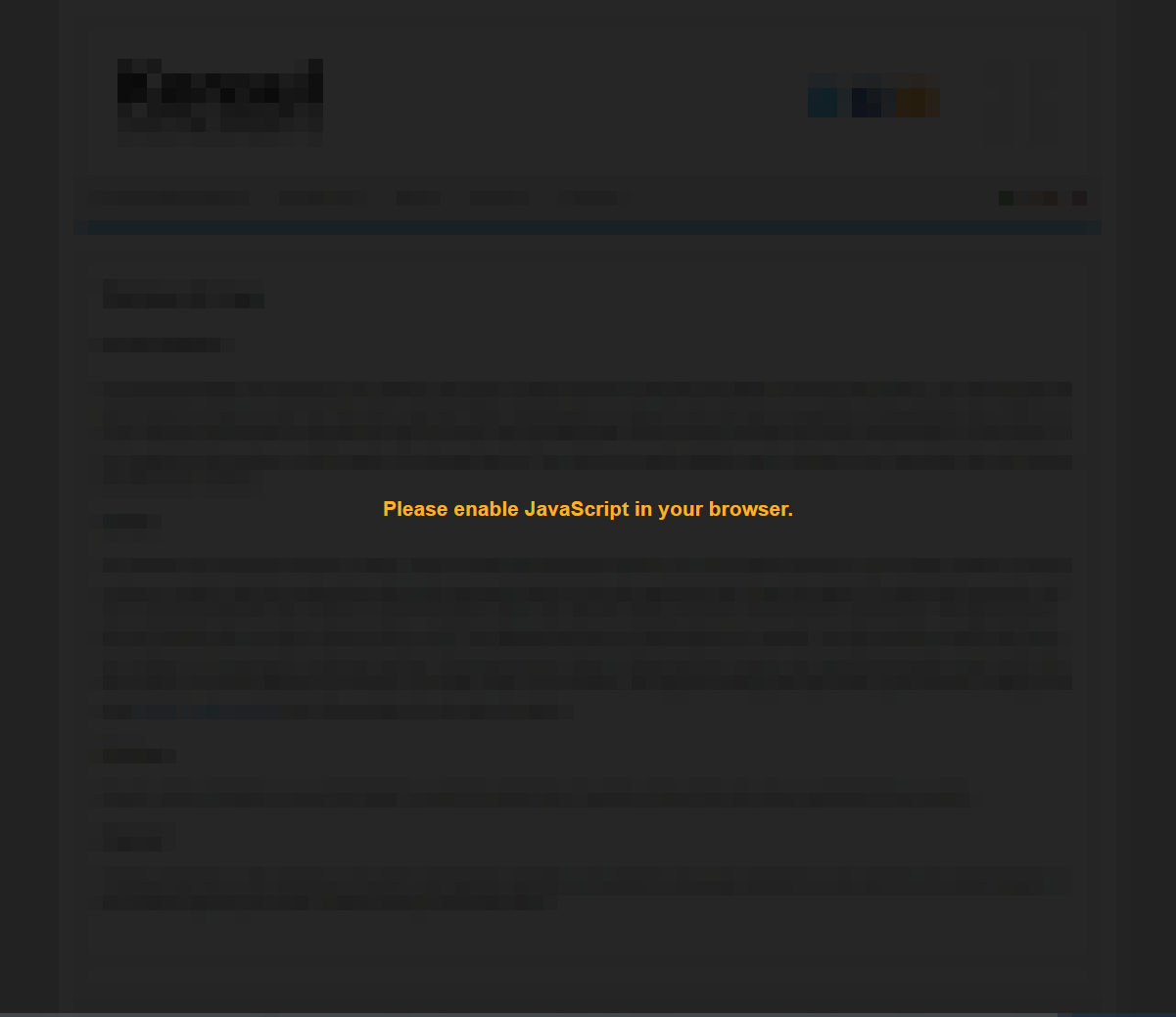
Blocking Mode Enabled
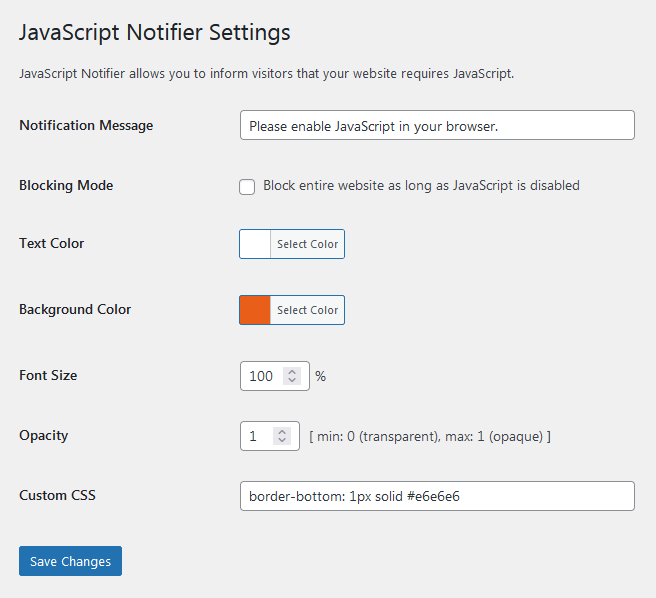
Plugin Settings
Faq
Yes, it does. A corresponding wpml-config.xml language configuration file can be found in the plugin’s home directory.
Sure. Just enter the following CSS code into the Custom CSS input field: top:inherit;bottom:0
In order to work flicker-free, JavaScript Notifier requires one short piece of inline JavaScript code to remain in its exact place. Therefore, it should be excluded from all kind of optimization. Since the code piece is labelled hide-javascript-notifier-js, the easiest way would be to add that label to the optimization plugin’s JavaScript exclusion list, or the like.
Reviews
Cool
By 
Great plugin. Friendly and good support. Fully recommend.
Just works
By 
Changelog
1.2.9
- Added proper escaping of input field contents.
1.2.8
- Fixed undefined array key warning. Suggested by @hoeczek. Thanks!
- Adapted admin script enqueue handle for actual file name.
1.2.7
- Minor optimization.
- Adapted screenshots for latest version.
1.2.6
- Increased callback priority.
- Resorted plugin settings.
1.2.5
- Opened plugin for translations.
- Removed translations from plugin directory.
1.2.4
- Updated translations.
1.2.3
- Replaced outdated JavaScript mime type.
1.2.2
- Fixed WPML translations configuration.
- Optimized options conversion.
1.2.1
- Fixed options conversion failure after upgrading.
1.2.0
- Detached admin code from main plugin functionality.
- Moved settings into single option array entry.
- Changed font size unit from ’em’ to percent.
1.1.1
- Moved JavaScript and CSS into page footer.
1.1.0
- Added input field for custom CSS.
1.0.1
- Added translation for initial notification message.
- Added ID for inline JavaScript, e.g. if required for excluding from optimization.
1.0.0
- Initial release