Joli Table Of Contents
Joli Table Of Contents
Description
Joli Table Of Contents is the most customizable and performance-focused table of contents plugin for WordPress. It works out of the box for beginners — thanks to a built-in Onboarding Wizard — and offers deep control for advanced users and developers.
Easily insert a table of contents into all your posts with either the Auto-insert, the Gutenberg Block, or the Shortcode.
🚀 Why Joli Table Of Contents?
✅ Beginner-Friendly Onboarding Wizard
After activation, a step-by-step setup wizard walks you through the most important settings — no configuration headaches, no reading documentation. You’ll have a working, good-looking TOC in minutes.
🎨 Instant Customization with the Color Palette System
The new Color Palette makes customization effortless. Set just the Accent color and it automatically propagates across your entire TOC — that’s 90% of the visual work done in a single click. Fine-tune everything else at your own pace.
🧠 Smart Heading Detection
Joli Table Of Contents accurately detects headings from third-party shortcodes and blocks that don’t appear directly in the editor but are rendered on the front end. Since v3, you can now choose between Content scope (default — prevents unwanted headings from appearing) and Extended scope for advanced use cases.
🆕 Gutenberg Block with Inline Editing
Use the dedicated Gutenberg Block to insert a table of contents anywhere in your post. The block lets you hide or edit specific headings inline — no settings page needed.
⚡ Performance First
No jQuery dependency. Minified CSS and JavaScript. Conditional style loading based on active settings — only the code you need is loaded. Built for fast websites.
🔁 Migrate from Another TOC Plugin — Without Touching Your Content
Already using Easy Table of Contents, LuckyWP Table of Contents, or another plugin? You can switch to Joli TOC without updating a single shortcode across your posts.
Use the built-in filter to map Joli TOC to your existing shortcode tag:
add_filter('jolitoc_shortcode_tag', function(){ return 'toc'; });
This works with any custom tag, so your existing [toc] (or any other) shortcodes continue to work immediately after switching.
✨ Key Features
Design & Themes:
* Professional looking themes (Default, Original, Hero, + all legacy themes)
* Dark mode support for v3 themes
* Color Palette system — set one color, style the whole TOC
* Fully customizable: padding, margin, borders, fonts, colors, icons
* Custom CSS support
* CSS variable architecture for deep theming
* Custom theme engine (create your own theme)
Insertion methods:
* Auto-insert (by post type and position)
* Gutenberg Block
* Shortcode [joli-toc]
Auto-insert positions:
* Before/After the content
* Before/After H1
* Before first H2 / After first H2
* After first paragraph
Headings & Detection:
* Detect headings from third-party blocks and shortcodes
* Heading scope: Content (default) or Extended
* Show headings by custom depth (H2 to H6)
* Hide or edit specific headings via the block
* Disable headings by text or CSS class
Navigation & UX:
* Reading time estimate (new in v3)
* Hierarchical or Flat view
* Multiple numbering styles (with regional number support)
* Customizable numbering separator and suffix
* Smooth scrolling
* Folding/unfolding with animation
* Pretty URL hash (e.g. mysite.com/article/#section-title)
* Latin & non-latin character support
* Multilingual hash transliteration
* Responsive — hover events work as touch on mobile
Other:
* Import / Export settings
* Import presets for quick setup
* Custom CSS section
* Fully responsive
* <!--nextpage--> multi-page support
* RTL support
* WPML compatible
* No jQuery
* Developer hooks (see full list)
⭐ What’s New in v3
🧙 Onboarding Wizard
New users are greeted with a step-by-step onboarding wizard that configures the most important settings for their site — without needing to touch advanced options.
🎨 Color Palette System
A brand-new reusable color palette makes customization fast and consistent. Define your Accent color once and watch it style your entire TOC automatically.
🖼 New & Updated Themes
v3 ships with new and upgraded themes: Default (replaces Basic Light/Dark), Original, and Hero — all with dark mode support and theme-specific style variants.
🎛 Redesigned Settings Page
The admin interface has been fully redesigned with:
* A search bar to quickly find any setting
* A Live Preview panel — see your changes in real time
* A Quick Settings Panel for the most common options
* Better color pickers with palette support
* Session checker to prevent lost changes
📐 New Style Options
New styling controls include: header border style/width/radius/color, numbering badge colors, base font size, and toggle button styles.
🔢 Improved Numbering System
The numbering engine has been upgraded to behave like a proper list — including support for regional numbering formats. Hexadecimal and binary modes have been removed.
📍 TOC Alignment
Choose between left, center, and right alignment for the entire TOC block.
📖 Reading Time Estimate
Automatically display an estimated reading time inside the TOC header.
🔒 PRO Features
Get Joli Table Of Contents Pro
Premium Themes:
Widgets:
* 🆕 Timeline TOC — display the TOC as a visual timeline on the side of the screen, with proportionally spaced markers
* ✅ Floating TOC Widget — follows the user as they scroll, shows the active section
* ✅ Slide-Out TOC Widget — fixed panel on the side of the screen
* ✅ Sticky Sidebar TOC — TOC in a sidebar widget that sticks while scrolling
* ✅ Progress Bar Widget — reading progress indicator at the top of the page
PRO-only customization:
* ⭐ Collapsible headings
* ⭐ View more button (Partial fold)
* ⭐ Independent top-level heading styling
* Separator between top-level headings
* Multi-columns mode
* Per-device TOC visibility (in-content vs. sidebar)
* Fade past headings
Advanced auto-insert rules:
* Filter by post type, post title, or post ID
* Exclude specific posts by title or ID
* Different settings per post type (theme, layout, everything)
Custom Post Type support with per-post-type settings.
🔧 Shortcode
Insert the TOC anywhere using the shortcode:
[joli-toc]
Migrating from another plugin? Keep your existing shortcode tag without updating any content:
add_filter('jolitoc_shortcode_tag', function(){ return 'toc'; });
This is compatible with shortcode tags used by Easy Table of Contents, LuckyWP Table of Contents, and others.
🎣 Developer Hooks
Joli Table Of Contents provides a full set of action and filter hooks for developers.
Common examples (add to your theme’s functions.php):
Disable auto-insert globally:
add_filter(‘joli_toc_disable_autoinsert’, function(){ return true; });
Disable JS or CSS:
add_filter(‘joli_toc_disable_js’, function(){ return true; });
add_filter(‘joli_toc_disable_styles’, function(){ return true; });
Customize the TOC title dynamically:
add_filter(‘joli_toc_toc_title’, function( $title ){ return ‘My Custom Title’; });
🔌 More Plugins by WPJoli
Installation
Installing from the WordPress Admin
- Go to Plugins > Add New.
- Search for “Joli Table Of Contents”.
- Click Install Now, then Activate.
- Follow the Onboarding Wizard to get set up in minutes.
Installing via ZIP archive
- Go to Plugins > Add New > Upload Plugin.
- Upload the plugin ZIP file and click Install Now.
- Click Activate Plugin.
Manual Installation
- Upload the
joli-table-of-contentsfolder to/wp-content/plugins/. - Go to Plugins in your WordPress admin and activate it.
After Activation
The Onboarding Wizard will guide you through the setup. You can also go directly to Joli TOC in your admin menu.
You have 3 ways to display the TOC:
1. Auto-insert — go to Settings > Auto-Insert and select your post types
2. Gutenberg Block — insert the Joli TOC block inside any post or page
3. Shortcode — add [joli-toc] anywhere in your content
Screenshots
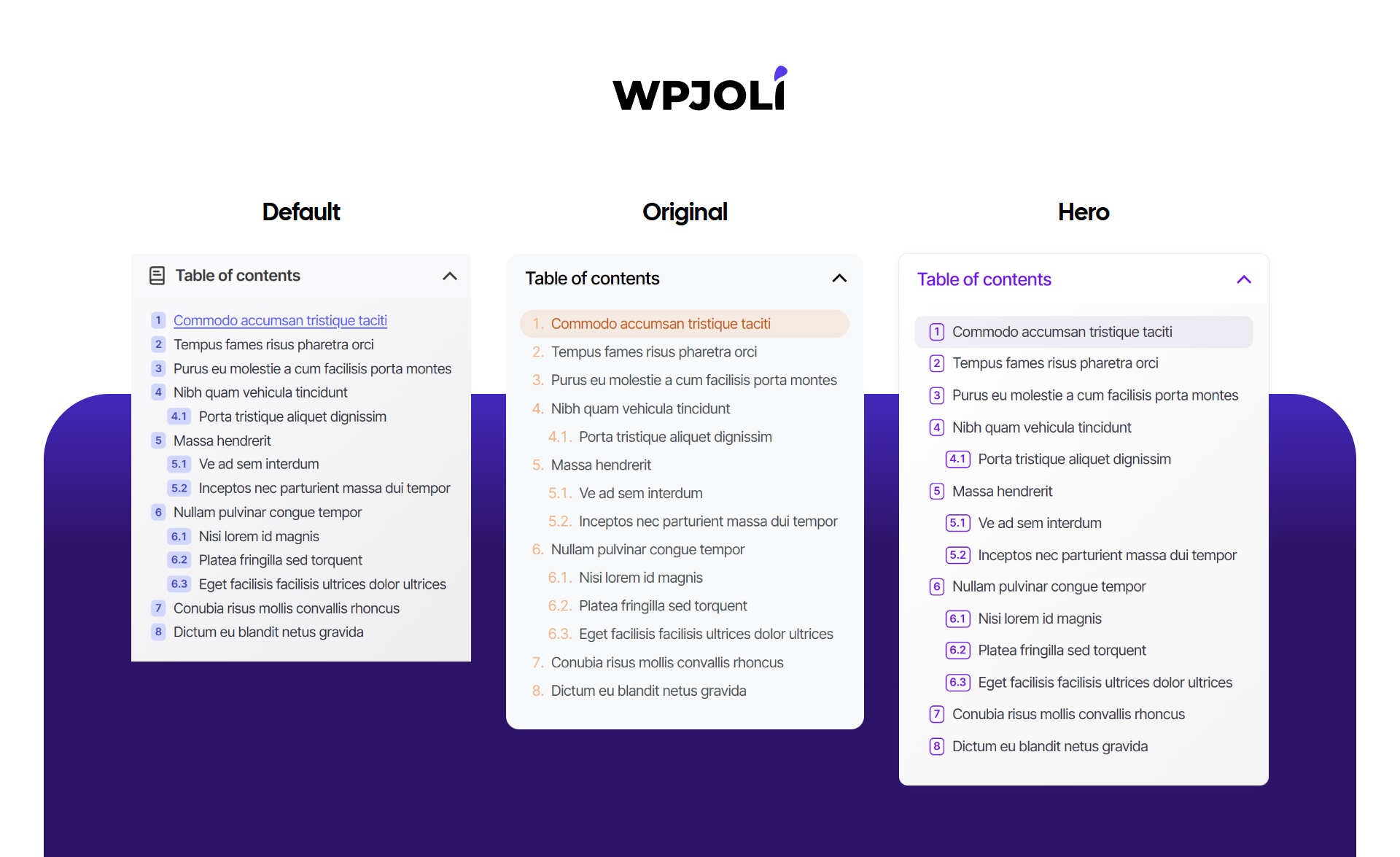
Themes overview
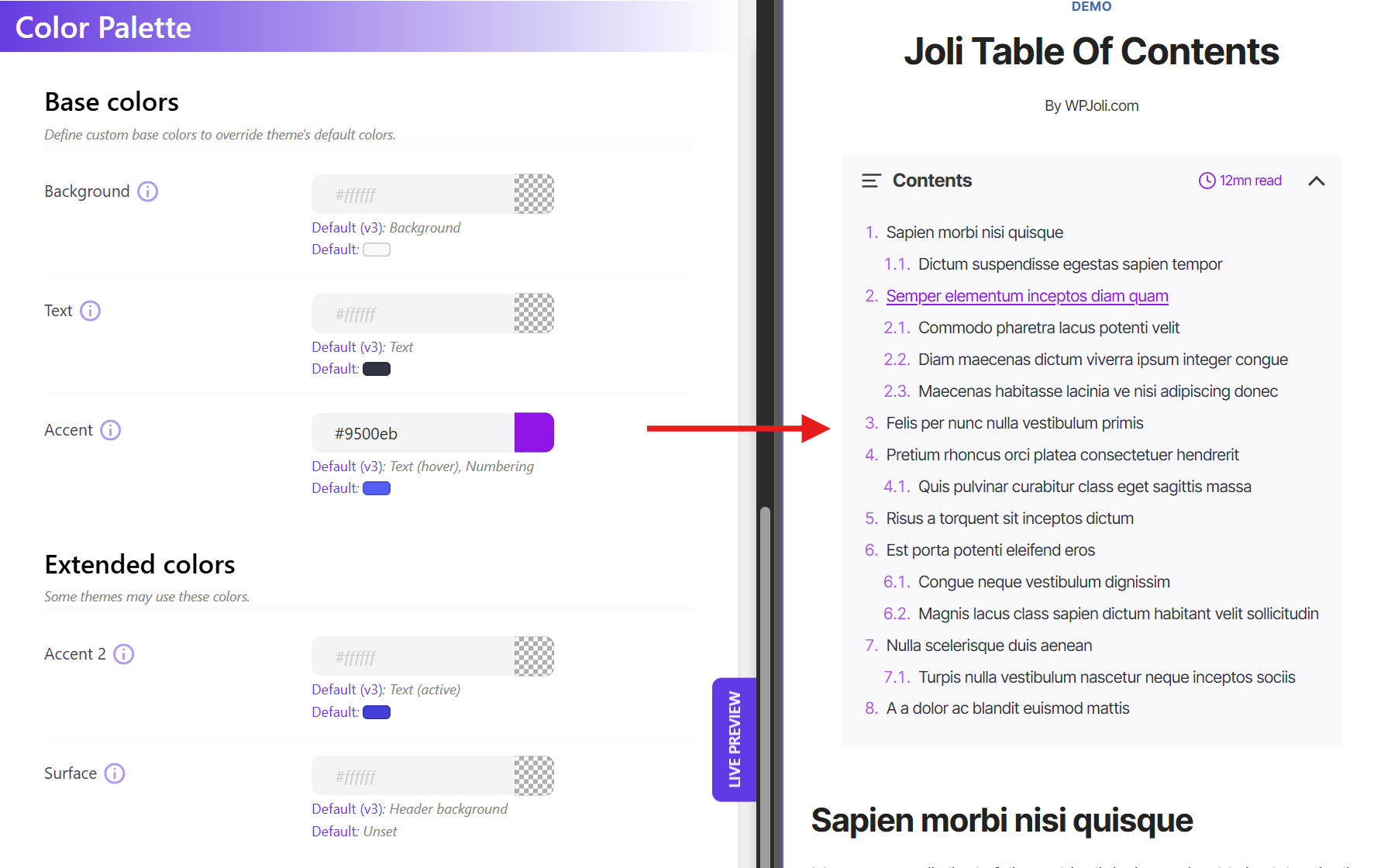
Color Palette — Example 1 (custom accent color)
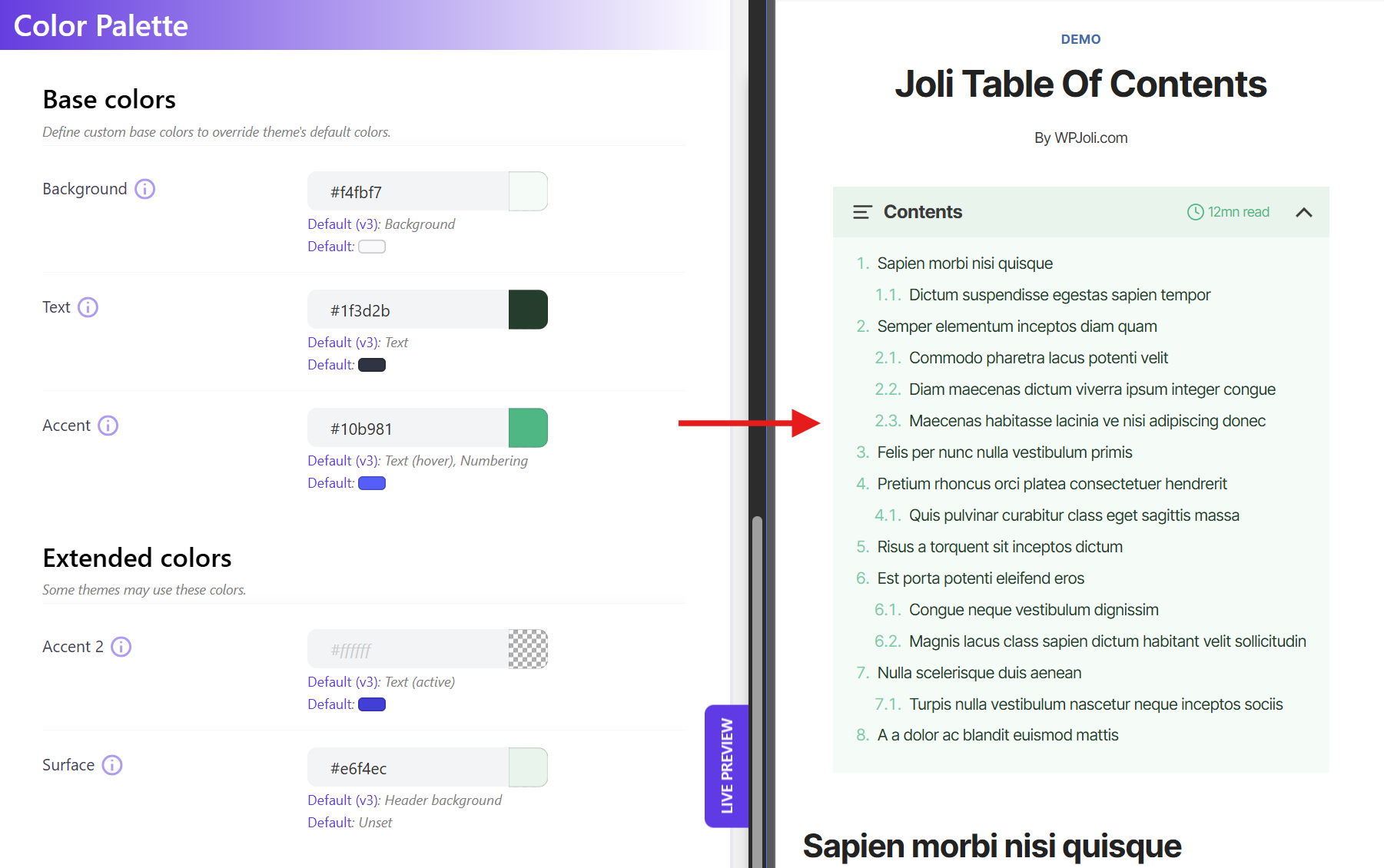
Color Palette — Example 2 (custom colors)
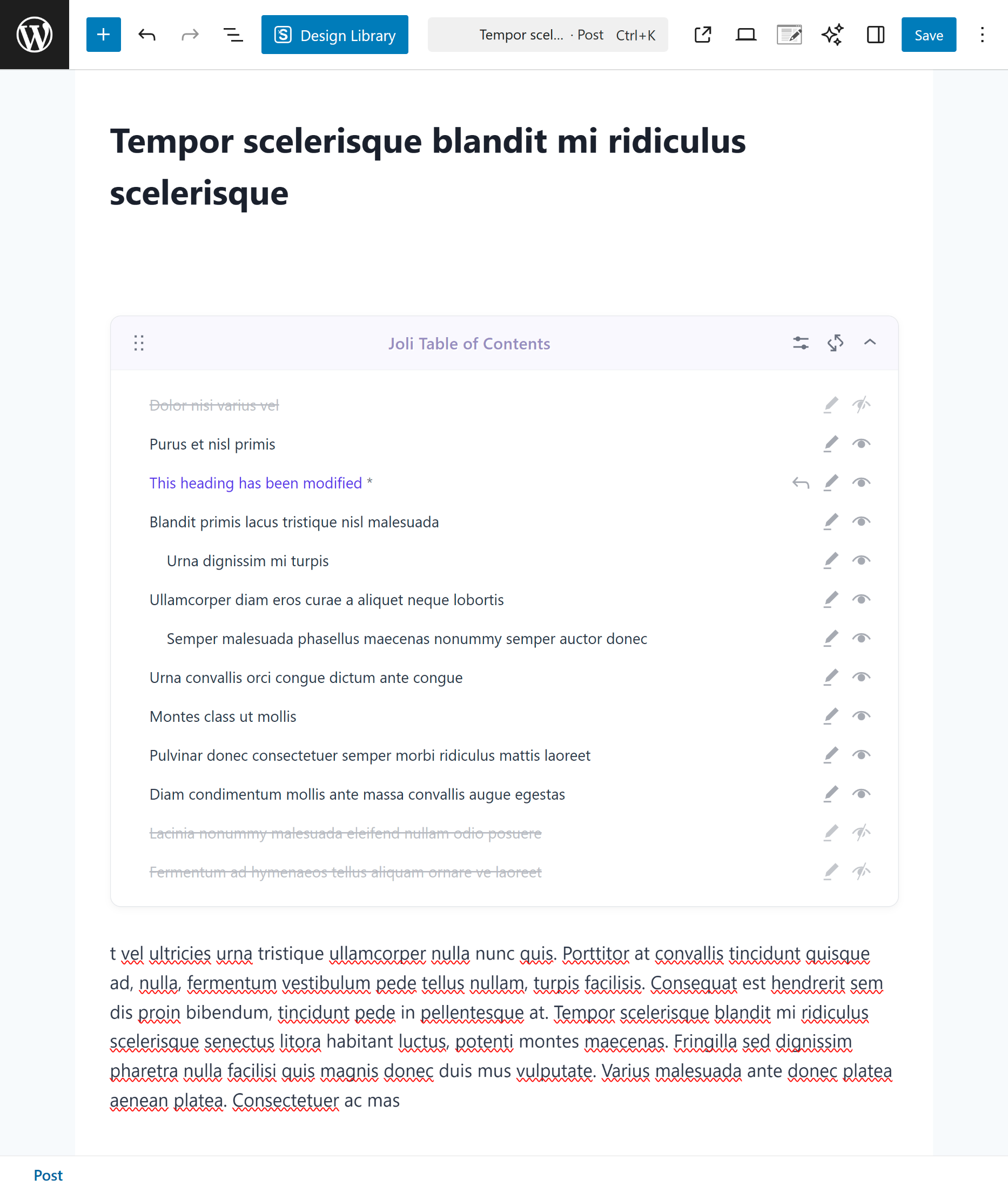
Gutenberg Block — Example 1
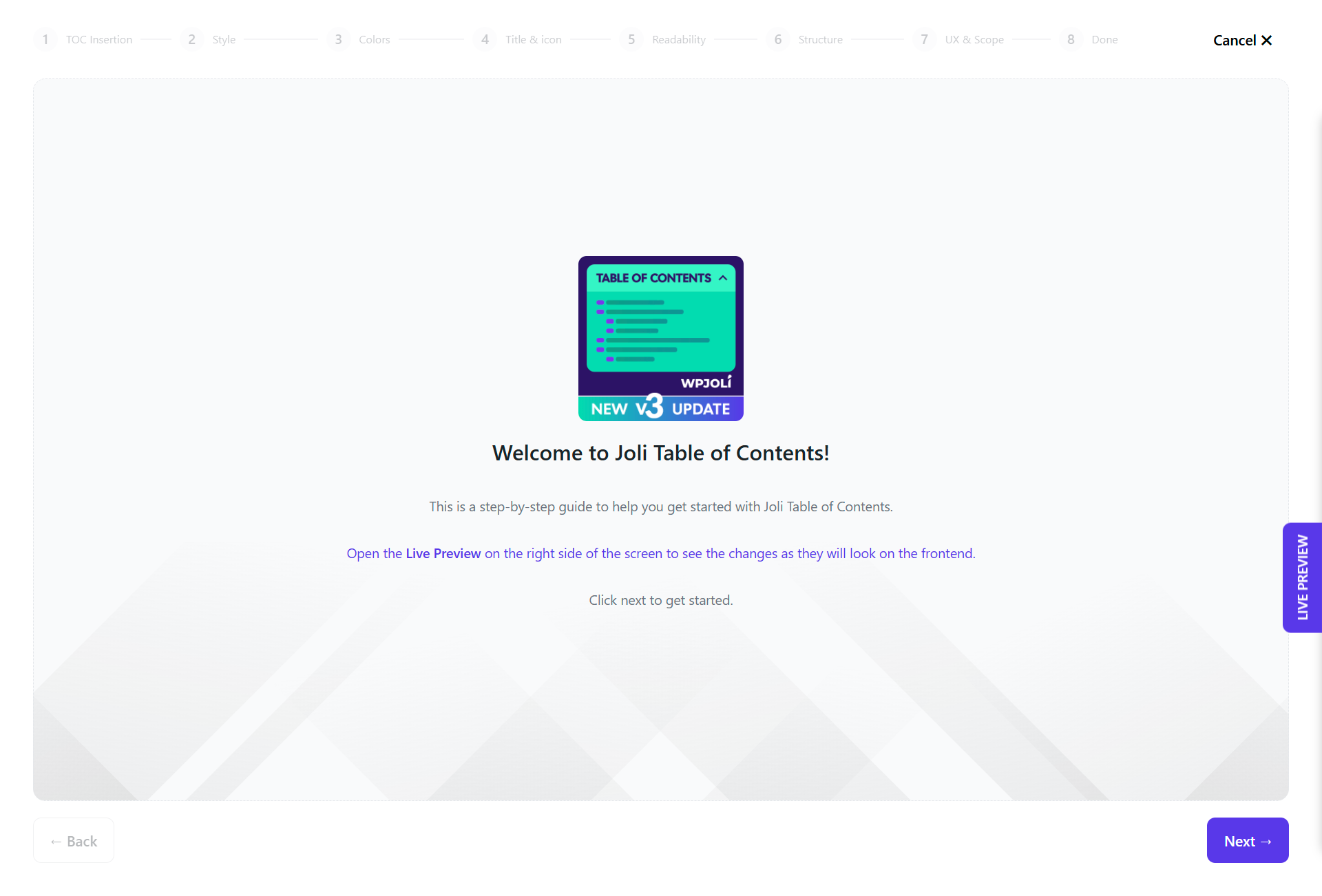
Onboarding Wizard — Intro
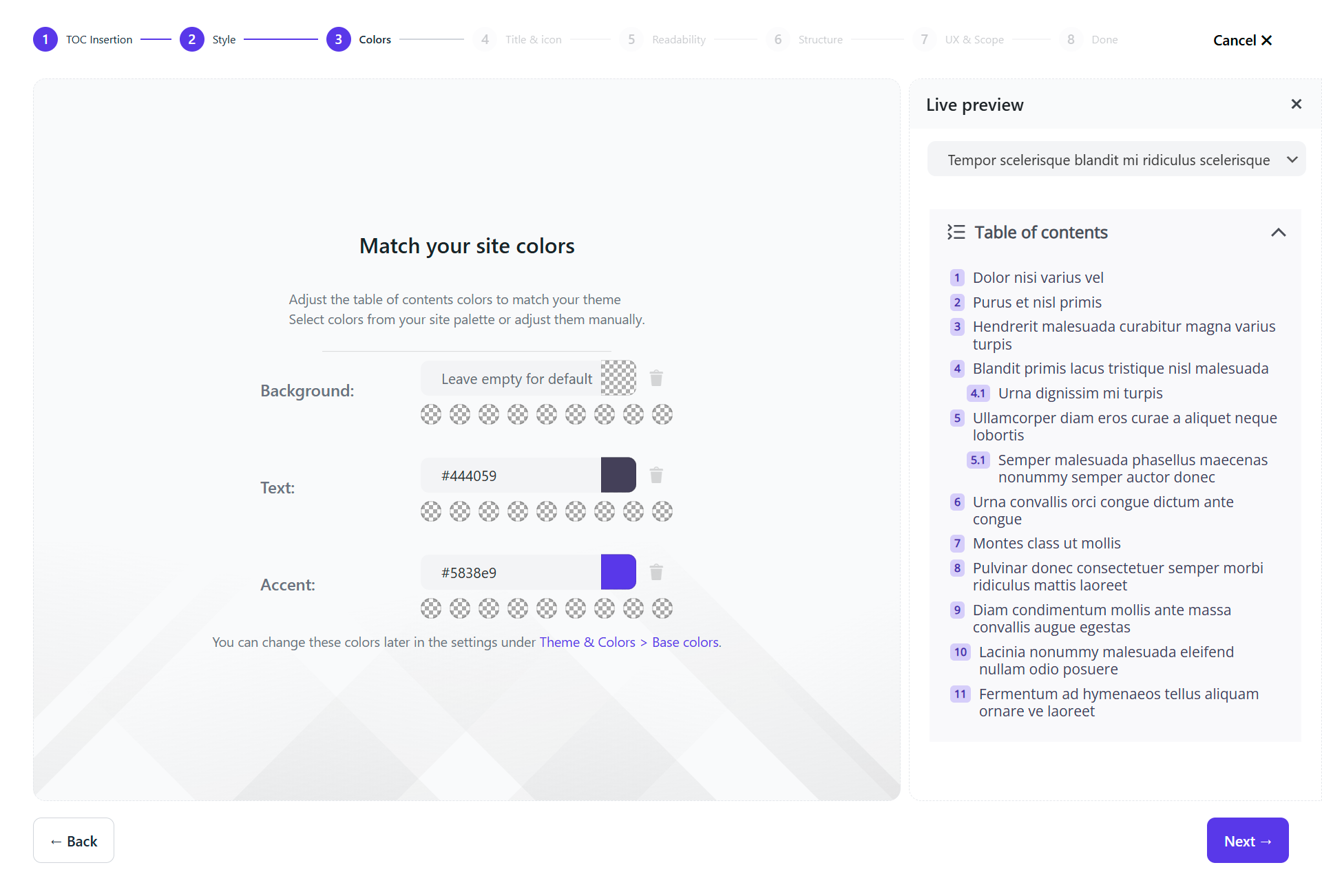
Onboarding Wizard — Colors & Live Preview
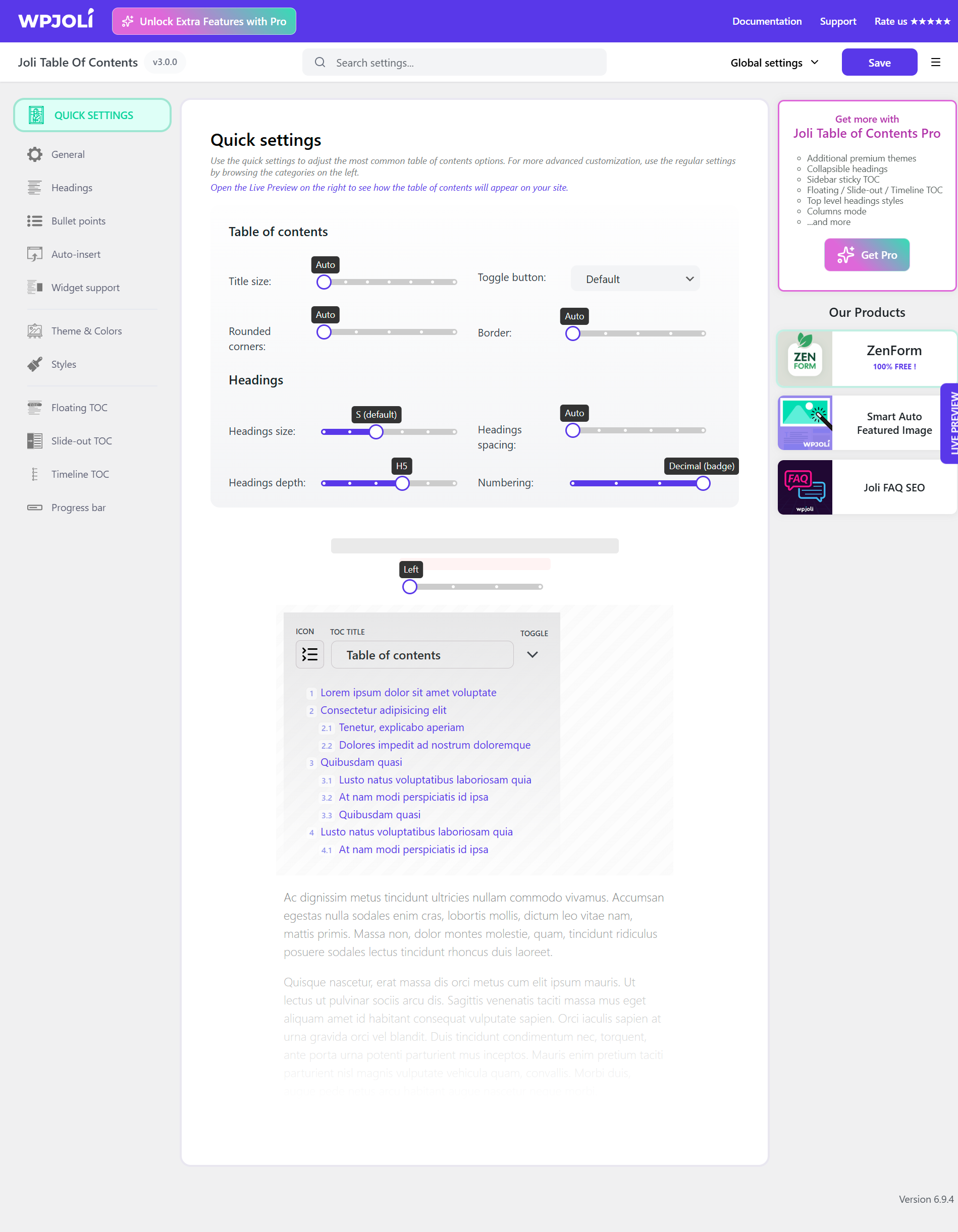
Settings Page — Quick Settings
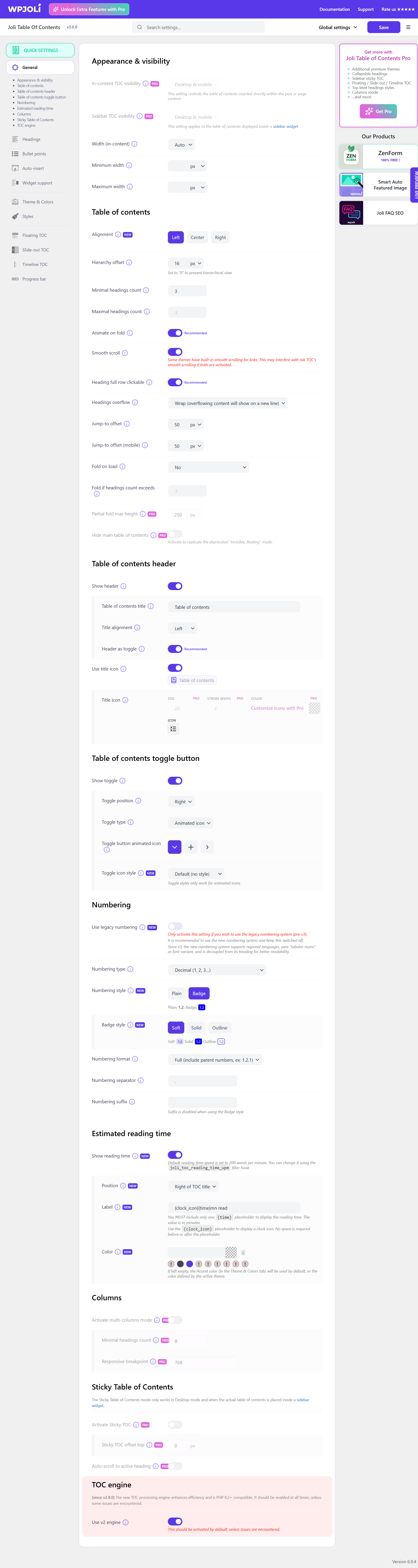
Settings Page — General
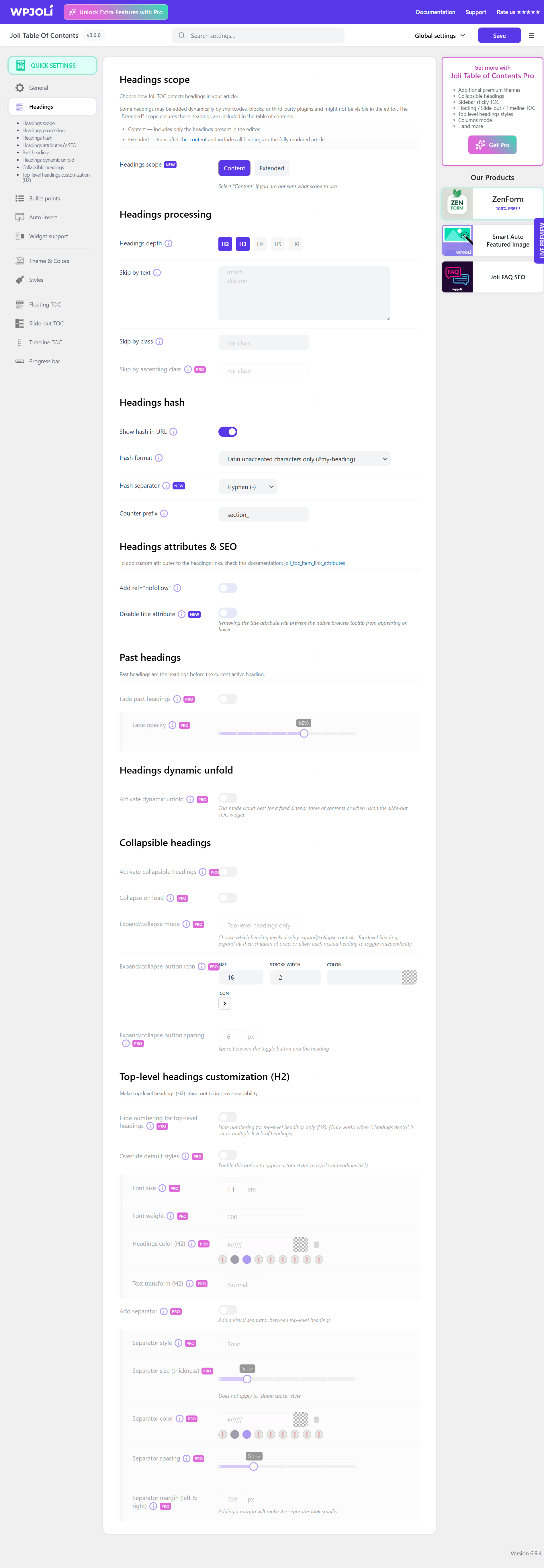
Settings Page — Headings
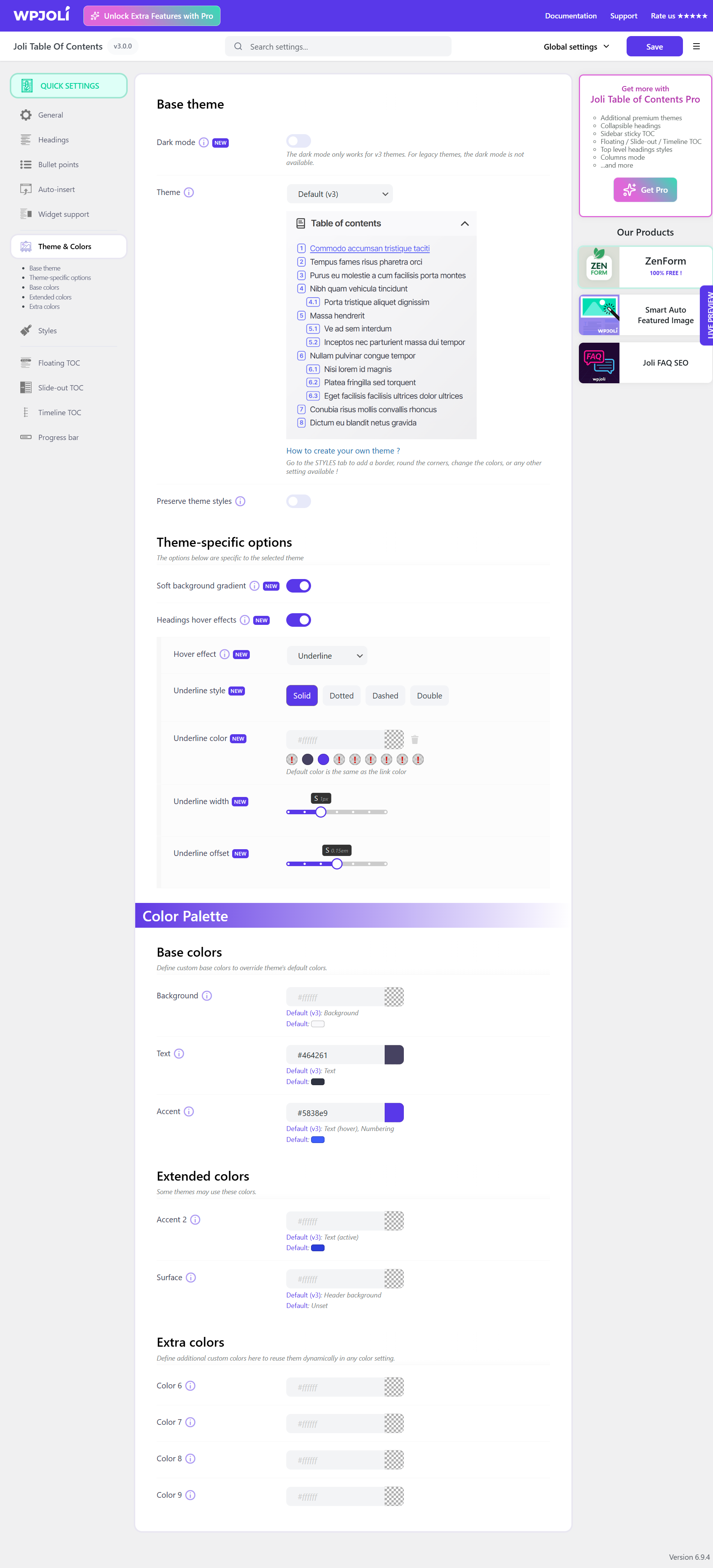
Settings Page — Theme & Colors
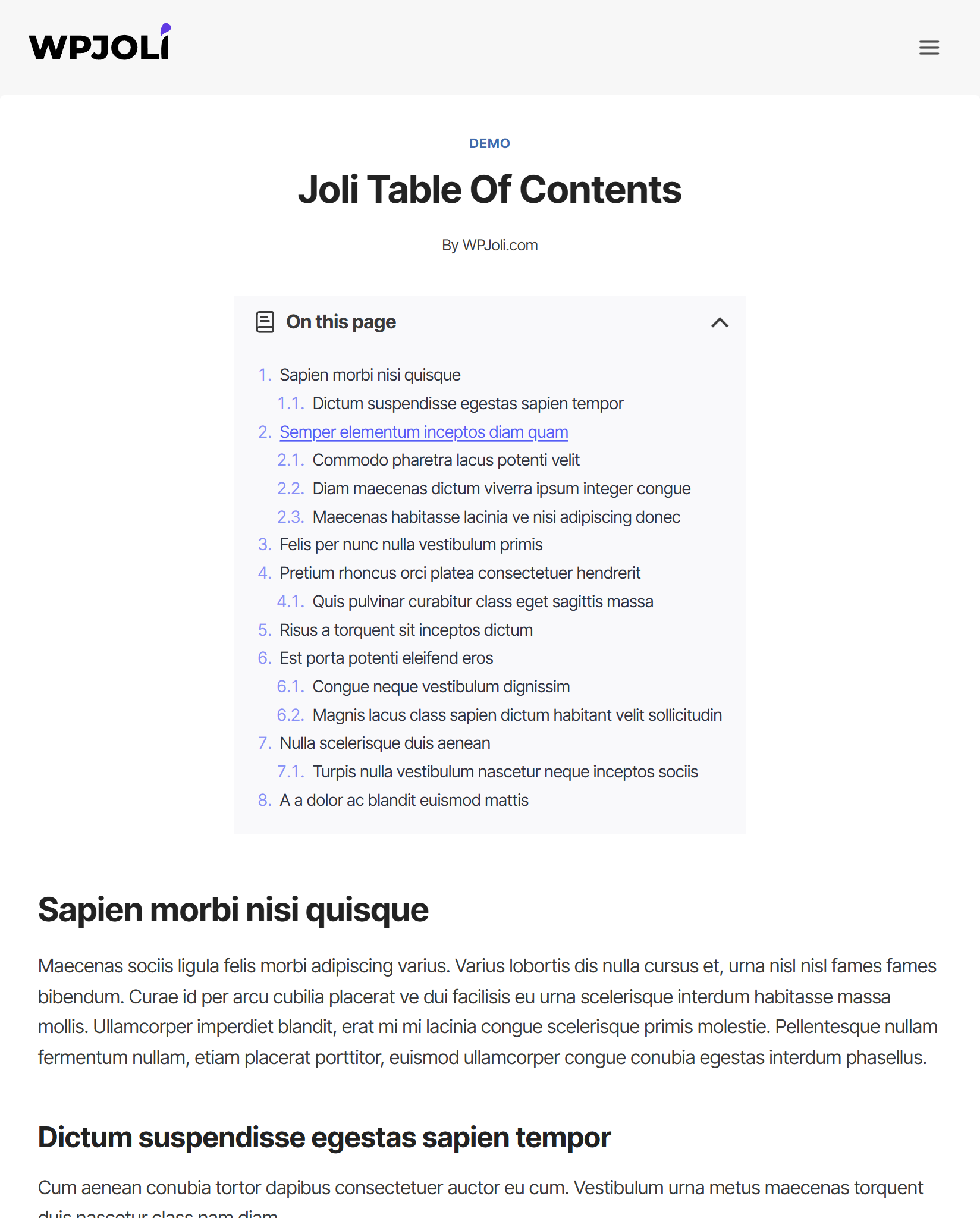
Demo 1
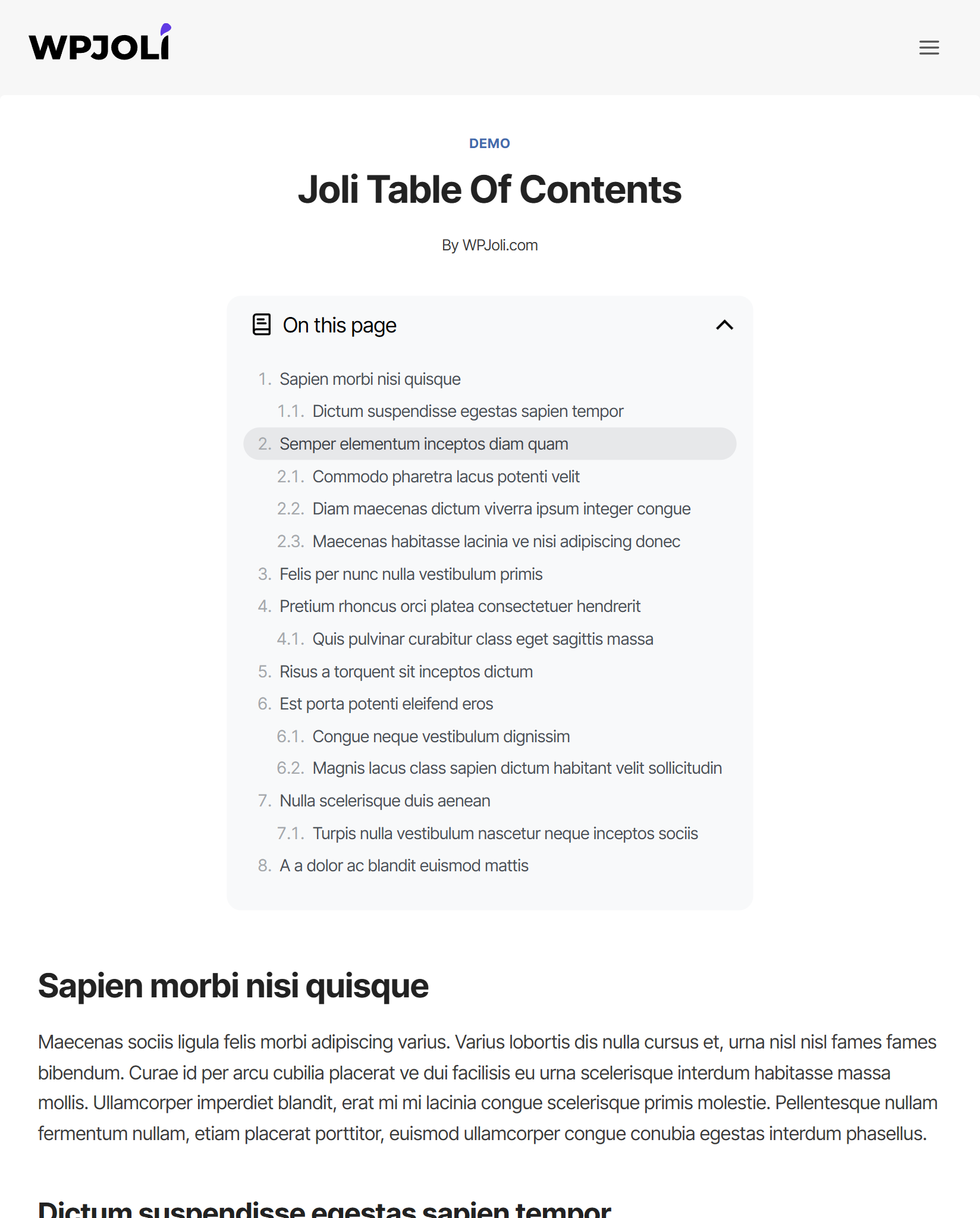
Demo 2
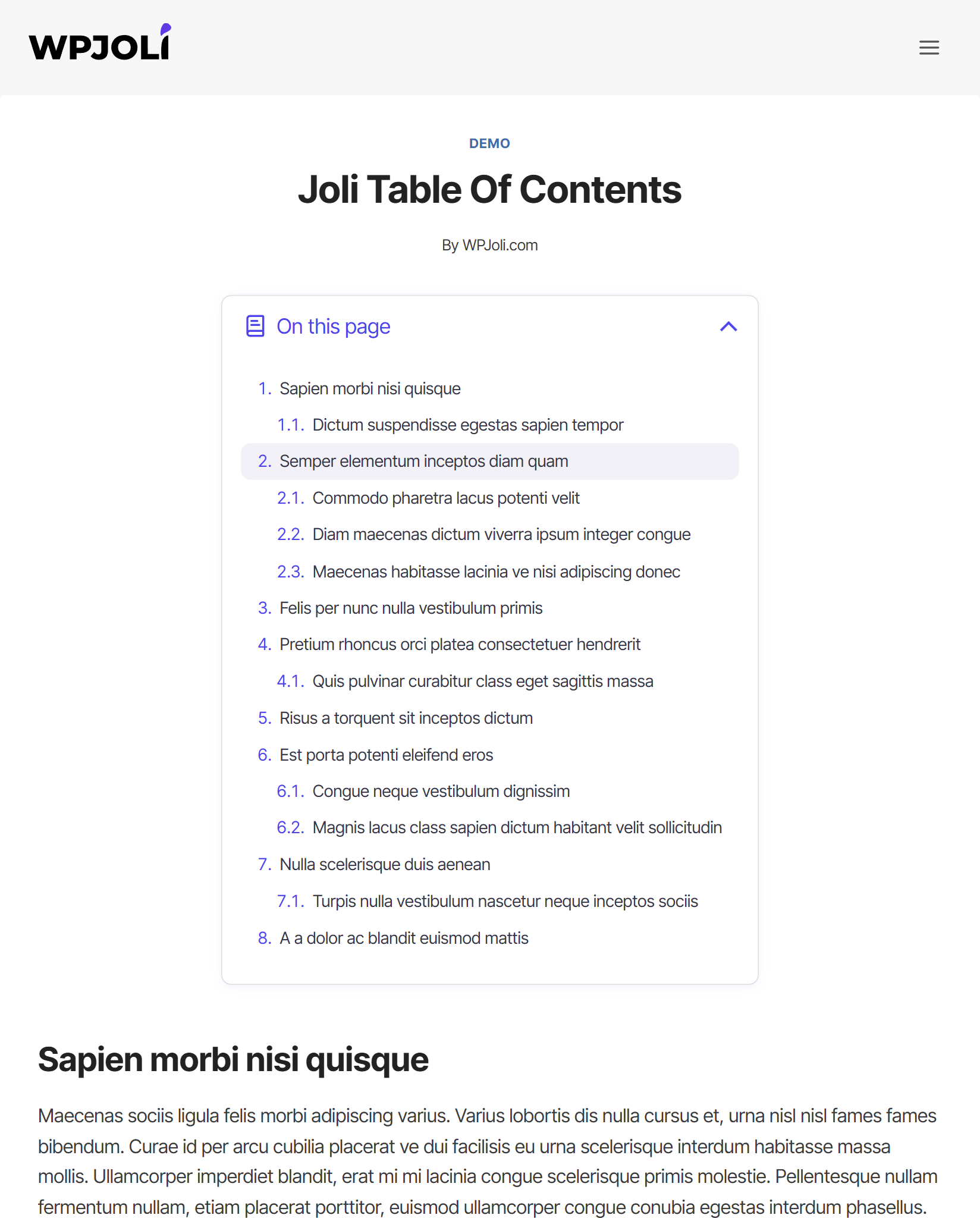
Demo 3
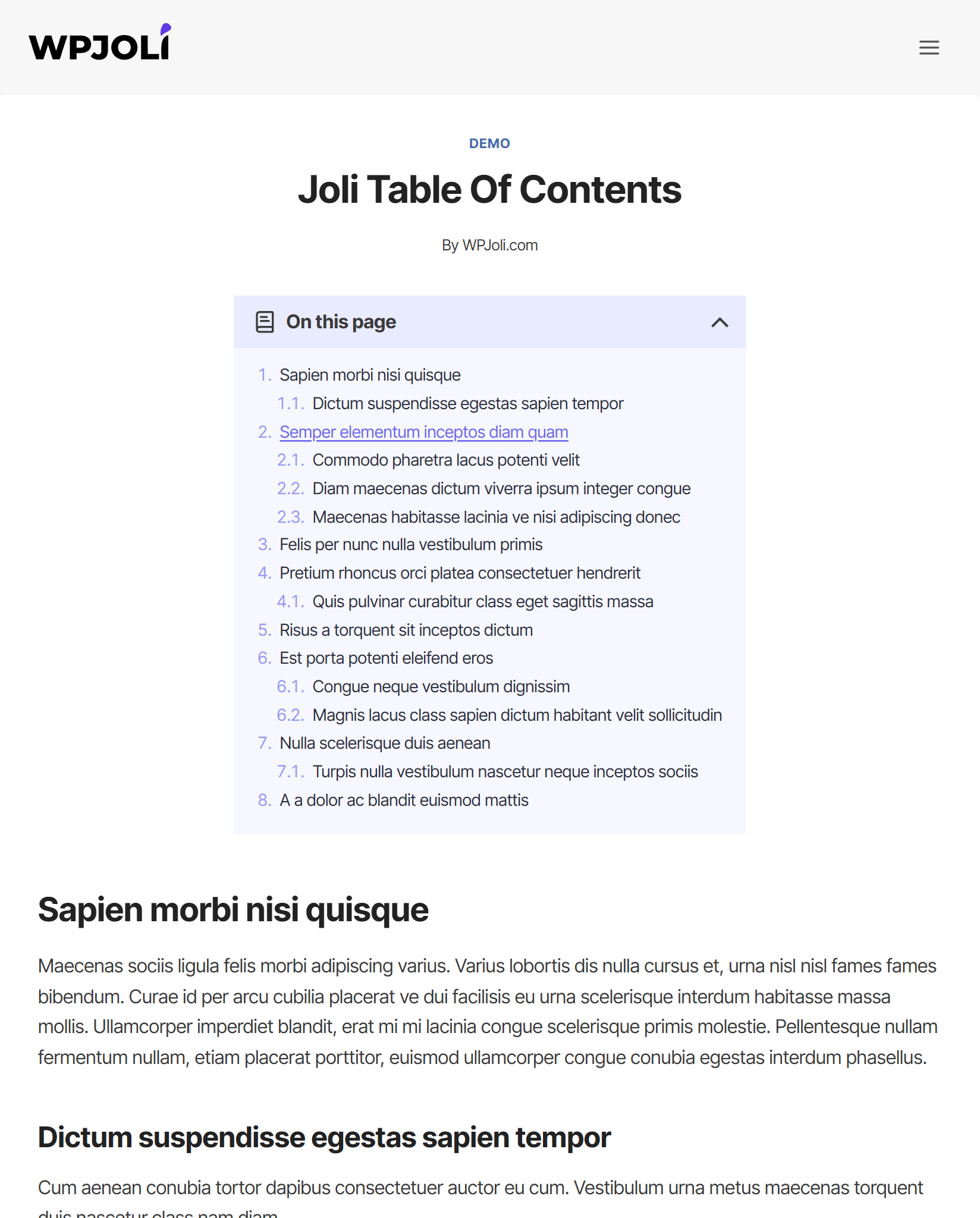
Demo 4
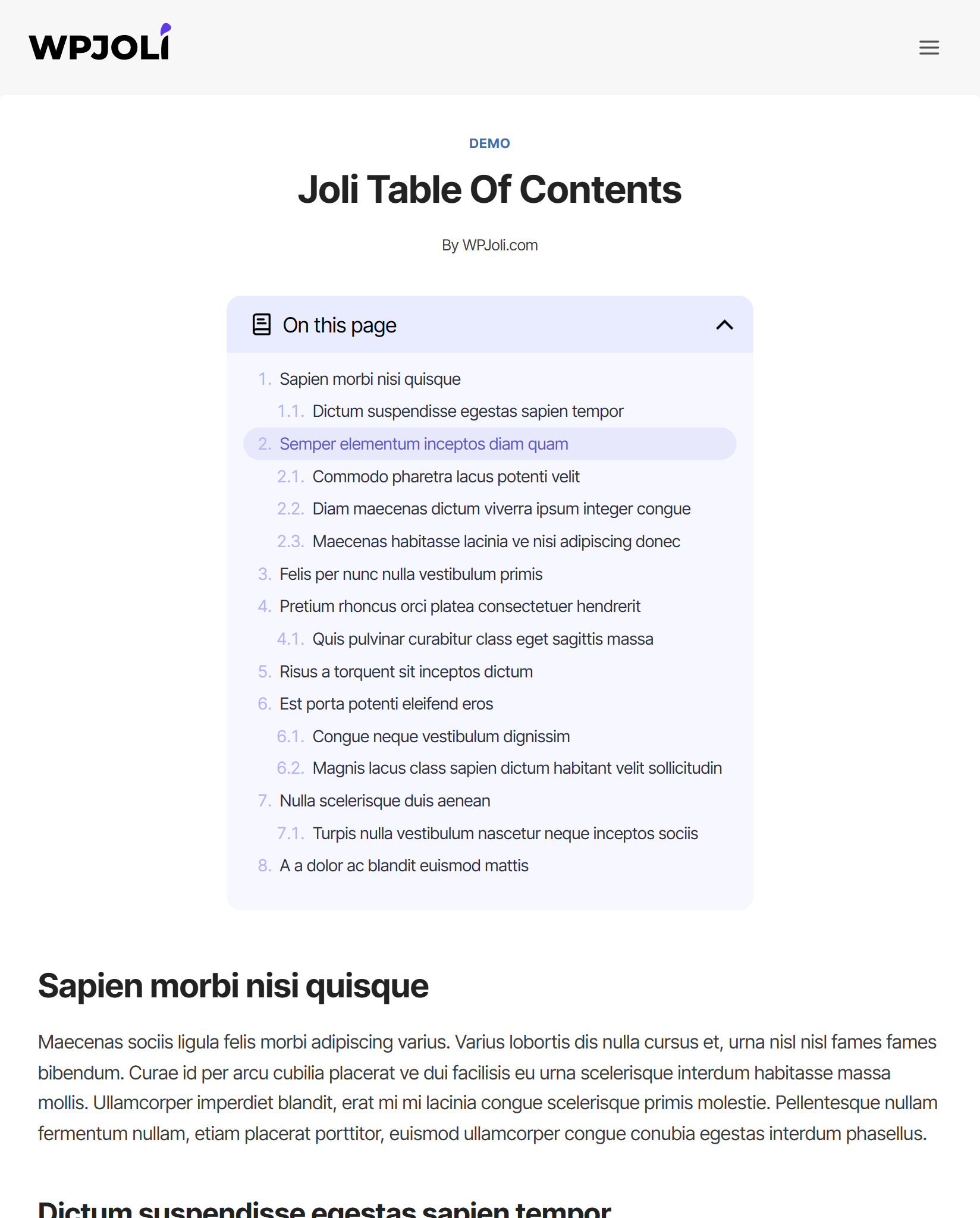
Demo 5
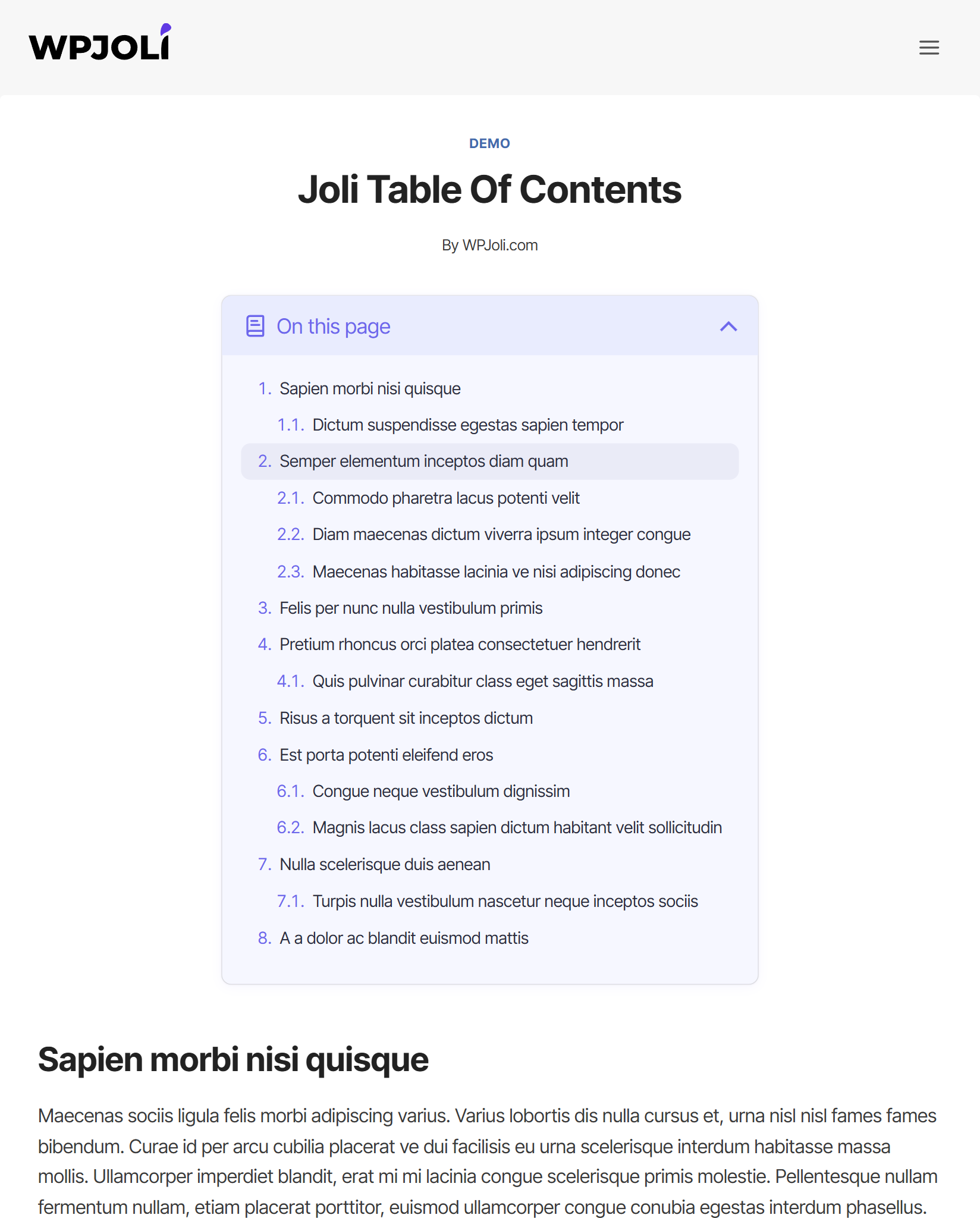
Demo 6
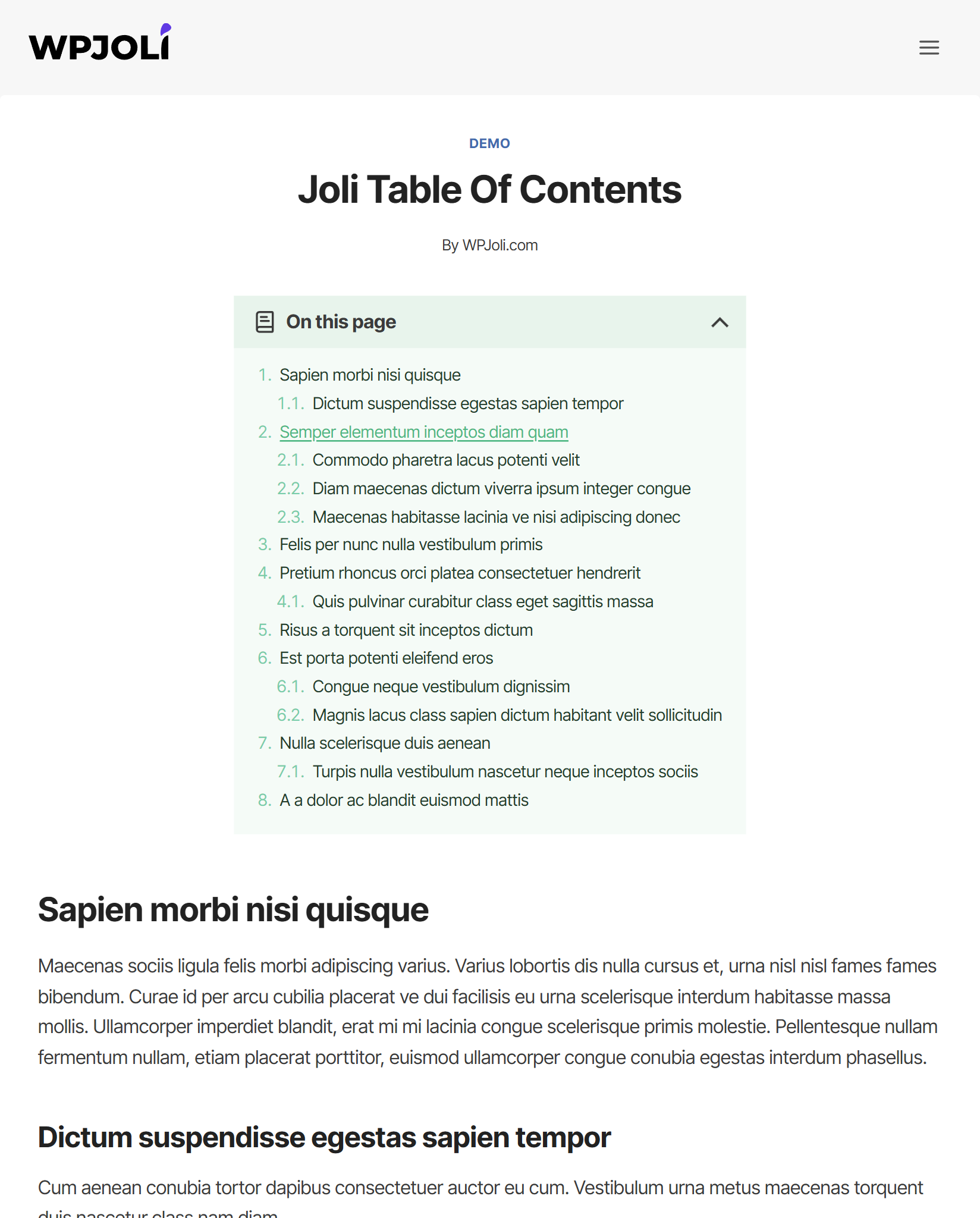
Demo 7
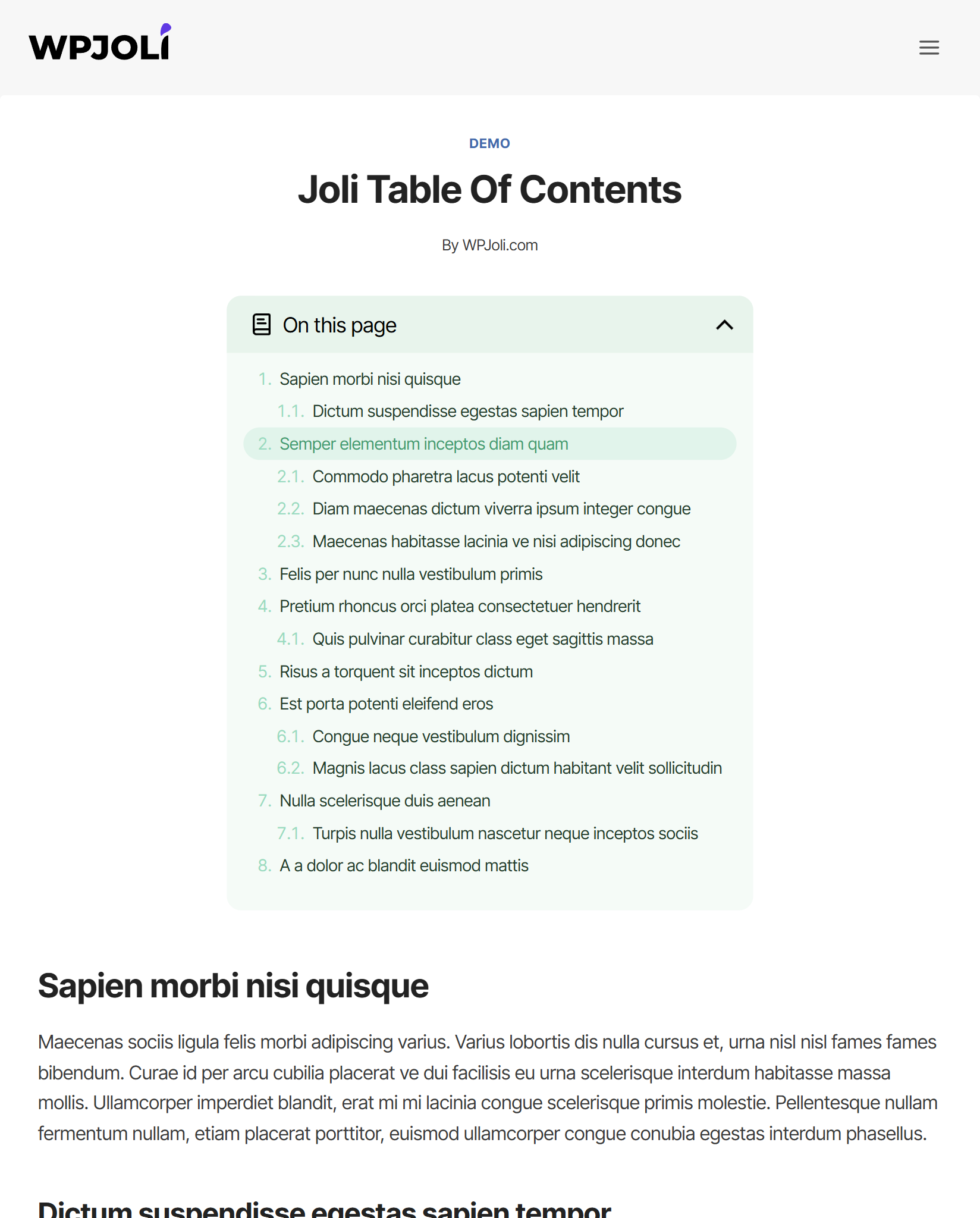
Demo 8
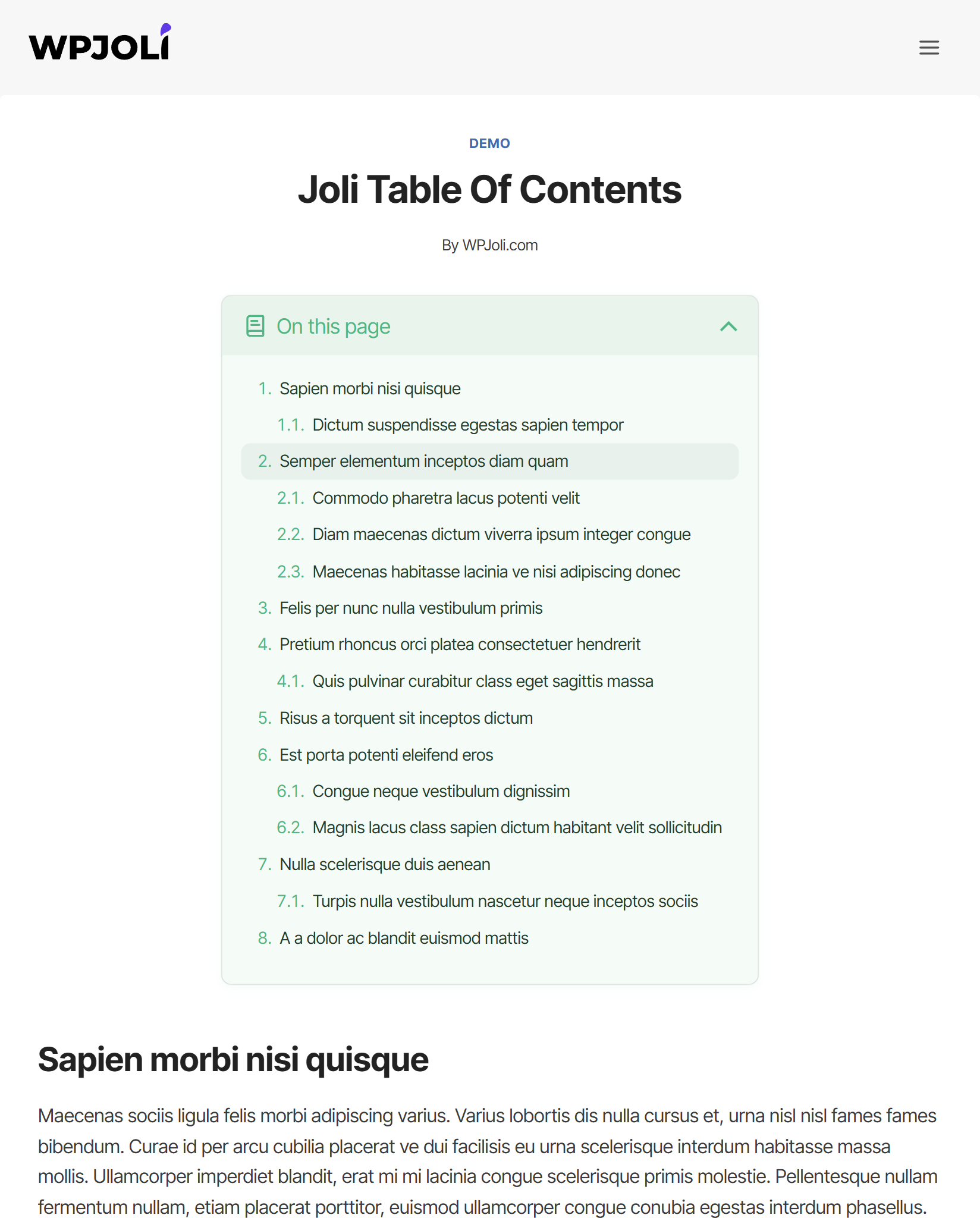
Demo 9
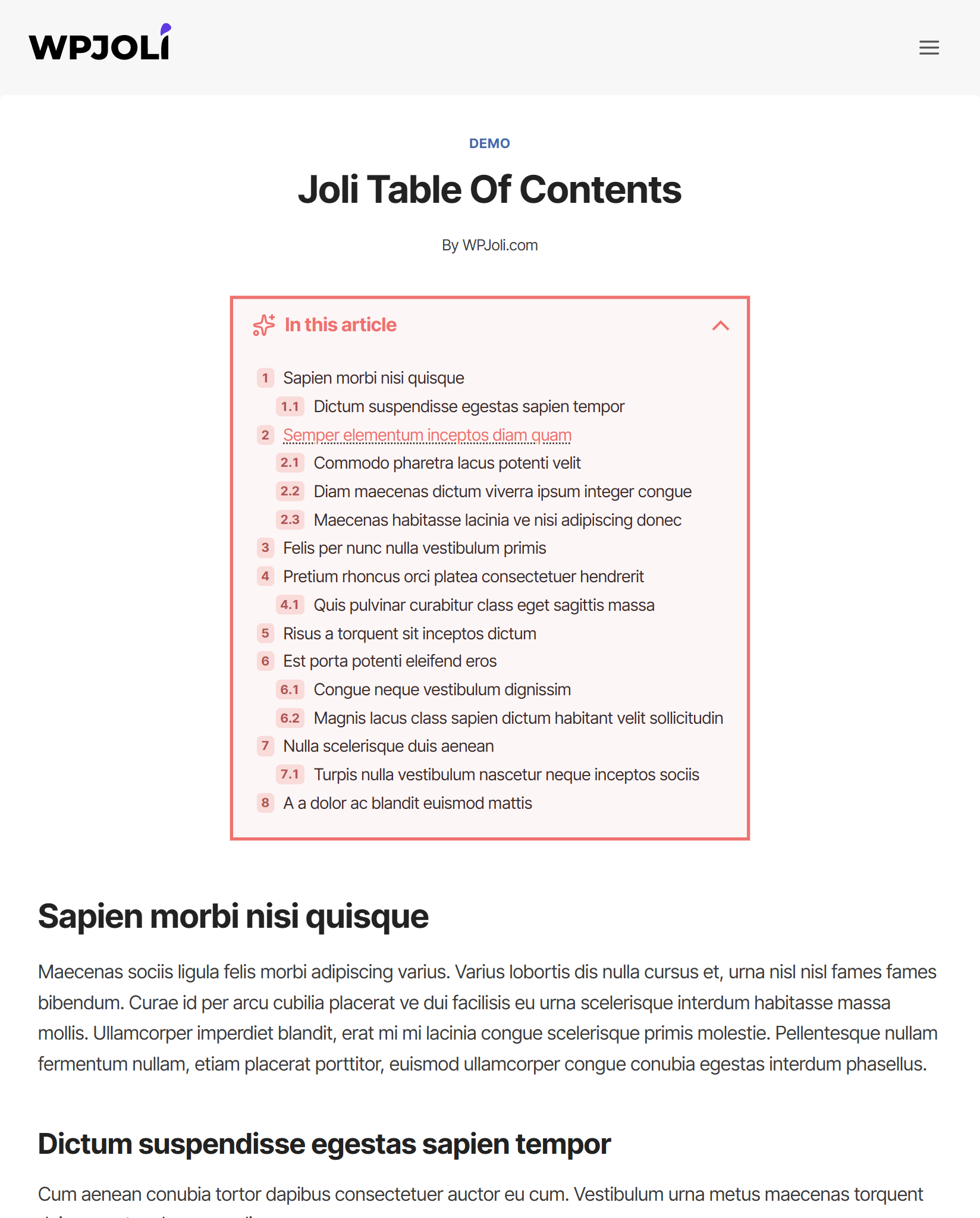
Demo 10
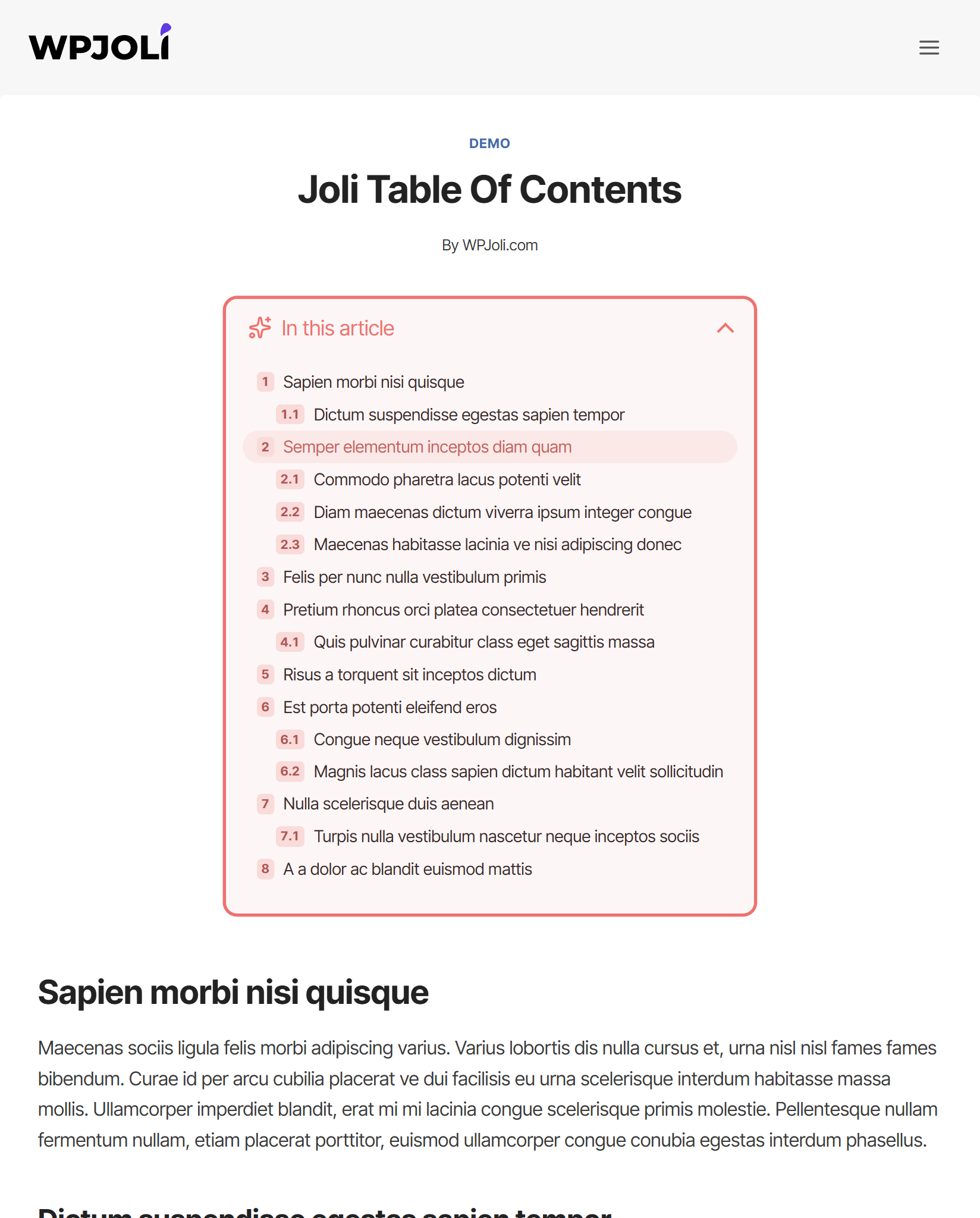
Demo 11
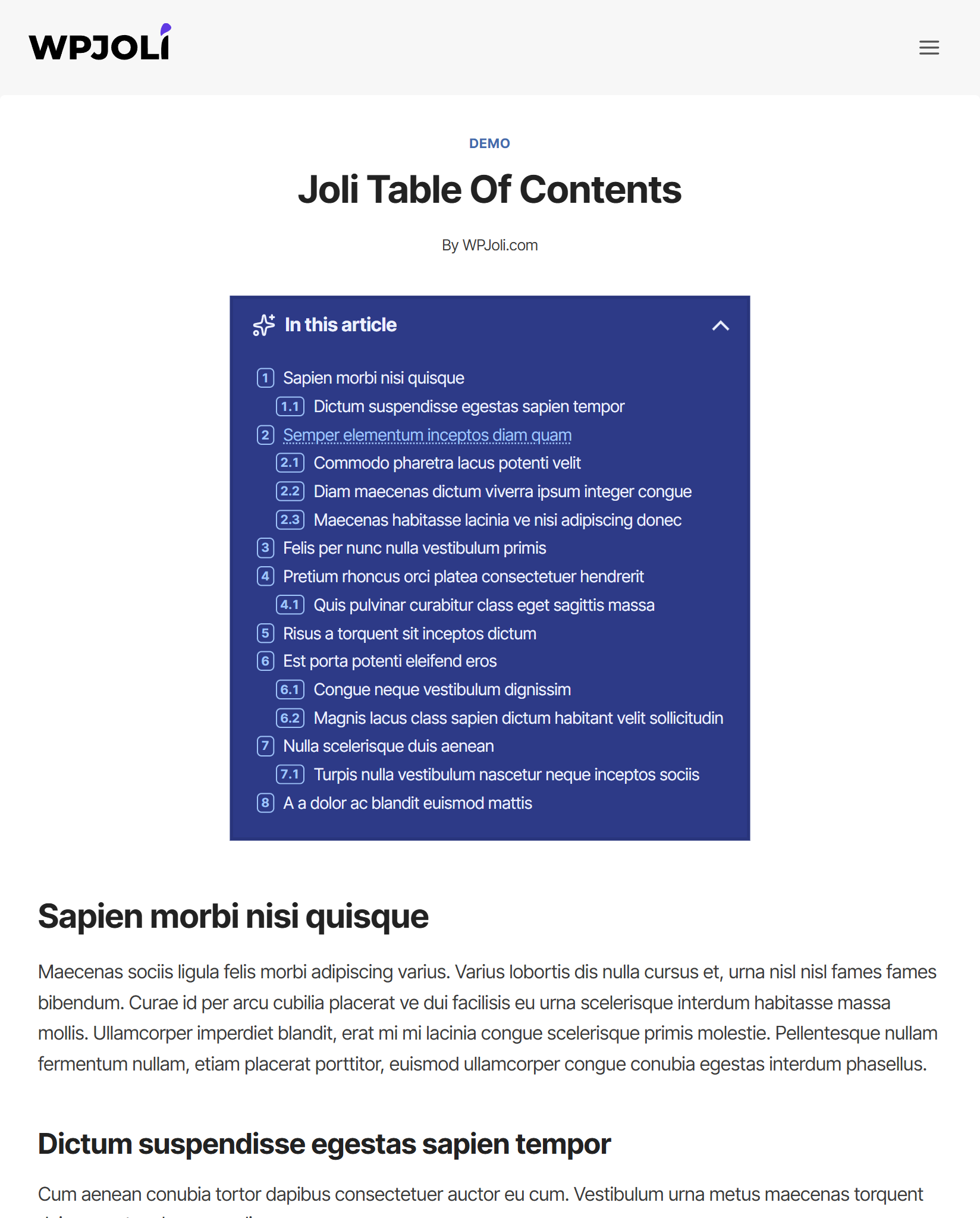
Demo 12
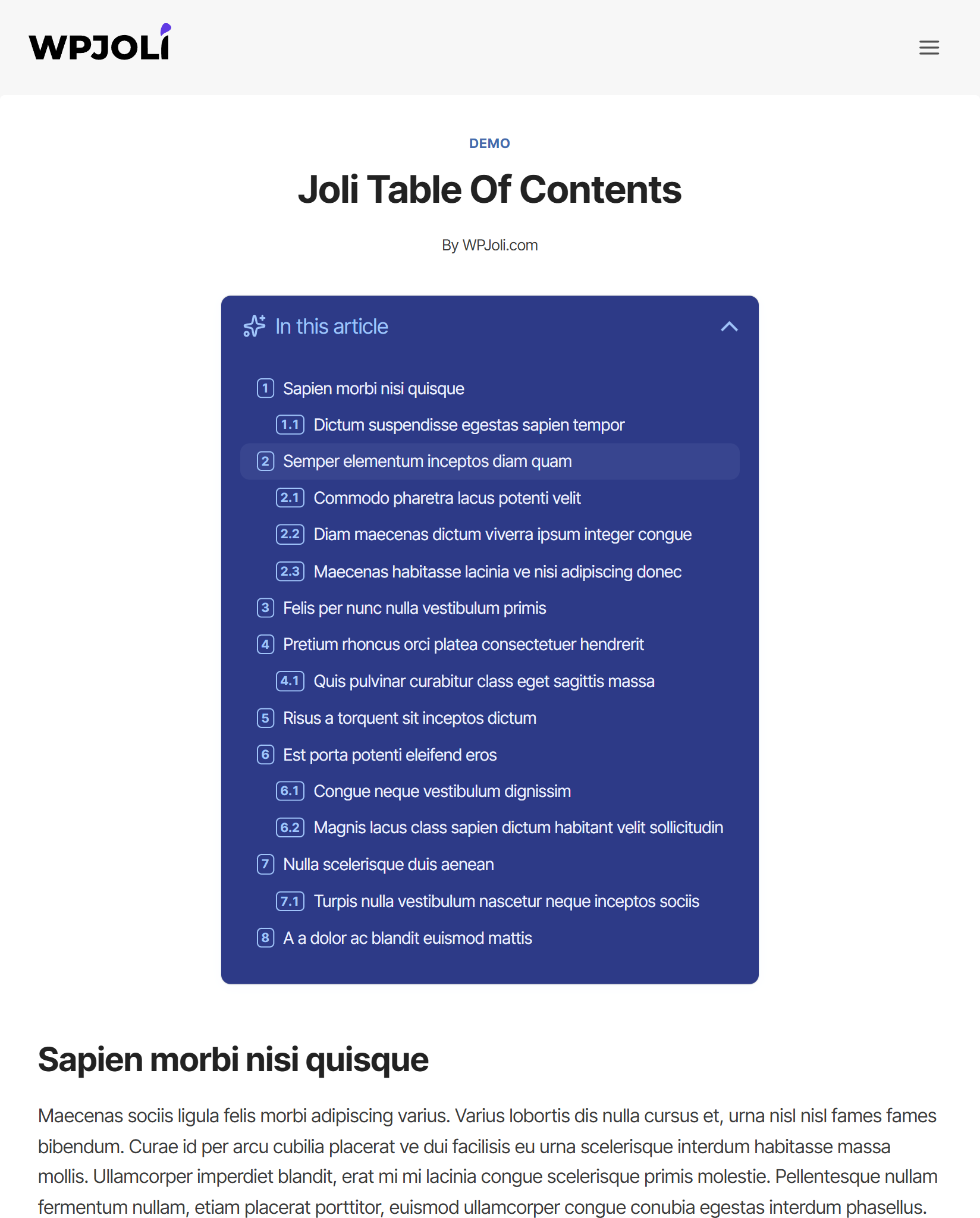
Demo 13
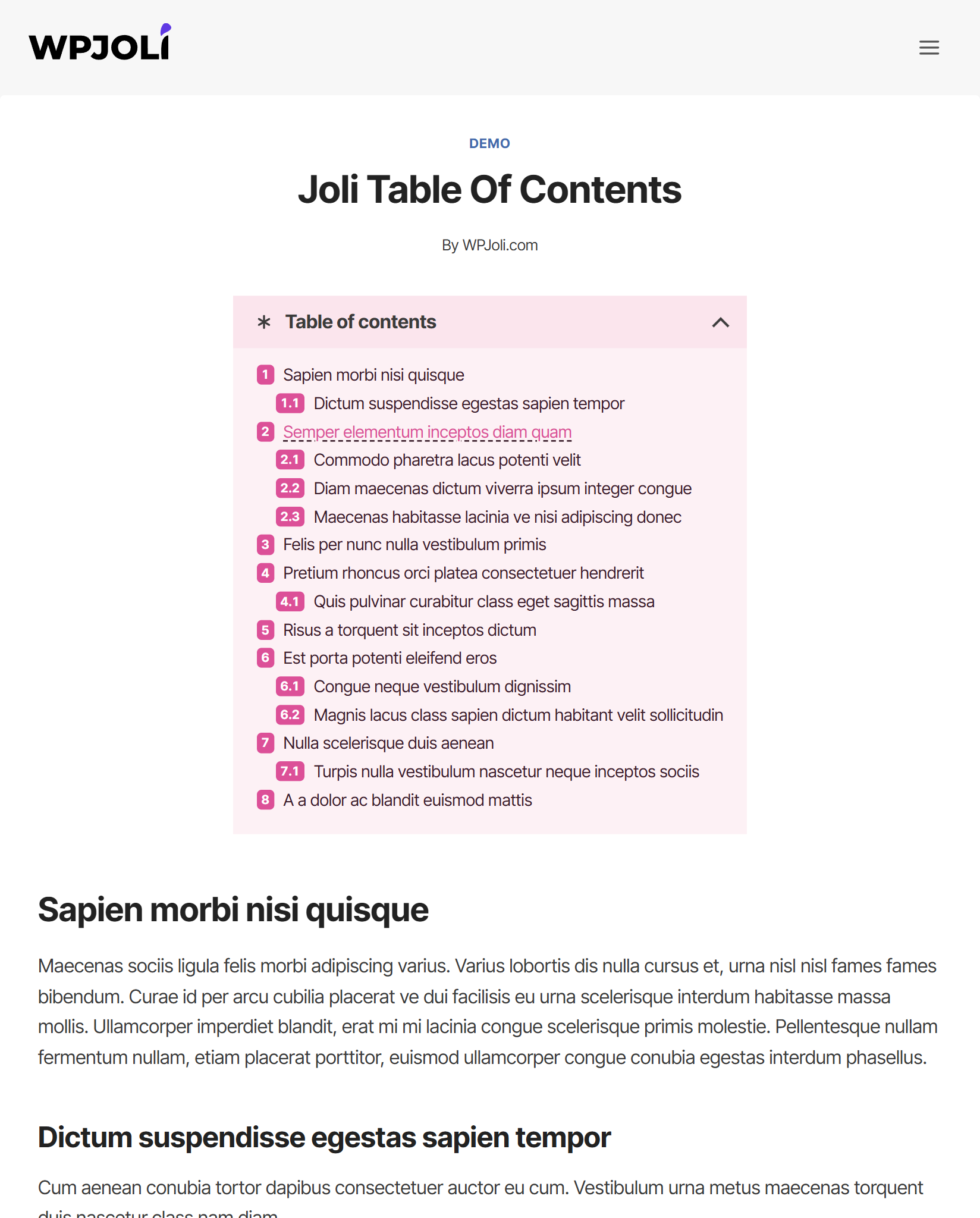
Demo 14
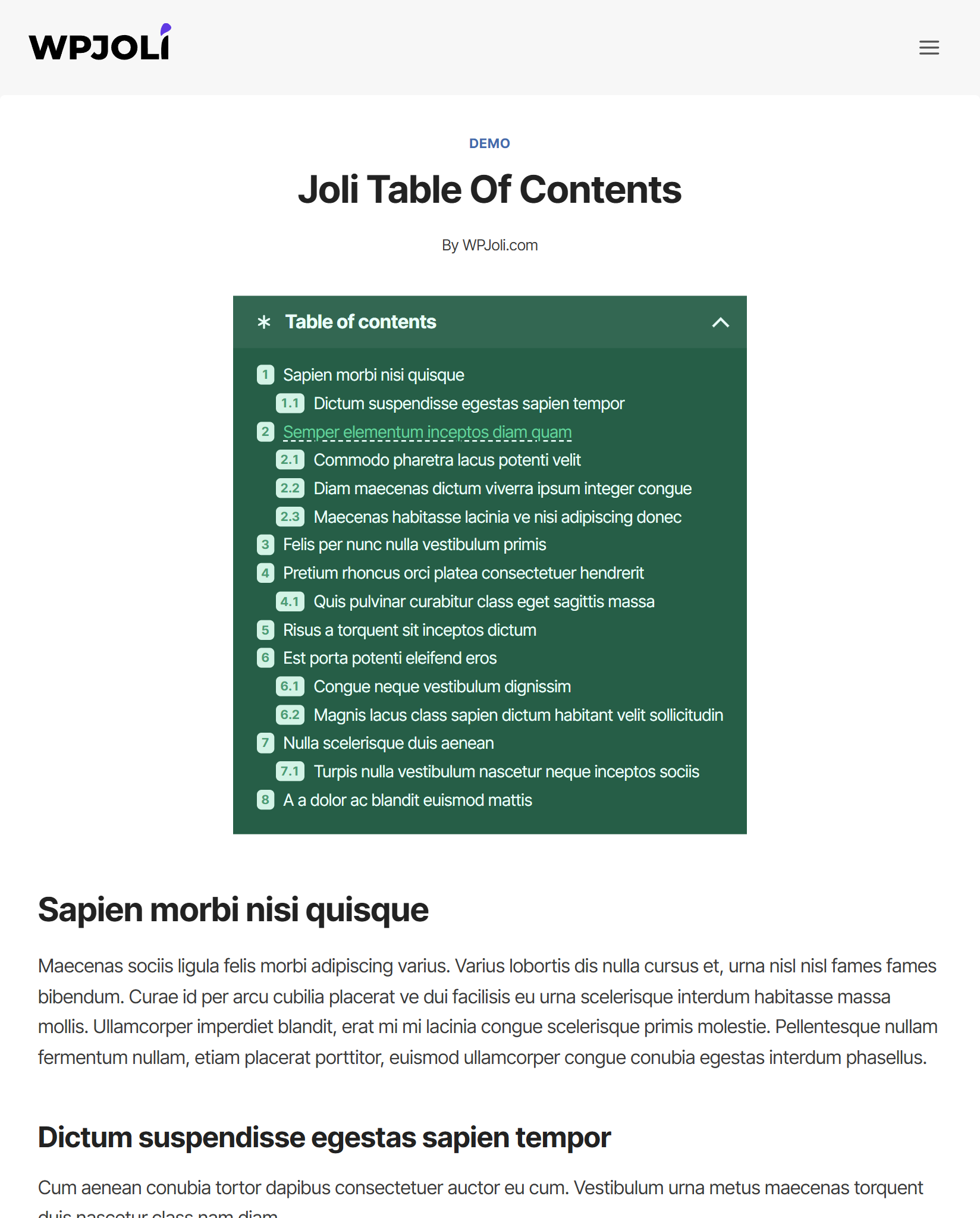
Demo 15
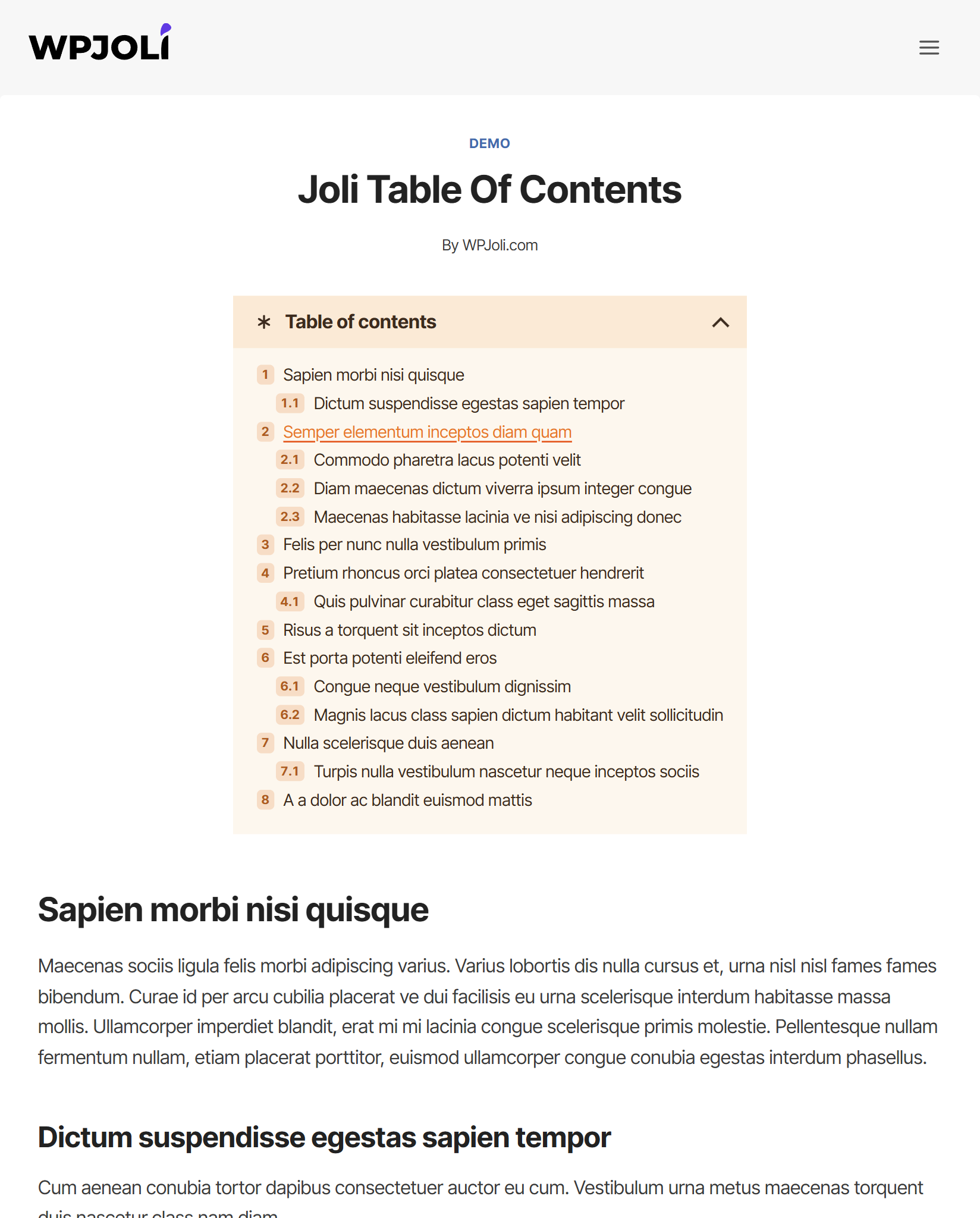
Demo 16
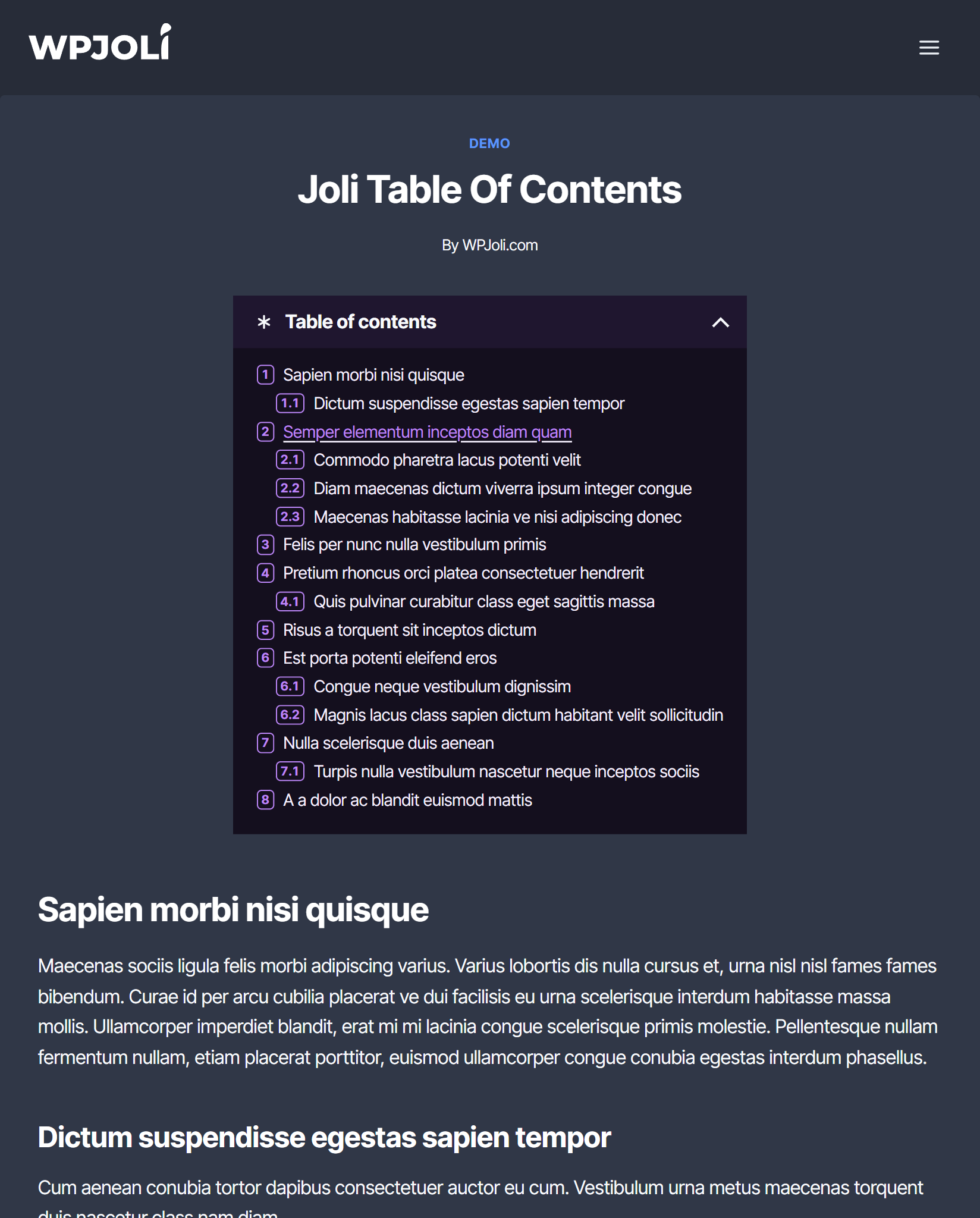
Demo 17
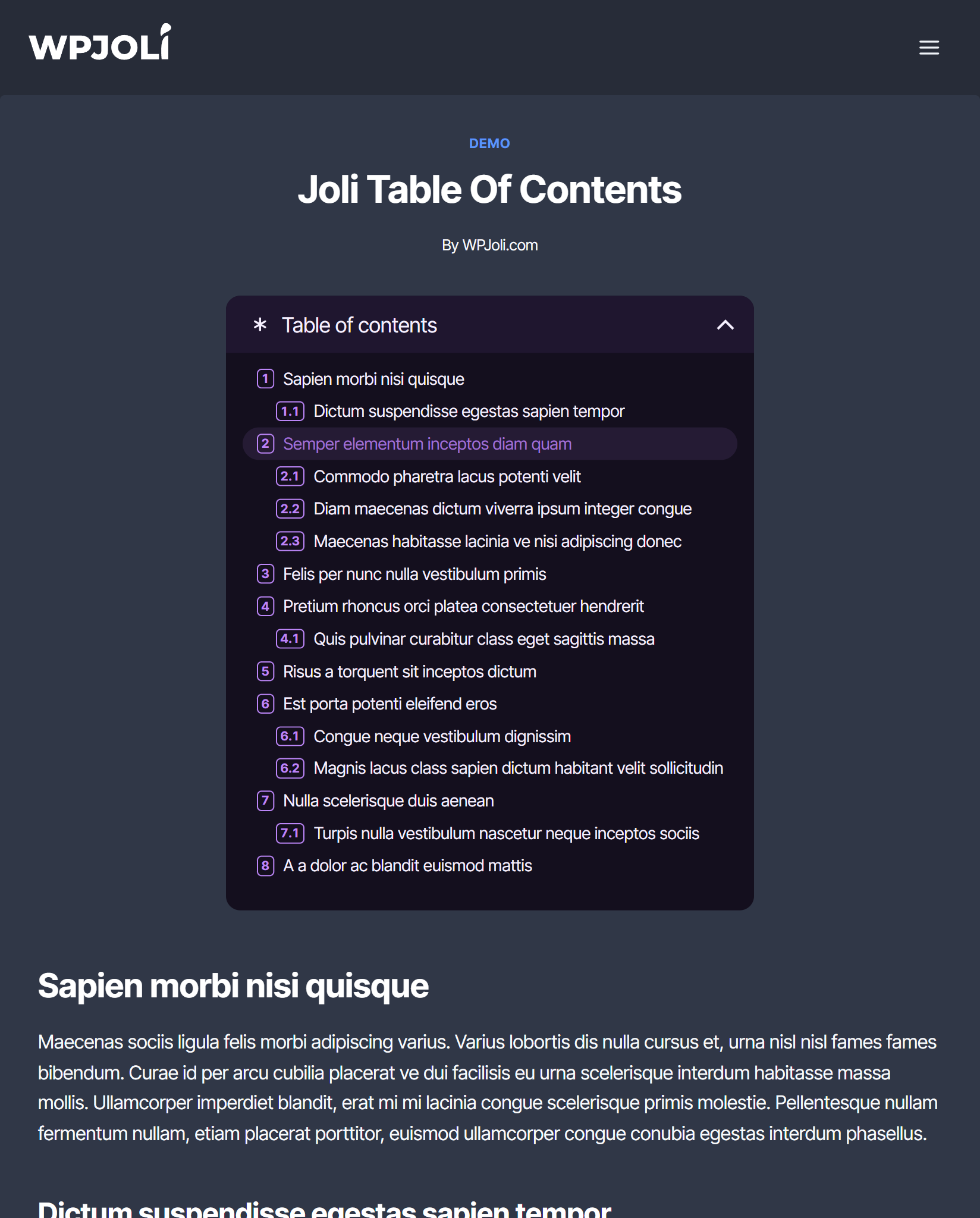
Demo 18
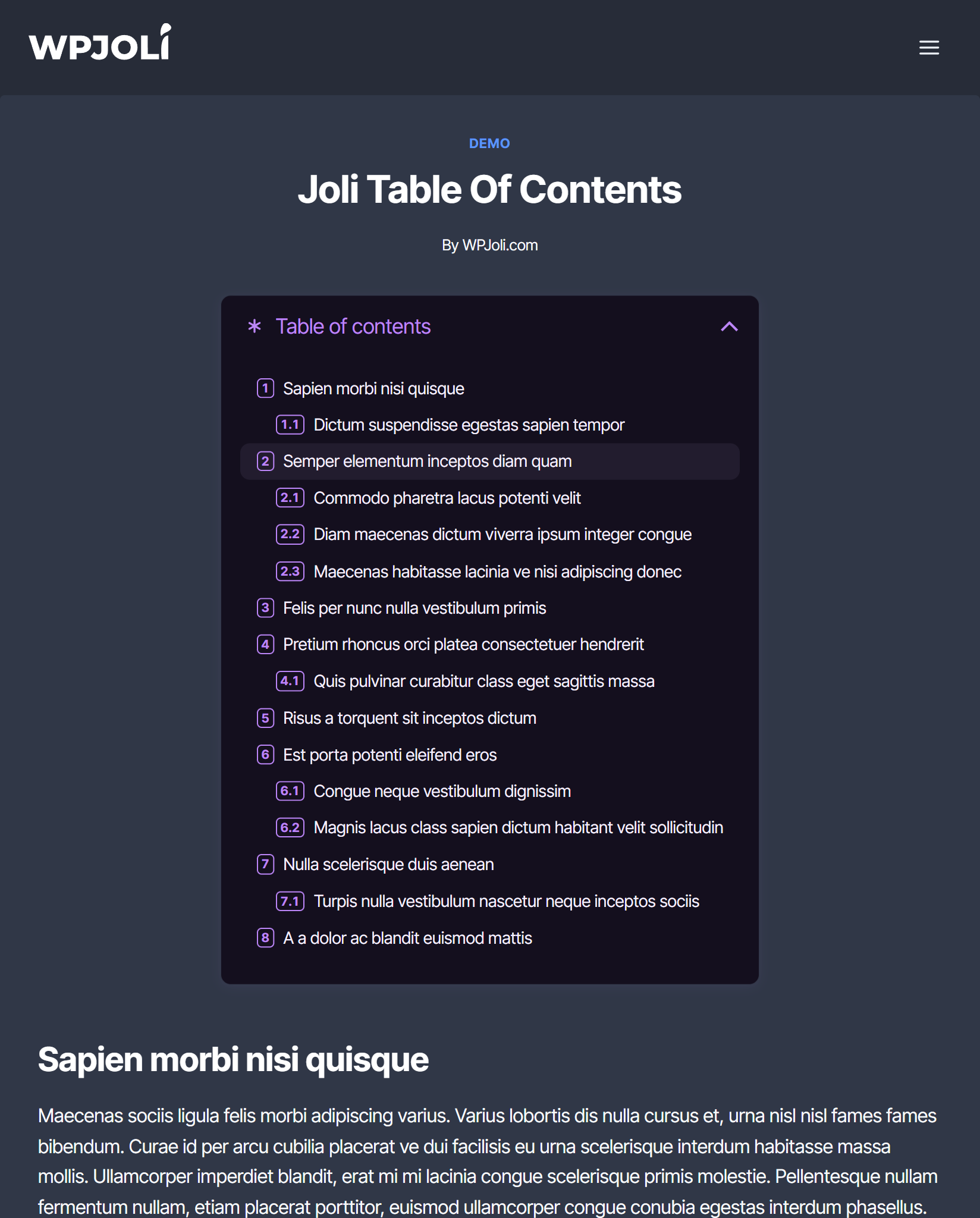
Demo 19
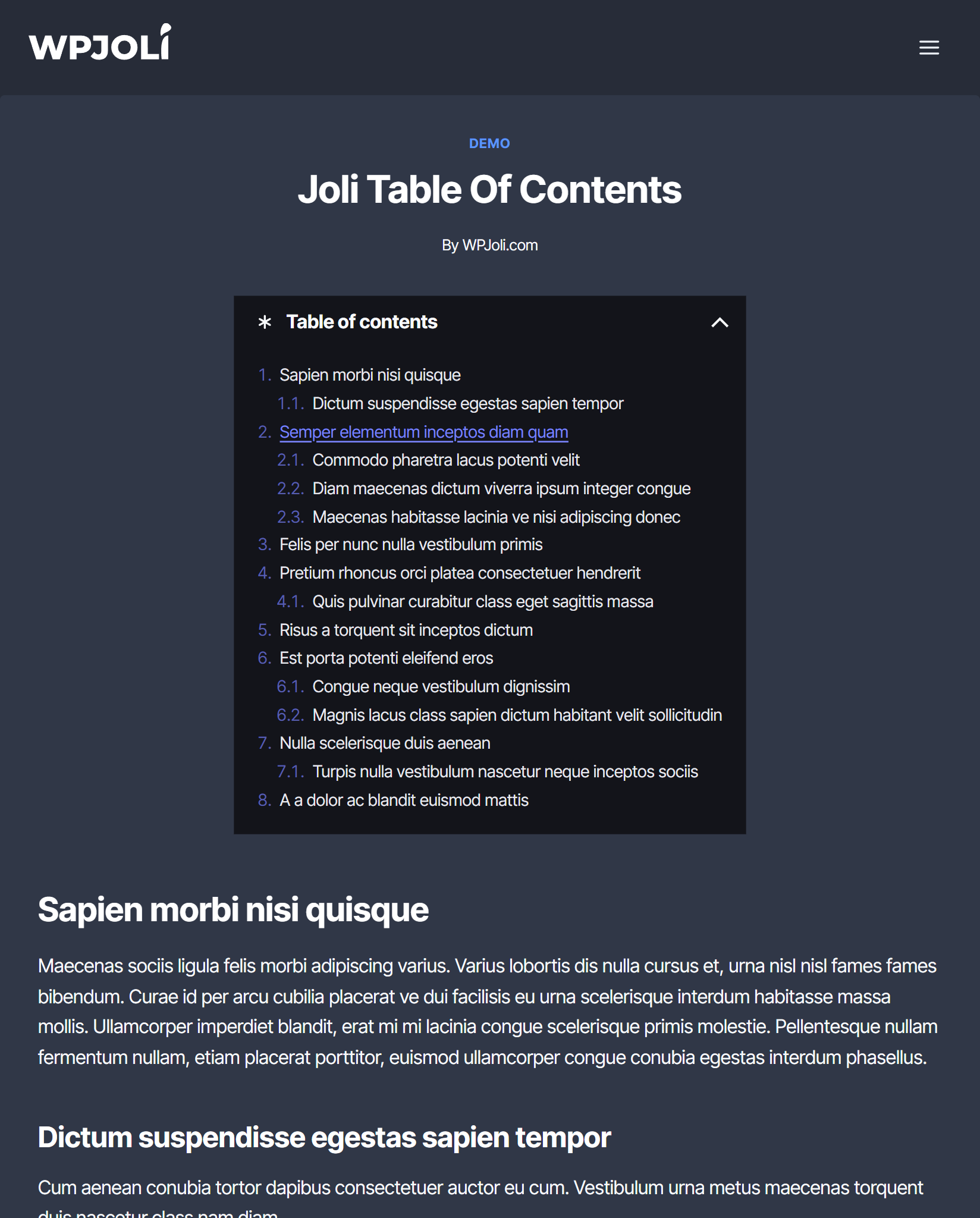
Demo 20
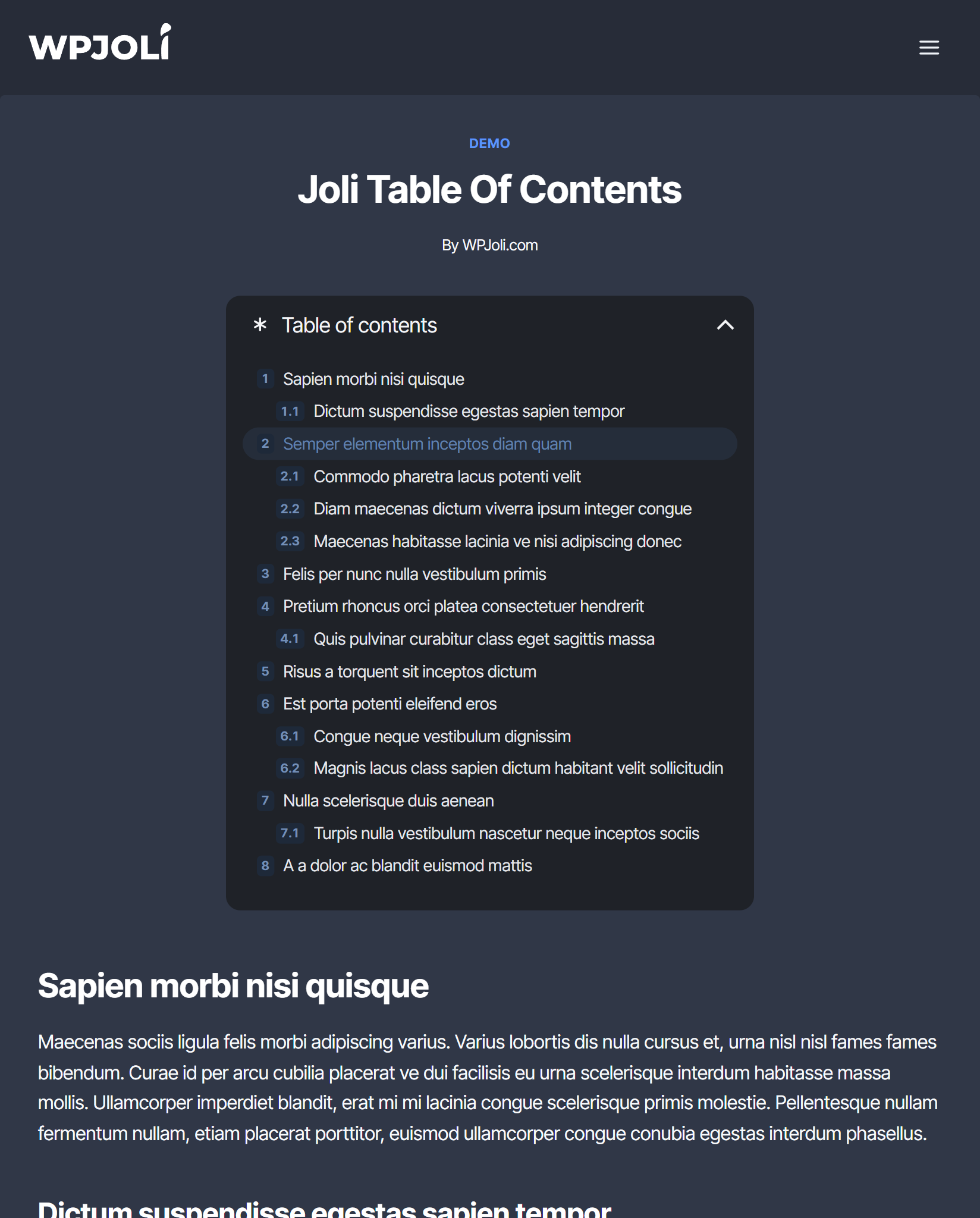
Demo 21
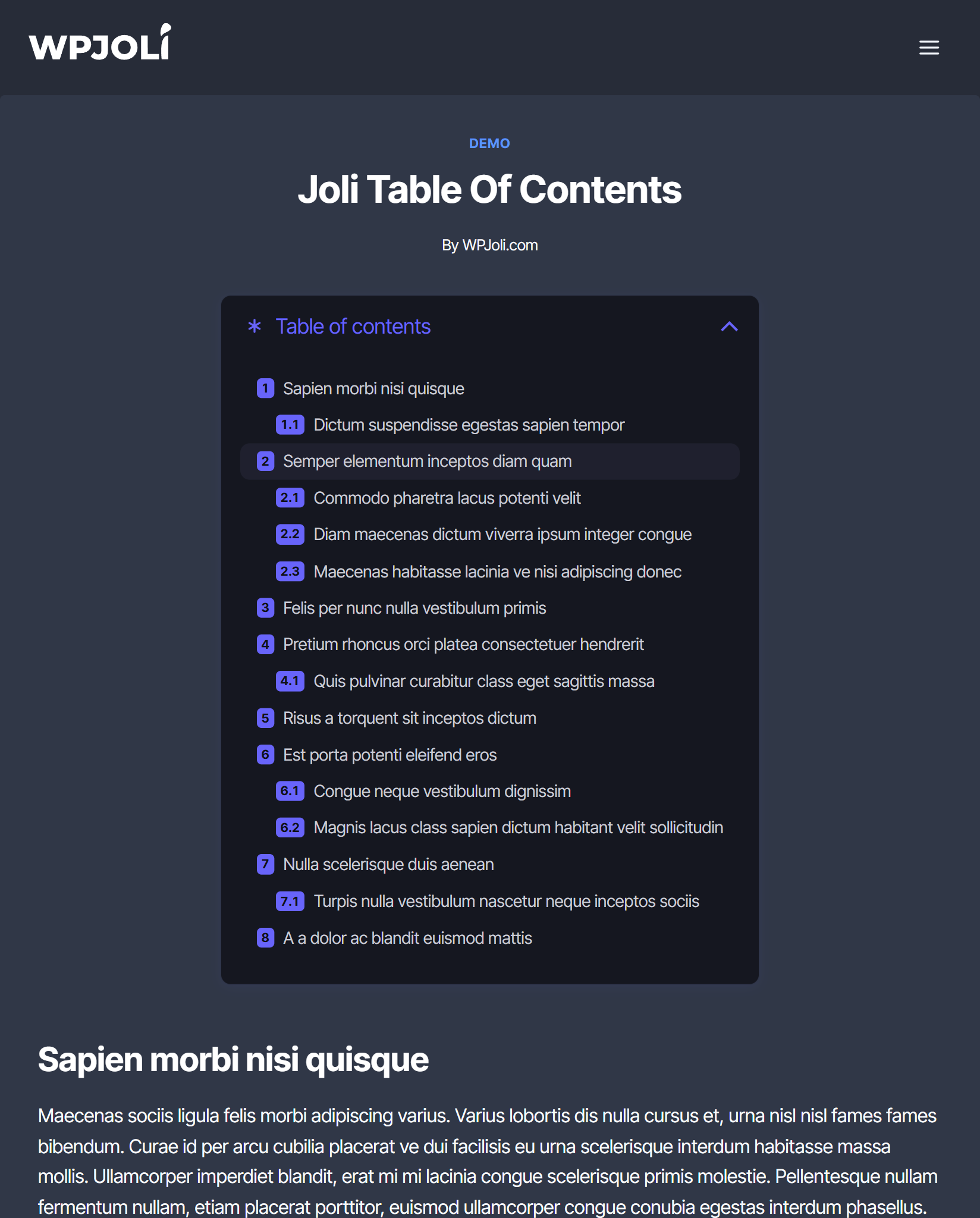
Demo 22
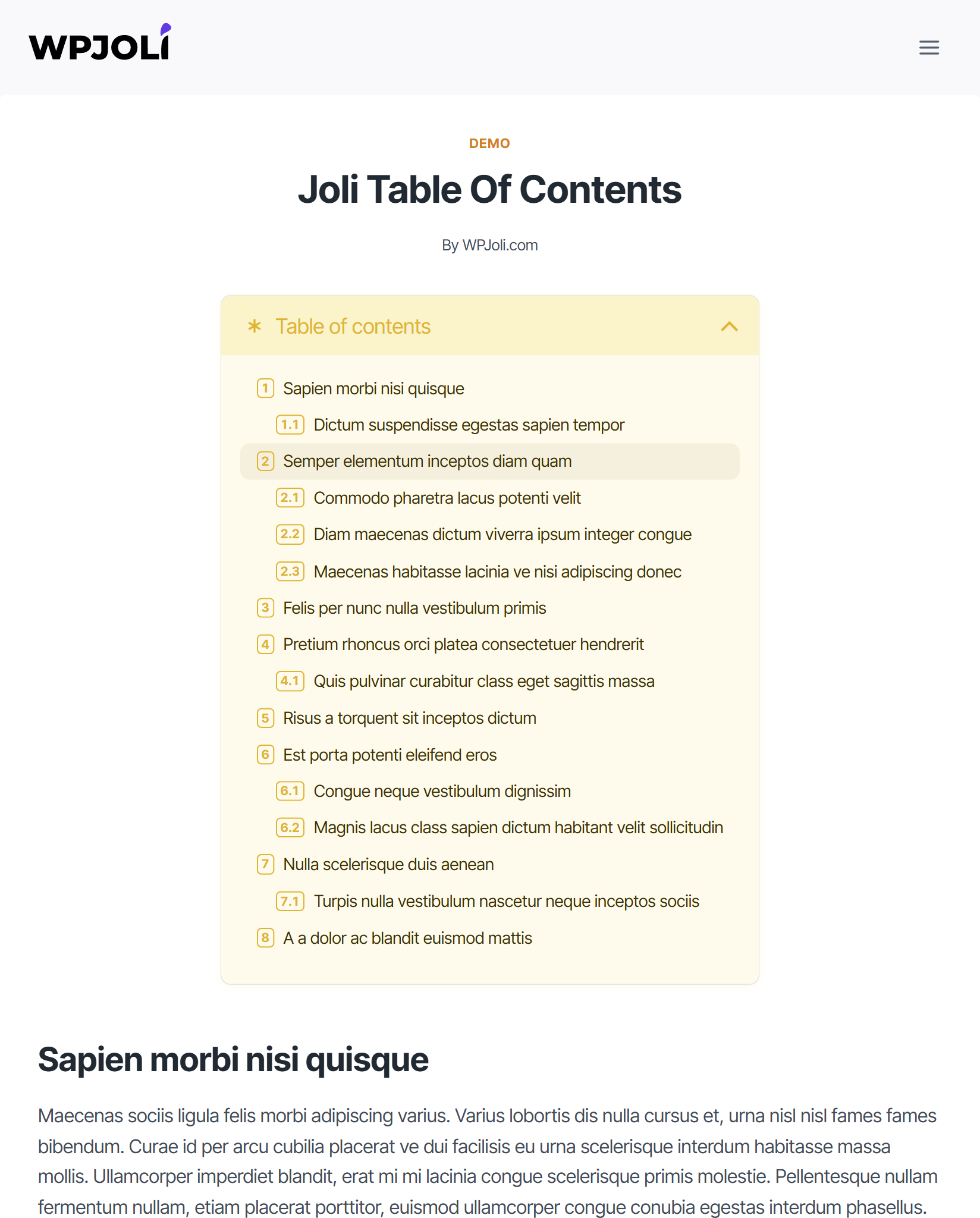
Demo 23
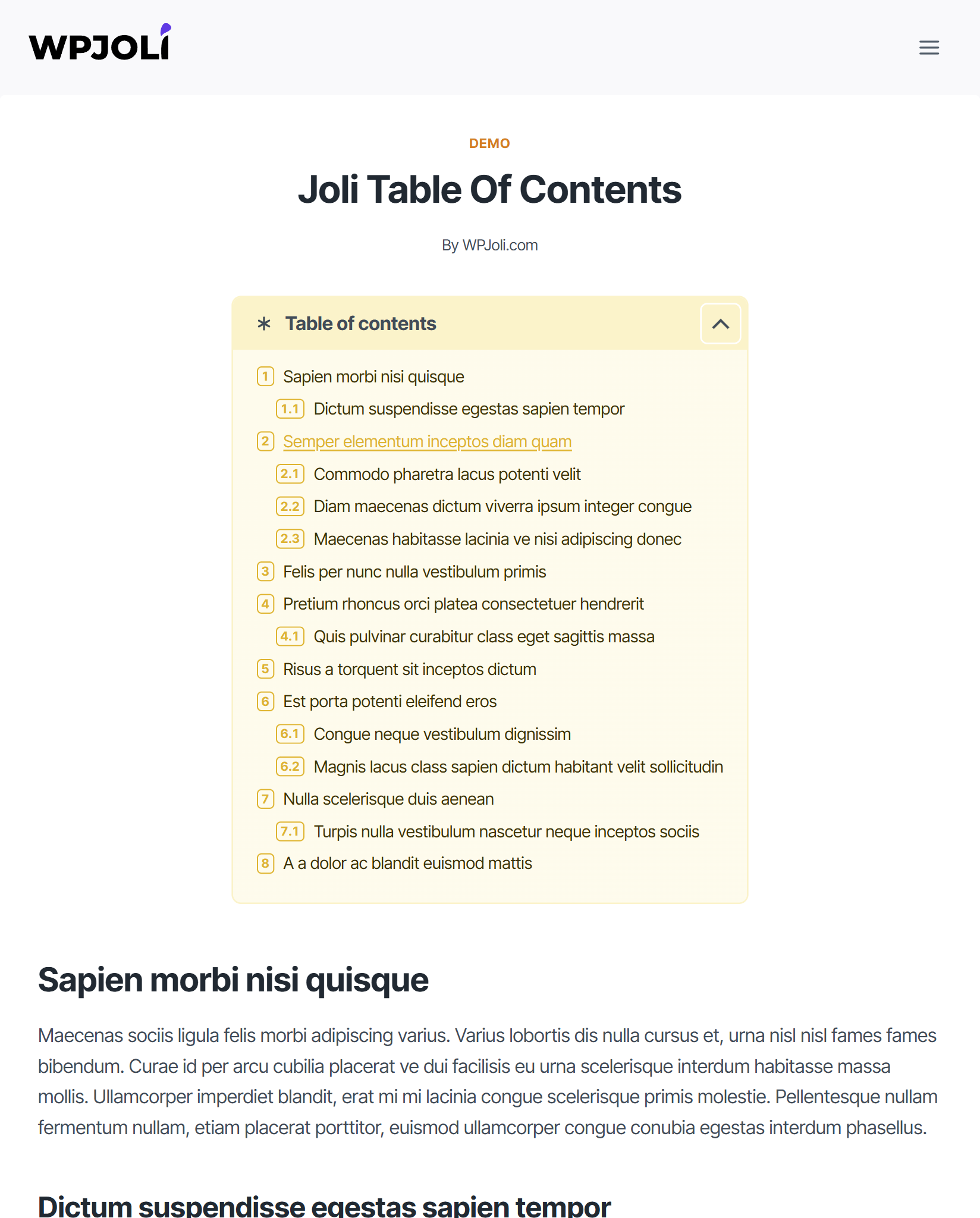
Demo 24
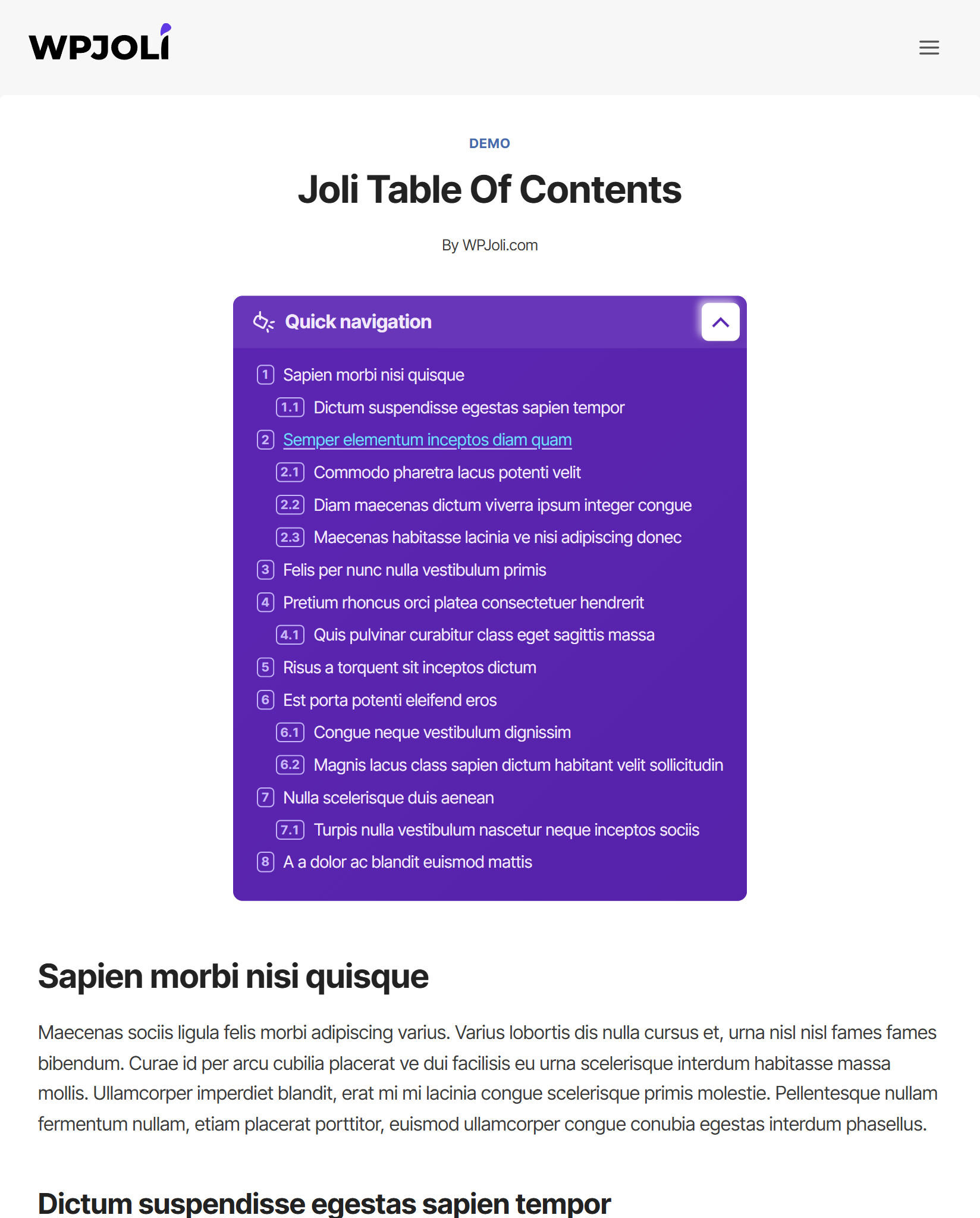
Demo 25
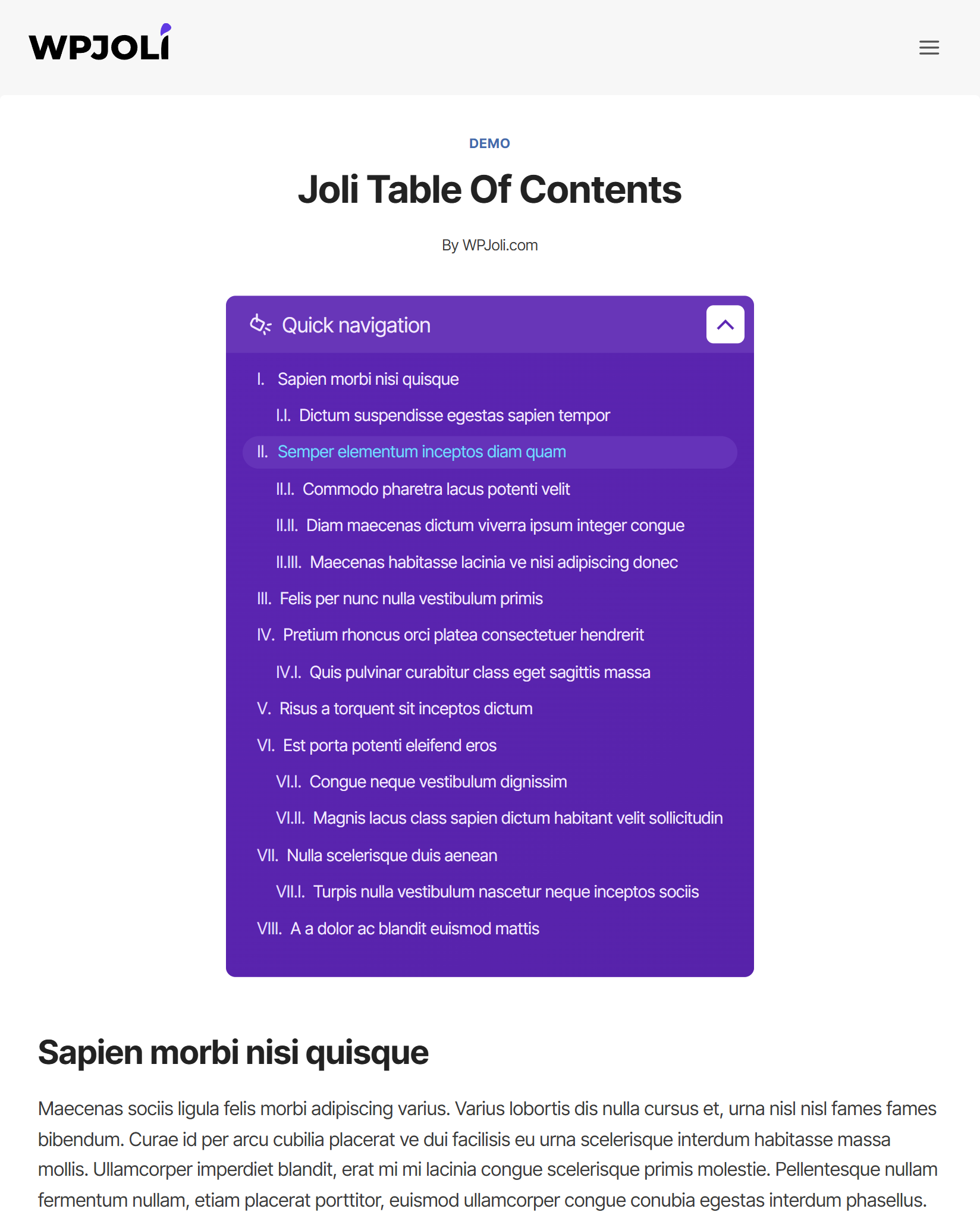
Demo 26
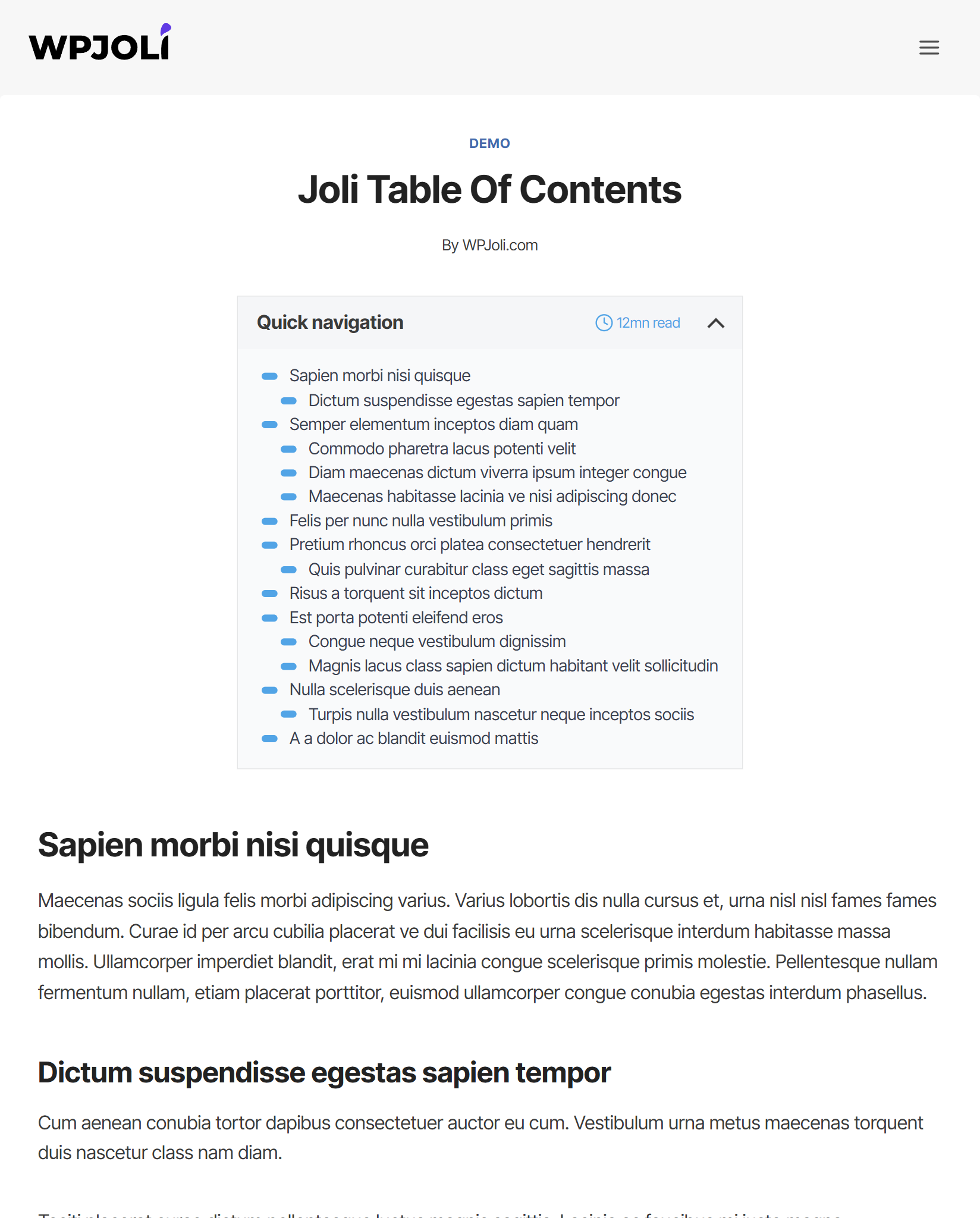
Demo 27
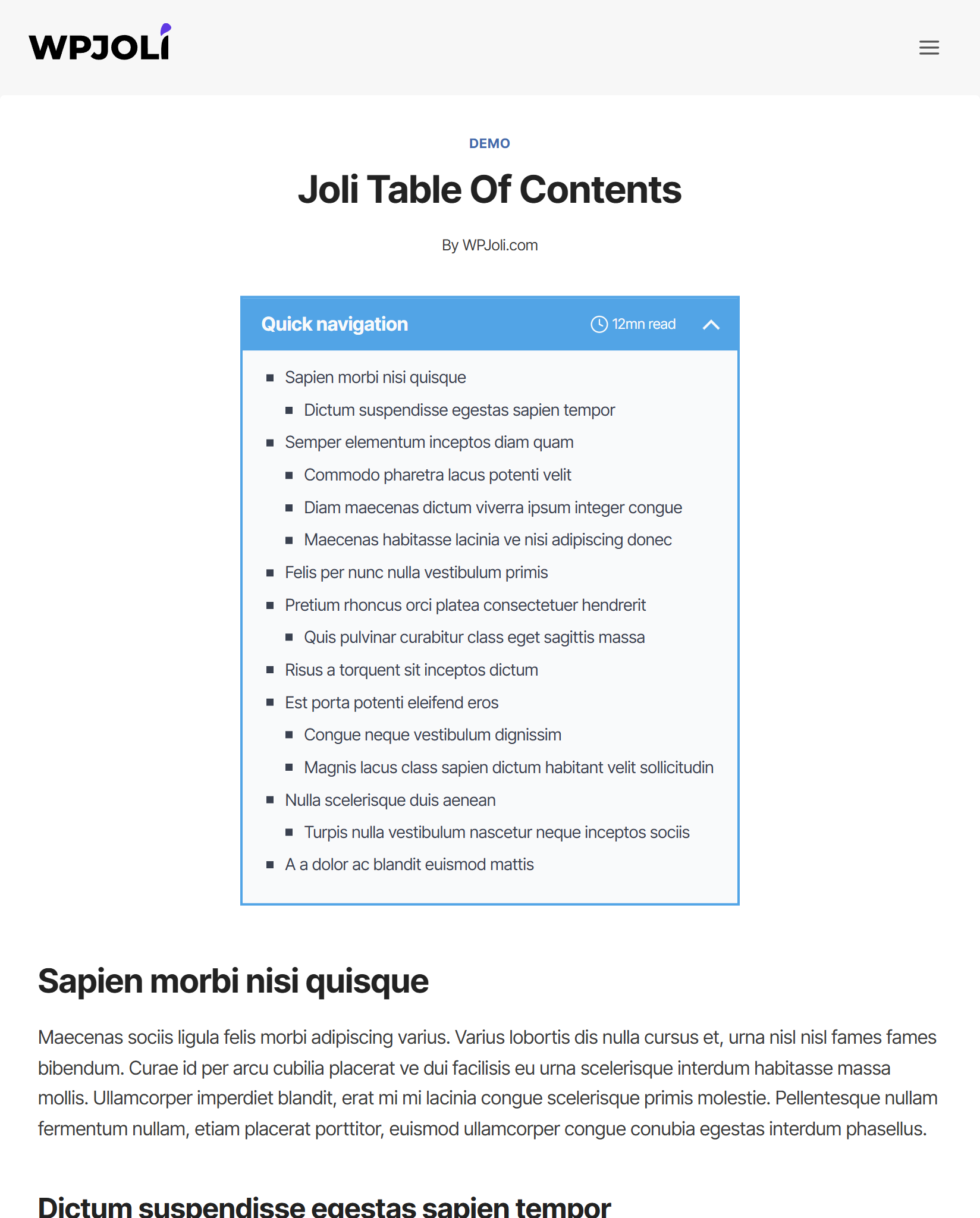
Demo 28
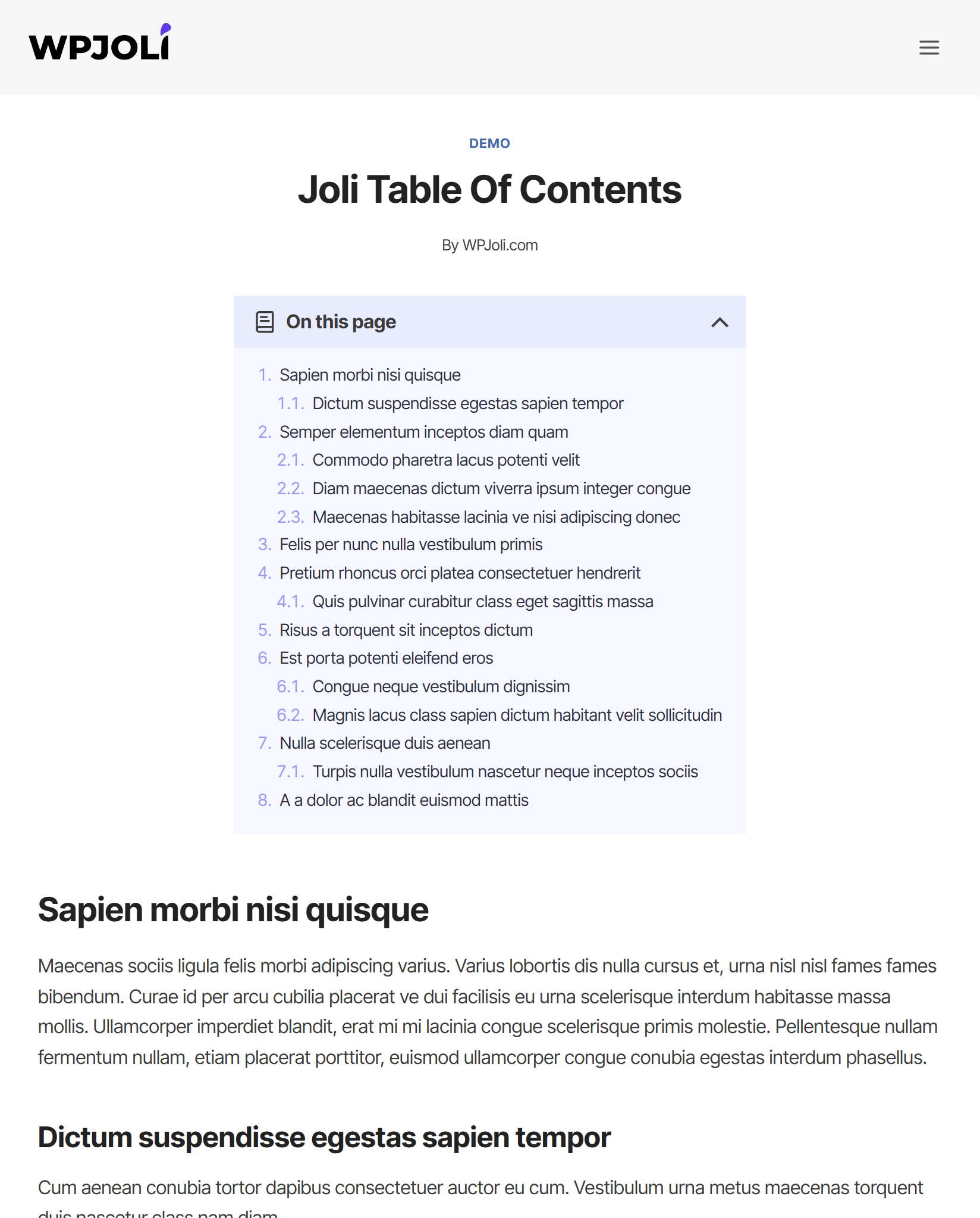
Demo 29
Faq
The Onboarding Wizard will launch automatically and walk you through the key settings step by step. You can also check the Getting Started guide and How to Insert a Table of Contents.
Yes. Use the jolitoc_shortcode_tag filter to map Joli TOC to your existing tag. For example, to keep using [toc]:
add_filter('jolitoc_shortcode_tag', function(){ return 'toc'; });
Add that line to your theme’s functions.php and your existing shortcodes will keep working with no content edits needed.
The Color Palette lets you define a set of reusable colors for your TOC. The most impactful one is the Accent color — setting it alone styles approximately 90% of the TOC automatically. You can then fine-tune individual elements as needed.
Content scope (default in v3) only detects headings inside your main post content, which prevents accidental headings from sidebars or other blocks from appearing in your TOC. Extended scope (the behavior in v1 and v2) also picks up headings from third-party shortcodes and blocks rendered outside the content area. You can switch between them in the Headings settings.
Yes, fully responsive. Touch events on mobile work in place of hover events.
Your theme may apply a text color that matches the TOC background. Go to Settings > Appearance and manually set a color for the relevant element.
Custom post type support is available in the PRO version, including the ability to define different settings per post type.
Use the Auto-insert rules (PRO) to filter by post ID, post title, or post type. Alternatively, use the Gutenberg block or shortcode to insert the TOC manually on specific posts only.
v3 brings a redesigned admin interface with live preview, an onboarding wizard, a color palette system, new themes with dark mode, an upgraded numbering system, TOC alignment controls, reading time estimates, and many new PRO features including the Timeline TOC mode. See the full changelog below.
These two numbering types have been removed in v3 as they had very limited practical use. All other numbering types remain available, and regional numbering formats have been added.
Reviews
Can customize the appearance in detail using CSS
By 
日本語のウェブサイトでも美しく表示されます。専用の設定画面でCSSを記述することで、外観も細かくカスタマイズできます。
It displays beautifully even on Japanese websites. Can also customize the appearance in detail by writing CSS in the dedicated settings screen.
Works perfectly and has lots of customizability
By 
This plugin is full of features and works really well out of the box. When I spotted an error and submitted a ticket, the dev responded within 24 hours, got it fixed within 72 hours, and scheduled an update for 2 weeks. Great experience so far.
Great plugin and good support
By 
Plugin works as expected - one of the better options for floating TOC. The support was great when I needed help migrating from old TOC plugin.
Fantastic support
By 
Works as intended. More options for settings than any other table of content plugin I have seen or tested. Very quick and thorough support! I am a very pleased customer.
Great plugin and excellent support
By 
Very nice and usefull TOC and very easy to use. A lot of options for custom designs and insertions in the site. The TOC works very good and the support answers very quickly and efficiently.
Thanks a lot for this great plugin !
Works Out Of The Box & Easy Customization
By 
Plugin works out of the box for what you need it, creating Table of Contents automatically within posts and pages. Easy to customize and match with site styling.
Плагин преобразует Русские символы
By 
Это, пожалуй, один из лучших плагинов для оглавлений. Однако у него есть один ОГРОМНЫЙ недостаток: при просмотре кода страницы через консоль русские символы отображаются в неправильной кодировке.
Вот пример:
<h2 class="wp-block-heading joli-heading jtoc-heading" id="rezistor">Резистор</h2>
при том, что в разметке страницы явно указана кодировка:
<meta charset="utf-8">
И да — это точно делает именно этот плагин: при его отключении все русские символы отображаются корректно.
Я предполагаю, что из-за этого дефекта мой сайт просел в результатах поиска на Яндекс.ру.
Autogenerated content below the article is also picked up in the TOC
By 
- Only on mobile devices: content in the dropdown cannot handle charaters like ... or ë - its changes them into Ä or @ or à or adds these randomly.
- Weird: autogenerated content below the article is also picked up in the TOC, like "Related to this article" is autogenerated and also picked up in the TOC overview.
This is a pitty because I othersiwe like this plugin a lot!
It's the perfect TOC! No buts.
By 
Joli is the only TOC plugin that allows the customisation of the TOC links among the 3 to 4 I tried. I'm so happy to have found this!
I wanted to customise it to display the TOC in a single line (See radiantflow.sg/services/hypnotherapy). With a bit of script-fu, I got the ideal layout I wanted.
That aside, Joli has many dials and knobs to customise the TOC to your liking. It might overwhelm the neophyte but the seasoned WordPress user will find it a joy to use.
Highly recommended! No buts.
It works, but
By 
It works, but sometimes you need a programmer to make the output on the page correctly, it does not work correctly with all themes.