JR Post to Photocard Maker
JR Post to Photocard Maker
Description
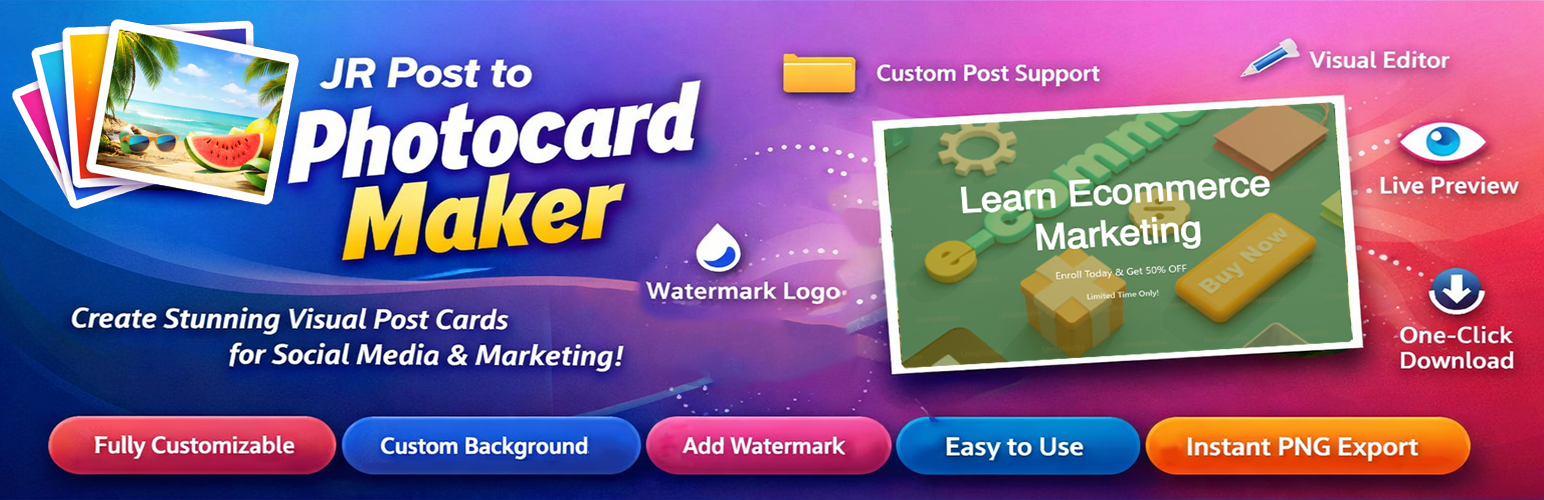
JR Post to Photocard Maker is a powerful yet easy-to-use WordPress plugin that allows you to create stunning visual post photo cards from any WordPress post content or entirely custom cards without a post. Perfect for social media sharing, marketing materials, and promotional graphics.
Key Features
- Custom Post Type Support – Works with WooCommerce, Events, Courses, Portfolio, and any CPT
- Settings Page – Configure defaults for watermark, background, colors, and more
- Visual Front-End Editor – No admin dashboard needed, create cards directly on your site
- Live Preview – See changes in real-time as you design
- Full Customization – Control colors, fonts, overlays, and alignment
- Custom Backgrounds – Upload your own images or use post featured images
- Watermark Support – Add your logo with customizable position and opacity
- Default Settings – Set site-wide defaults for consistent branding
- One-Click Download – Export high-quality PNG images instantly
- Unique Naming – Automatically generates unique filename
- User-Friendly – Requires login for access control
- Custom Card Without a Post – Create a card by entering a custom title, description, and date, no post needed
How It Works
- Install and activate the plugin
- Go to Settings JR Post to Photocard Maker
- Configure default watermark, background, and design settings
- Click “Create PhotoCard” from any post in your post list
- Customize your card using the visual editor (or use default settings)
- Download your professional post card as PNG
- Or Create a custom card without a post by going to the Card Generator page and entering a custom title, description, and date.
Perfect For
- Social media managers creating shareable graphics
- WooCommerce stores promoting products visually
- Event organizers creating event announcements
- Course creators marketing their courses
- Bloggers promoting their content
- Marketing teams designing promotional materials
- Content creators building visual assets
- Portfolio sites showcasing work
- Real estate agencies featuring properties
- Anyone wanting to create beautiful post cards quickly
Technical Details
- Uses html2canvas for high-quality image generation
- No external APIs required
- Lightweight and fast
- Clean, modern codebase
- WordPress coding standards compliant
- Translation ready
Privacy Policy
JR Post to Photocard Maker does not collect, store, or transmit any user data. All image generation happens locally in the browser using JavaScript. Uploaded images are handled through WordPress’s standard media library.
Support
For support, please visit the plugin’s support forum on WordPress.org or contact us through our website.
Credits
- html2canvas library by Niklas von Hertzen – https://html2canvas.hertzen.com/
- Icons and design inspired by modern web standards
Roadmap
Planned features for future releases:
- Additional styles and layouts
- Batch generation for multiple posts
- Image filters and effects
- Social media direct publishing
- Template import/export
- Advanced custom field mapping
- Admin settings dashboard enhancements
Your feedback helps us improve! Please rate and review the plugin.
Installation
Automatic Installation
- Log in to your WordPress admin panel
- Navigate to Plugins Add New
- Search for “JR Post to Photocard Maker”
- Click “Install Now” and then “Activate”
Manual Installation
- Download the plugin ZIP file
- Log in to your WordPress admin panel
- Navigate to Plugins Add New Upload Plugin
- Choose the ZIP file and click “Install Now”
- Activate the plugin
After Activation
- The plugin automatically creates a “JR Post to Photocard Maker” page
- Go to Settings JR Post to Photocard Maker to configure defaults
- Upload your default watermark/logo
- Set default background image (optional)
- Configure default colors and design settings
- Find “Create PhotoCard” links in your Posts list
- Start creating beautiful post cards with your branding!
- Create Custom card without a post by entering a custom title, description, and date
Screenshots

The Visual Front-End Editor where you customize your photocard.

The Settings Page for configuring watermarks and default colors.

Example of a 'Modern' style photocard generated from a post.

The 'Create PhotoCard' button as it appears in the WordPress Post list.
Faq
No! The plugin provides a visual interface that anyone can use. Simply click, customize, and download.
Yes! You can upload custom background images and custom watermark logos.
Post cards are downloaded as high-quality PNG images with transparent support.
Yes! Go to Settings JR Post to Photocard Maker to upload a default watermark/logo and background image. You can also set default colors, fonts, overlay settings, and more. These defaults will be applied to all new cards, saving you time while maintaining consistent branding.
Go to Settings JR Post to Photocard Maker in your WordPress admin. In the “Watermark Settings” section, you’ll find an option to upload your default watermark/logo. This will be used on all cards unless you upload a different one in the editor.
Yes! In Settings JR Post to Photocard Maker, you can upload a default background image that will be used when a post doesn’t have a featured image, or when creating blank cards.
Upload limits are determined by your WordPress/server configuration. The plugin uses standard WordPress media handling.
Yes, the JR Post to Photocard Maker page requires users to be logged in for security.
Yes! Go to Settings JR Post to Photocard Maker and check the “Products” post type. You’ll then see the “Create PhotoCard” button on all your WooCommerce products. Perfect for creating product promotion images for social media!
Absolutely! The plugin automatically detects all public post types (WooCommerce Products, Events, Courses, Portfolio, etc.). Simply go to Settings JR Post to Photocard Maker and select which post types you want to enable. The “Create PhotoCard” button will appear for those post types.
All public custom post types! This includes WooCommerce Products, The Events Calendar events, LearnDash courses, portfolio items, and any custom post type created by themes or plugins. If it’s a public post type, you can use it.
No! The plugin only loads its assets on the JR Post to Photocard Maker page, ensuring optimal performance.
Yes! JR Post to Photocard Maker lets you create fully custom cards by entering your own title, description, and date no post required. This makes it perfect for one-off promotions, announcements, or social media graphics.
Reviews
Changelog
1.0.0
- Initial release
- Visual front-end editor with live preview
- Settings page for default configurations
- Default watermark/logo upload
- Default background image upload
- Default color, font, and template settings
- Settings link on plugins page
- 3 pre-built styles (Modern, Classic, Minimal)
- Custom background image upload
- Watermark/logo support with position and opacity controls
- Image quality settings (1x, 2x, 3x)
- Enable/disable for posts and pages
- Color and font customization
- Text alignment options
- Unique filename generation
- WordPress coding standards compliant
- Custom card without a post