JS Help Desk – AI-Powered Support & Ticketing System

JS Help Desk – AI-Powered Support & Ticketing System
Description
JS Help Desk is a professional, AI-enhanced helpdesk and customer support system for WordPress. It offers a complete ticketing solution with front-end submission, guest tickets, and a native AI Copilot to boost agent efficiency.
Powered by Zywrap, the AI Copilot brings top-tier large language models directly into your ticket editor. Call AI by Code. Zero Prompt Engineering.
Key Resources
Free Version Major Features
Core Ticketing & Management
– Professional Support System: Enterprise-level ticketing for all users.
– Unlimited Tickets & Agents: No artificial limits on your growth.
– Unlimited Departments: Organize by Sales, Support, Billing, etc.
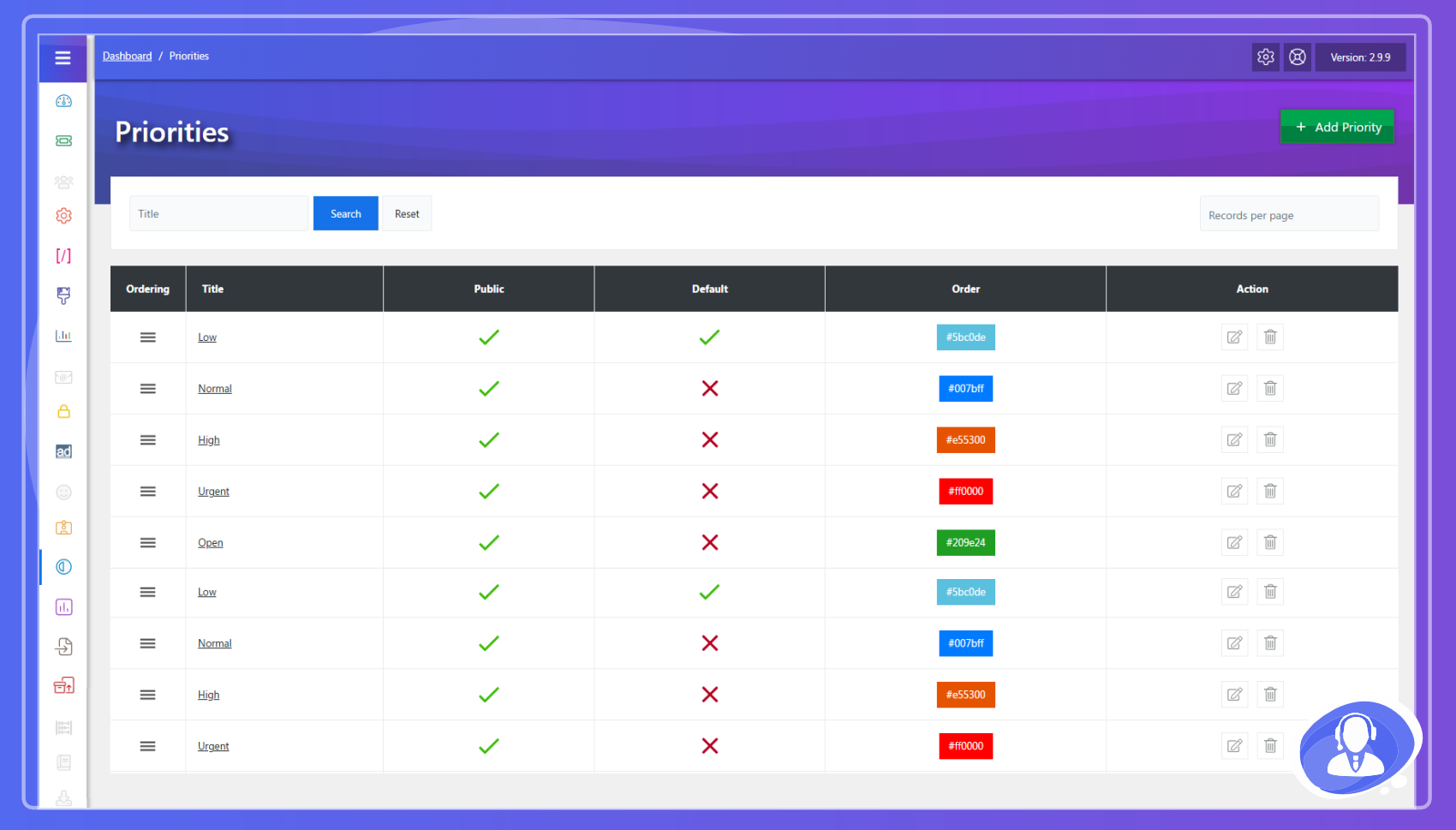
– Priority Management: Highlight urgent issues with custom colors.
– Internal Notes: Agents can add private notes for internal collaboration.
– Custom Statuses: Track ticket progress with clear status messages.
Zywrap AI Copilot (New!)
– Zero Prompt Engineering: Agents don’t need to write prompts. Simply select a Support Intent (e.g., “Ask for Info” or “Escalate”) and the AI does the rest.
– 1-Click Summaries: Instantly summarize long, complex ticket threads to get up to speed in seconds.
– Smart Data Extraction: Automatically extract error codes, browser versions, and URLs from customer messages into clean, readable Data Cards.
– Instant Translation: Break language barriers by translating customer messages or agent replies with a single click.
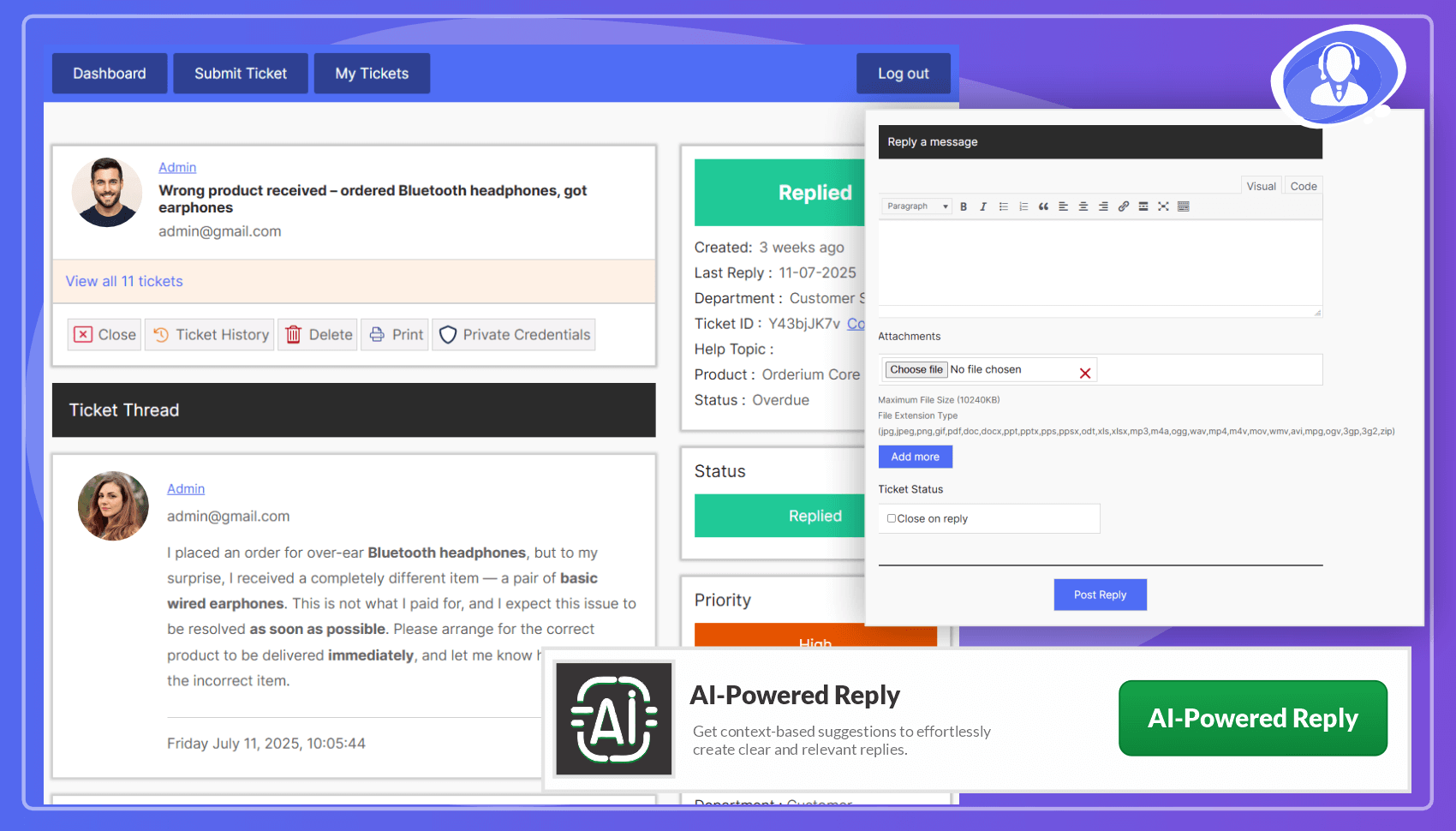
– Auto-Draft Replies: Generate complete, professional responses based on the context of the entire ticket history.
– Dynamic Routing: Automatically routes requests through the best available AI models (OpenAI, Anthropic, Gemini, Groq) via the Zywrap API.
User & Agent Experience
– Front-end Submission: Users create and track tickets without accessing the dashboard.
– Guest/Visitor Tickets: Allow users to open tickets without creating an account.
– Fully Responsive: Optimized for smartphones, tablets, and desktops.
– HTML Editor: Rich text support for ticket summaries and replies.
– Multiple Attachments: Admin-controlled size and file type limits.
Automation & AI
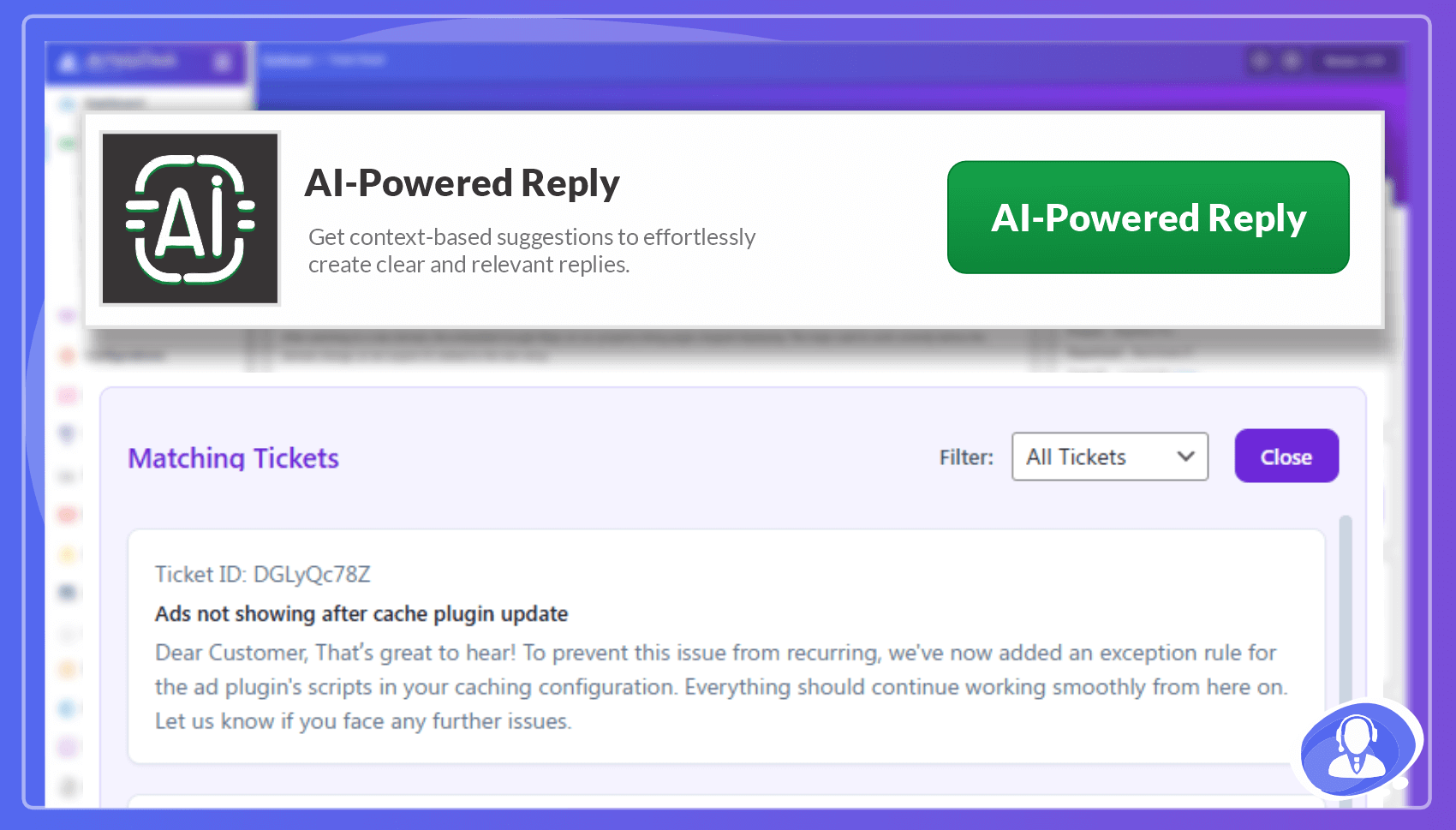
– AI-Powered Reply Suggestions: Generate context-aware smart responses to save time.
– Email Notifications: Automated alerts for new tickets, replies, and status changes.
– Field & Email Managers: Full control over 12+ custom fields and HTML email templates.
Security & Compliance
– GDPR Ready: Built-in tools for data erasure and anonymization.
– Spam Protection: Supports built-in Captcha and Google reCAPTCHA.
– Terms & Conditions: Require agreement before ticket submission.
Customization & Reporting
– Color Themes: 7 preset palettes to match your brand.
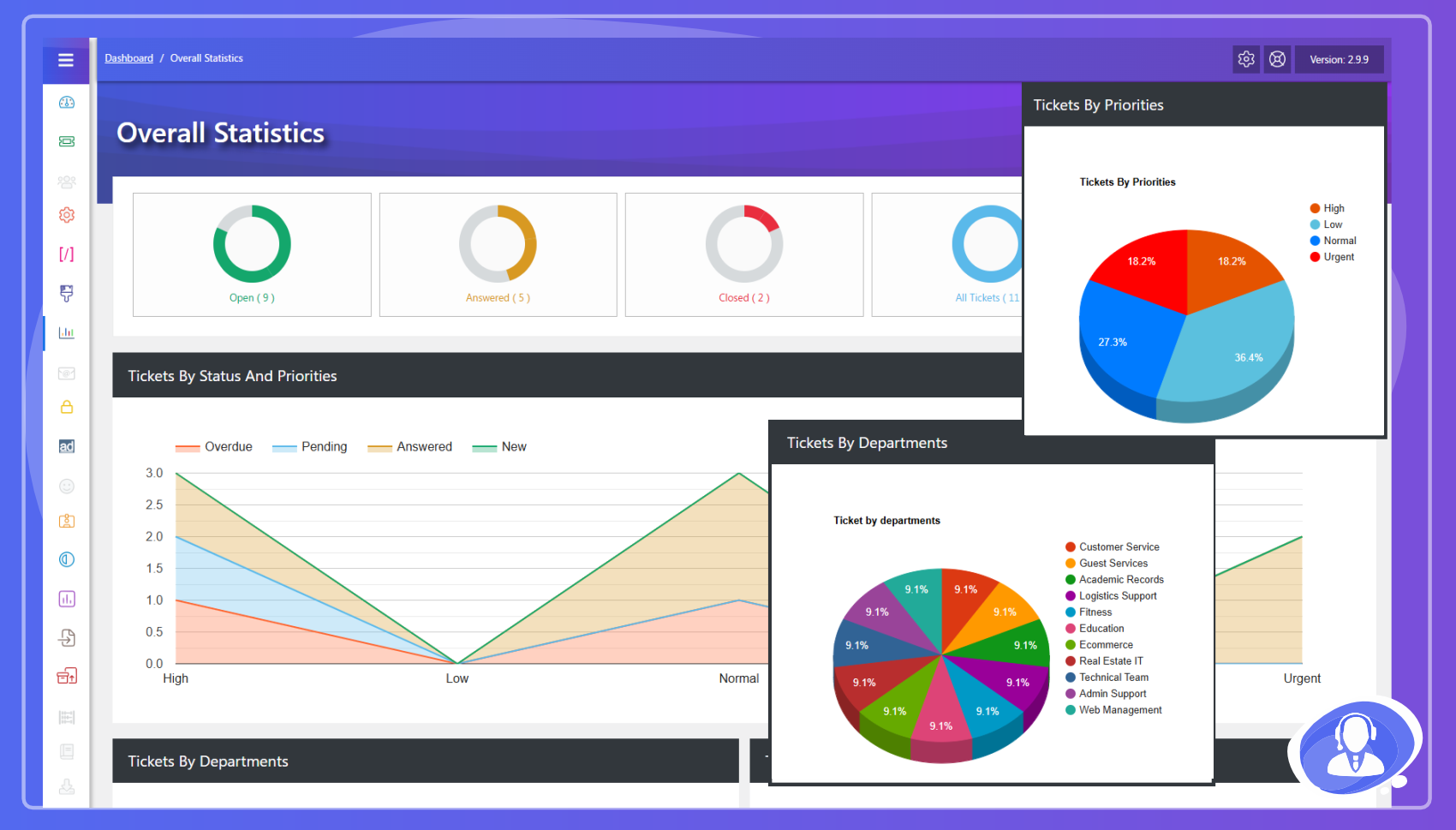
– Detailed Reports: Summaries by agent, department, priority, and status.
– RTL Ready: Full support for right-to-left languages.
– Translations: Supports 35+ languages including French, German, Spanish, Arabic, and Chinese.
Shortcodes
[jssupportticket]– Control Panel[jssupportticket_addticket]– Add New Ticket form[jssupportticket_mytickets]– User Ticket List
Premium Add-Ons
JS Help Desk is a complete help desk system with 35+ professional addons.
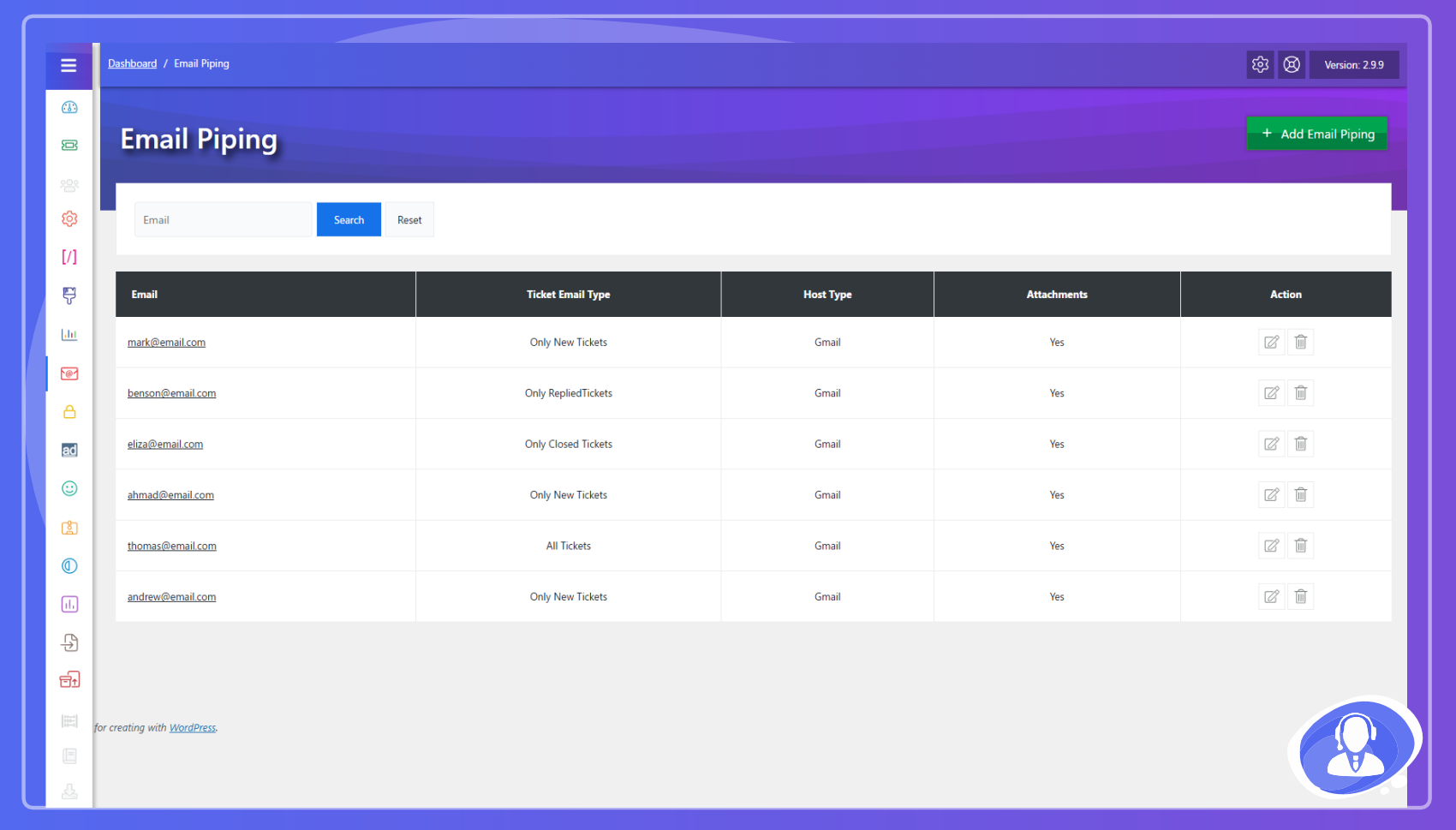
- Email Piping – Create/reply to tickets via email.
- Time Tracking – Log time spent on resolutions.
- Paid Support – Charge per ticket or subscription.
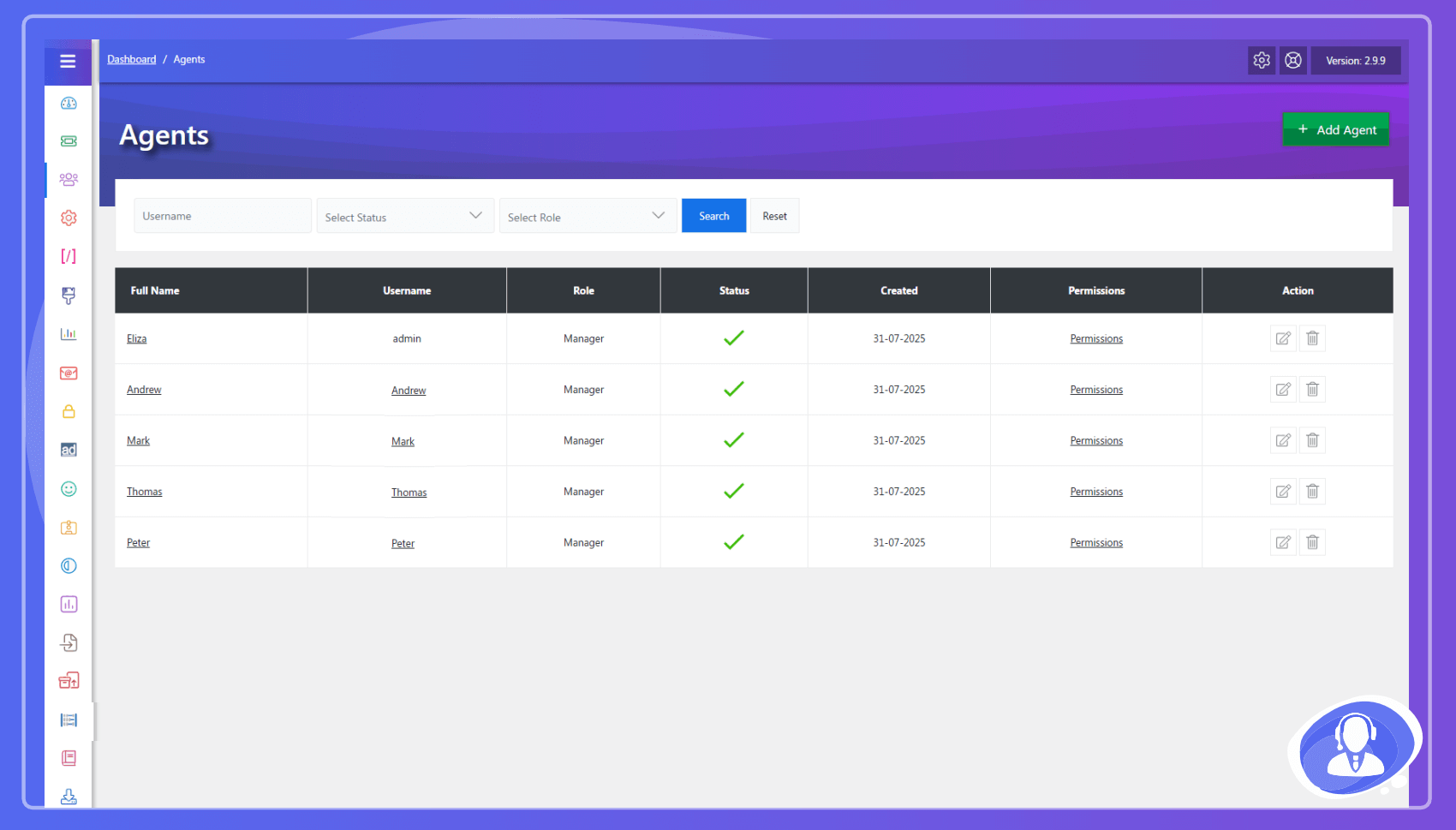
- Agents – Multi-agent management & permissions.
- Agent Auto Assign – Rule-based ticket routing.
- Multi Forms – Unique forms per department.
- Merge Tickets – Combine duplicate queries easily.
- Ticket Overdue – Track SLA deadlines & response times.
- SMTP – Custom email protocol for reliability.
- Ban Email – Block specific users or domains.
- WooCommerce – Connect support to customer orders.
- Private Credentials – Store & auto-delete sensitive data.
- Email CC – Keep stakeholders updated on tickets.
- Export – Export ticket data/history to CSV.
- Desktop Notification – Real-time browser alerts.
- Ticket History – Full audit log of all ticket actions.
- Ticket Auto Close – Auto-close inactive ticket threads.
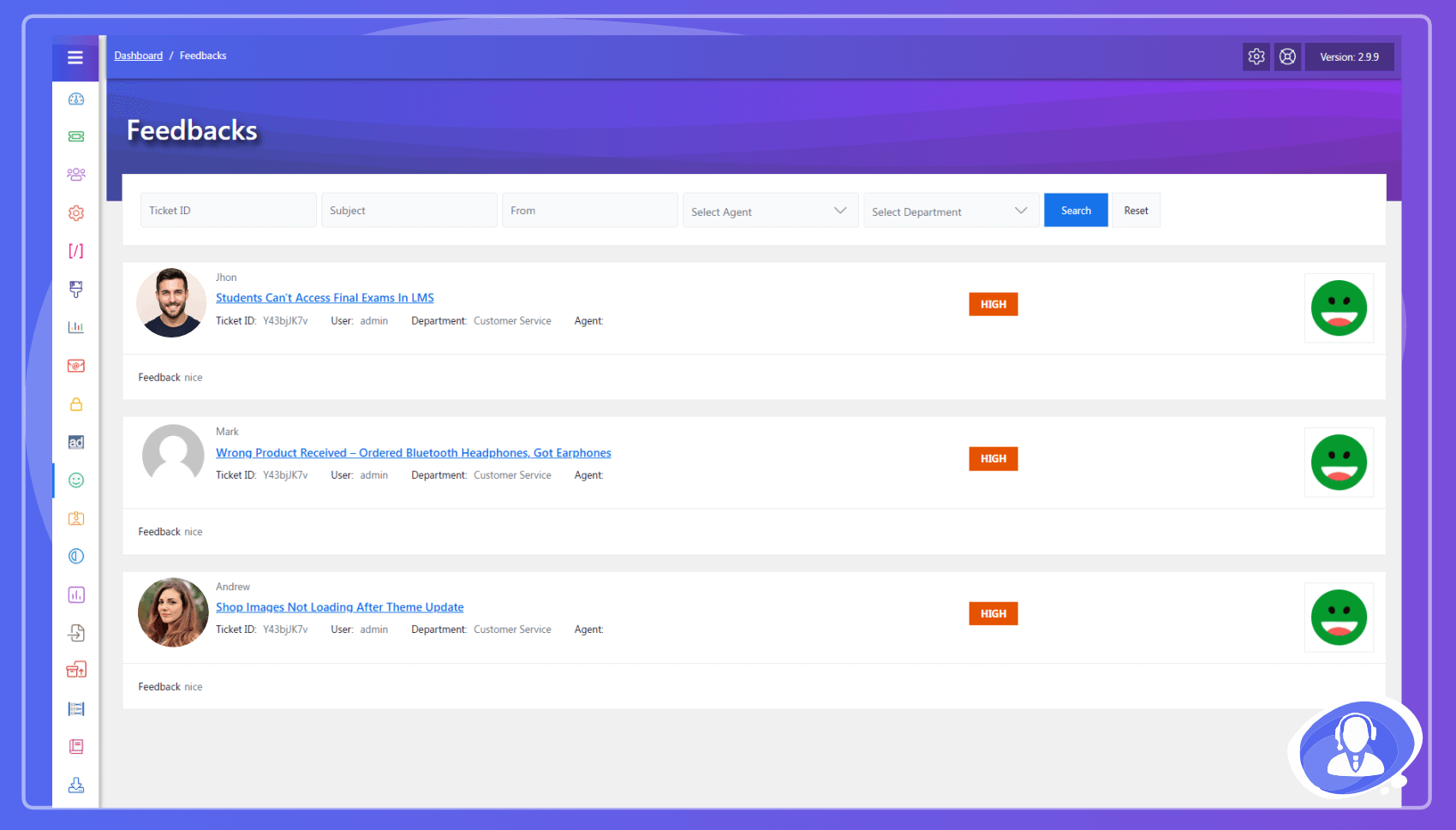
- Feedback – Collect agent performance ratings.
- Helptopic – Categorize queries for easy browsing.
- Private Note – Private internal agent communication.
- Knowledge Base – Self-service documentation portal.
- Canned Response – Pre-defined templates for fast replies.
- Max Tickets – Limit open tickets per user/agent.
- Mail Chimp – Sync users to marketing mailing lists.
- User Options – Advanced registration & Captcha.
- Ticket Actions – Add power actions like Print, Lock, Ticket In-Progress, and advanced Priority controls.
- Announcements – Broadcast news to all support users.
- Downloads – Share supporting files with customers.
- FAQ – Database of frequently asked questions.
- Admin Widgets – Real-time stats on WP dashboard.
- Internal Mail – Agent-to-agent messaging system.
- Envato Validation – Verify purchase codes for tickets.
- Front-End Widgets – Display ticket stats in sidebars.
- Multi Language Emails – Language-based templates.
- Easy Digital Download – Integrated support for EDD.
Privacy & Third-Party Service Disclosure
To provide advanced AI functionalities, JS Help Desk integrates with the Zywrap Cloud API (a third-party service).
- Data Transmission: When an agent actively uses an AI feature (such as “Generate Reply”, “Summarize”, “Extract Details”, or “Translate”), the content of the specific ticket thread and the customer’s message are securely transmitted to the Zywrap API to generate the response.
- Opt-In Required: The AI Copilot is completely disabled by default. No data is transmitted unless an Administrator explicitly registers for a Zywrap account, inputs their API Key in the settings, and an agent clicks an AI action button.
- Data Usage: Data sent to the Zywrap API is used strictly for generating the requested AI text in real-time. Please review the Zywrap Privacy Policy for full details on data handling.
Installation
Automatic installation
Log in to your WordPress dashboard, navigate to the Plugins menu and click Add New. Search for “JS Help Desk” and click Install Now.
Manual installation
Download the zip file and upload the folder to your /wp-content/plugins/ directory.
Screenshots
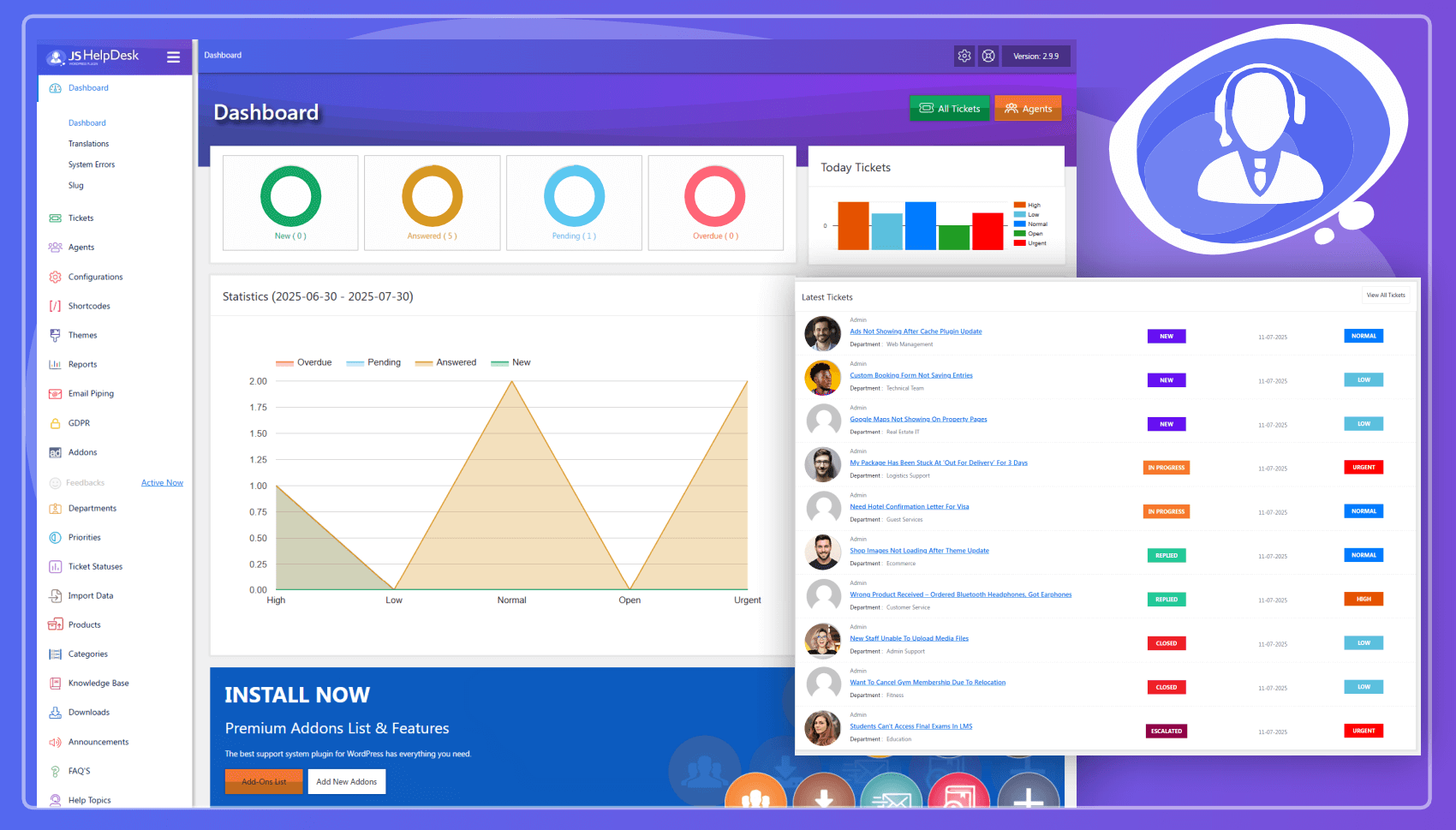
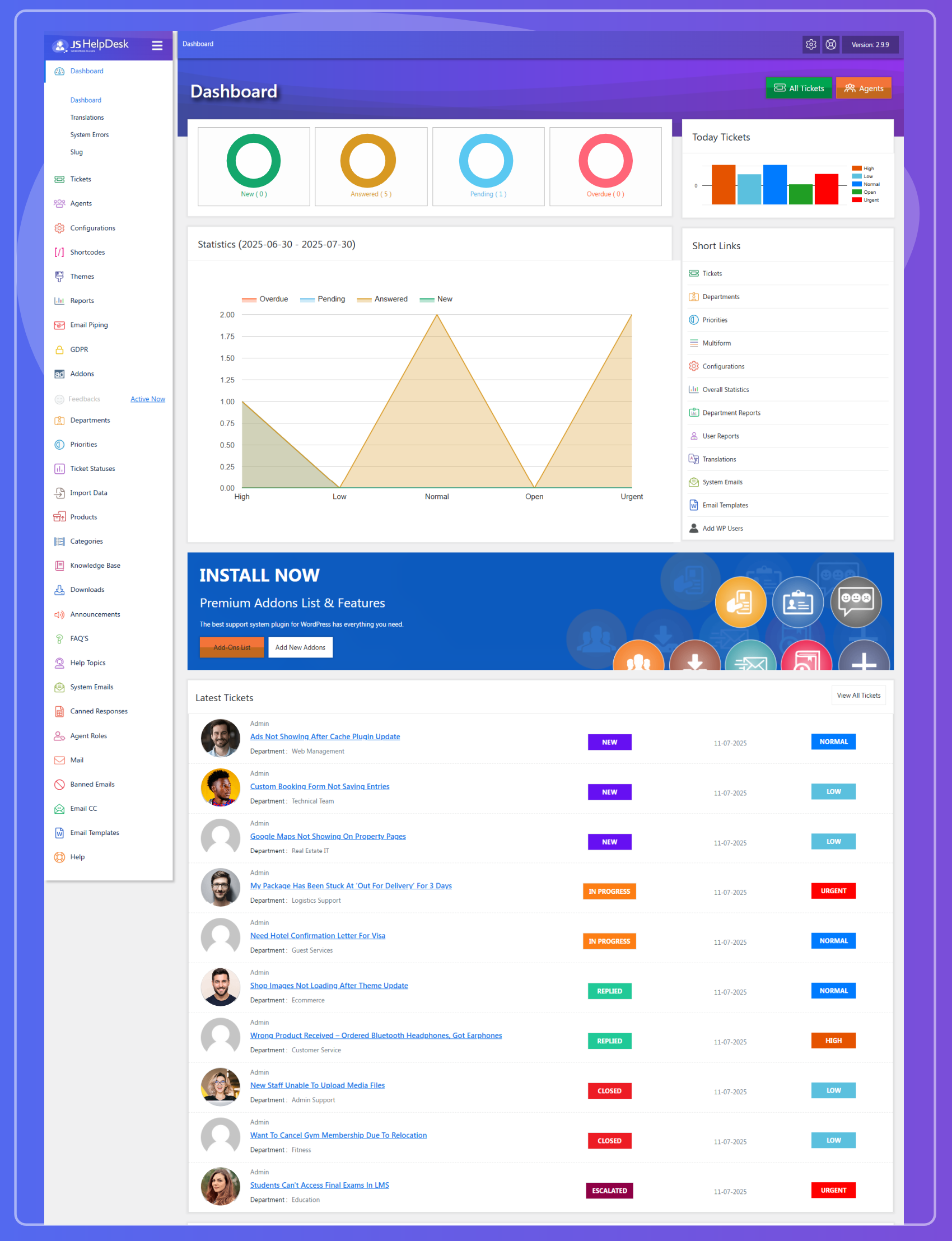
Admin Dashboard
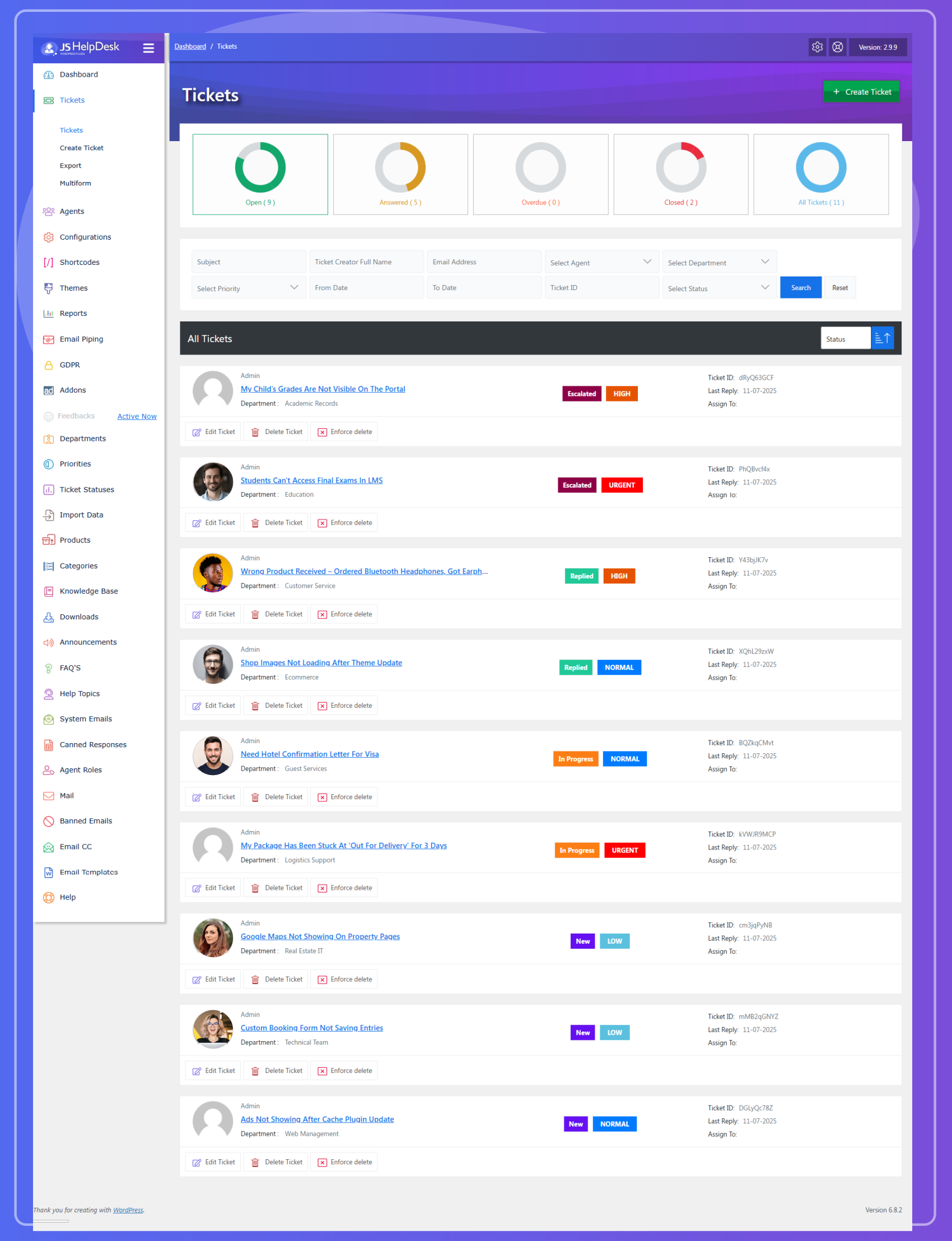
Admin Tickets
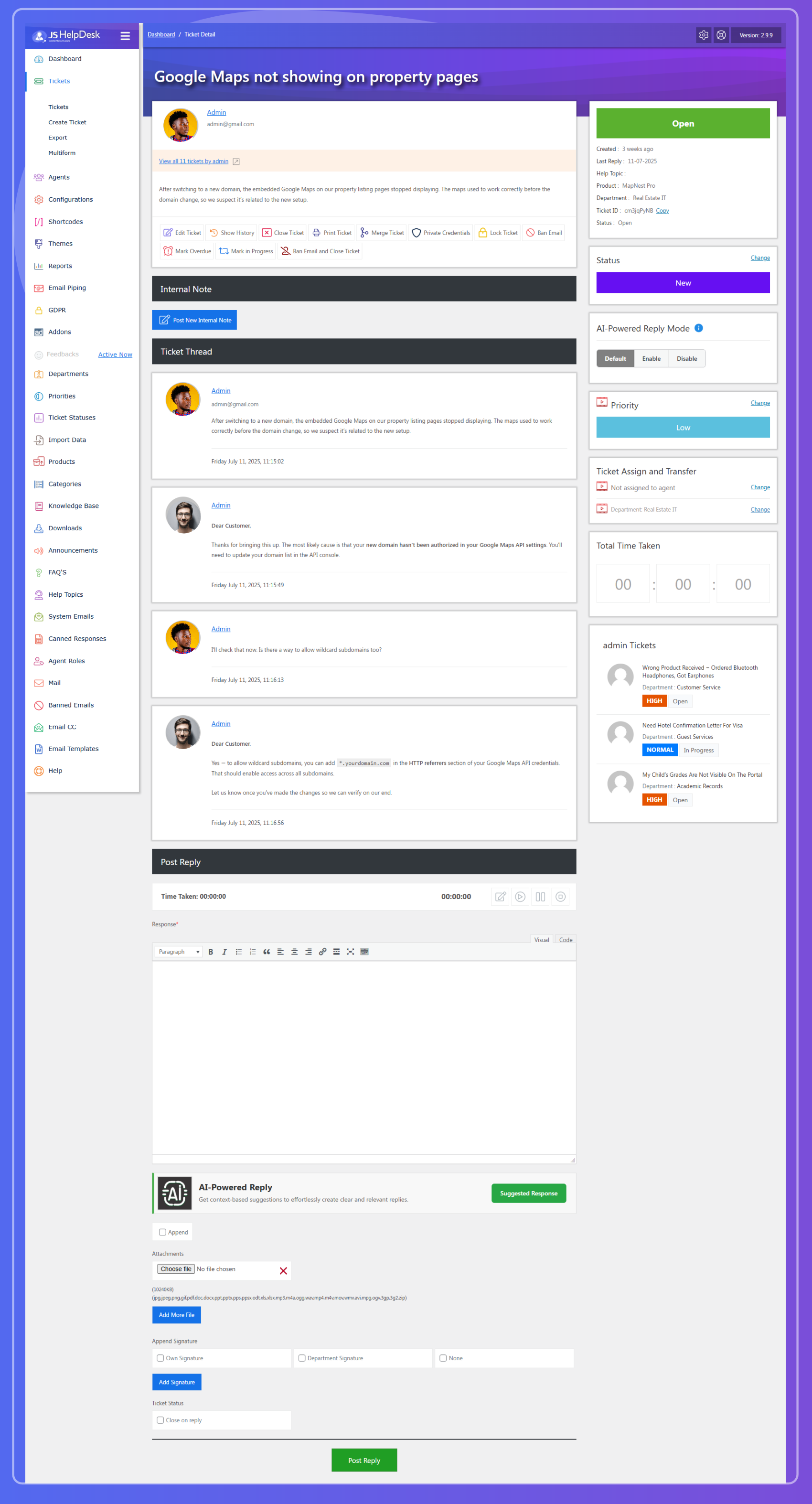
Ticket Detail - Admin
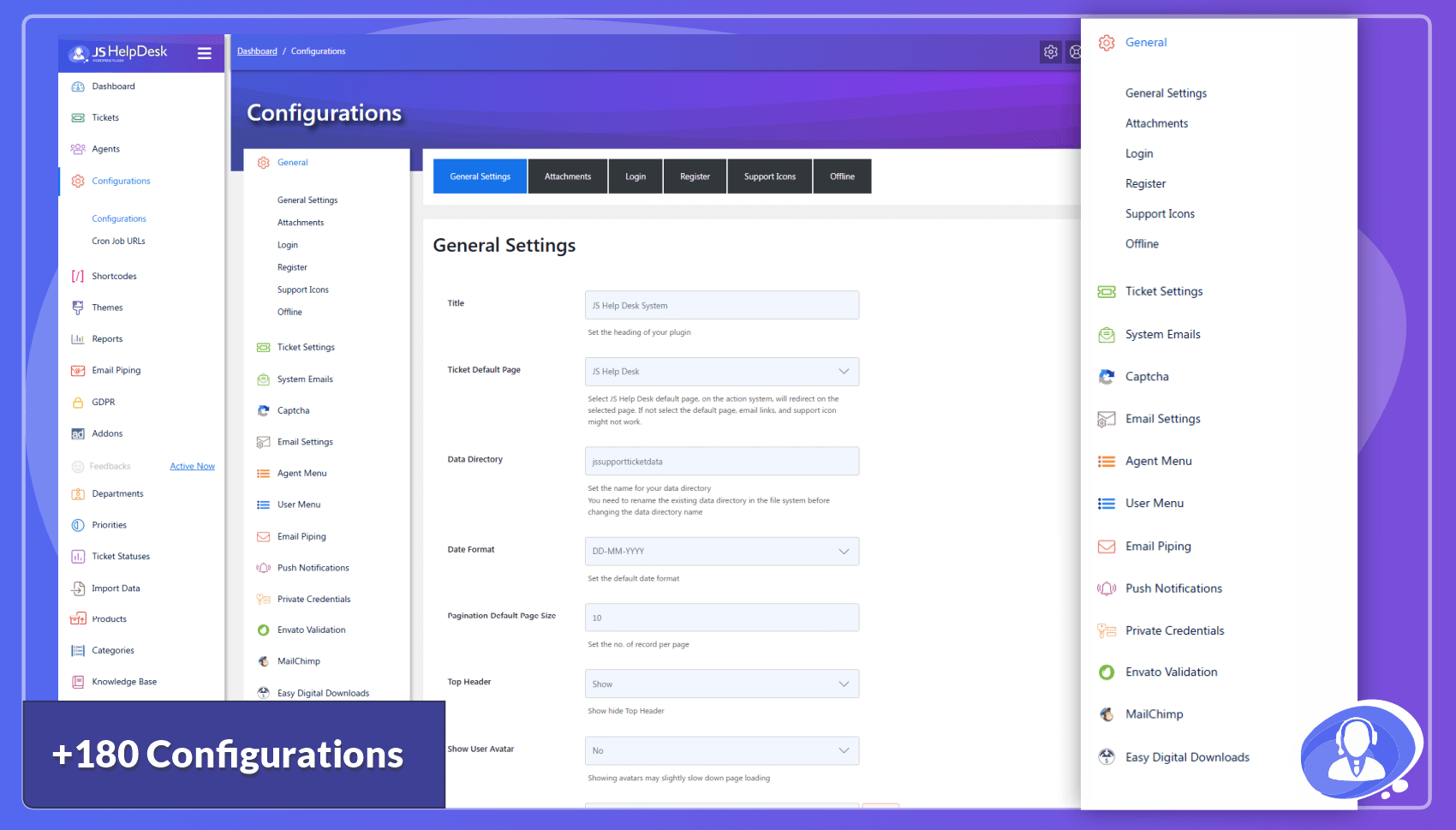
Configurations
Departments
Priorities
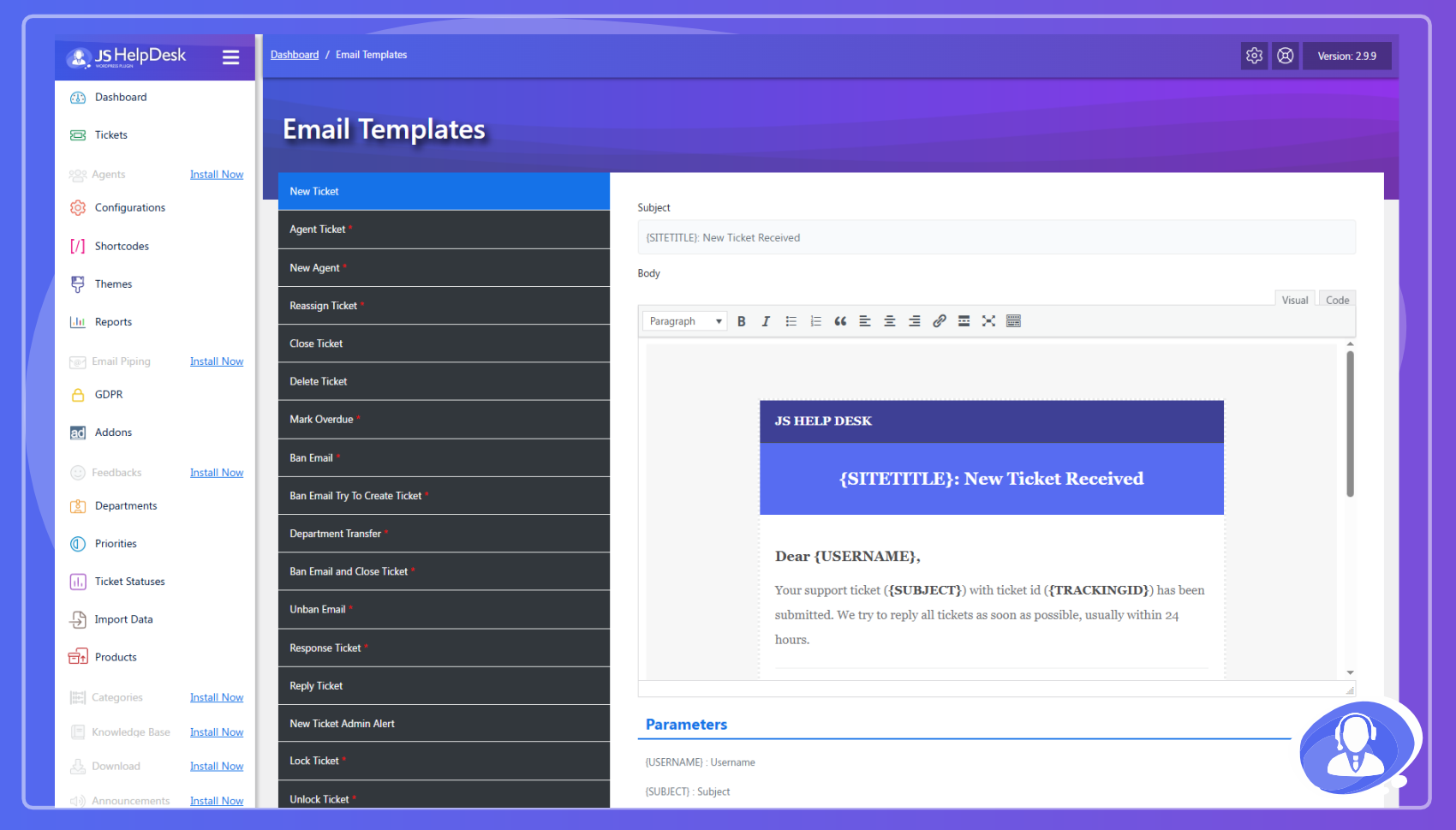
Email Templates
User Fields
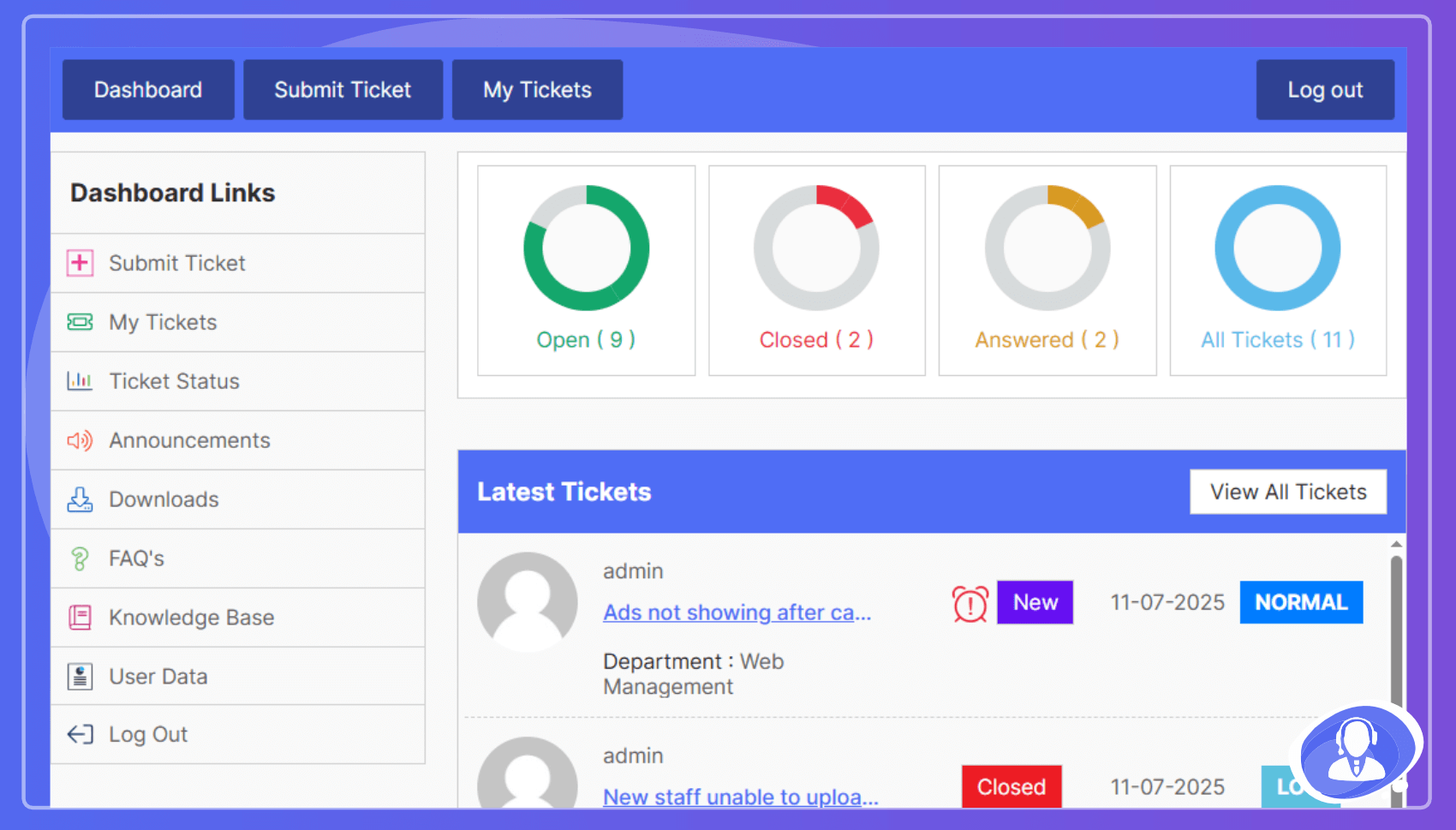
My Tickets - front-end
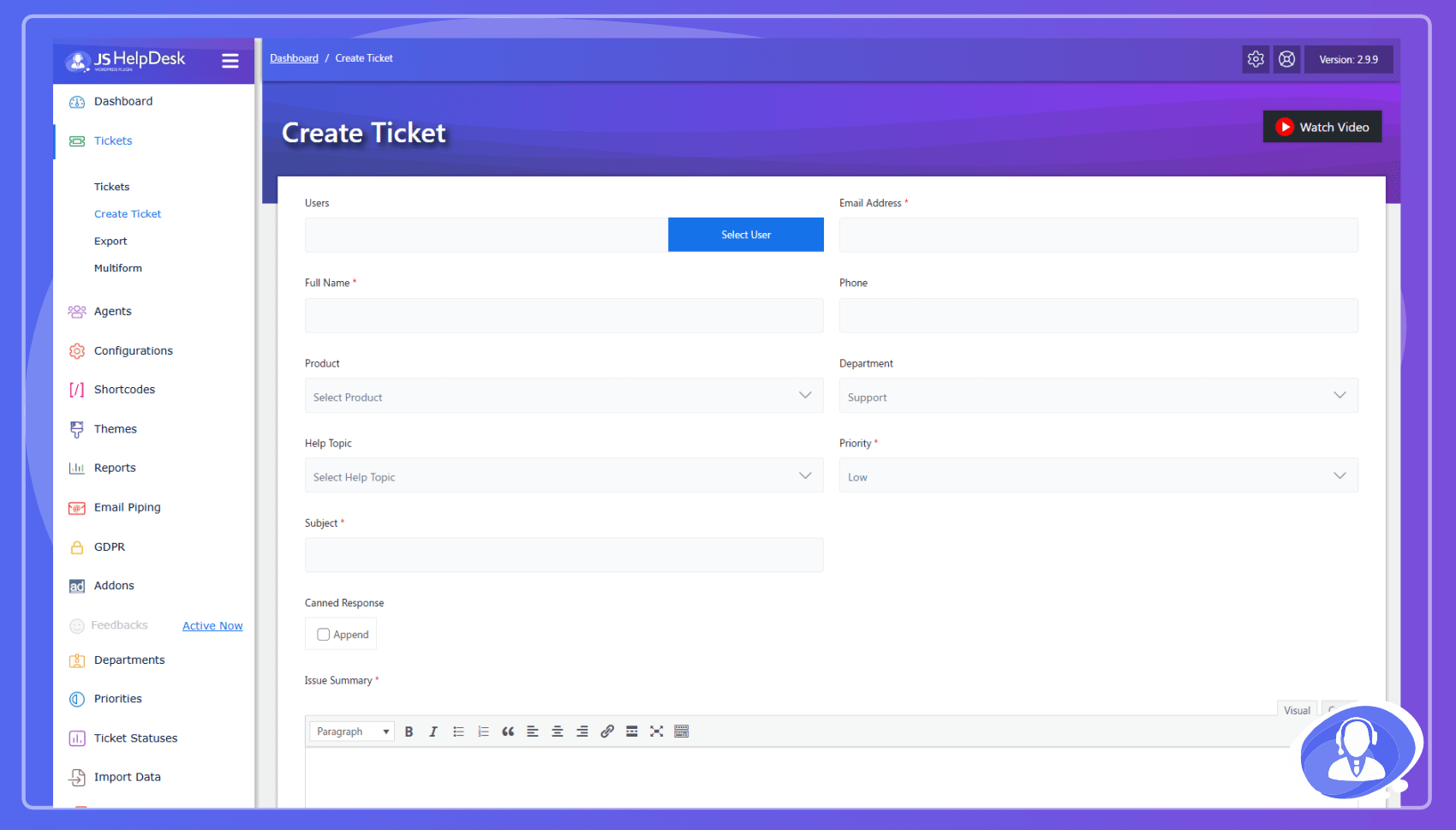
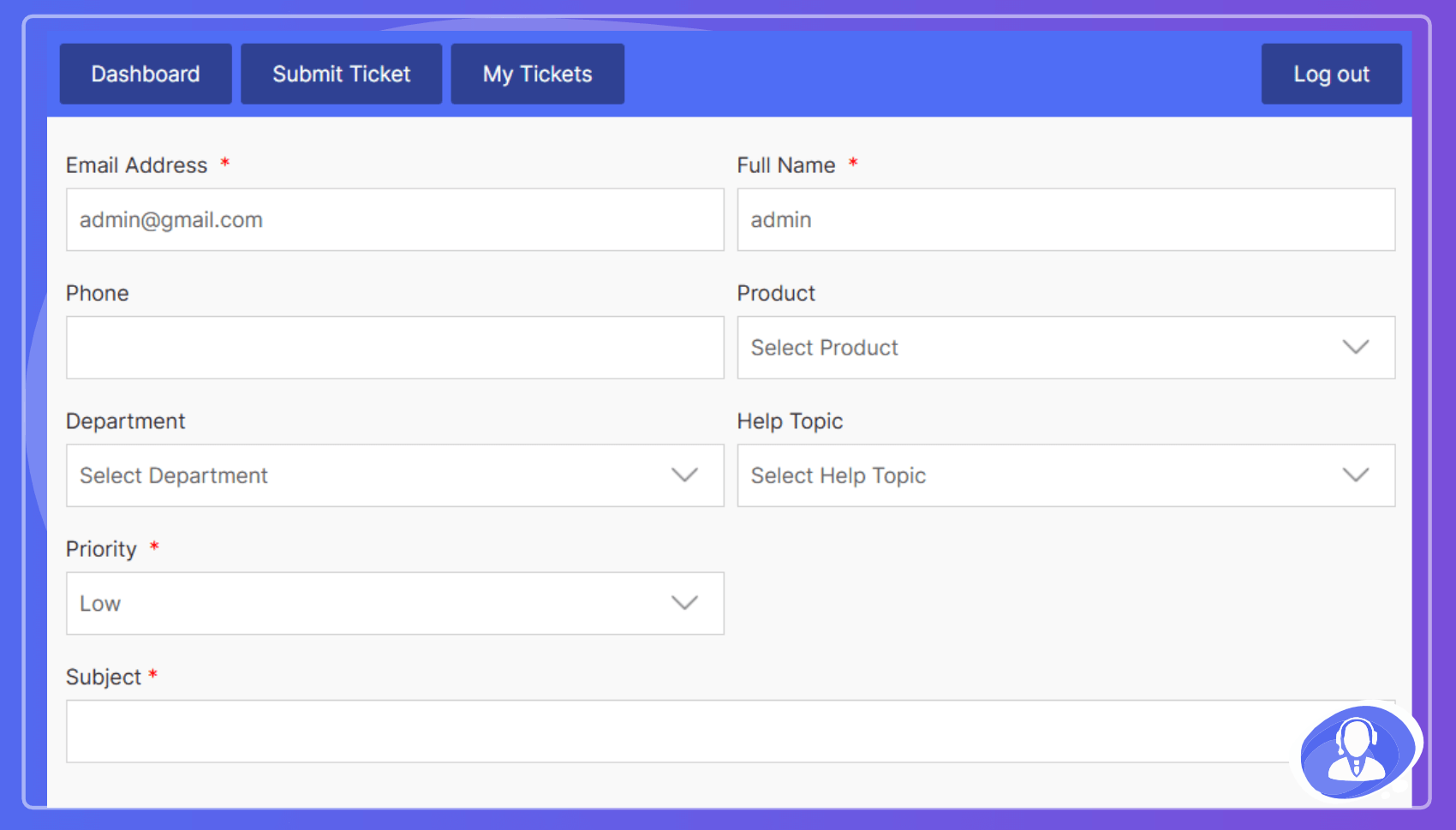
Create new ticket - front-end
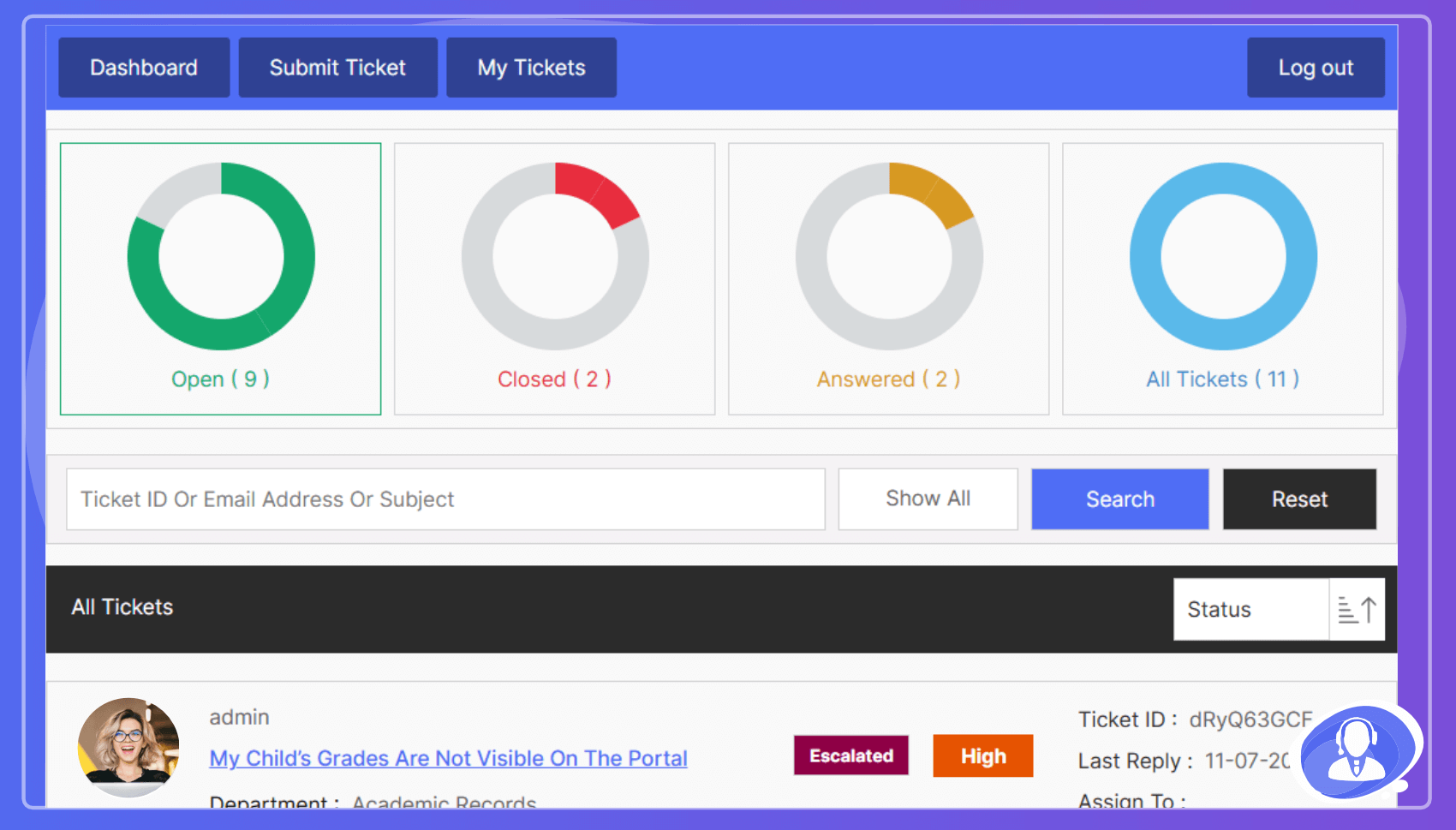
Ticket Details - front-end
Overall Reports
Customer Feedbacks
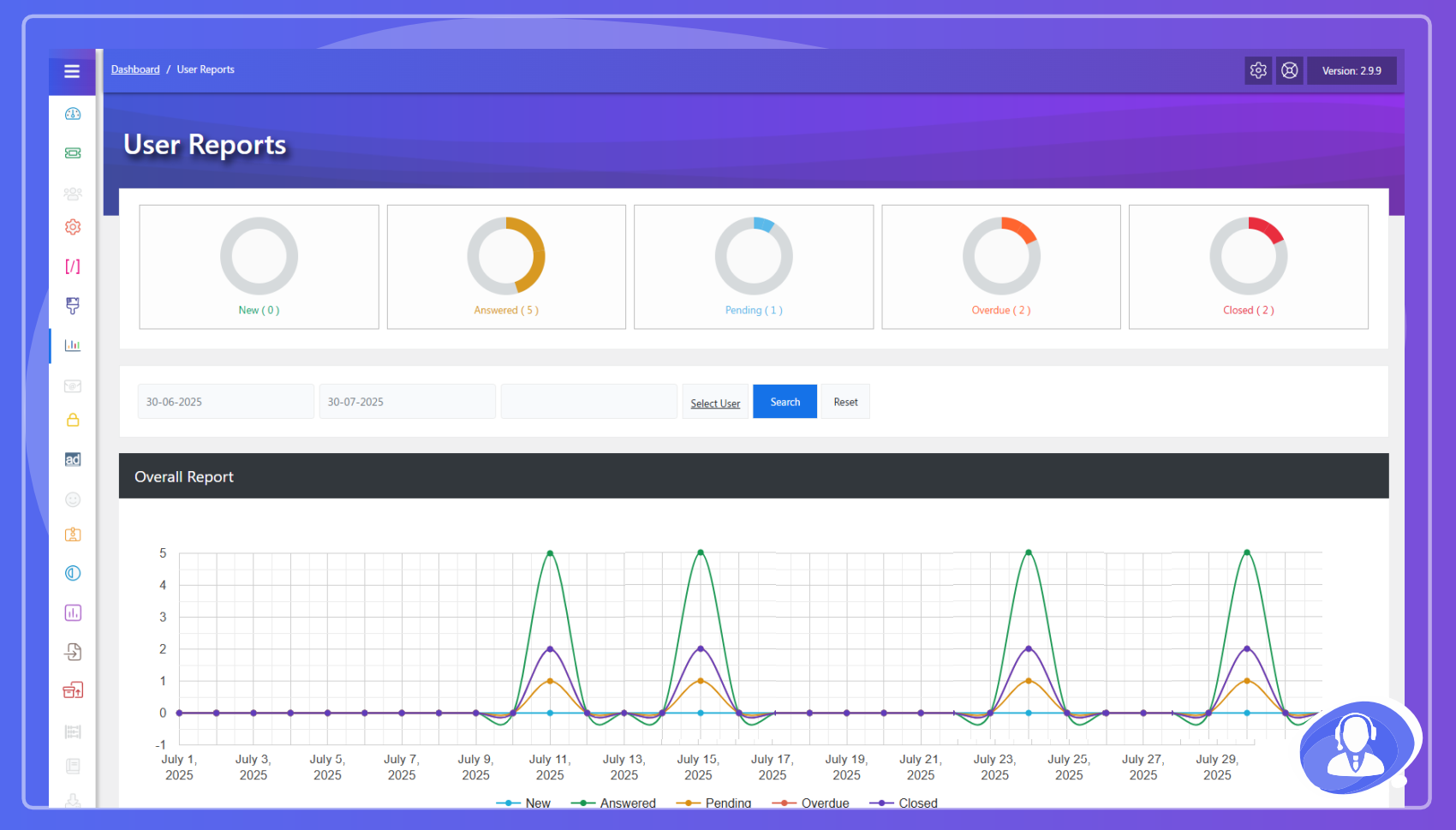
Report by Staff Members
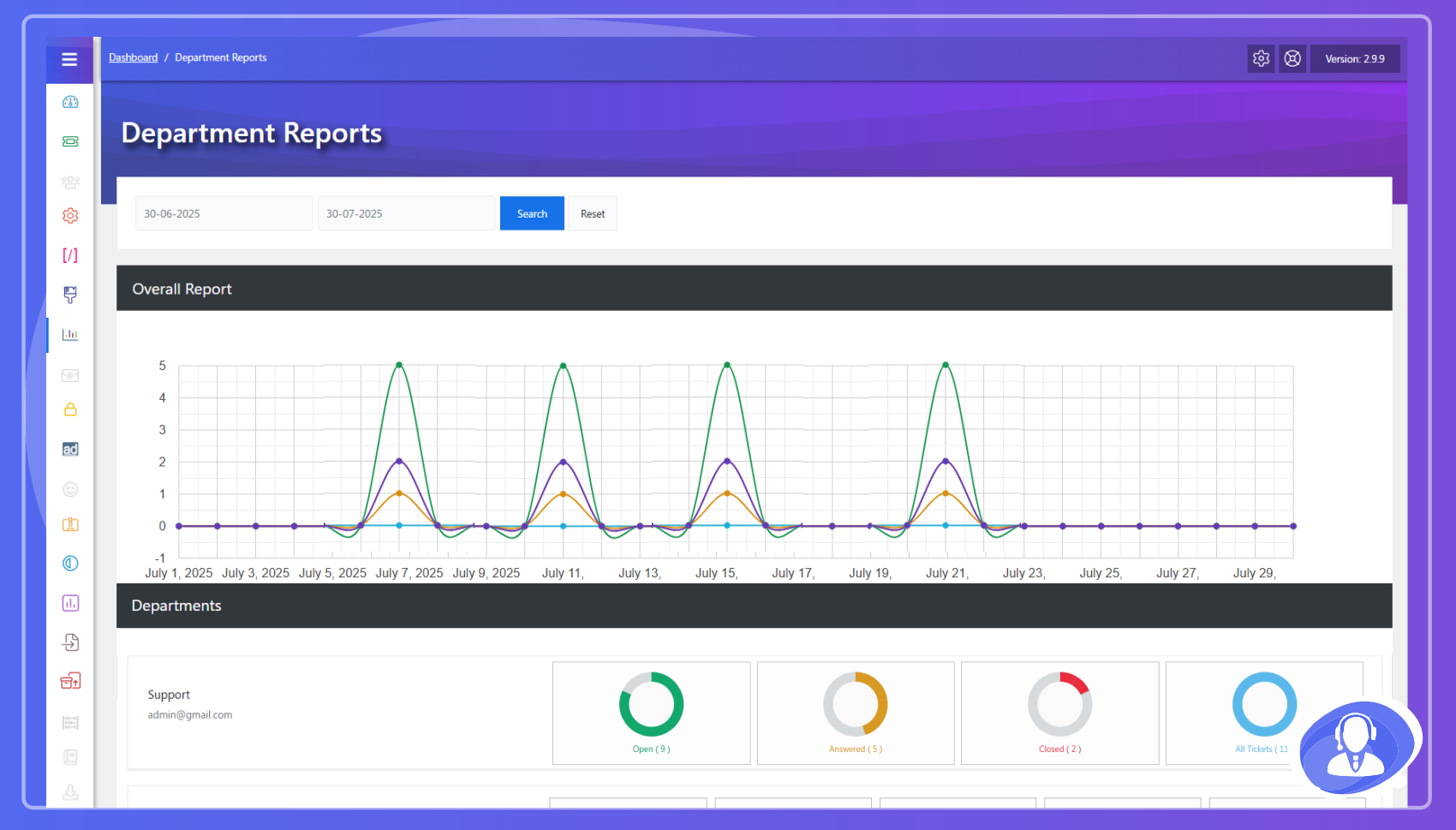
Report by Departments
Timer
Feedback
Staff Member Control Panel
Staff Member Tickets
Staff Members List
Internal Mails
Faq
Yes, users can submit and manage tickets entirely from the site front-end.
Yes, it is designed to be compatible with any standard-compliant WordPress theme.
Yes, we fully support RTL languages like Arabic and Hebrew.
Reviews
works good
By 
Awesome plugin , does what its says and more
Absolute horror
By 
Functionality-wise this plugin is really solid. However, when it comes to re-styling... my dear lord, I have never seen such a badly written CSS in my 25 years of developer career. It just can't be any worse; chained classes, use of important clause, no flexbox or grid, form elements styled up per form, redundancy, overwriting... the worst of all: there's no way to disable default stylesheet. Whoever did this is an absolute amateur. In the era of AI, is it really that hard to prompt for a stylesheet optimization? If the PRO version utilises identical CSS I'd ask for a refund within 2 minutes.
Outstanding!
By 
Great Plugin!
Simple and stable
By 
We used both versions free and professional for years
Best plugin ever
By 
Lots of features, easy to use. Best ever plugin for support.
Amazing plugin
By 
Amazing plugin. Keep it up!
Useful plugin
By 
Easy to use. There is a lot of value in the free version and even more in the other plugin paid version.
The best plugin
By 
The best plugin
The best plugin ever
By 
I have purchased 2 of this plugin 2 weeks ago for different website with all addons but i can tell you and i swear this is the best plugin ever. Yhis plugin is very very very powerful. The IT support is very gentle and they are very helpful. Thank you for the developer, he is very intelligent, creating such a complex and easy to use ticketing system.
Decent Support Function
By 
Does exactly what it says it does without the hefty price tag.
Changelog
3.0.7
- FEATURE: Introduced the Zywrap AI Copilot directly inside the ticket editor.
- FEATURE: Added 1-click Ticket Summarization for long support threads.
- FEATURE: Added Smart Data Extraction to automatically pull environment/error data into UI cards.
- FEATURE: Added 1-click Translations for global customer support.
- FEATURE: Added the Zywrap Dashboard with API usage stats and token tracking.
- FEATURE: Added AI Test Playground for administrators.
- ENHANCEMENT: Rebuilt the AI response formatting with Marked.js for perfect HTML and Plain Text rendering.
- ENHANCEMENT: Added automated Database Sync for dynamic AI Wrapper templates.
3.0.6
- Security Updates.
3.0.5
- Security Updates.
3.0.4
- Security Updates.
3.0.3
- Security Updates.
3.0.2
- Security Updates.
3.0.1
- Improved design of the Themes settings page.
3.0.0
- Revamped admin dashboard with richer insights.
- Modernized user and agent pages.
- Introduced form-based email templates.
2.9.8
- Introduced AI-Powered reply suggestions.
- Added SupportCandy import functionality.
- Added configuration base user avatar.