Kaze Contact Form
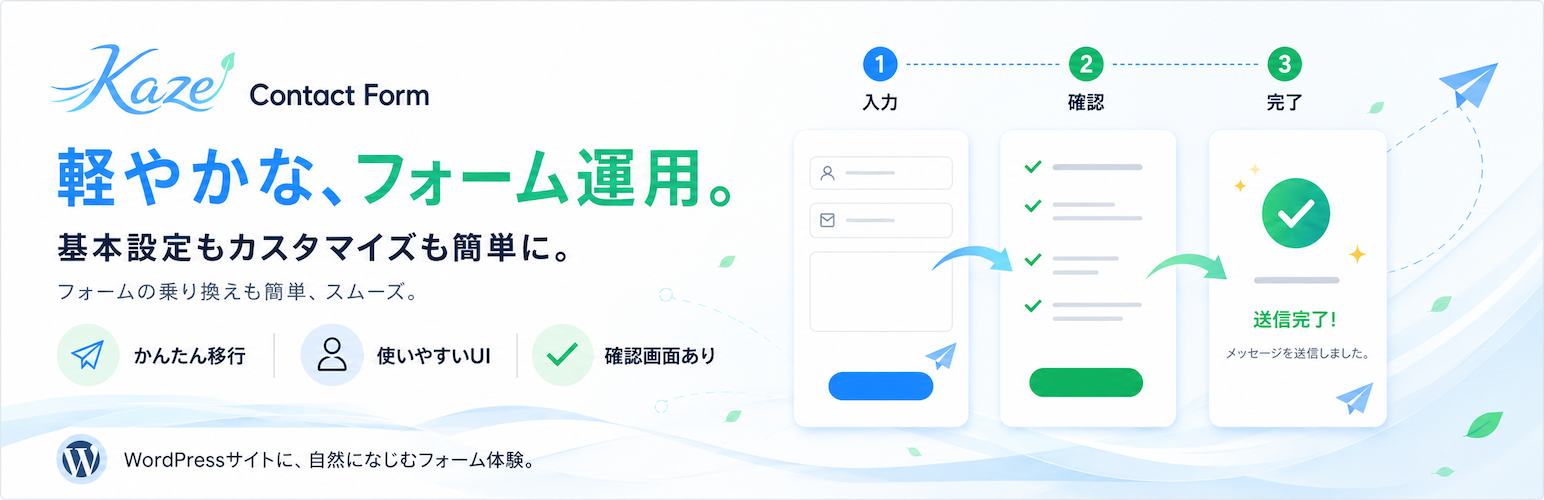
Kaze Contact Form
Description
Kaze Contact Form is a contact form plugin for WordPress sites that need a Japanese-friendly administration experience.
It provides a three-step input, confirmation, and completion flow, entry storage, mail notifications, CSV export,
WordPress Privacy Tools integration, and tools for moving form definitions from MW WP Form.
The plugin focuses on the core workflows needed to operate contact forms after migration. It is not a complete
drop-in replacement for every MW WP Form extension point, but it keeps the main visible behaviors traceable and
documents the intentional differences.
Features
- Multiple form management with the
[kaze_contact_form id="123"]shortcode. - Input, confirmation, and completion screens.
- Optional smooth scrolling to the form after confirmation, back, validation-error, and completion transitions.
- Field types including
text,email,tel,textarea,select,radio,checkbox, and date fields. - Server-side validation for required fields, email addresses, telephone numbers, postal codes, and length limits.
- Browser and server validation requiring at least one selection in required checkbox groups.
- Administrator mail, auto-reply mail, sender settings, and Return-Path support.
- Entry storage, entry detail screens, and CSV export.
- JSON export and import for form definitions.
- Honeypot and rate limit checks.
- Optional Akismet spam checks when the Akismet plugin and API key are configured.
- Per-form Google reCAPTCHA v3 enablement with a fixed 0.5 score threshold.
- WordPress Privacy Tools exporter and eraser integration.
- Administration tools for MW WP Form migration.
- Japanese administration UI and the
kaze-contact-formtext domain.
Installation
From the WordPress.org plugin directory
- In the WordPress administration screen, go to Plugins > Add New.
- Search for “Kaze Contact Form”.
- Click Install Now, then activate Kaze Contact Form.
From a ZIP file
- Prepare the Kaze Contact Form ZIP file.
- In the WordPress administration screen, go to Plugins > Add New > Upload Plugin.
- Select the ZIP file, click Install Now, then activate Kaze Contact Form.
Faq
No. Data is preserved by default. It is deleted only when the explicit uninstall data deletion option is enabled.
On multisite installations, uninstall cleanup runs for the site where the plugin data deletion option is enabled. It does not guarantee network-wide deletion for every site.
When entry storage is enabled, submitted form values are stored as entries. Depending on the form storage settings, entries can also store the submitter IP address and user agent. Stored entries are available through the WordPress Privacy Tools exporter and eraser integration.
Uploaded files are stored in a protected temporary directory before the submission is completed. If entry storage is enabled, completed uploads are moved to a plugin-specific subdirectory inside the WordPress uploads directory and registered as Media Library attachments, so the attachment URL can be publicly reachable depending on the site’s media access configuration. If entry storage is disabled, uploaded files are used for mail attachments during submission processing and then removed from temporary storage.
Reviews
Changelog
1.1.2
- Changed normal input, confirmation, back and completion transitions to one direct POST, preserving page templates, uploads, validation and duplicate-submission protection. Configured validation-error redirects remain supported.
- Added click and keyboard copying for form shortcodes and refined the form editor layout.
- Tested compatibility with WordPress 7.1.
- Minor fixes.
1.1.0
- Added a reCAPTCHA settings form.
- Changed MW WP Form migration to a one-way conversion that does not retain links between source and target forms.
- Simplified generated HTML by removing plugin-added field labels, wrappers, headings, and fallback output outside the configured form body.
- Changed form settings to preserve root-relative URLs when saved instead of converting them to absolute site URLs.
- Added optional smooth scrolling to the form after validation errors, confirmation, back navigation, and completion transitions.
- Changed post-submission screen transitions to use server-side redirects instead of an intermediate frontend redirect view.
- Changed confirmation and completion screens to return to a cleared input screen when reloaded or fetched again through browser history.
1.0.0
- Added form creation, three-step submission, entry storage, mail notifications, CSV export, form definition JSON export and import, Privacy Tools integration, and MW WP Form migration tools.