Kerk en IT Children

Kerk en IT Children
Description
After setting up a good navigation structure on your website, you can use this plugin to display child pages in a nice grid.
It shows the title, featured image, description from the summary field, and a link to read more. The title, image, and read more link all link to the child page.
Installation
- In WP Admin, go to Plugins > Add New
- Search for “Kerk en IT Children” and press Enter
- Click “Install Now”
- Click the “Activate Plugin” link
You will be able to use the shortcode.
[kei_children orderby="menu_order" order="ASC" split=" - " col="3" hr="true"]
Explanation of the code above:
title extra title which is practicaly not used.
orderby sorts by the menu order defined in the menu structure.
order can be ASC for ascending or DESC for descending.
split is used to split the page title and replace it with a <br>.
col is used for columns. Right now it only supports 2, 3, and 4 for 2, 3, and 4 columns respectively.
hr can be true or false. When true it creates a horizontal line between the children. When used in combination with above col it generates a horzontal line between the rows.
Screenshots
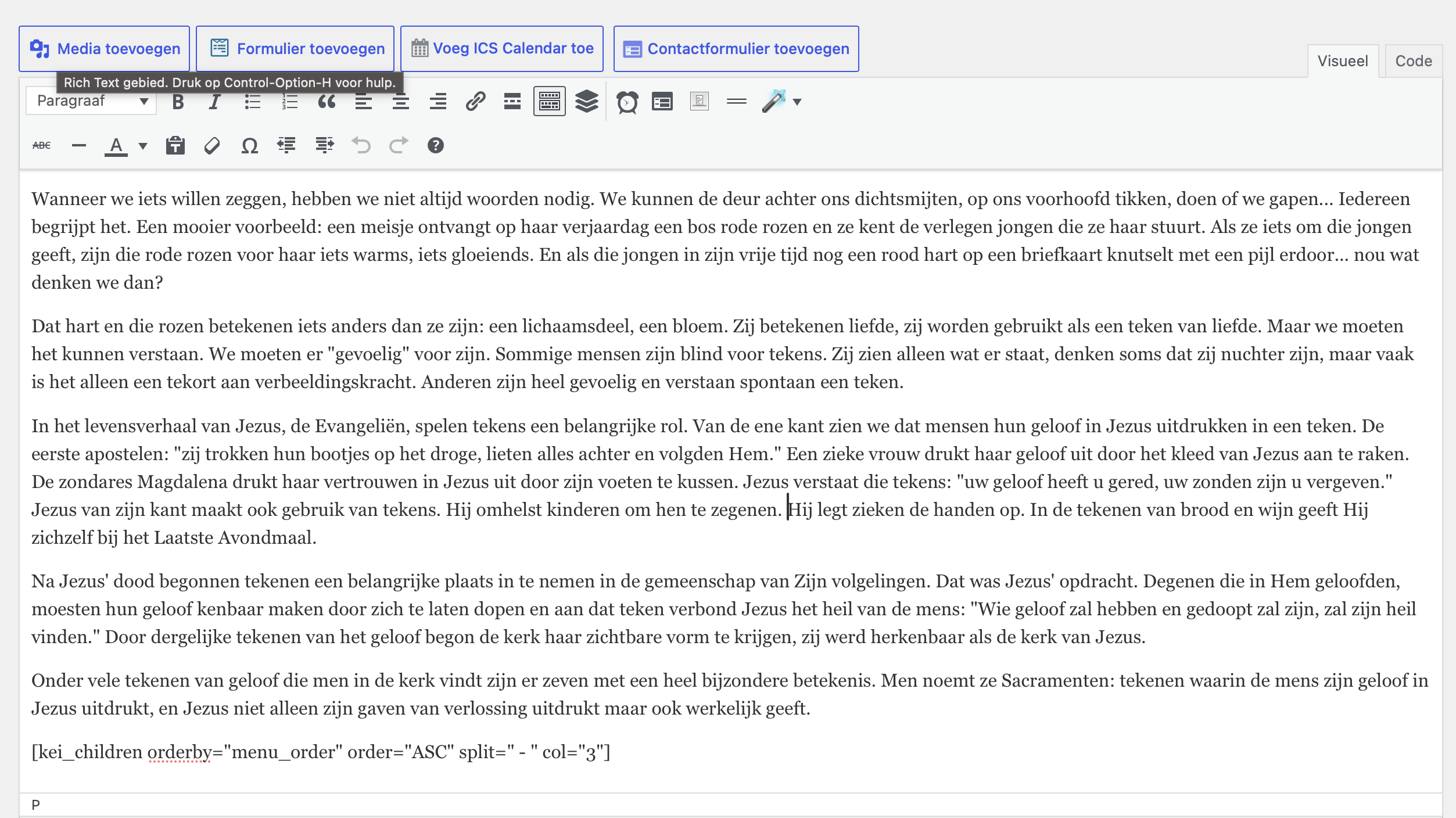
At the bottom you can see the shortcode.
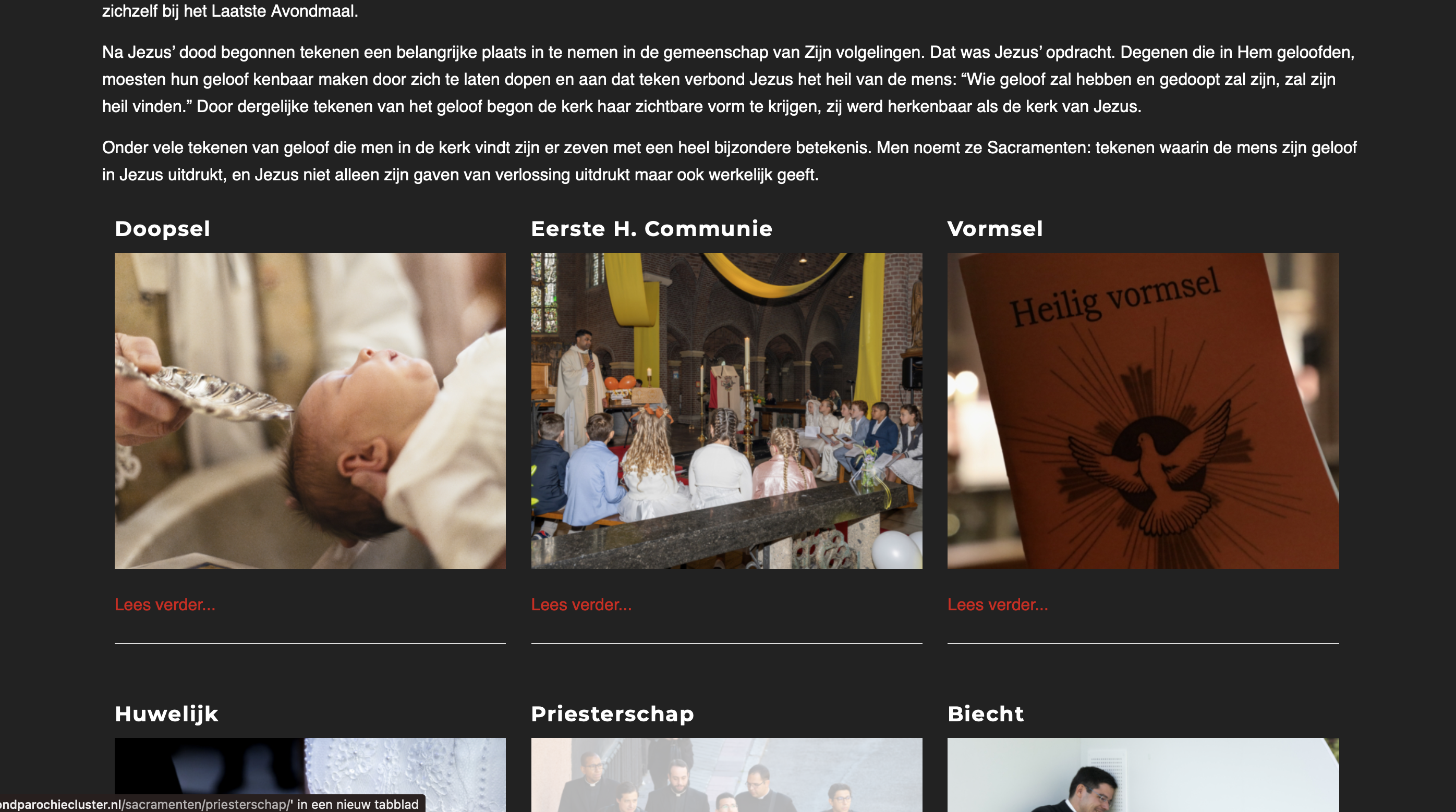
The result of the shortcode in action.
Faq
Yes, this is useful for correct sorting.
You can use this as many times as you want.
It is optimized to work with Enfold, but it may also work with many other themes. However, you will need to style it yourself.
Reviews
Changelog
1.0
- Replaced Google Maps for OpenStreetMap
- Added a column for Chamber of Commerce
- Added a column for Stipendia (IBAN)
- Added validation for IBAN and Stipendia to ensure valid IBAN values and formatting.
- Added a section for volunteer jobs