Kraan Media SEO & AI Meta Filler

Kraan Media SEO & AI Meta Filler
Description
Kraan Media SEO & AI Meta Filler is a WordPress plugin designed to bulk-process your media library. It helps to ensure images on your website are optimized by automatically generating Alt-texts, Titles, and Captions.
You can choose between two generation methods:
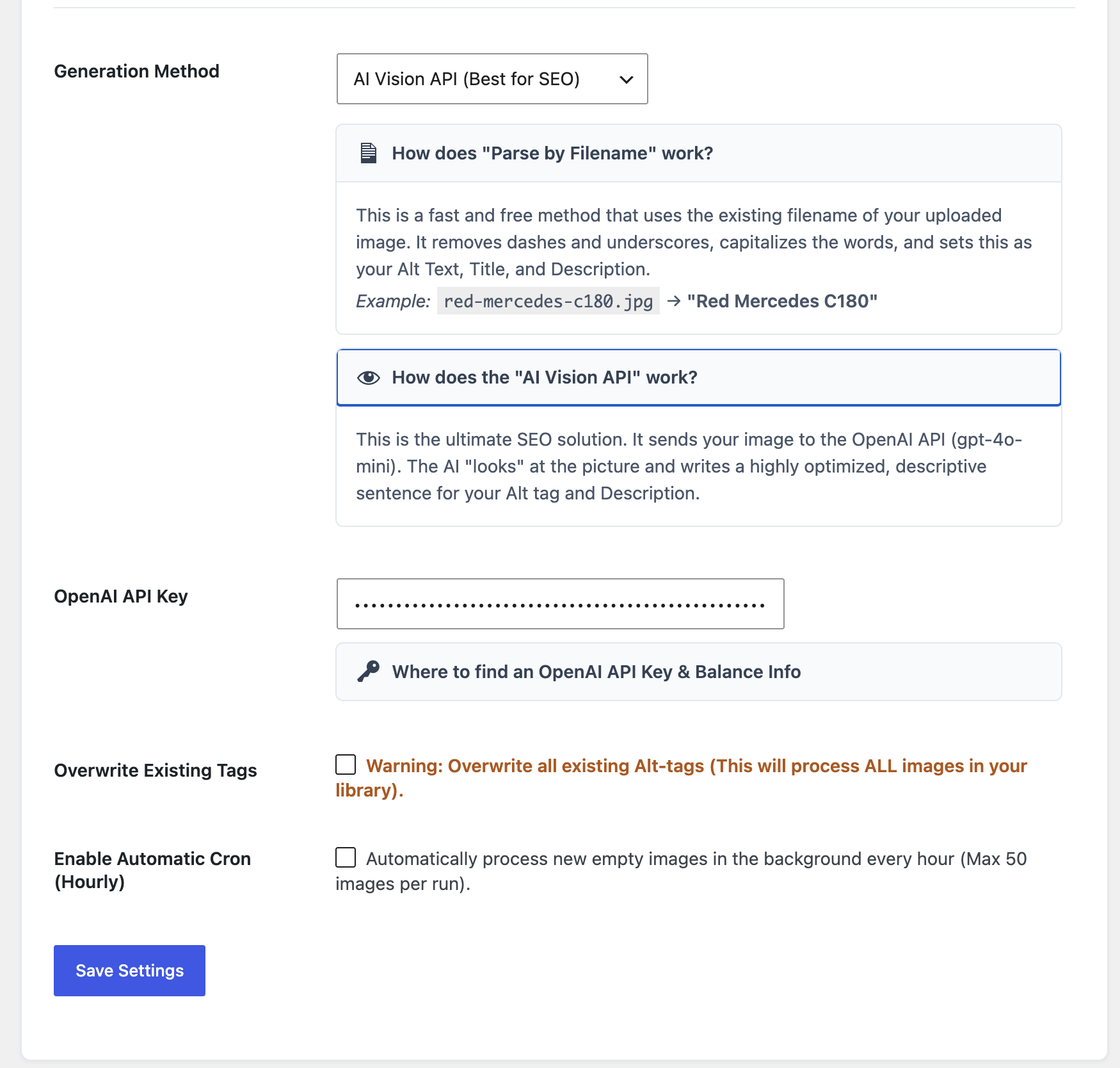
- Parse from Filename (Local): Cleans up your current filenames (e.g.,
red-mercedes-c180.jpgbecomes “Red Mercedes C180”) and applies them to your SEO meta tags. - AI Vision API (Remote): Utilizes the external OpenAI API (gpt-4o-mini Vision model) to analyze images and write descriptive Alt-texts.
Features
- Automated Background Cronjob: Enable the hourly cron to process up to 50 new media uploads in the background.
- Fallback System: If the OpenAI API fails, hits a rate limit, or rejects an image, the plugin falls back to the local ‘Parse from Filename’ method to prevent the bulk process from stopping.
- Bulk Dashboard: An AJAX-powered dashboard with live ETA, processing speed metrics, and a dynamic progress bar.
- Overwrite Mode: Optionally force the plugin to overwrite existing media tags in your library.
External Services
This plugin can connect to an external API (OpenAI) to generate alternative text for images when the “AI Vision API” method is enabled in the settings.
- Service Used: OpenAI API (https://platform.openai.com)
- Purpose: To analyze image content via the gpt-4o-mini Vision model and return a short, descriptive string of text in Dutch to be used as an Alt tag.
- Data Transmitted: When the AI method is active, the plugin sends a direct URL of the image thumbnail (or the full image URL if no thumbnail exists) alongside a static text prompt to the OpenAI API servers. This process only occurs when explicitly initiated by the user.
- Terms of Use: OpenAI Terms of Use
- Privacy Policy: OpenAI Privacy Policy
Installation
- Upload the
kraan-media-seofolder to the/wp-content/plugins/directory. - Activate the plugin through the ‘Plugins’ menu in WordPress.
- Navigate to Settings > Kraan Media SEO (or via the Media menu).
- Select your preferred Generation Method.
- If using the OpenAI Vision API, you must provide your own API Key (starts with
sk-). - Click Start to begin the bulk optimization.
Screenshots
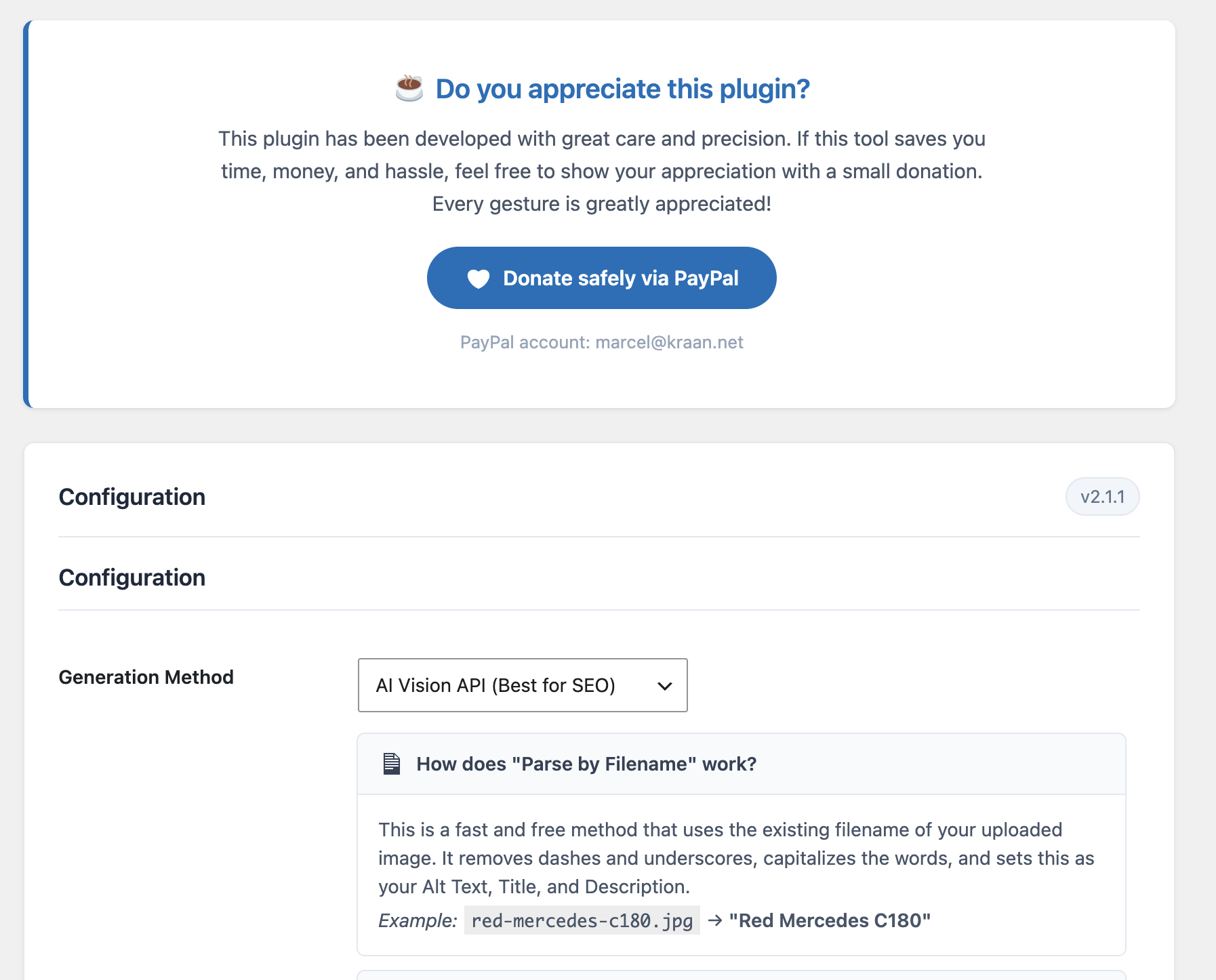
The Bulk SEO Monitor in action.
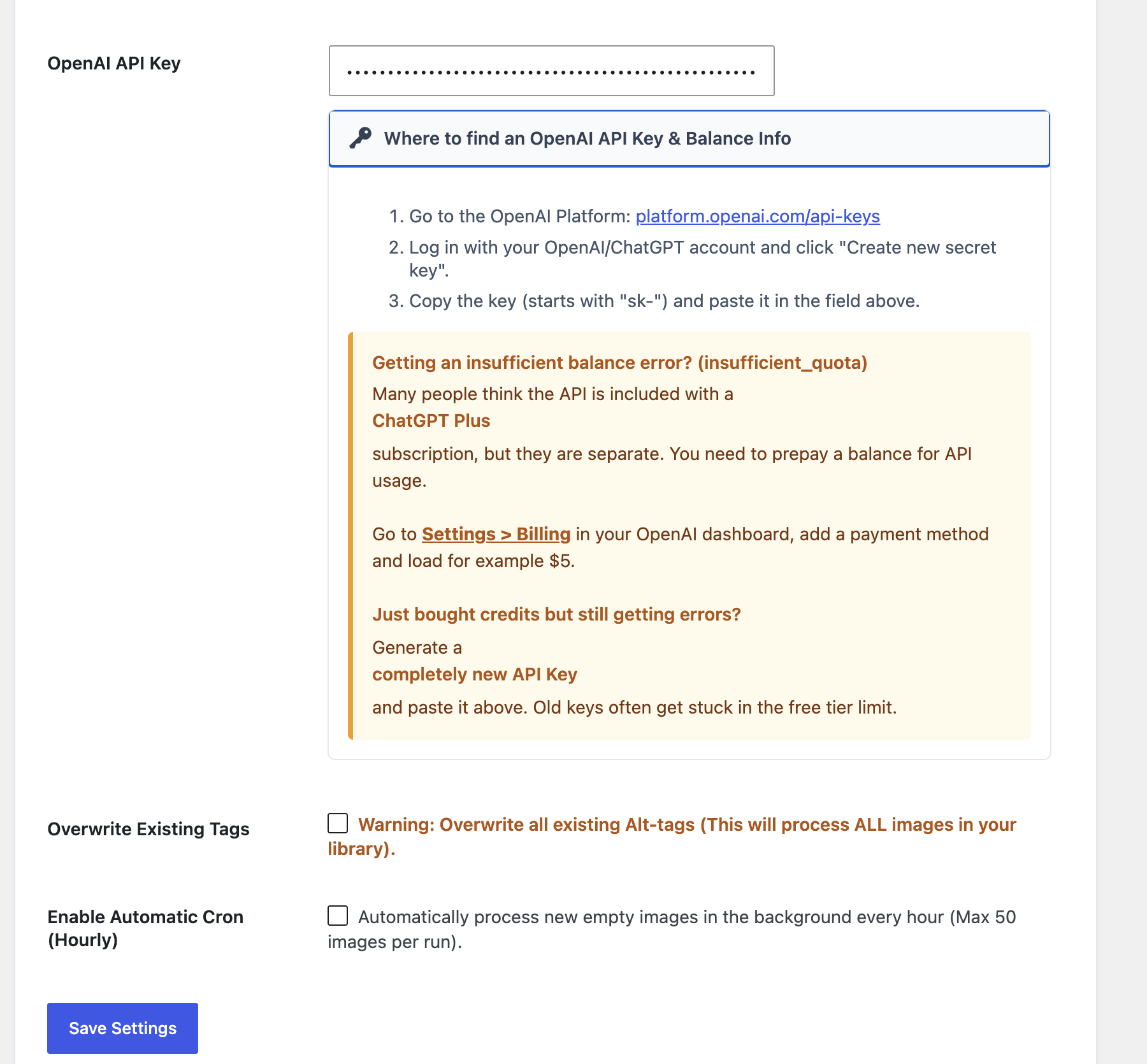
Plugin configuration settings.
Faq
OpenAI’s API is a prepaid service and is not included in a ChatGPT Plus subscription. You must add a minimum balance to your OpenAI developer account at platform.openai.com/settings/organization/billing/overview.
Yes. OpenAI has a safety filter and may reject certain content. If this happens, the plugin will catch the error, bypass the AI, and safely fall back to the filename-parsing method for that specific image. Your bulk process will continue.
No. The automatic cronjob is limited to processing a maximum of 50 empty images per hour in the background.
Reviews
Changelog
2.1.4
- Resolved Plugin Check requirements: Replaced inline scripts and styles with wp_enqueue_script and wp_enqueue_style hooks.
- Formatted SQL prepare statements to meet automated scanner requirements.
- Added mandatory documentation regarding 3rd Party External Services (OpenAI) to the readme file.
- Removed promotional superlatives from the description to comply with repository guidelines.
2.1.0
- Fixed missing JavaScript variables that caused the UI to hang on Initialization.
2.0.9
- Migrated from heavy SQL JOIN queries to ultra-fast PHP array comparisons to prevent database timeouts on large media libraries.
2.0.7
- Added dynamic fallback processing for broken images (e.g. 404 errors) to prevent batch stops.
2.0.0
- UI completely translated to English. Added Automated Hourly Cronjob and “Overwrite Existing Tags” functionalities.
1.5.0
- Initial implementation of the AJAX batch processing engine.