Kreativ Report Broken Link

Kreativ Report Broken Link
Description
Kreativ Report Broken Link adds a simple “Report broken links on this page” button to your selected post types. When a visitor clicks it, a report is saved in your dashboard so you can fix broken URLs faster. The report button is added automatically — no shortcodes or configuration required.
Key features
* One-click reporting (no forms)
* Admin dashboard list with status actions (Resolve / Ignore / Reopen)
* Filters + pagination
* CSV export (AJAX, no page reload)
* Duplicate protection (1 report per post per IP per 24h)
* Optional email notifications
Installation
- Upload the plugin folder to ‘/wp-content/plugins/’ or install via WordPress.
- Activate the plugin.
- Go to Kreativ Broken Links Settings to choose email + post types.
Screenshots
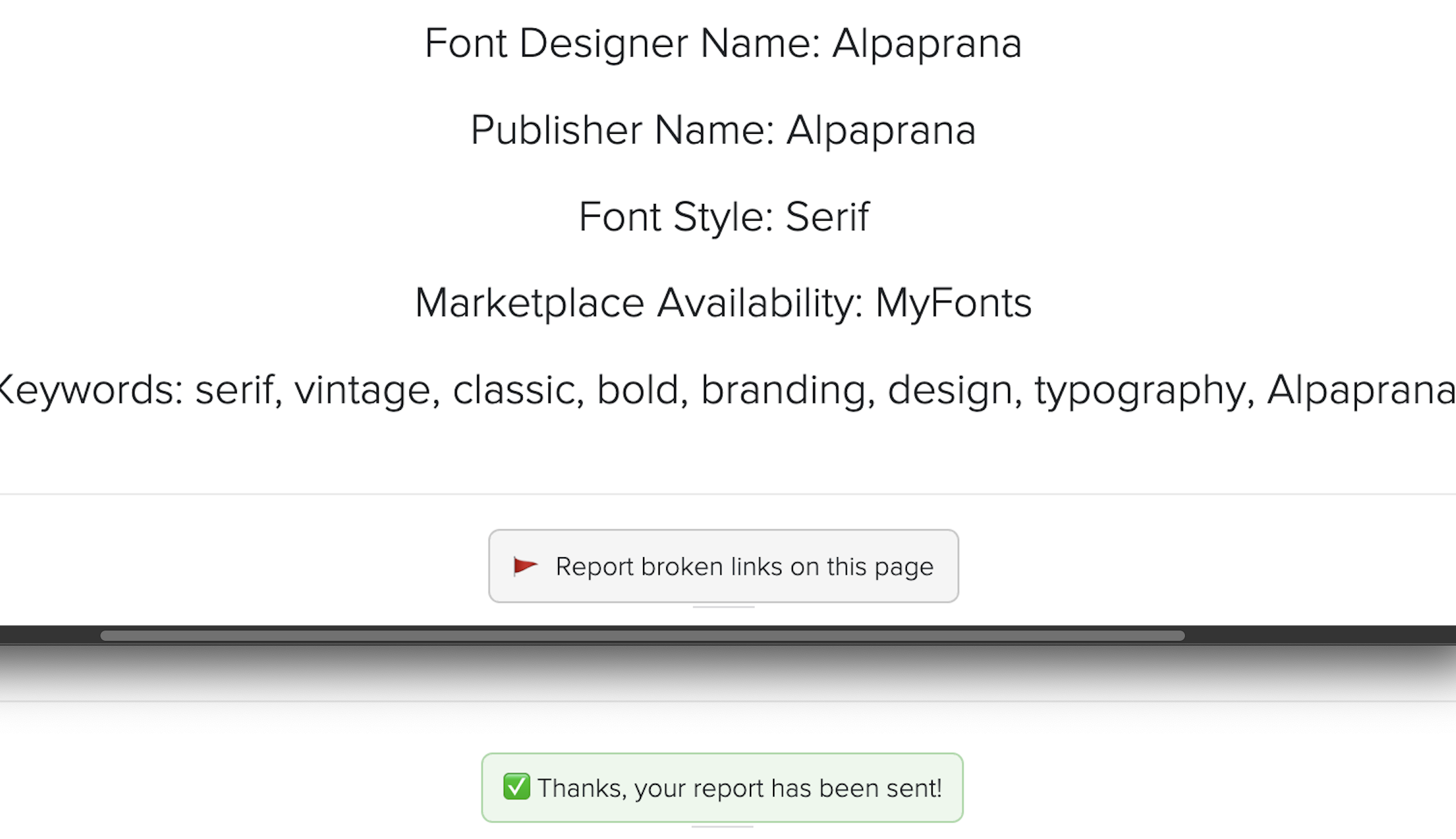
Frontend "Report broken links on this page" button with confirmation message.
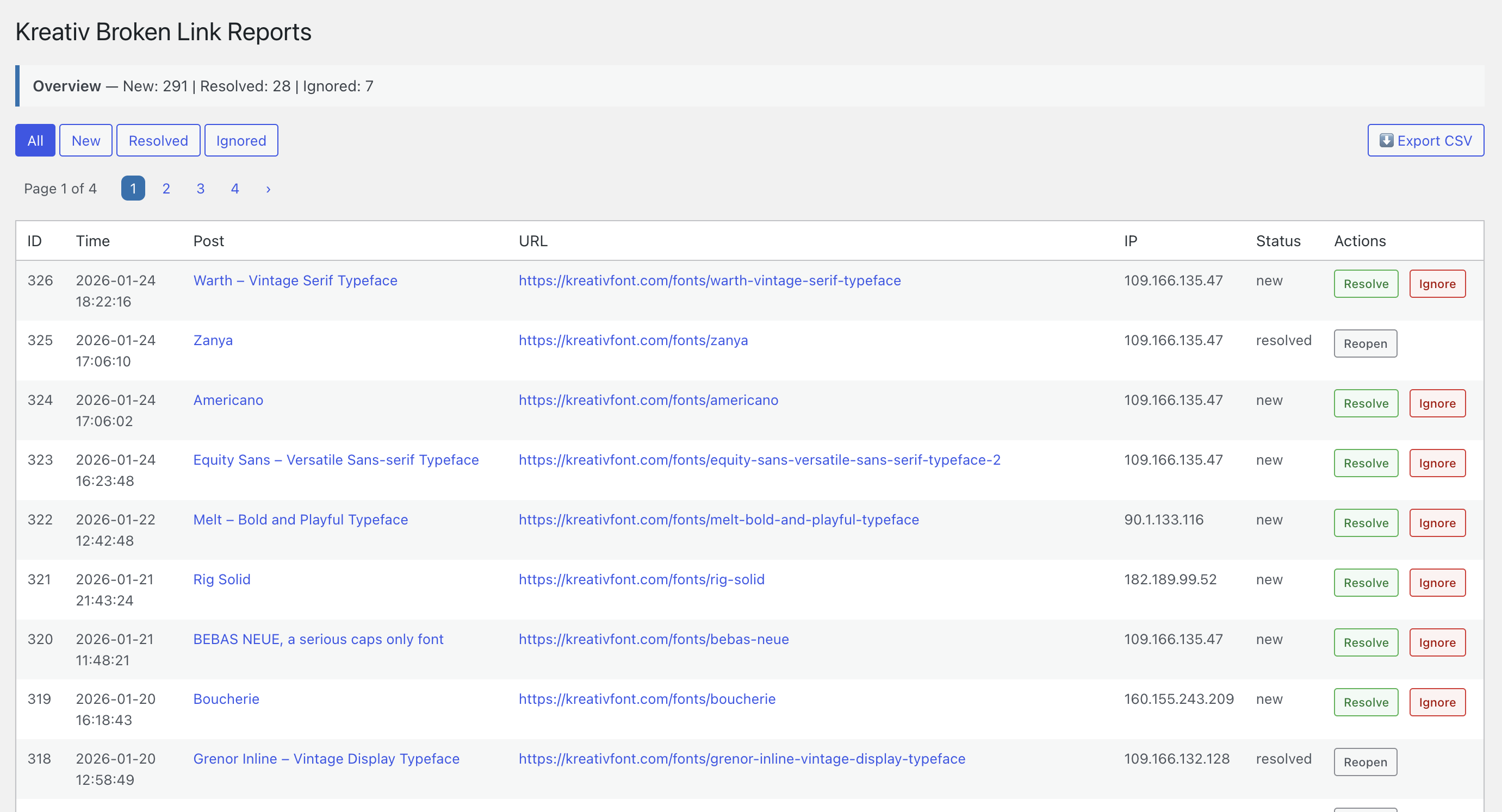
Reports dashboard with resolve and ignore actions (All / New / Resolved / Ignored).
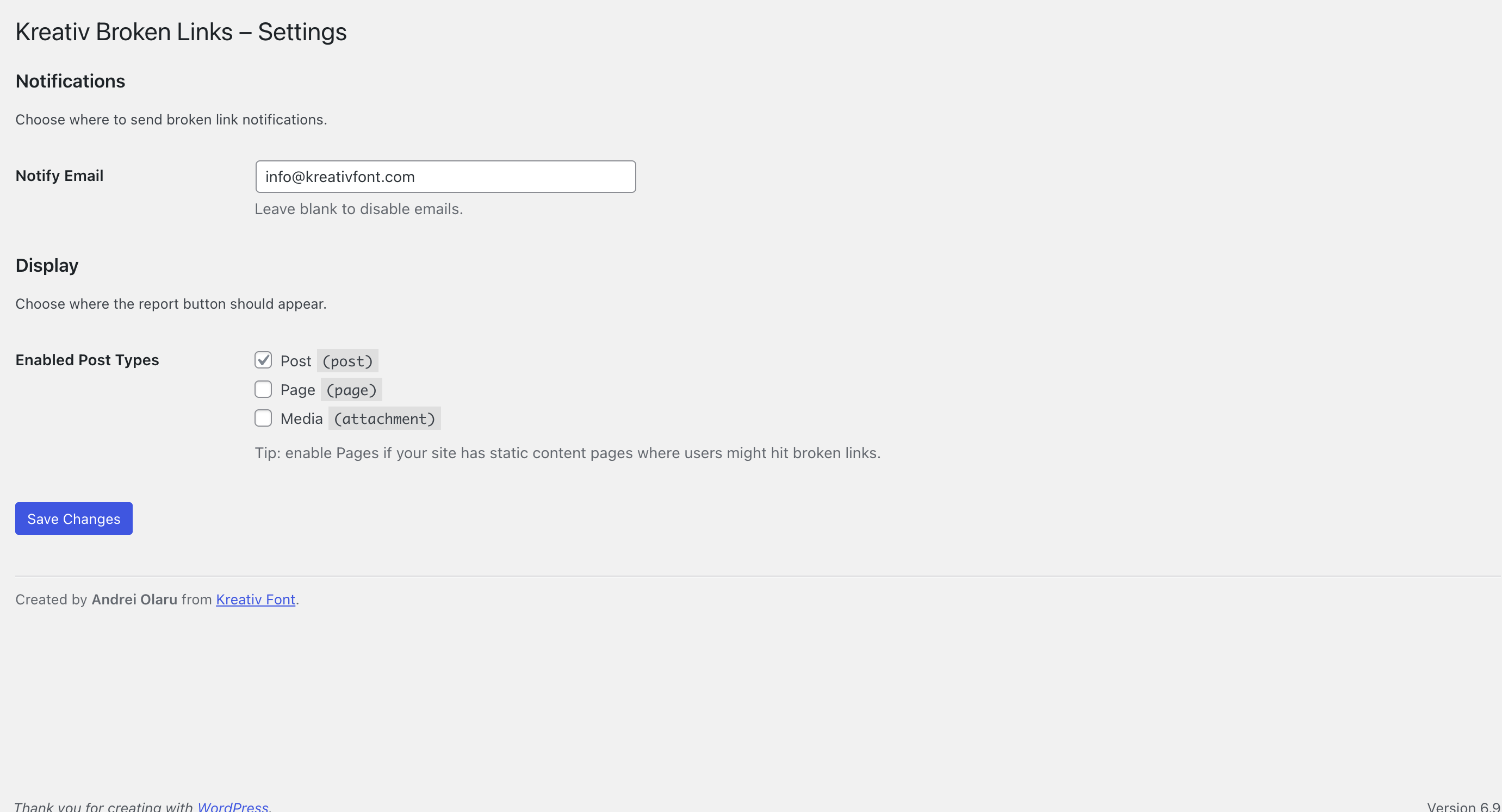
Settings screen (email notifications + enabled post types).
Faq
No. Unlike other broken link tools, this plugin does not crawl your site. It only loads a tiny script and a button, making it one of the most lightweight maintenance tools available.
Yes! The button uses the ‘.krbl-report-btn’ class. You can easily override the colors and fonts in your theme’s CSS or the Customizer.
Reports are saved in a custom table in your WordPress database and are accessible via the “Kreativ Broken Links” menu in your admin dashboard.
No. The “Report Broken Link” button is automatically added to supported post types, so no shortcode or manual placement is required.
The button is automatically displayed on enabled post types. Additional placement options may be considered in future versions.
Posts and pages are supported. You can enable or disable them from the plugin settings.
No. This plugin allows visitors to report broken links they encounter. It does not perform automatic site-wide link scanning.
No. Visitors can only submit reports. All management actions are available only in the WordPress admin dashboard.
Yes. The plugin is open source and maintained on GitHub:
https://github.com/aolaru/kreativ-report-broken-link
Reviews
Changelog
1.3.7
- Fixed fatal error in the admin reports page footer.
- Fixed CSV export query bug for filtered exports.
- Improved frontend report button behavior and compatibility.
- Improved admin UI spacing and accessibility styles.
1.3.2
- Fixed fatal error caused by invalid esc_js__() usage
- Fixed AJAX CSV export not triggering on some admin pages
1.3.1
- Added AJAX CSV export (no page reload)
- Improved pagination UI (Page X of Y + cleaner styling)
- Added overview summary text (New / Resolved / Ignored)
- General admin UI polish
1.3.0
- Added duplicate report protection (per post/IP, 24h)
- Added enabled post types setting
- Added frontend CSS styling and separate JS file
- Added CSV export
1.2.0
- Added admin dashboard page to view reported broken links
- Added status handling for reports (new / resolved / ignored)
- Added email notification option for new reports
- Improved security with nonces and input sanitization
- General stability and code cleanup
1.1.0
- Initial public release
- Added frontend “Report Broken Link” button
- Added AJAX submission for reports
- Stored reports in a custom database table