Kreebi Forms
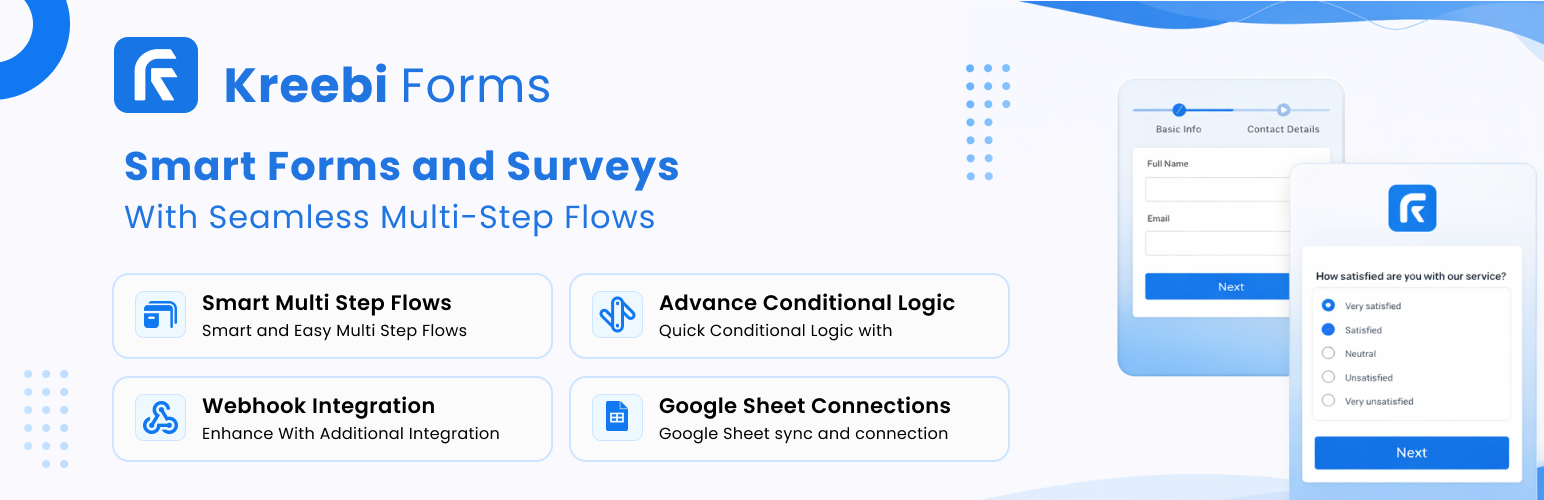
Kreebi Forms
Description
Kreebi Forms is a lightweight, WordPress form builder that lets you create and manage forms using a Drag and Drop as well as JSON-based definition stored as a custom post type. It provides an admin UI for creating forms, a frontend shortcode to embed forms anywhere, and a submissions area for easy review and export. The plugin focuses on security, accessibility, and clean markup to integrate seamlessly with WordPress themes.
Benefits:
- Lightweight and dependency-free: small footprint, no external frameworks required.
- Secure by default: inputs are validated and sanitized using WordPress APIs.
- Developer-friendly JSON format: programmatically generate or import form definitions.
- Built-in submissions viewer in the admin for quick review.
Usage
- Create a form in the admin using the JSON editor provided in the form modal.
- Embed the form with the shortcode:
[kreebi_form id="001"](replace001with your form ID). - View submissions under Kreebi Forms > Submissions.
The plugin auto-generates a form ID and stores the form definition as post meta. For security and compatibility, all input is sanitized and validated using WordPress APIs.
Installation
- Upload the
kreebi-formsfolder to/wp-content/plugins/. - Activate the plugin via Plugins > Installed Plugins.
- Go to Kreebi Forms > Forms to create a new form.
Screenshots

Advanced Form Builder – fully featured drag‑and‑drop interface with live preview and field settings.

Quick Form Builder – create a simple form in seconds using prebuilt templates and shortcuts.

Submission Page – review, search and export all form entries right from the admin dashboard.

Style Template Page – choose or customise visual templates to style your forms without touching code.

Integrations Page – connect fields to third‑party services like email, CRM, or webhooks with ease.
Faq
text, email, password, and number.
Submissions are stored as a custom post type and can be viewed under Kreebi Forms > Submissions in the admin.
Reviews
Changelog
1.0.2
- Added upgrade notice and bumped version.
1.0.1
- Bug fixes and security tweaks.
1.0.0
- Initial release.